
Cobblemon: Rotom Appliances
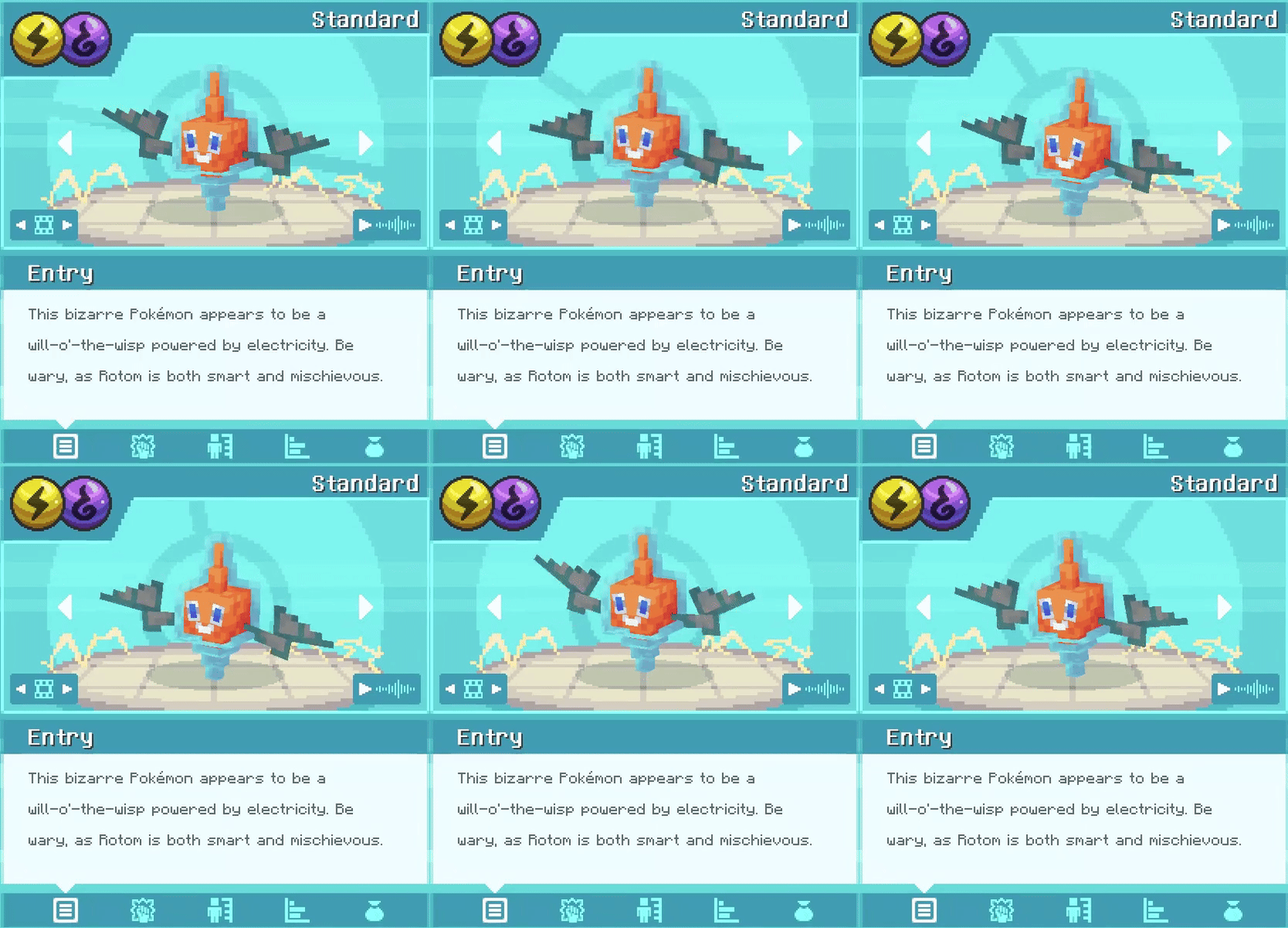
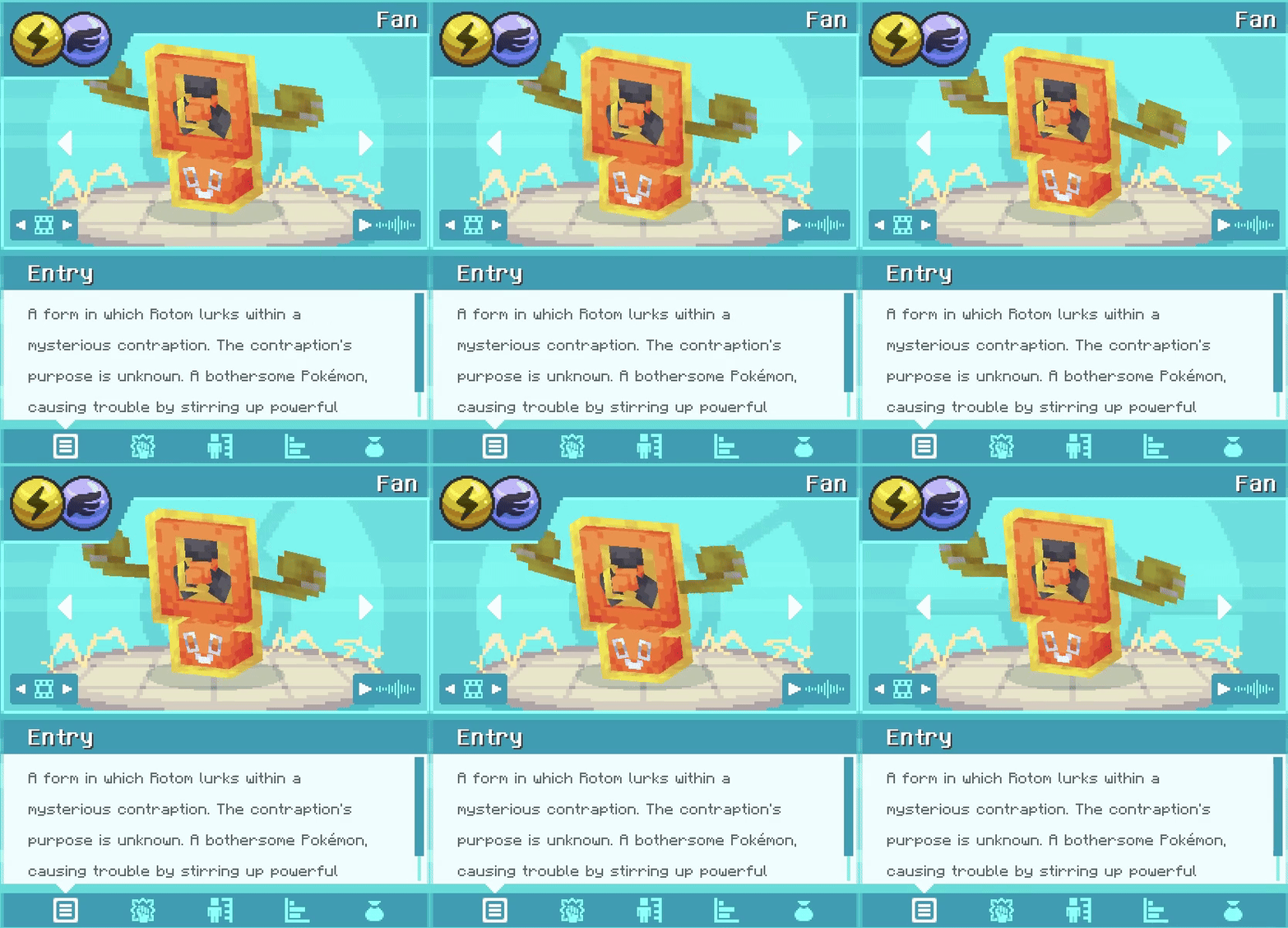
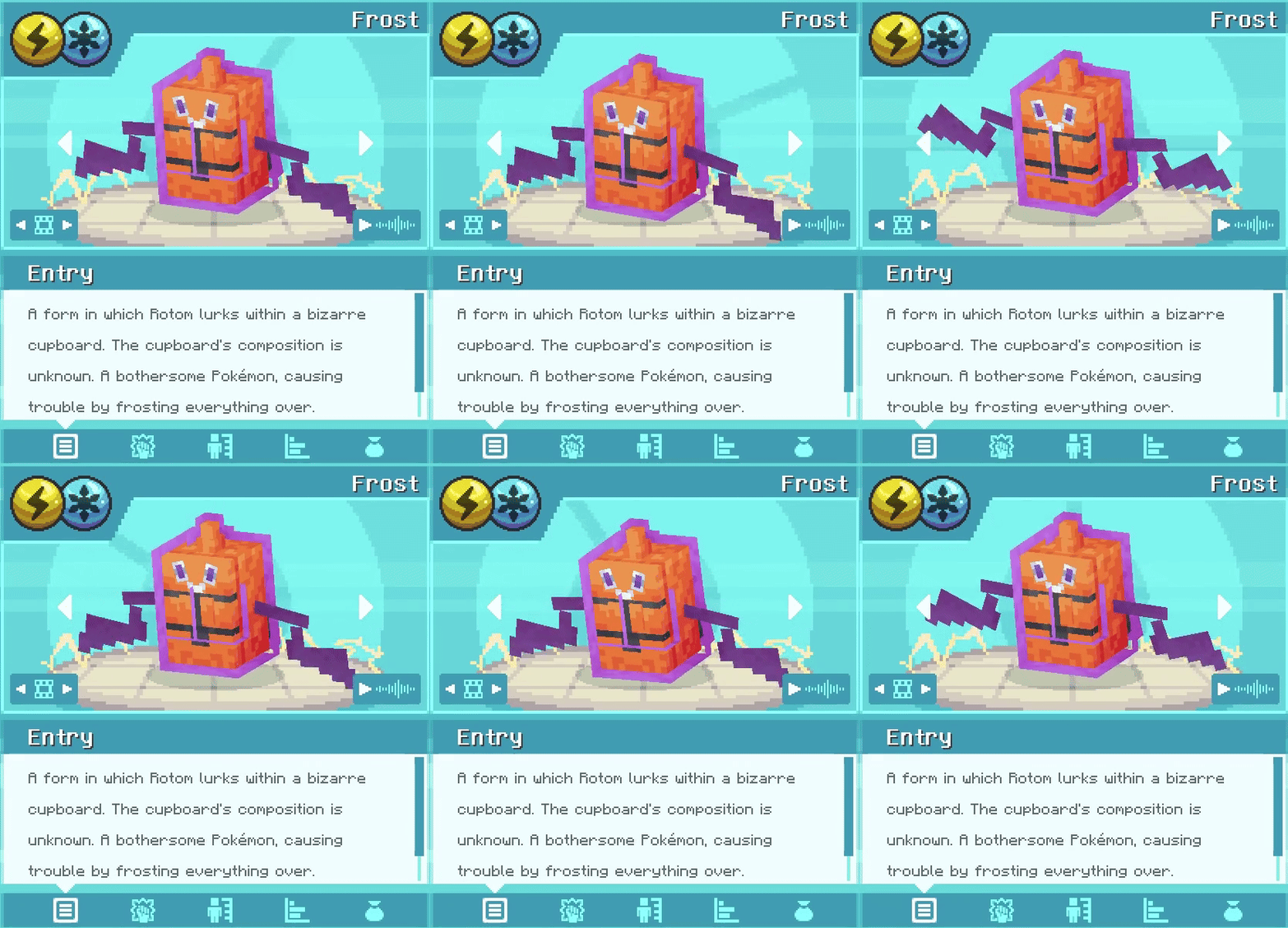
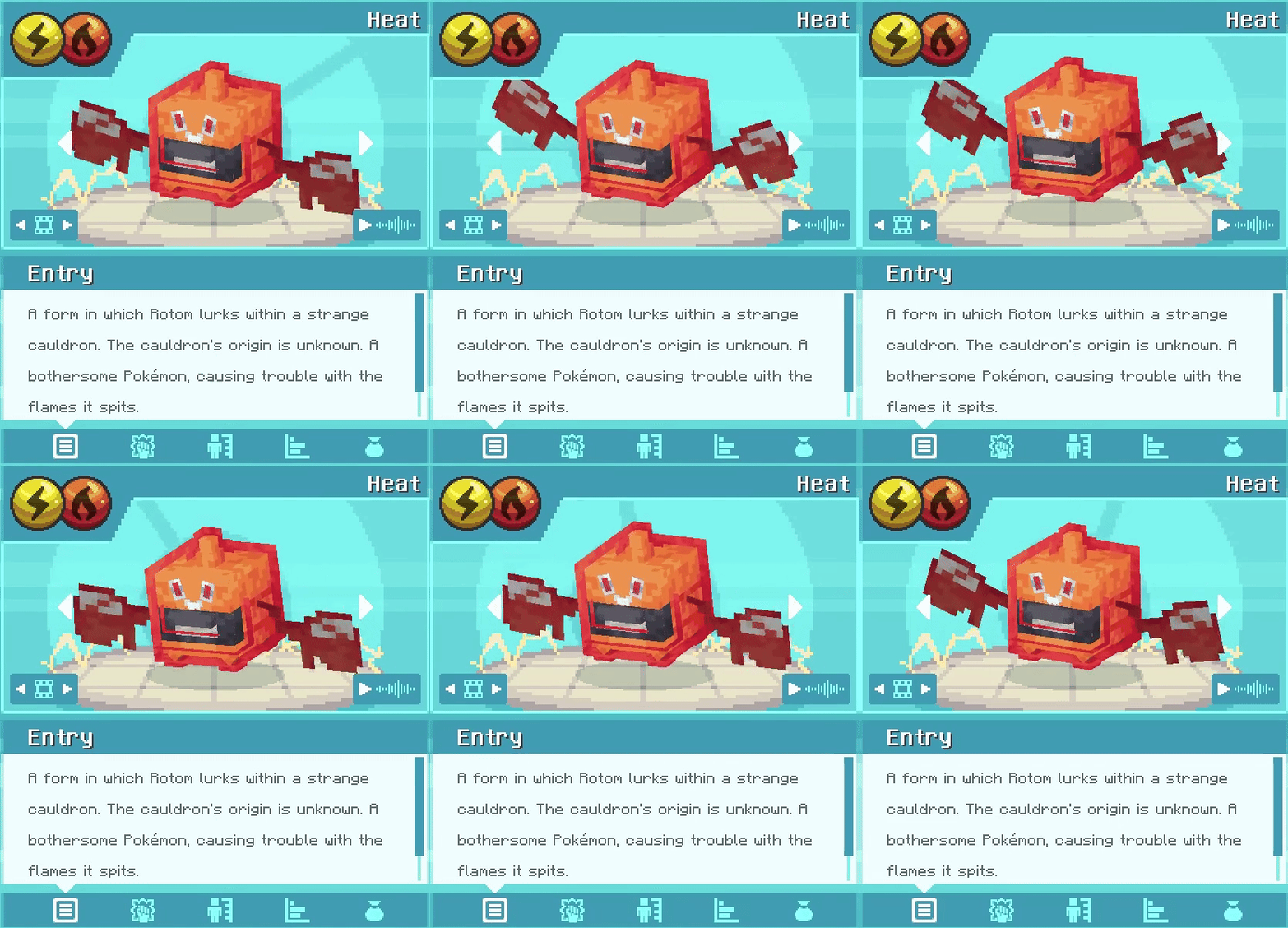
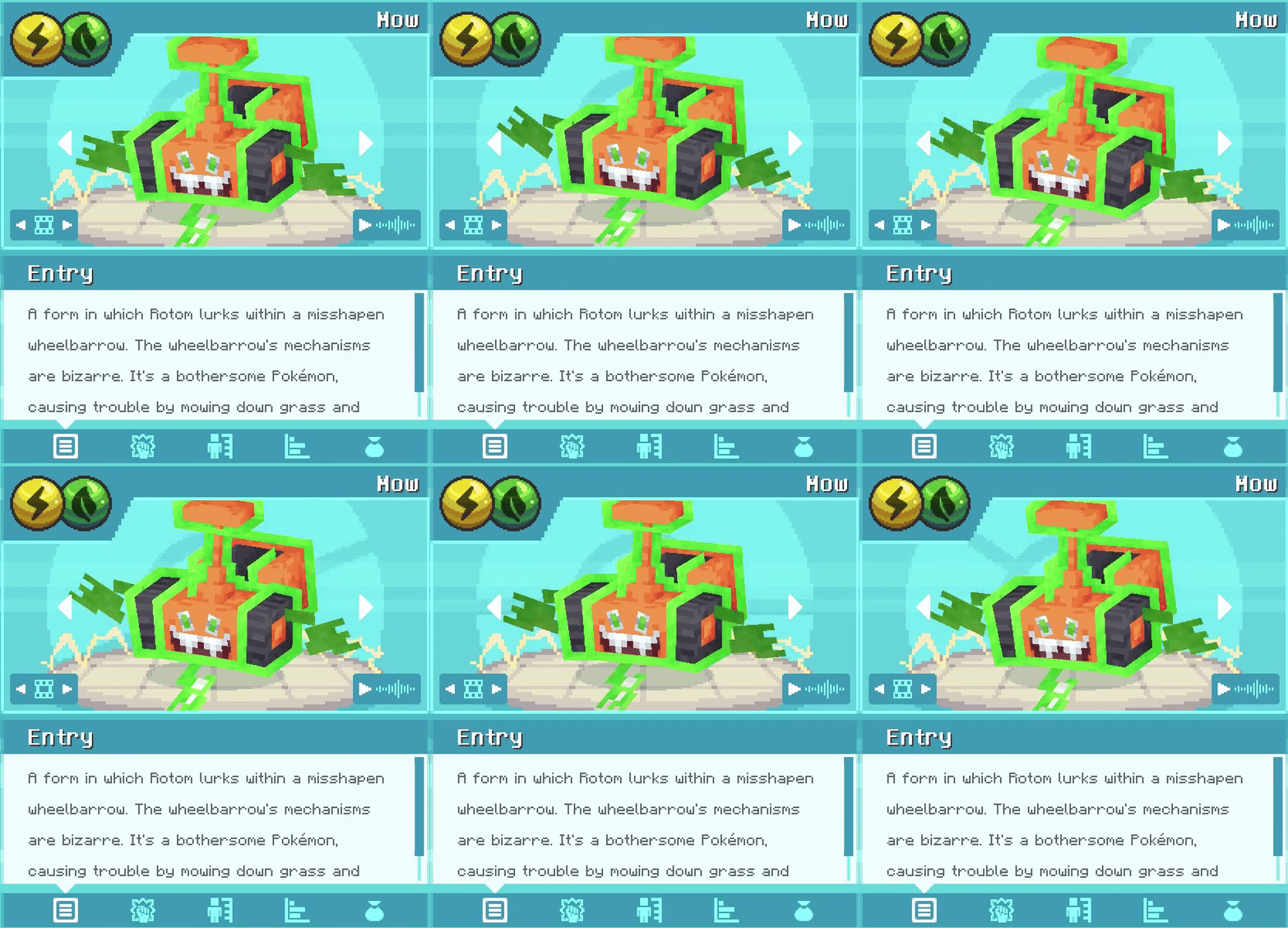
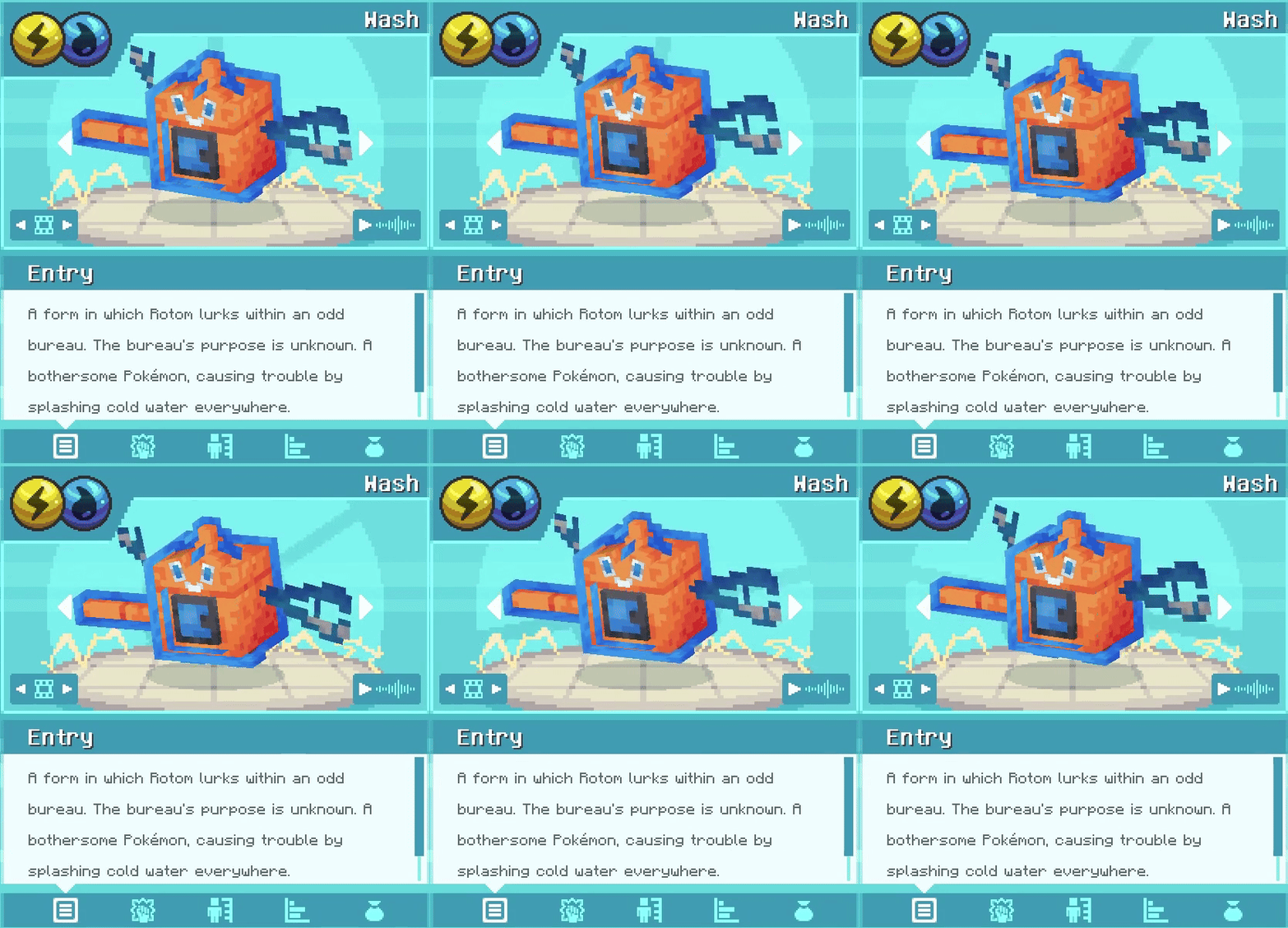
Felt bad because your beloved rotom is in the game but not obtainable neither able to change forms? - Well no more!
Screenshots
Über diese Mod
IMPORTANT NOTE
This addon hasn't been updated in a long time due to its inclusion in AllTheMons and Mega Showdown. This addon still works perfectly fine so you shouldn't run into any issues with Cobblemon 1.6, 1.7 or 1.8!
This is the datapack version of Rotom Appliances
Since the Rotoms files already in Cobblemon 1.6 are unusable, this aims to add Rotom and its forms to the game, with form changes, spawns and some the animations of the official cobblemon team!
If you wan't a more immersive way of changing its forms, check out the Mod Version, it adds 5 new minecraft themed blocks for Rotom to possess and you to right-click to change forms!
Want even more?
This mod is fully compatible with AllTheMons, Mega Showdown & MissingMons v3.4+, which adds many custom animations to each appliance, go and check it out if you haven't already!
How to install:
- Download the right file for your Cobblemon version! (1.6c = 1.6+, 1.5 = 1.5,)
- Add this pack to your resourcepacks
\resourcepacks - Add this pack to your worlds datapack
\saves\[YOURWORLDNAME]\datapacks - Enable the resourcepack ingame
ESC - Options - Resource Packs
How to switch forms?
- Right-click Rotom with a
Data Monitor, so it can freely switch forms (or switch back to his bulb form if he already has a form)!
Where does he spawn?
- In Woodland Mansions (uncommon)
- in Ancient Cities in the Redstone Room (uncommon)
- On Beaches (ultra-rare but you'll find plenty when its thundering!)
- Near* Cobblemon Tech (PCs, Healers, Fossil Analyzers, Restoration Tanks, Data Monitors) (rare)
- Near* Redstone components! (Blocks, Torches, Ores, Lamps, Repeaters, Comparators, Daylight Detectors, Lightning Rods) (rare)
*near meaning a 9x5x9 area around said block
Frequently asked questions (FAQ) & Support link:
Click to unfold
I have a question about the frequently asked questions!
- Join the cobblemon discord, and pay me a visit here!
Is this compatible with the <NAME> addon?
- This is compatible with every addon, as long as it does not add Rotom, like SaltMons! (except MissingMons, that's specifically made to be compatible)
Does this work for Fabric/Forge/NeoForge?
- This is a datapack/resourcepack, not a mod (.jar)
- So you can use this with whatever modlauncher you prefer
He's not showing on my Pokenav or when I do a /checkspawn!
- Make sure you tried in different positions on the ground or near spawnable area
- Make sure you checked the correct bucket
- Make sure you meet all requirements (biome, structure, blocks etc.)
- make sure you correctly installed the datapack
Can I use this on my server?
- Private servers? - Go catch 'em all!
- Public servers? - As long as you comply with the provided license
What does the CC BY-NC 4.0 license allow?
You are free to, but not limited to:
- create forks,
- create addons,
- use this on servers,
Only as long as you follow those rules:
- You must give appropriate credit to this
- be it a link, mention of this packs name + creator - you'll find a way!
- don't claim you made this :(
- You cannot make money
- no paid servers/microtransactions
Verfügbare Versionen
Cobblemon: Rotom Appliances auf dem Server installieren
Server bestellen
Bestelle einen Minecraft Java Server mit mindestens 3 GB RAM (4 GB empfohlen).
datapack Loader setzen
Wähle im Panel unter "Egg" den datapack-Loader und die passende Minecraft-Version (1.21.1).
Mod installieren
Öffne den Mod-Browser im Dashboard und suche nach "Cobblemon: Rotom Appliances". Klicke "Installieren" – fertig! Alternativ: Lade die .jar via SFTP in den /mods Ordner.
Kompatibilität
Mod-Loader
Minecraft-Versionen
1.21.1, 1.20.1
Server-seitig
✓ ErforderlichEmpfohlener RAM
4 GB(min. 3 GB)Häufige Fragen
Cobblemon: Rotom Appliances Server crasht beim Start – was tun?
Häufigste Ursache: falsche datapack-Version oder zu wenig RAM. Prüfe im Server-Log (latest.log), ob ein "OutOfMemoryError" oder "Mixin"-Fehler auftritt. Bei Mado Hosting: Stelle sicher, dass mindestens 3 GB RAM zugewiesen sind und der Loader zur Mod-Version passt (1.21.1). Über das Panel kannst du den Loader mit einem Klick wechseln.
Ist Cobblemon: Rotom Appliances mit datapack und fabric und neoforge kompatibel?
Cobblemon: Rotom Appliances unterstützt offiziell datapack, fabric, neoforge für Minecraft 1.21.1, 1.20.1. Im Mado Dashboard werden inkompatible Loader-Kombinationen automatisch erkannt.
Server laggt mit Cobblemon: Rotom Appliances – wie optimiere ich die Performance?
Empfohlener RAM: 4 GB (+1 GB pro 8 Spieler). Prüfe mit /spark profiler, ob Cobblemon: Rotom Appliances den meisten Tick-Time verbraucht. Häufige Fixes: Server-View-Distance auf 8-10 reduzieren, bei Forge "performant" oder "starlight" als Zusatz-Mod installieren. Bei Mado Hosting läuft dein Server auf NVMe-SSDs mit dedizierten CPU-Kernen für minimale Latenz.
Ähnliche Mods




Modded Server mieten
Installiere Cobblemon: Rotom Appliances mit nur einem Klick auf deinem Server.