
Screenshot Pro
A polished in-game screenshot manager: gallery, albums, tags, favorites, trash, search and a fullscreen viewer.
Screenshots
Über diese Mod
Screenshot Pro
Screenshot Pro is a polished, client-side screenshot manager for Minecraft that lives inside the game. Browse, search, organize, and view your screenshots without ever alt-tabbing to a file explorer.
It is built for Minecraft 26.1, 26.1.2, and 26.2 on the Fabric loader and feels like a native part of the game.
Press M in game to open the manager, or use the button added to the pause menu.
Screenshots
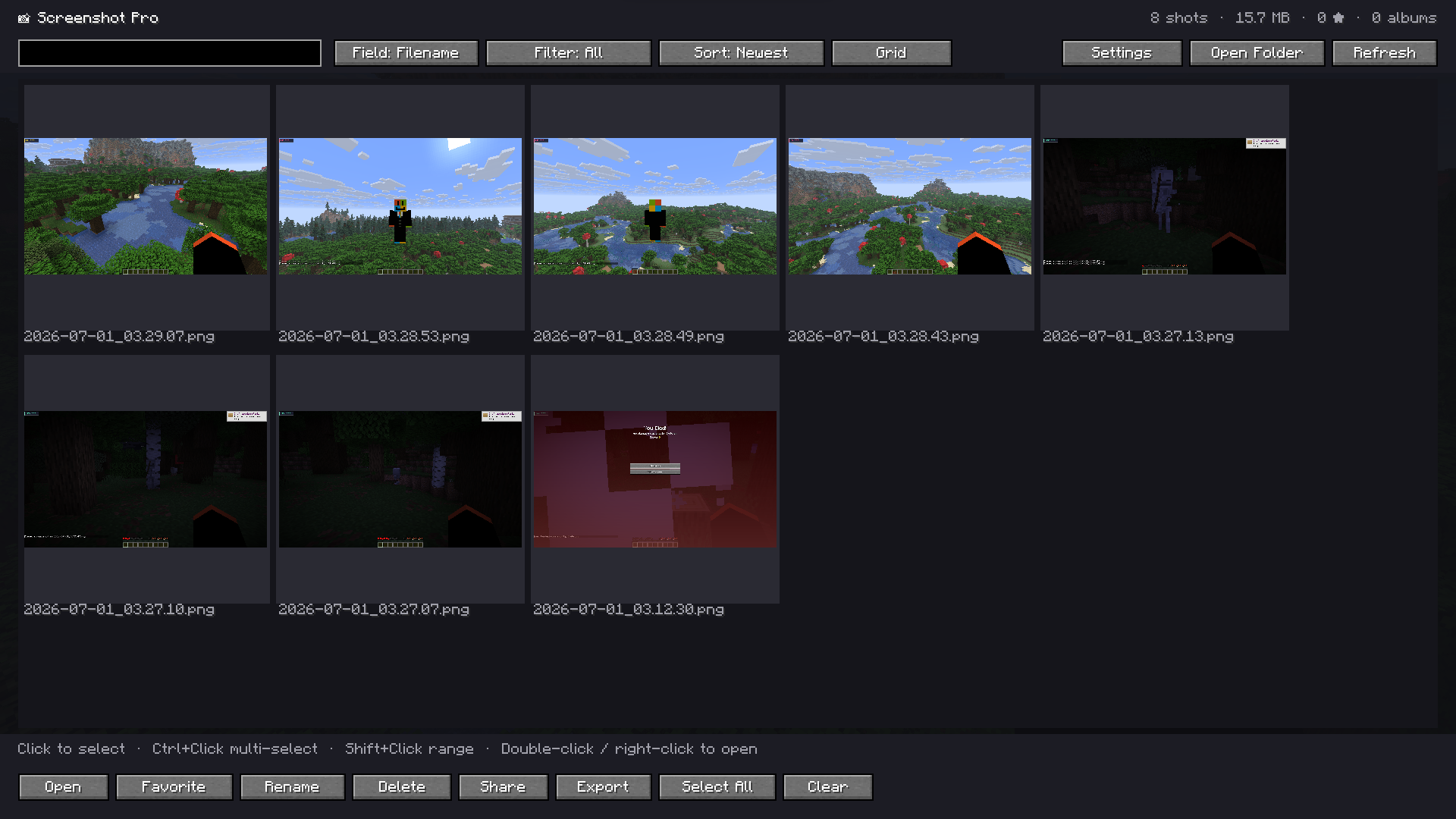
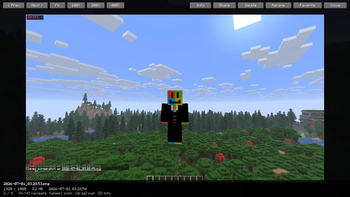
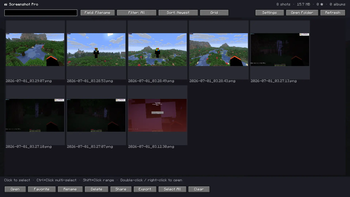
The Gallery: a scrollable grid of thumbnails with a live dashboard showing total screenshots, storage used, favorites, and albums.
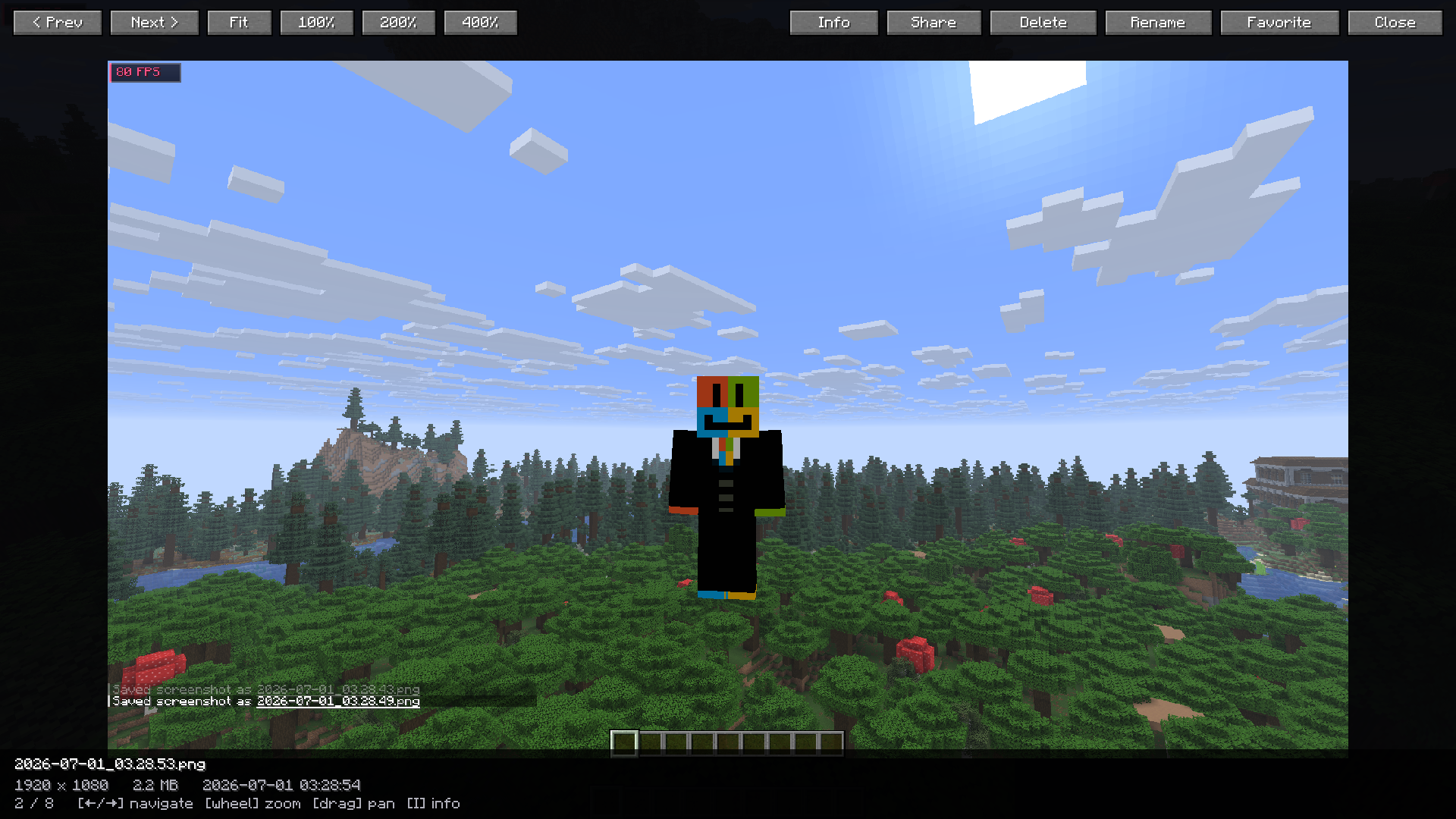
Fullscreen Viewer: mouse-wheel zoom, drag-to-pan, next and previous navigation, and an information overlay.
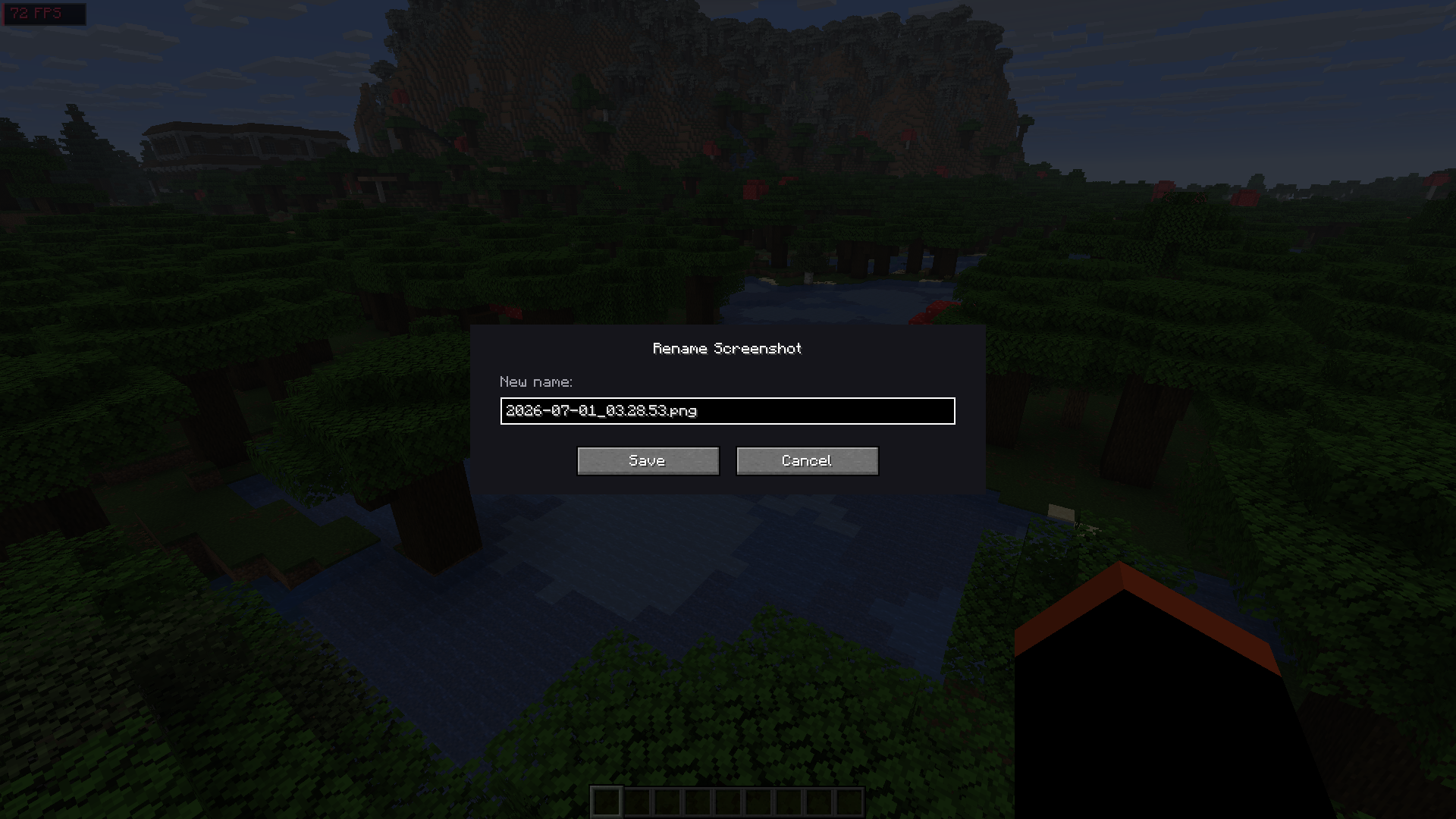
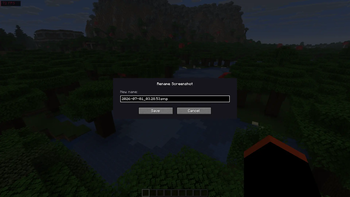
Rename: change a screenshot's name in place from a simple in-game dialog.
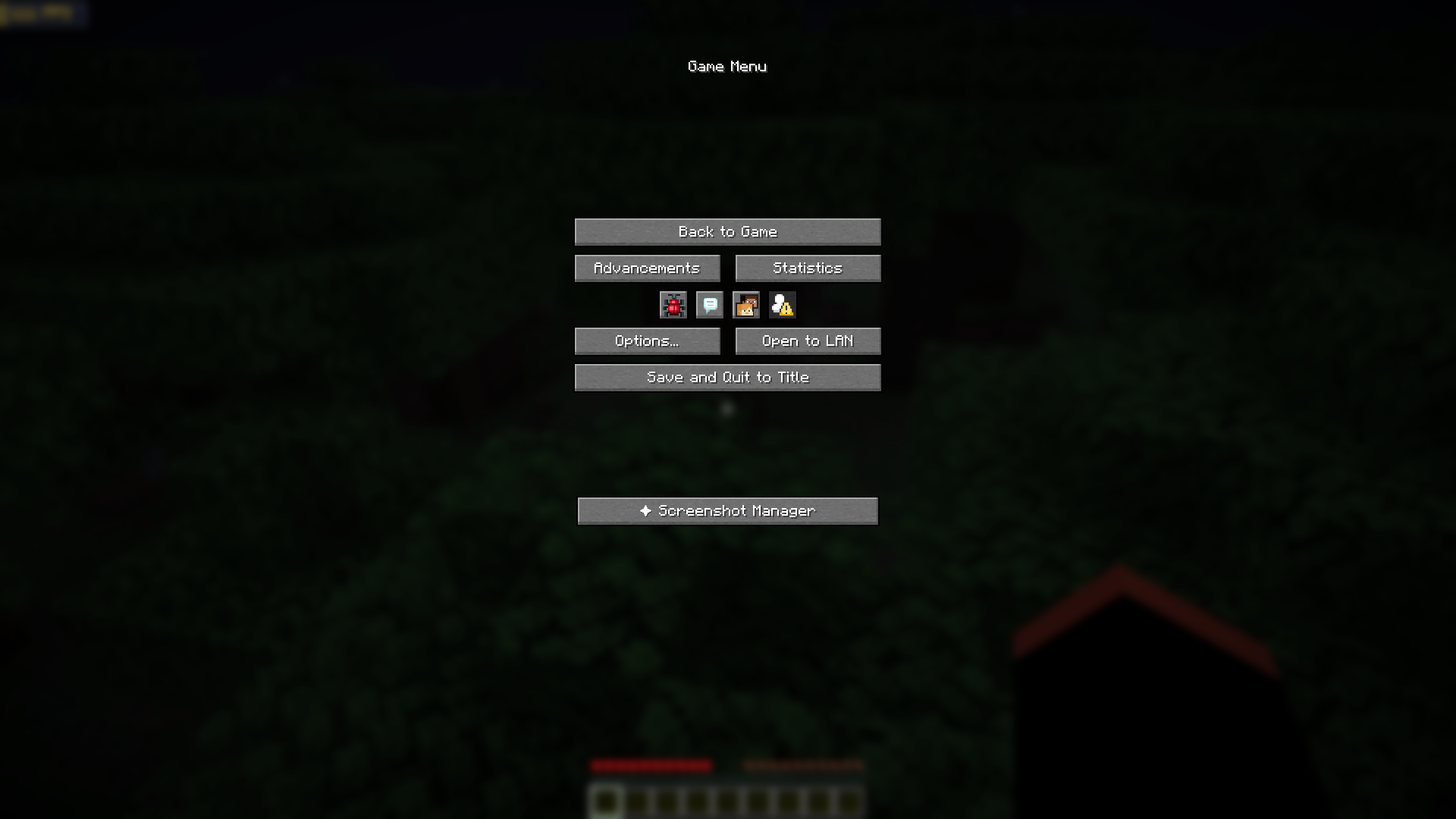
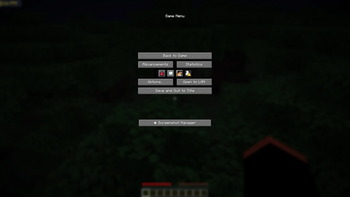
Pause Menu Access: open the manager straight from the in-game pause menu.
Overview
Screenshot Pro reads your existing screenshots folder and presents it as a fast, organized gallery. Nothing is moved or modified until you ask for it. All metadata such as favorites, tags, and albums is stored alongside your screenshots, and deleting is non-destructive by default through a built-in trash.
Features
Gallery
- Grid and list views with smooth scrolling
- Asynchronous thumbnail loading that keeps the game responsive
- A dashboard showing total screenshots, storage used, favorite count, and albums
- Sorting by newest, oldest, name, or file size
Search and Filters
- Search by filename, date, tags, or album with instant filtering
- Quick date filters: Today, Yesterday, Last 7 Days, This Month, This Year
- A Favorites filter and a dedicated Trash view
Organization
- One-click favorites
- Tags and custom albums per screenshot
- A trash system with restore and configurable auto-empty, so a misclick never means a permanent loss
Fullscreen Viewer
- Next and previous navigation
- Mouse-wheel zoom and drag to pan
- Fit, 100 percent, 200 percent, and 400 percent presets
- An information overlay with resolution, file size, and date
- Full keyboard control
Bulk Tools
- Multi-select with Ctrl+Click, range select with Shift+Click, plus Select All and Clear
- Delete, favorite, share, and export all operate on the current selection
- Export any selection, or your favorites, to a ZIP archive
- Copy file paths to the clipboard
- Rename screenshots in place
- Open the screenshots folder in your operating system file browser
Settings
Thumbnail size, grid columns, cache size, background and lazy loading, custom screenshot and trash directories, theme, and trash auto-empty are all adjustable from an in-game settings screen.
Controls
- Open the Screenshot Manager —
M(rebindable in Options, then Controls) - Select an item — Click
- Multi-select —
Ctrl+ Click - Range select —
Shift+ Click - Open in viewer — Double-click or right-click
- Viewer: navigate — Left and right arrow keys
- Viewer: zoom — Mouse wheel
- Viewer: pan — Drag
- Viewer: fit to screen —
F - Viewer: toggle info —
I - Viewer: rename —
R - Viewer: trash —
Delete - Viewer: close —
Escape
Requirements
- Minecraft 26.1 or newer (tested on 26.1.2 and 26.2)
- Fabric Loader 0.19.3 or newer
- Fabric API
- Java 25 or newer
This is a client-side mod. It is not required on servers.
Links
License
All Rights Reserved, Copyright 2026 devxkamlesh.
This mod is not affiliated with or endorsed by Mojang Studios or Microsoft. Minecraft is a trademark of Mojang Studios.
Verfügbare Versionen
Screenshot Pro auf dem Server installieren
Server bestellen
Bestelle einen Minecraft Java Server mit mindestens 3 GB RAM (4 GB empfohlen).
fabric Loader setzen
Wähle im Panel unter "Egg" den fabric-Loader und die passende Minecraft-Version (26.2).
Mod installieren
Öffne den Mod-Browser im Dashboard und suche nach "Screenshot Pro". Klicke "Installieren" – fertig! Alternativ: Lade die .jar via SFTP in den /mods Ordner.
Kompatibilität
Mod-Loader
Minecraft-Versionen
26.2, 26.1.2, 26.1.1 (+1 weitere)
Server-seitig
✗ Nicht unterstütztEmpfohlener RAM
4 GB(min. 3 GB)Häufige Fragen
Screenshot Pro Server crasht beim Start – was tun?
Häufigste Ursache: falsche fabric-Version oder zu wenig RAM. Prüfe im Server-Log (latest.log), ob ein "OutOfMemoryError" oder "Mixin"-Fehler auftritt. Bei Mado Hosting: Stelle sicher, dass mindestens 3 GB RAM zugewiesen sind und der Loader zur Mod-Version passt (26.2). Über das Panel kannst du den Loader mit einem Klick wechseln.
Ist Screenshot Pro mit fabric kompatibel?
Screenshot Pro unterstützt offiziell fabric für Minecraft 26.2, 26.1.2, 26.1.1. Im Mado Dashboard werden inkompatible Loader-Kombinationen automatisch erkannt.
Server laggt mit Screenshot Pro – wie optimiere ich die Performance?
Empfohlener RAM: 4 GB (+1 GB pro 8 Spieler). Prüfe mit /spark profiler, ob Screenshot Pro den meisten Tick-Time verbraucht. Häufige Fixes: Server-View-Distance auf 8-10 reduzieren, bei Forge "performant" oder "starlight" als Zusatz-Mod installieren. Bei Mado Hosting läuft dein Server auf NVMe-SSDs mit dedizierten CPU-Kernen für minimale Latenz.
Ähnliche Mods






Modded Server mieten
Installiere Screenshot Pro mit nur einem Klick auf deinem Server.