
Simple HUD Enhanced
A Fabric Minecraft mod that enhances the game's HUD by introducing customizable elements and features to display information.
Screenshots
Über diese Mod
Supports Versions 26.3 to 1.17
Make Any HUD You Want
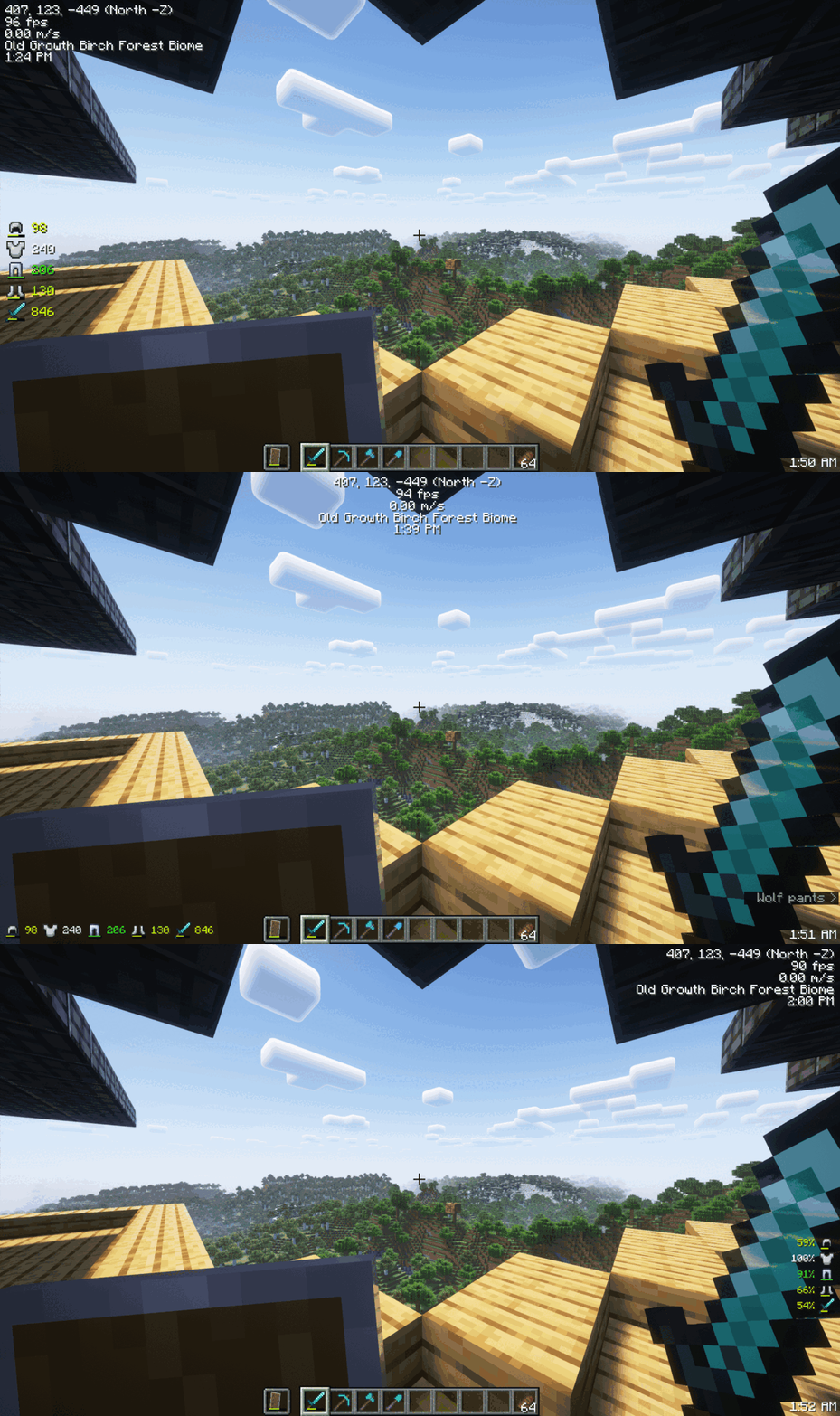
Monitor Effects Duration a Glance

Mod Menu
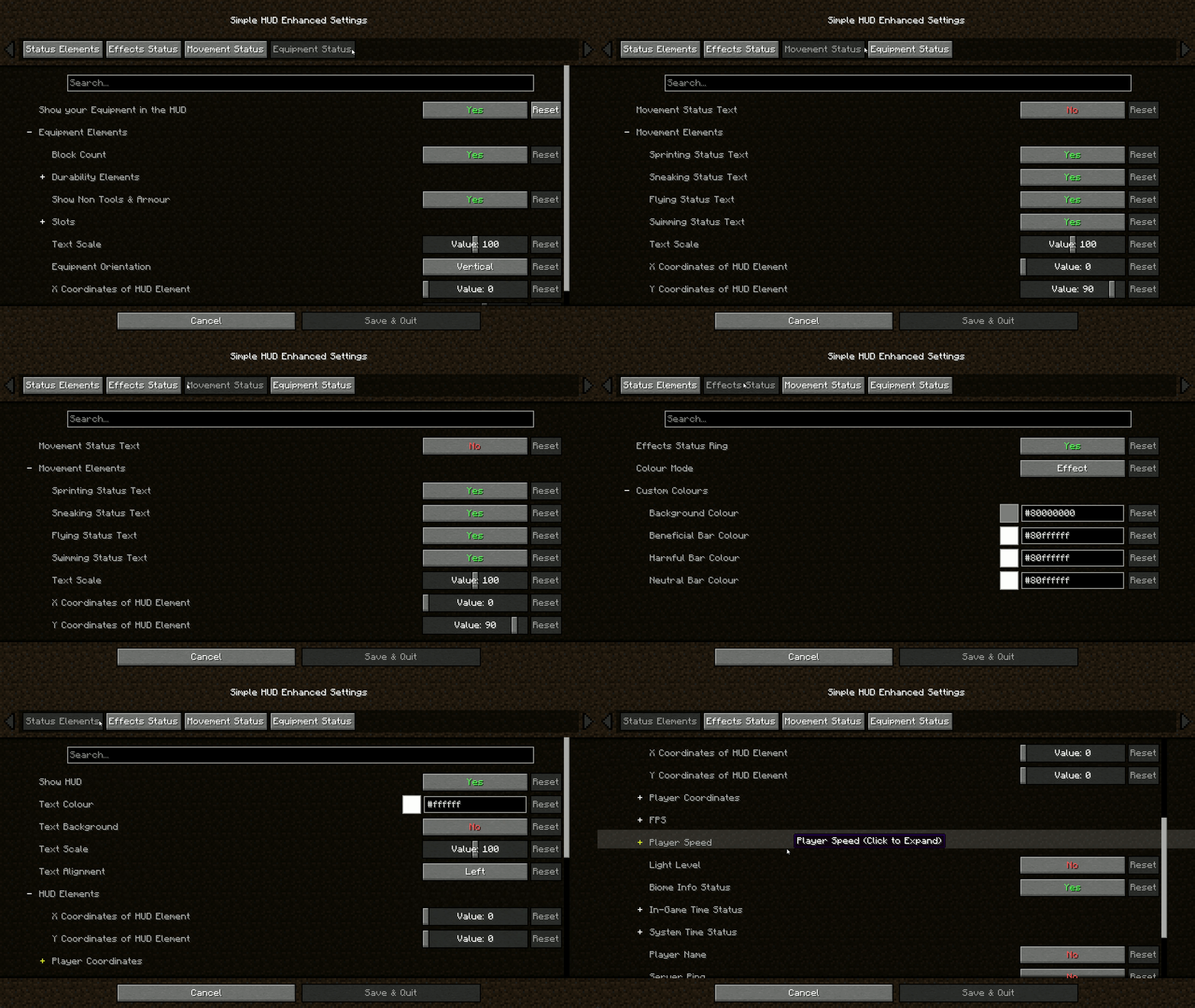
Features:
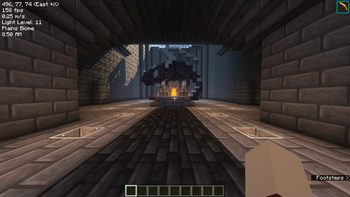
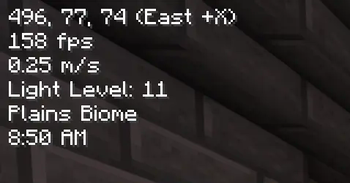
- Coordinates (With Directions): Always know where you are heading.
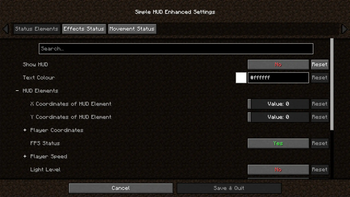
- Customizable Elements: Modify the presentation of various in-game information.
- Customizable Position: Move the HUD anywhere on your screen.
- Customizable HUD Size: Adjust the size to suit your visual preferences.
- FPS: Keep an eye on your game's performance.
- TPS Client-Side Compatibility: Experience smooth performance with TPS tracking.
- Velocity (Vertical & Horizontal): Track your movement speed.
- Light Level: Stay aware of your surroundings.
- Server Ping: Monitor your connection to the server.
- Current Biome: Know the biome you're exploring.
- In-Game Time (12 & 24 Hour Format): Never lose track of time.
- In-Game Day Counter: Keep track of the number of days passed in the game.
- System Time (12 & 24 Hour Format): Real-world time at a glance.
- Nether Conversation: Seamless transition monitoring.
- Chunk Coordinates: Track your position in the world with chunk-level precision.
- Sub-Chunk Coordinates: Dive deeper with detailed sub-chunk positioning.
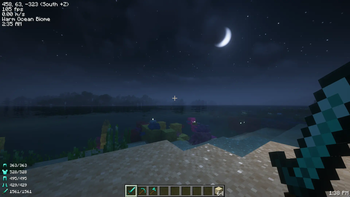
- Player Status Effects Ring Timer: Time your buffs and debuffs.
- Player Movement Status: Sprinting, swimming, flying, sneaking – keep track of it all.
- Player Armour and Items Durabilities & Count on the HUD: Manage your equipment efficiently.
- Trinkets API Support: Integrate seamlessly with Trinkets to enhance your gameplay.
- Paper Doll: Your dynamic avatar, showcasing in-game moves, gear, and status at a glance.
Download the mod now and take control of your HUD like never before!
Join The Discord!

Verfügbare Versionen
Simple HUD Enhanced auf deinem Client installieren
Mod-Loader lokal installieren
Installiere fabric für deine lokale Minecraft-Version.
Passende Datei herunterladen
Wähle die Simple HUD Enhanced-Datei für fabric und Minecraft 26.3.
Mod installieren
Lege die .jar-Datei in deinem lokalen .minecraft/mods-Ordner ab und starte Minecraft neu. Eine Installation auf dem Server ist nicht nötig.
Kompatibilität
Mod-Loader
Minecraft-Versionen
26.3, 26.2, 26.1.2 (+31 weitere)
Server-seitig
✗ Nicht unterstütztEmpfohlener RAM
4 GB(min. 3 GB)Häufige Fragen
Muss Simple HUD Enhanced auf dem Minecraft Server installiert werden?
Nein. Modrinth kennzeichnet Simple HUD Enhanced serverseitig als nicht unterstützt. Installiere die Mod nur im lokalen Minecraft-Mods-Ordner. Dein Server kann unverändert bleiben, sofern die Mod-Seite keine zusätzliche Abhängigkeit nennt.
Welche Version und welchen Loader braucht Simple HUD Enhanced?
Nutze eine Datei für fabric und exakt deine Minecraft-Version. Unterstützte Versionen sind unter anderem 26.3, 26.2, 26.1.2. Loader-Dateien sind nicht untereinander austauschbar.
Simple HUD Enhanced funktioniert nicht – was kann ich prüfen?
Prüfe zuerst Minecraft-Version, Loader-Version und erforderliche Abhängigkeiten. Lege die .jar-Datei im lokalen .minecraft/mods-Ordner ab und entferne ältere Duplikate. Da die Mod clientseitig ist, löst mehr Server-RAM dieses Problem nicht.
Ähnliche Mods



![[TaCZ] Timeless and Classics Zero](https://cdn.modrinth.com/data/SzzJttH8/fd27766d2bb8390d284696b1dbd358f87e081439_96.webp)


Minecraft Server für deine Gruppe
Simple HUD Enhanced bleibt auf deinem Client. Hoste dazu eine kompatible Welt für deine Mitspieler.