
The Ender Scrolls - Skyrimcraft
This is a Minecraft mod which aims to bring the world of Skyrim right to your Minecraft world!
Screenshots
Über diese Mod

The Ender Scrolls - Skyrimcraft
This is a Minecraft mod which aims to bring the world of Skyrim right to your Minecraft world! With this mod previously left in a state for Minecraft 1.2.5 under my old handle madcrazydrumma, I felt that it was finally about time to bring back this mod.
NB: This mod is currently in a pre-release state and thus, you may encounter some bugs.
If this is the case, please feel free to report an issue.

Skyrim's In-Game GUI
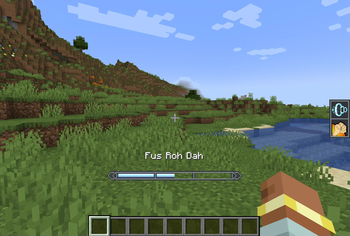
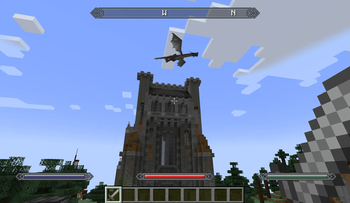
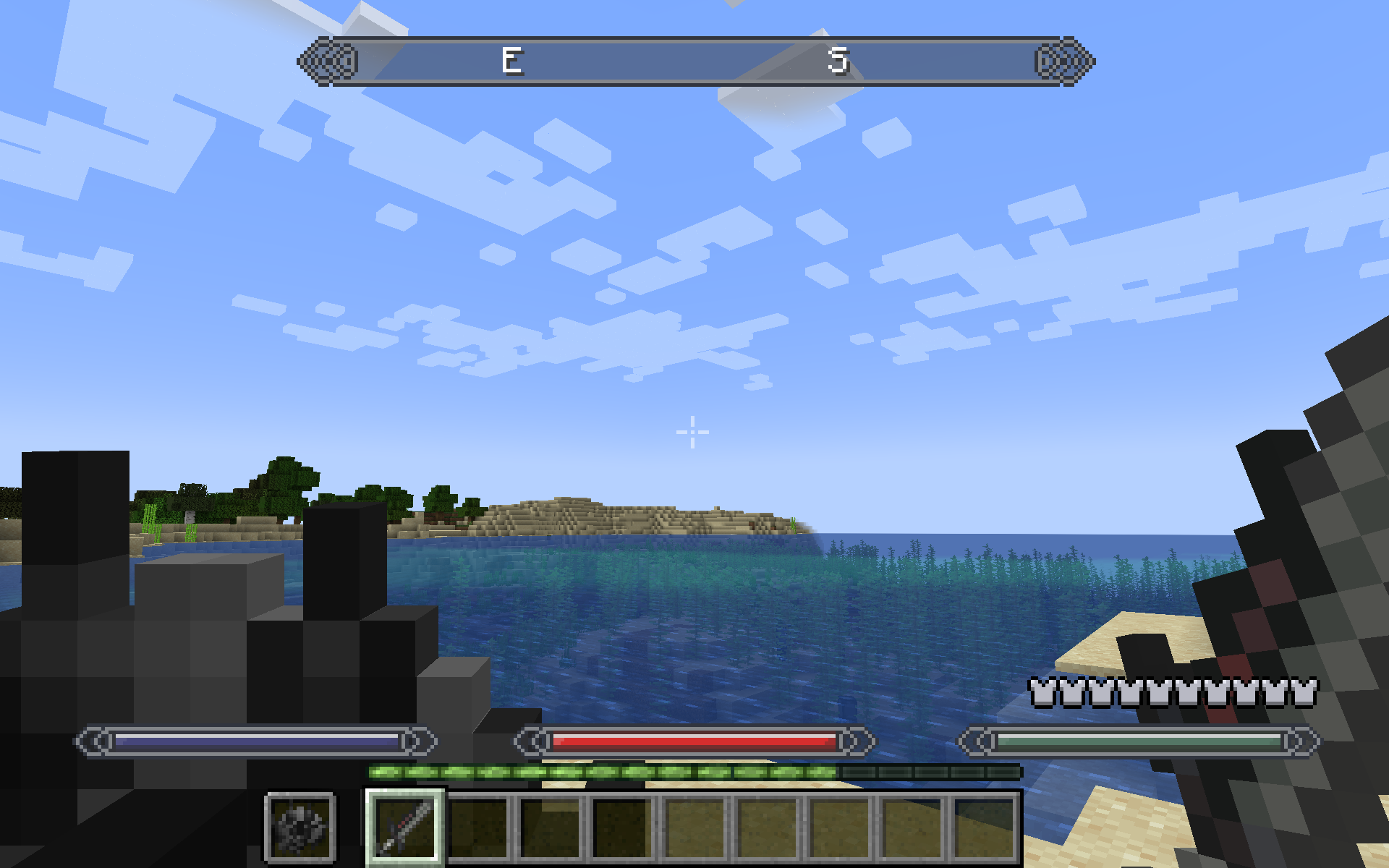
This feature brings the Skyrim in-game interface right to your Minecraft client! From the status indicator bars (health, magicka, stamina) to the compass, we try to have it all! In the mod's current state the compass includes the current entity you are attacking, as well as known structures. So far, known structures only include villages and shout walls, among some others but more will be added in later versions!
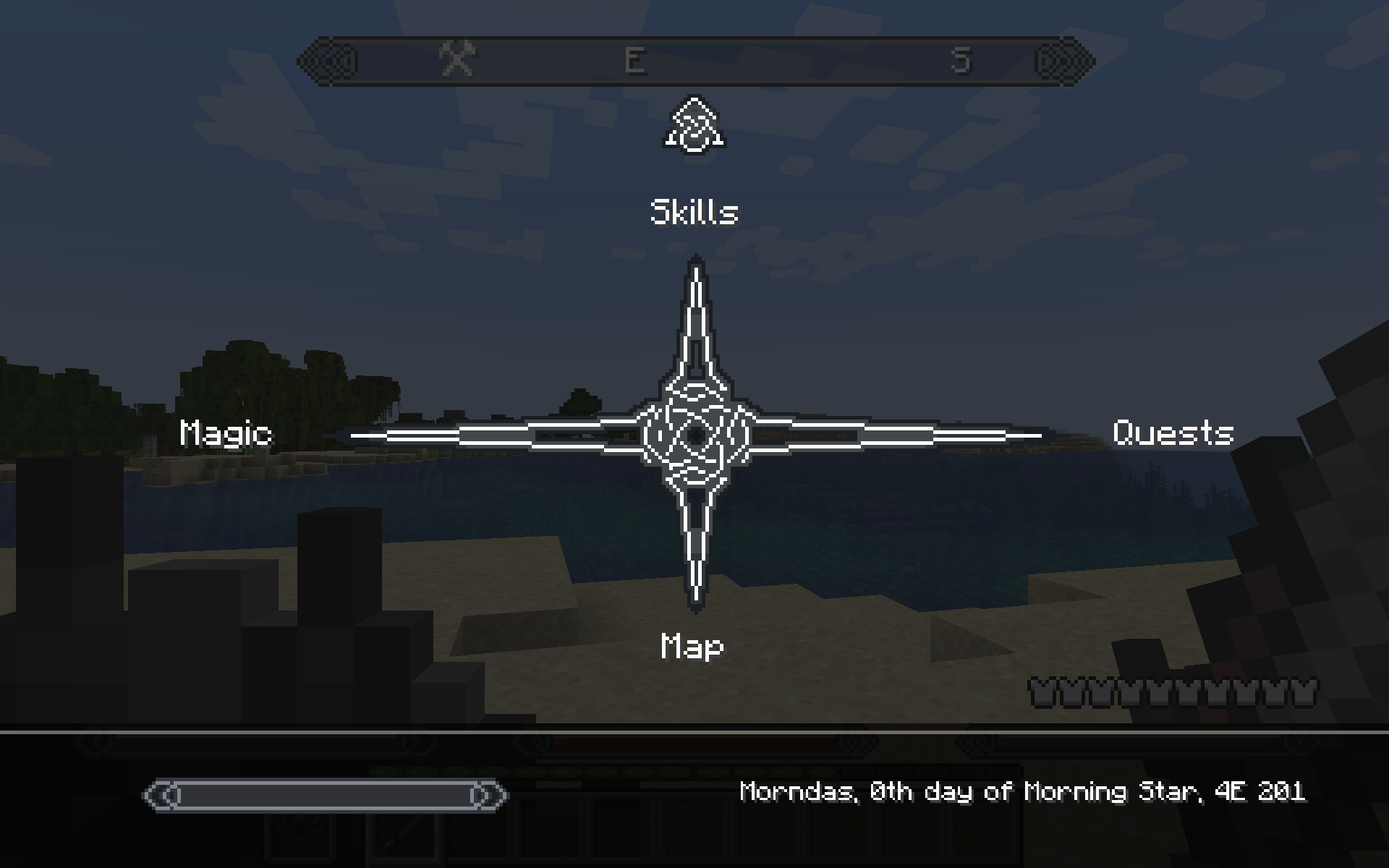
We also implement a Skyrim options menu, which allows you to access a variety of options. Currently, only the magic interface is available. To access this menu, the default key to press is M, but this can be configured in the controls menu.
Magicka, Spells and Shouts
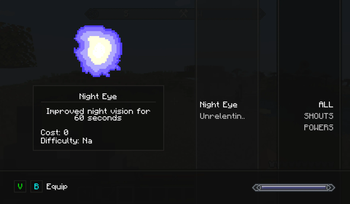
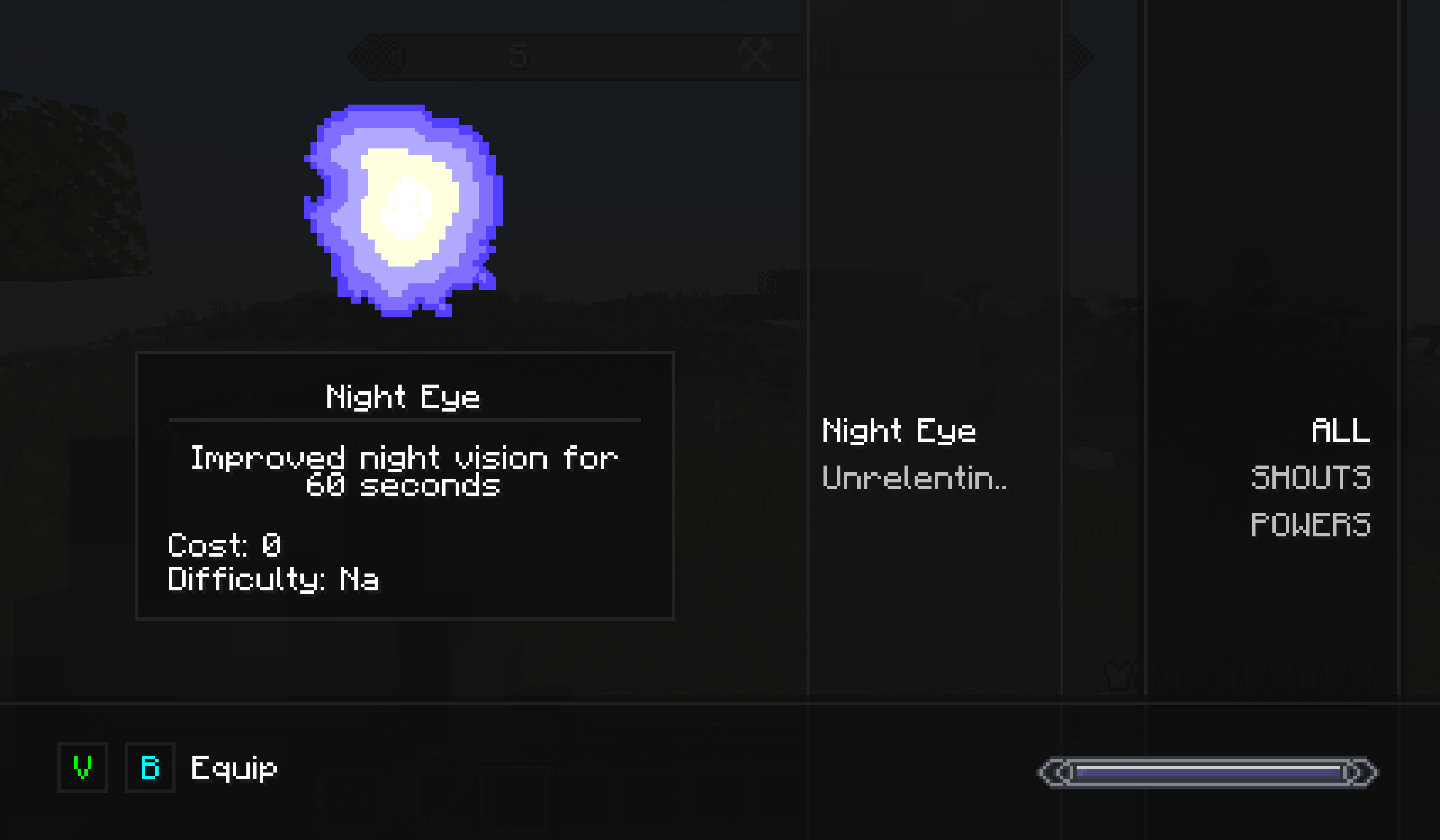
This feature brings your world a magicka system which allows you to cast spells and shouts found in Skyrim! Both spells and shouts can be selected (once learned) in the magic interface. To access the magic interface, locate the magic option in the Skyrim menu options (by default, pressing the M key). To select any learned spell or shout, press one of the selection keys (displayed in the magic interface) which are also customisable in your control settings. A player's magicka replenishes slowly over time - in future, this will be modified through use of enchantment (i.e., fortify magicka), spells (i.e., equilibrium) or skills.
Shouts
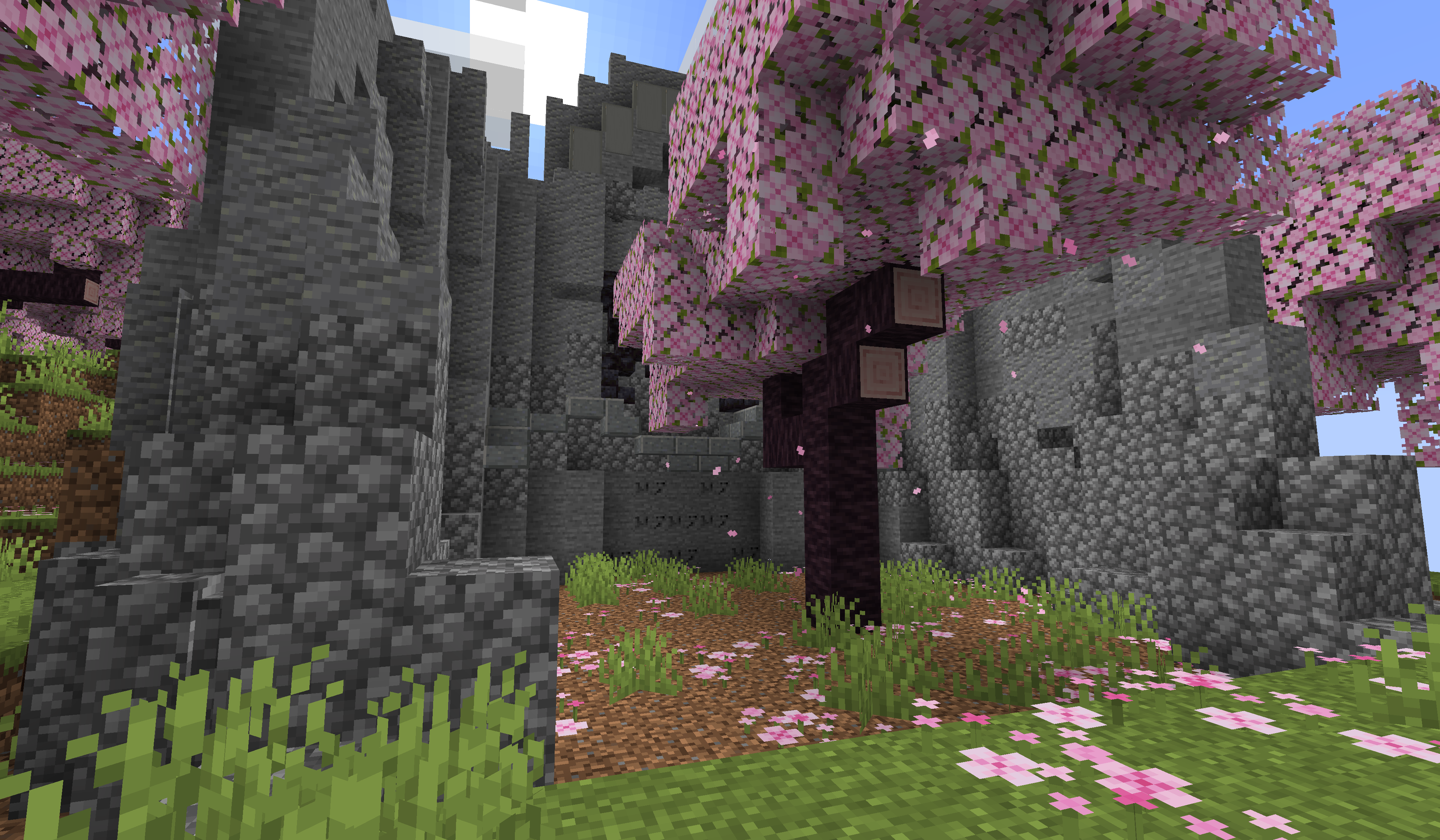
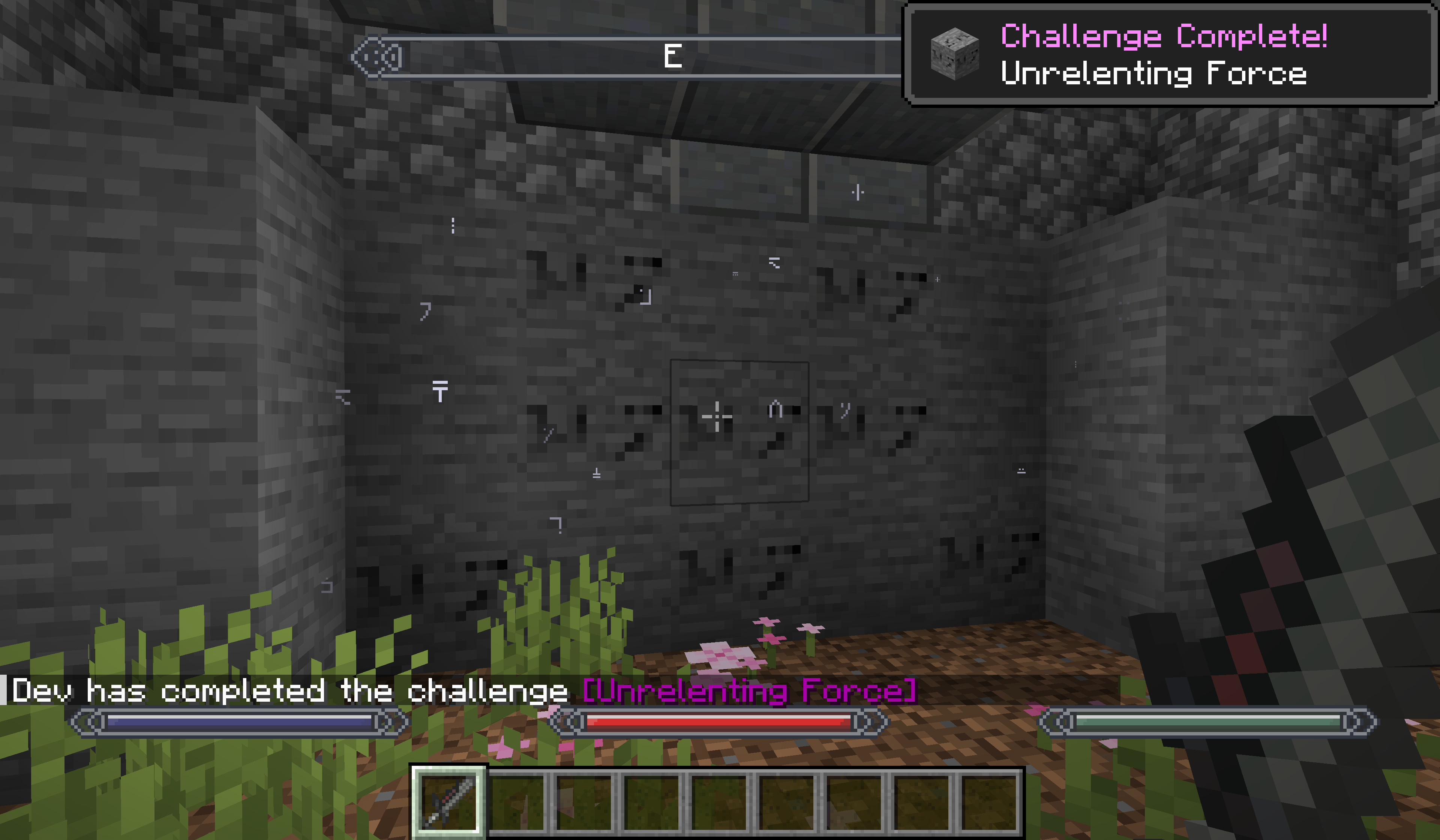
First, and probably most important... Dragon Shouts! Currently in this state of the mod, we have implemented Unrelenting Force, Storm Call and Whirlwind Sprint and many others. More shouts are to come in future updates!
To obtain shouts, there are shout walls which generate in your world. Simply enter the structure and right click on the words to obtain a shout! In future updates, we plan on implementing a souls-based system, as in Skyrim itself, for which you can obtain shouts when interacting with the wall.
Visit the in-depth Shout pages to learn more!
Spells
As well as shouts, we have a spells and magicka system. In the latest version of this mod, we have a few spells (i.e., fireball and turn undead) and are currently only obtainable via spell books. These spell books have a chance to drop upon slaying evokers or witches, or can be found in many structure chests, such as those in dungeons or strongholds!
Visit the in-depth Spell pages to learn more!
Skills
This mod brings the skills of Skyrim into your Minecraft game, ranging from Archery to Pickpocketing. Access your Skills interface from the map menu.
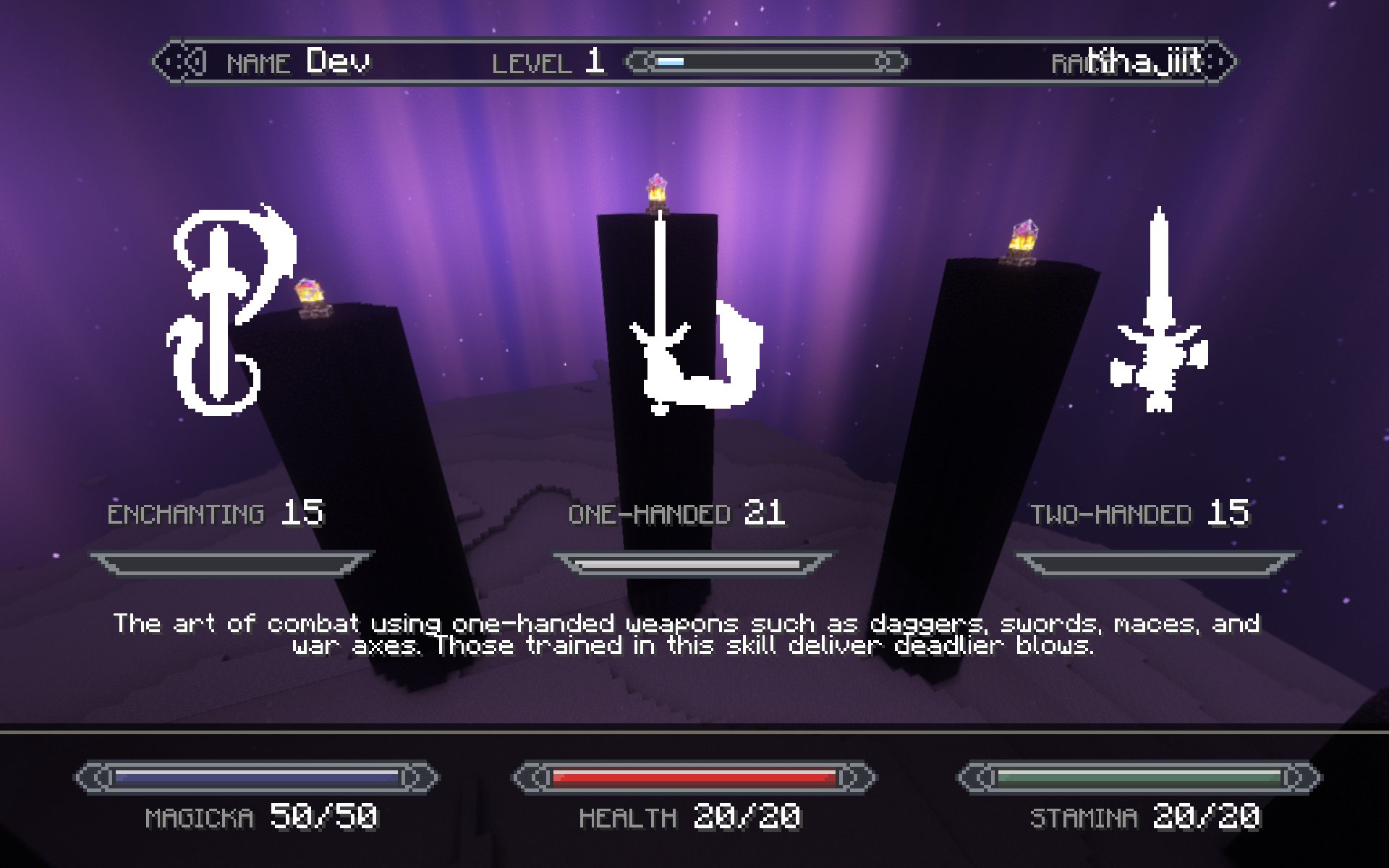
Skills can be levelled through various mechanics, more information can be found on the Skill page
Alchemy
A big part of Skyrim itself is Alchemy. In this mod, we are working on an Alchemy system which enables you to make potions of different kinds using the ingredients you gather on your journey! In the mod's current state, alchemy is a standalone system which just requires an alchemy table and the required ingredients. However, in future updates we plan on implementing a skills-based system to which Alchemy will become a part of.
Visit the in-depth Alchemy pages to learn more!
Cooking
We have implemented an Oven for you to cook items specific to Skyrimcraft, such as the infamous Sweet Roll and other baked goods / foods.
Visit the Cooking page to learn more!
Forging
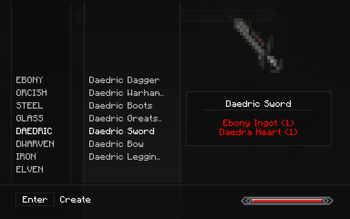
We have implemented a Forge for you to craft equipment (melee weapons and bows) and armors specific to Skyrimcraft.
Visit the Forging page to learn more!
Blocks and Items
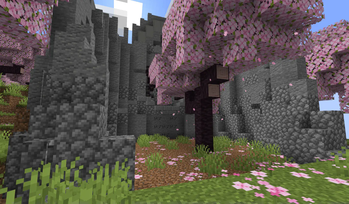
This mod brings a variety of ores, ingots, foods, items, plants and more to the game from Skyrim! You will encounter various generated blocks, such as mushrooms for related ingredients and different mobs around that will drop some of these items too. Explore your world to discover what there is to offer!
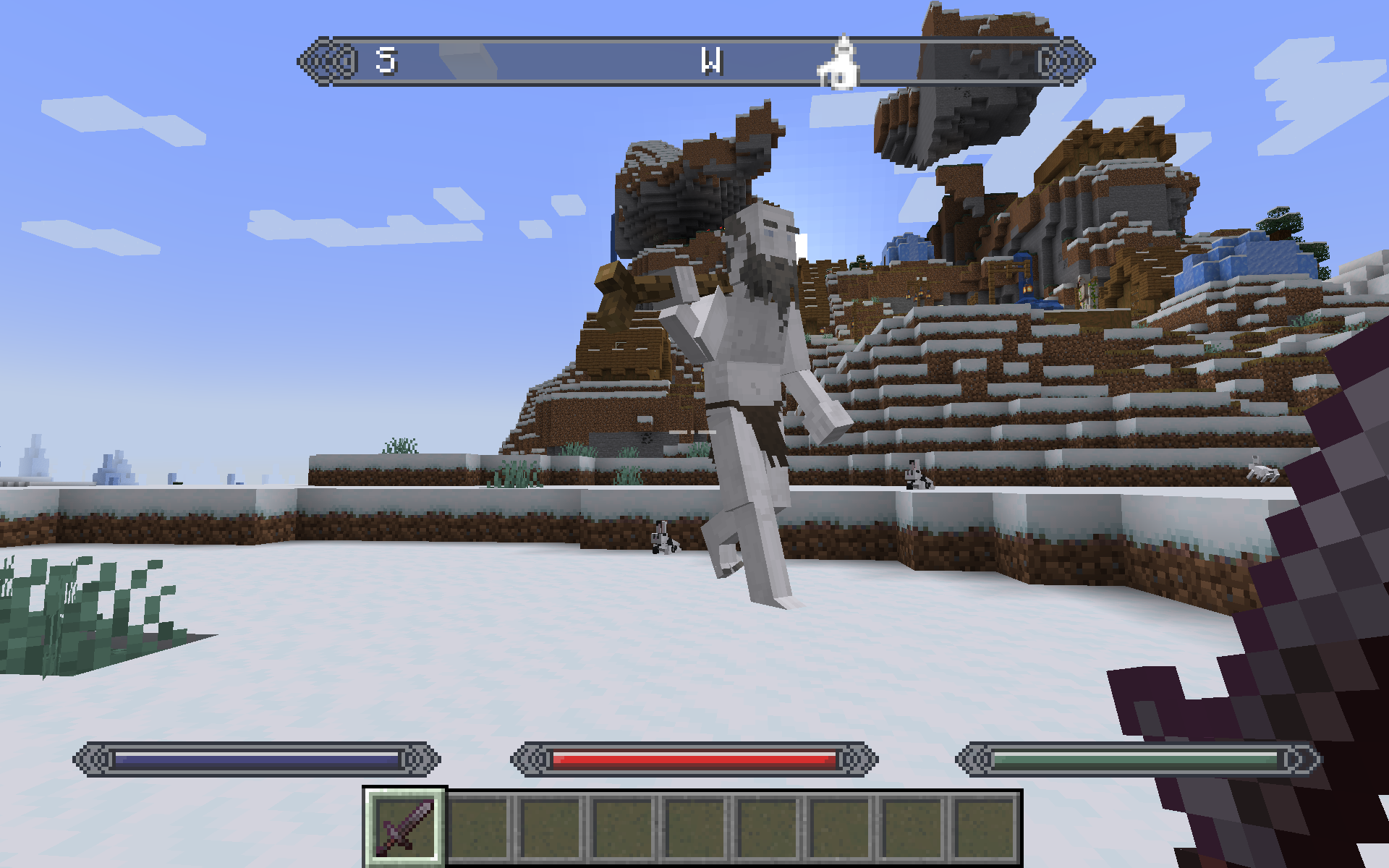
Creatures and Monsters
This mod brings a variety of creatures in Skyrimcraft, and you can learn more about them by visiting the Mobs page to learn more!
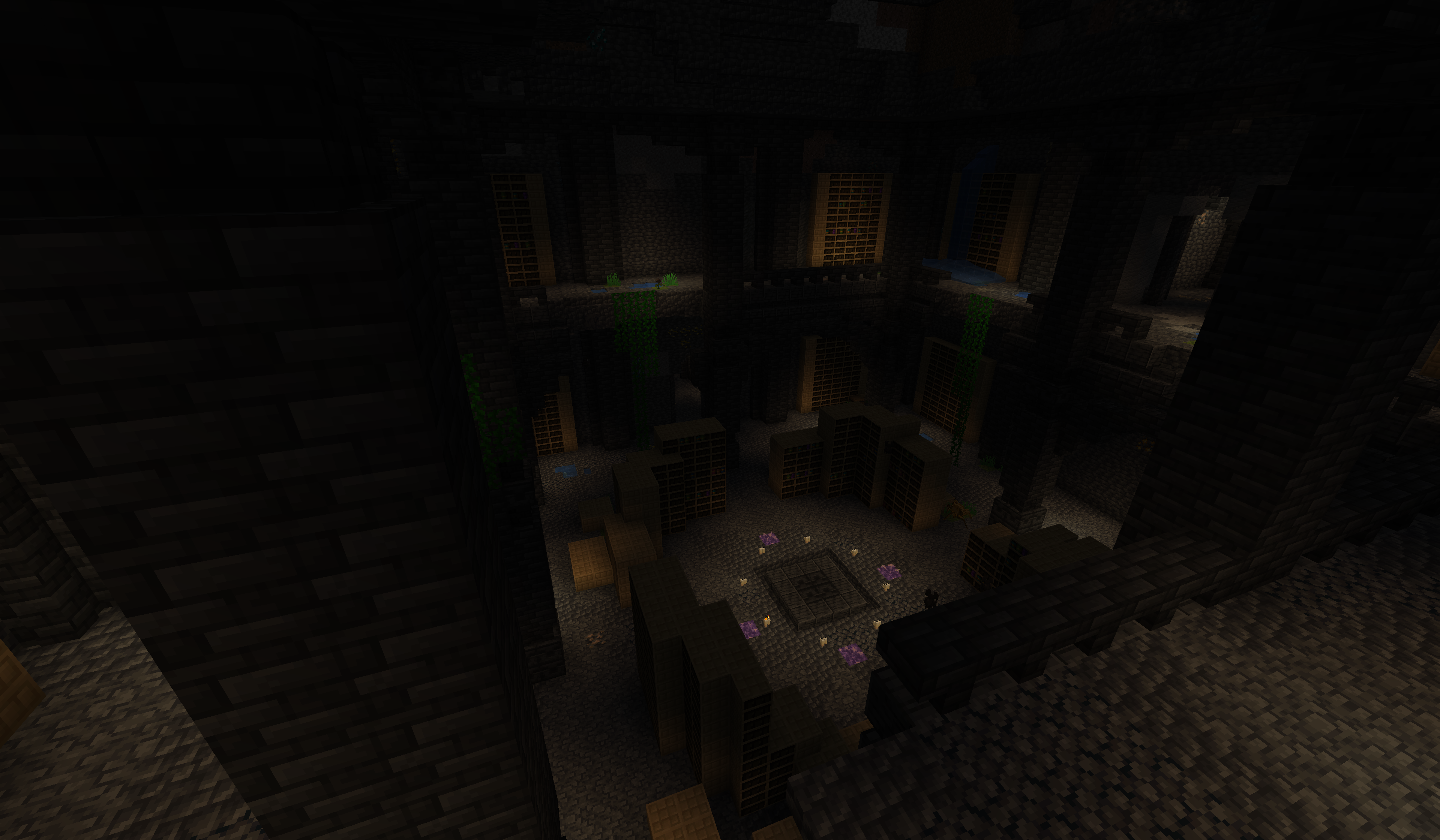
Structures
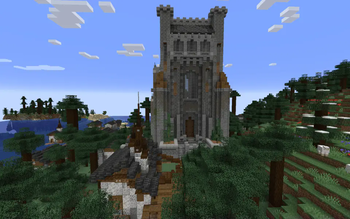
This mod brings a variety of different structures to your Minecraft world, and you can learn more about them by visiting the Structures page to learn more!
Videos
Coming soon...
Frequently Asked Questions
Can I use this mod in my modpack?
Go ahead! Just make ensure you abide by the following conditions:
- You cannot claim that you own the entirety, or any parts, of this mod
- You must cite the author(s) of this mod
- You must provide a link back to this page
Verfügbare Versionen
The Ender Scrolls - Skyrimcraft auf dem Server installieren
Server bestellen
Bestelle einen Minecraft Java Server mit mindestens 3 GB RAM (4 GB empfohlen).
fabric Loader setzen
Wähle im Panel unter "Egg" den fabric-Loader und die passende Minecraft-Version (1.21.1).
Mod installieren
Öffne den Mod-Browser im Dashboard und suche nach "The Ender Scrolls - Skyrimcraft". Klicke "Installieren" – fertig! Alternativ: Lade die .jar via SFTP in den /mods Ordner.
Kompatibilität
Mod-Loader
Minecraft-Versionen
1.21.1, 1.21, 1.20.6 (+4 weitere)
Server-seitig
✓ ErforderlichEmpfohlener RAM
4 GB(min. 3 GB)Häufige Fragen
The Ender Scrolls - Skyrimcraft Server crasht beim Start – was tun?
Häufigste Ursache: falsche fabric-Version oder zu wenig RAM. Prüfe im Server-Log (latest.log), ob ein "OutOfMemoryError" oder "Mixin"-Fehler auftritt. Bei Mado Hosting: Stelle sicher, dass mindestens 3 GB RAM zugewiesen sind und der Loader zur Mod-Version passt (1.21.1). Über das Panel kannst du den Loader mit einem Klick wechseln.
Ist The Ender Scrolls - Skyrimcraft mit fabric und forge und neoforge kompatibel?
The Ender Scrolls - Skyrimcraft unterstützt offiziell fabric, forge, neoforge für Minecraft 1.21.1, 1.21, 1.20.6. Achtung: Forge- und Fabric-Mods sind NICHT untereinander kompatibel – wähle einen Loader und bleibe dabei. Im Mado Dashboard werden inkompatible Loader-Kombinationen automatisch erkannt.
Server laggt mit The Ender Scrolls - Skyrimcraft – wie optimiere ich die Performance?
Empfohlener RAM: 4 GB (+1 GB pro 8 Spieler). Prüfe mit /spark profiler, ob The Ender Scrolls - Skyrimcraft den meisten Tick-Time verbraucht. Häufige Fixes: Server-View-Distance auf 8-10 reduzieren, bei Forge "performant" oder "starlight" als Zusatz-Mod installieren. Bei Mado Hosting läuft dein Server auf NVMe-SSDs mit dedizierten CPU-Kernen für minimale Latenz.
Ähnliche Mods




Modded Server mieten
Installiere The Ender Scrolls - Skyrimcraft mit nur einem Klick auf deinem Server.