
The Starlands Dimension
The Starlands a magical dimension with new weapons and armor.
Screenshots
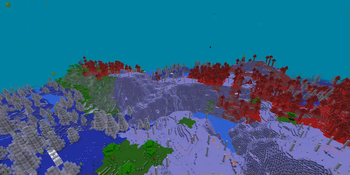
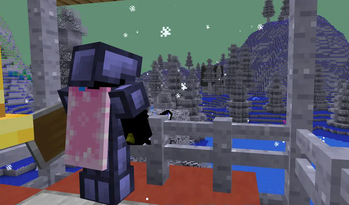
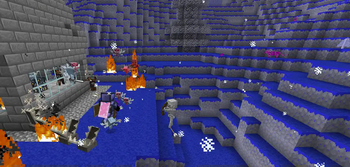
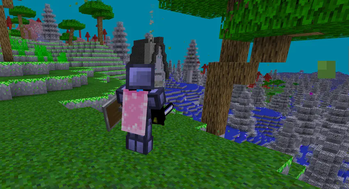
Über diese Mod
Welcome to the Starlands!
The Starlands is a dimension full of magic, new items, and structures, so get ready for a new adventure!
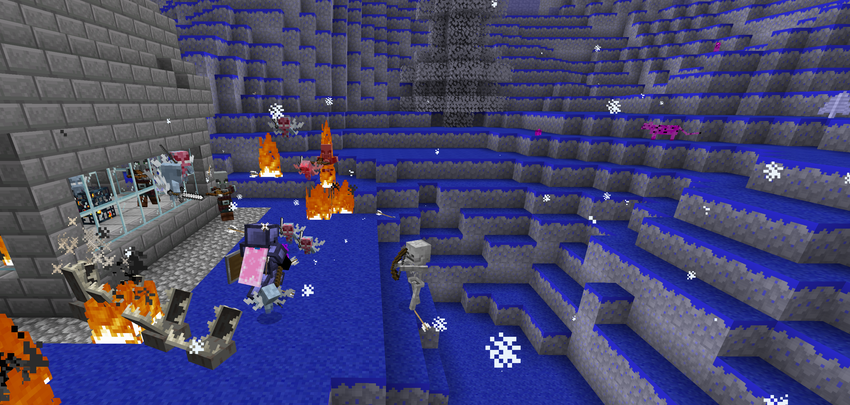
Biomes:
The Starlands adds 6 new biomes:
The Tranquil Forest: a biome with purple leaves, blue grass, and flowers galore
The Open Starlands: The most common biome, containing animals, cosmic trees, and flora
The Starry Plains: A blue grass biome with animals and floral elements
The Healthy Swamp: a green, Overworld-like biome with overgrown grass and leaning trees
The Cursed Starlands: A bright red biome with towering trees and deadly monsters
The Dead Forest: Once a great forest, now a desolate wasteland overrun with undead
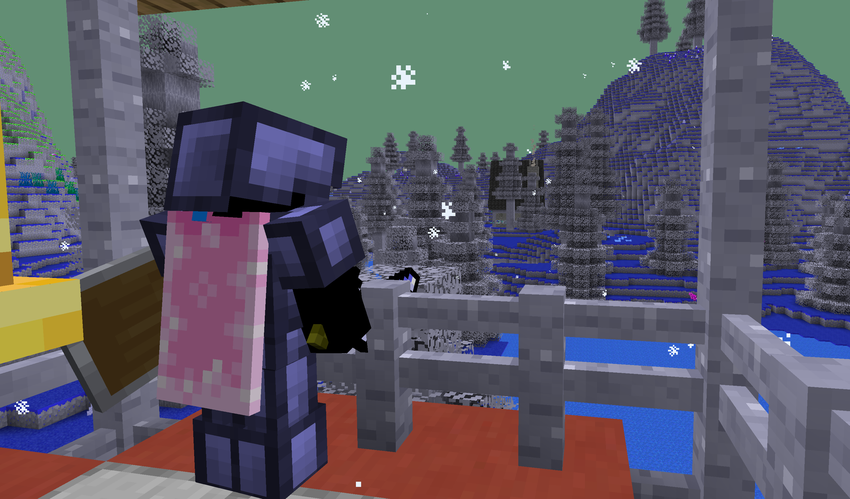
Structures
The Starlands adds 13 new structures, always placed a fair distance away from each other, so you will always have something new to explore.
Ores and Items
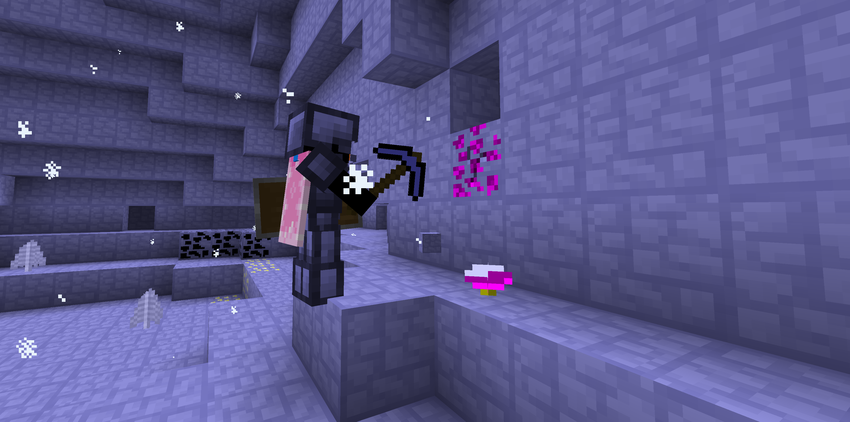
The Starlands has a great amount of ores and items. Along with an assortment of wands and projectiles, there is also new armor and weapon sets to add to your collection, with 2 new ores to craft with, and Starlands equivalents of every overworld ore, as well as new potions, there's no shortage on things you can do here.
Are you ready?
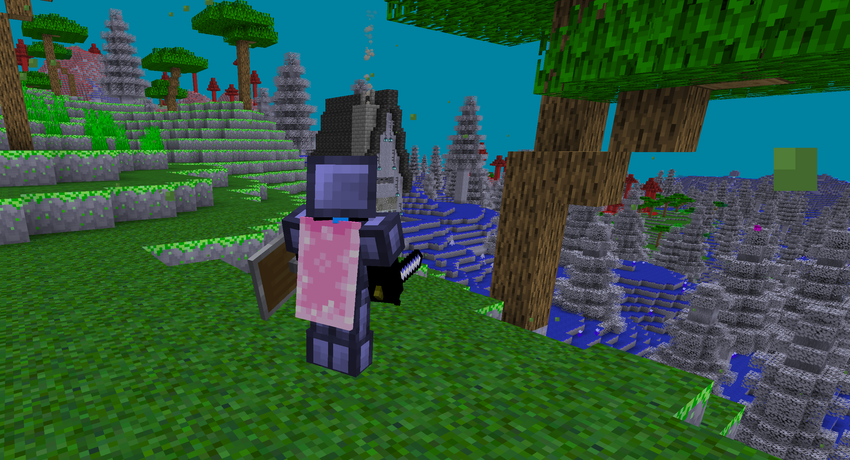
Play the Starlands Today!
Verfügbare Versionen
The Starlands Dimension auf dem Server installieren
Server bestellen
Bestelle einen Minecraft Java Server mit mindestens 4 GB RAM (6 GB empfohlen).
fabric Loader setzen
Wähle im Panel unter "Egg" den fabric-Loader und die passende Minecraft-Version (1.21.8).
Mod installieren
Öffne den Mod-Browser im Dashboard und suche nach "The Starlands Dimension". Klicke "Installieren" – fertig! Alternativ: Lade die .jar via SFTP in den /mods Ordner.
Kompatibilität
Mod-Loader
Minecraft-Versionen
1.21.8, 1.21.5, 1.21.4 (+6 weitere)
Server-seitig
✓ ErforderlichEmpfohlener RAM
6 GB(min. 4 GB)Häufige Fragen
The Starlands Dimension Server crasht beim Start – was tun?
Häufigste Ursache: falsche fabric-Version oder zu wenig RAM. Prüfe im Server-Log (latest.log), ob ein "OutOfMemoryError" oder "Mixin"-Fehler auftritt. Bei Mado Hosting: Stelle sicher, dass mindestens 4 GB RAM zugewiesen sind und der Loader zur Mod-Version passt (1.21.8). Über das Panel kannst du den Loader mit einem Klick wechseln.
Ist The Starlands Dimension mit fabric und forge und neoforge und quilt kompatibel?
The Starlands Dimension unterstützt offiziell fabric, forge, neoforge, quilt für Minecraft 1.21.8, 1.21.5, 1.21.4. Achtung: Forge- und Fabric-Mods sind NICHT untereinander kompatibel – wähle einen Loader und bleibe dabei. Im Mado Dashboard werden inkompatible Loader-Kombinationen automatisch erkannt.
Server laggt mit The Starlands Dimension – wie optimiere ich die Performance?
Empfohlener RAM: 6 GB (+1 GB pro 5 Spieler). Prüfe mit /spark profiler, ob The Starlands Dimension den meisten Tick-Time verbraucht. Häufige Fixes: Server-View-Distance auf 8-10 reduzieren, bei Forge "performant" oder "starlight" als Zusatz-Mod installieren. Bei Mado Hosting läuft dein Server auf NVMe-SSDs mit dedizierten CPU-Kernen für minimale Latenz.
Ähnliche Mods



![[TaCZ] Timeless and Classics Zero](https://cdn.modrinth.com/data/SzzJttH8/fd27766d2bb8390d284696b1dbd358f87e081439_96.webp)


Modded Server mieten
Installiere The Starlands Dimension mit nur einem Klick auf deinem Server.