
Together Forever
A chained together challenge mod that binds players, causing shared inventory, and shared health/hunger.
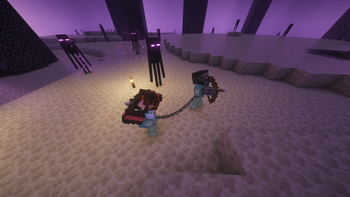
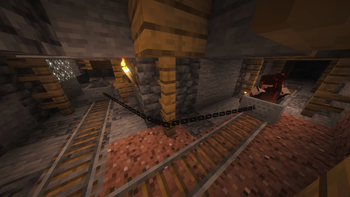
Screenshots
Über diese Mod
Together Forever 🔗❤️
Survival is better when you're stuck together.
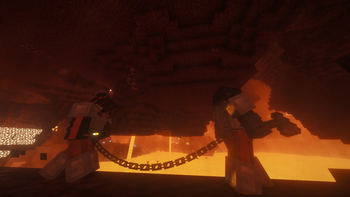
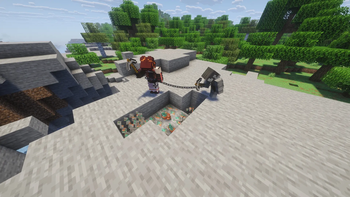
Together Forever is a Minecraft mod that binds players together in a struggle for survival. Once chained, you and your partners become a single organism: you share movement, health, hunger, and even your inventory. If one of you eats, everyone is fed. If one of you dies, everyone dies.
Perfect for cooperative challenges, "Soul Link" playthroughs, or just chaotic fun with friends.
Features
🔗 Chain Physics
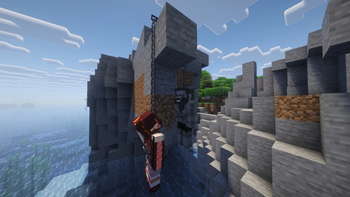
Players are physically tethered together. If you run too far apart, the chain will pull you back together with spring-like physics. You have to move as a unit to succeed.
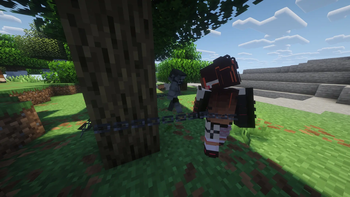
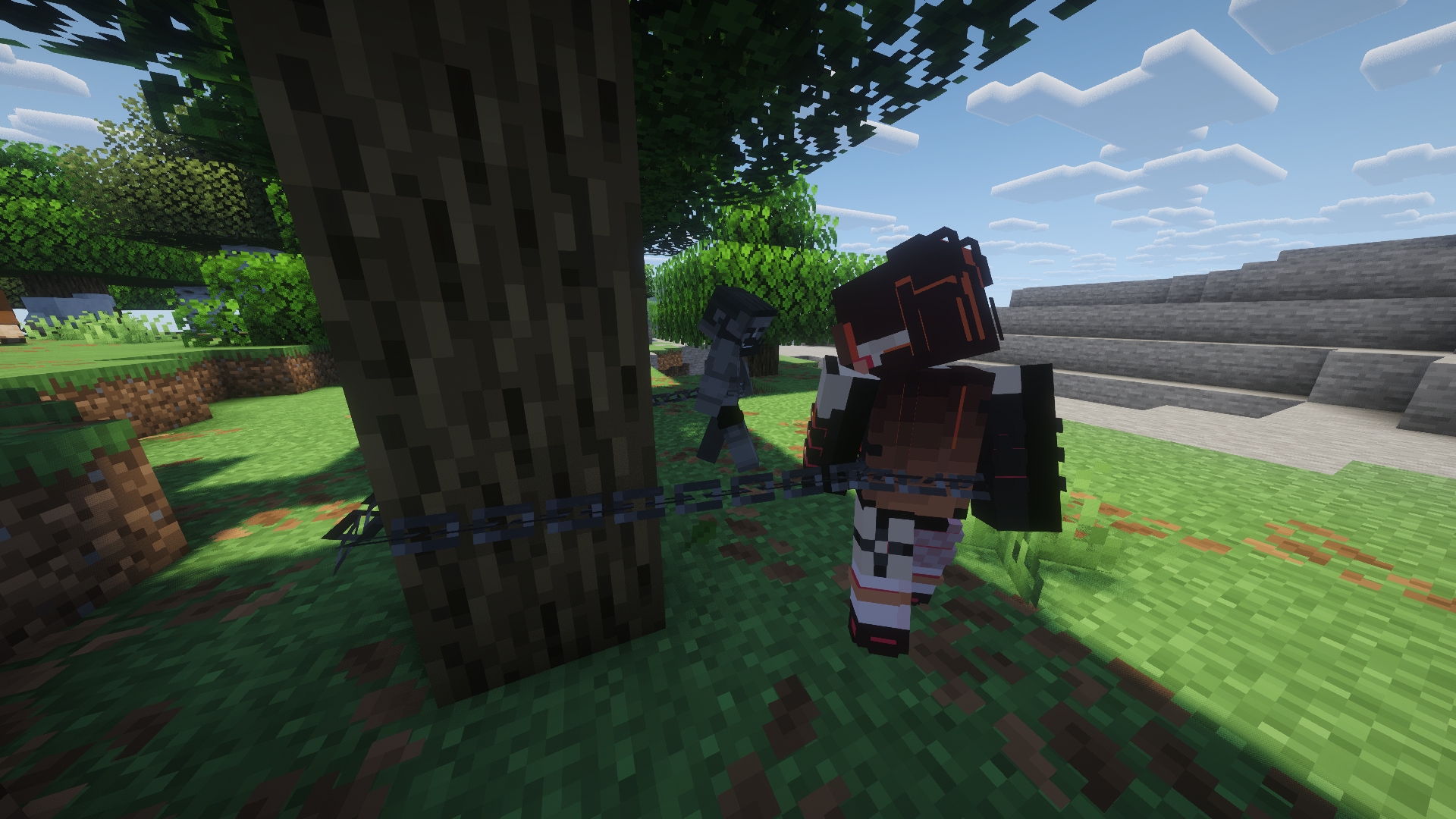
New Experimental Feature!!: The chain can physically snag around objects. Turn this off with the gamerule /gamerule togetherforever:chain_block_interactions
- Climb the chain by holding space!
❤️ Shared Vitality (Health & Hunger)
- Damage is Shared
- Healing is Shared
- Hunger is Shared
🎒 Shared Inventory
- One Inventory: Every player in the chain shares the same inventory, armor slots, and offhand.
- Instant Sync: Picking up an item gives it to everyone. Equipping armor equips it for everyone.
📖 How to Play
Creating a Link
Craft an Iron Chain. (Or spawn one if you wish to be chained from the start)
Right-Click another player while holding the Chain.
You are now bound together!
- Add more Iron Chain to lengthen the chain. Right click with a golden pickaxe to shorten the chain again.
Note: You can chain multiple people together in a series (A-B-C).
Breaking a Link
Obtain a Lava Bucket.
Right-Click a player you are chained to.
The lava burns the chain (consuming the lava, leaving an empty bucket), and you are free.
⚙️ Commands & Game Rules
You can turn on or off the shared health/hunger and shared inventory with the following commands:
/gamerule togetherforever:share_inventoryturns on or off shared inventory/gamerule togetherforever:share_vitalityturns on or off shared health and hunger/gamerule togetherforever:respawn_togetherturns on or off respawning together with your chain intact/gamerule togetherforever:chain_block_interactionsturns on or off chain snag physics
Enjoy!
Verfügbare Versionen
Together Forever auf dem Server installieren
Server bestellen
Bestelle einen Minecraft Java Server mit mindestens 3 GB RAM (4 GB empfohlen).
fabric Loader setzen
Wähle im Panel unter "Egg" den fabric-Loader und die passende Minecraft-Version (26.2).
Mod installieren
Öffne den Mod-Browser im Dashboard und suche nach "Together Forever". Klicke "Installieren" – fertig! Alternativ: Lade die .jar via SFTP in den /mods Ordner.
Kompatibilität
Mod-Loader
Minecraft-Versionen
26.2, 26.1.2, 26.1.1 (+4 weitere)
Server-seitig
✓ ErforderlichEmpfohlener RAM
4 GB(min. 3 GB)Häufige Fragen
Together Forever Server crasht beim Start – was tun?
Häufigste Ursache: falsche fabric-Version oder zu wenig RAM. Prüfe im Server-Log (latest.log), ob ein "OutOfMemoryError" oder "Mixin"-Fehler auftritt. Bei Mado Hosting: Stelle sicher, dass mindestens 3 GB RAM zugewiesen sind und der Loader zur Mod-Version passt (26.2). Über das Panel kannst du den Loader mit einem Klick wechseln.
Ist Together Forever mit fabric und forge kompatibel?
Together Forever unterstützt offiziell fabric, forge für Minecraft 26.2, 26.1.2, 26.1.1. Achtung: Forge- und Fabric-Mods sind NICHT untereinander kompatibel – wähle einen Loader und bleibe dabei. Im Mado Dashboard werden inkompatible Loader-Kombinationen automatisch erkannt.
Server laggt mit Together Forever – wie optimiere ich die Performance?
Empfohlener RAM: 4 GB (+1 GB pro 8 Spieler). Prüfe mit /spark profiler, ob Together Forever den meisten Tick-Time verbraucht. Häufige Fixes: Server-View-Distance auf 8-10 reduzieren, bei Forge "performant" oder "starlight" als Zusatz-Mod installieren. Bei Mado Hosting läuft dein Server auf NVMe-SSDs mit dedizierten CPU-Kernen für minimale Latenz.
Ähnliche Mods




Modded Server mieten
Installiere Together Forever mit nur einem Klick auf deinem Server.