
Tropicraft
The utopian idyllic getaway that you have been waiting for!
Screenshots
Über diese Mod
Are Vanilla beaches not doing it for you? Are the long hours of mining wearing you down?
Get ready for the Minecraft vacation of a lifetime!
Introducing...

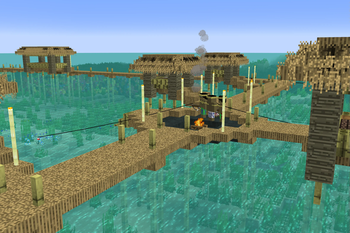
Tropicraft is a mod that adds a tropical dimension into your Minecraft world.
Founded in 2011, Tropicraft is one of the oldest Minecraft mods still being actively updated.
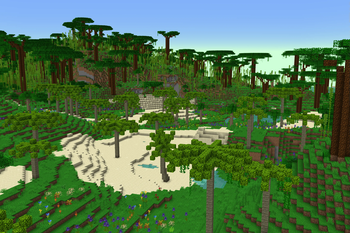
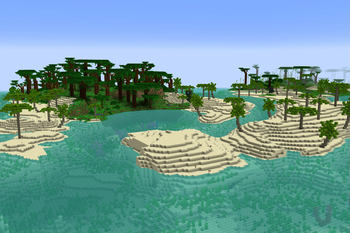
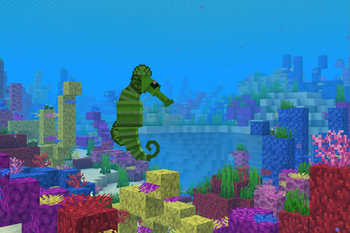
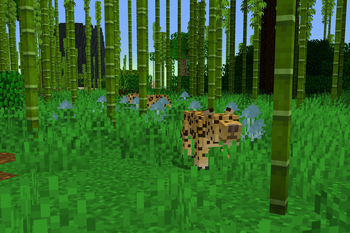
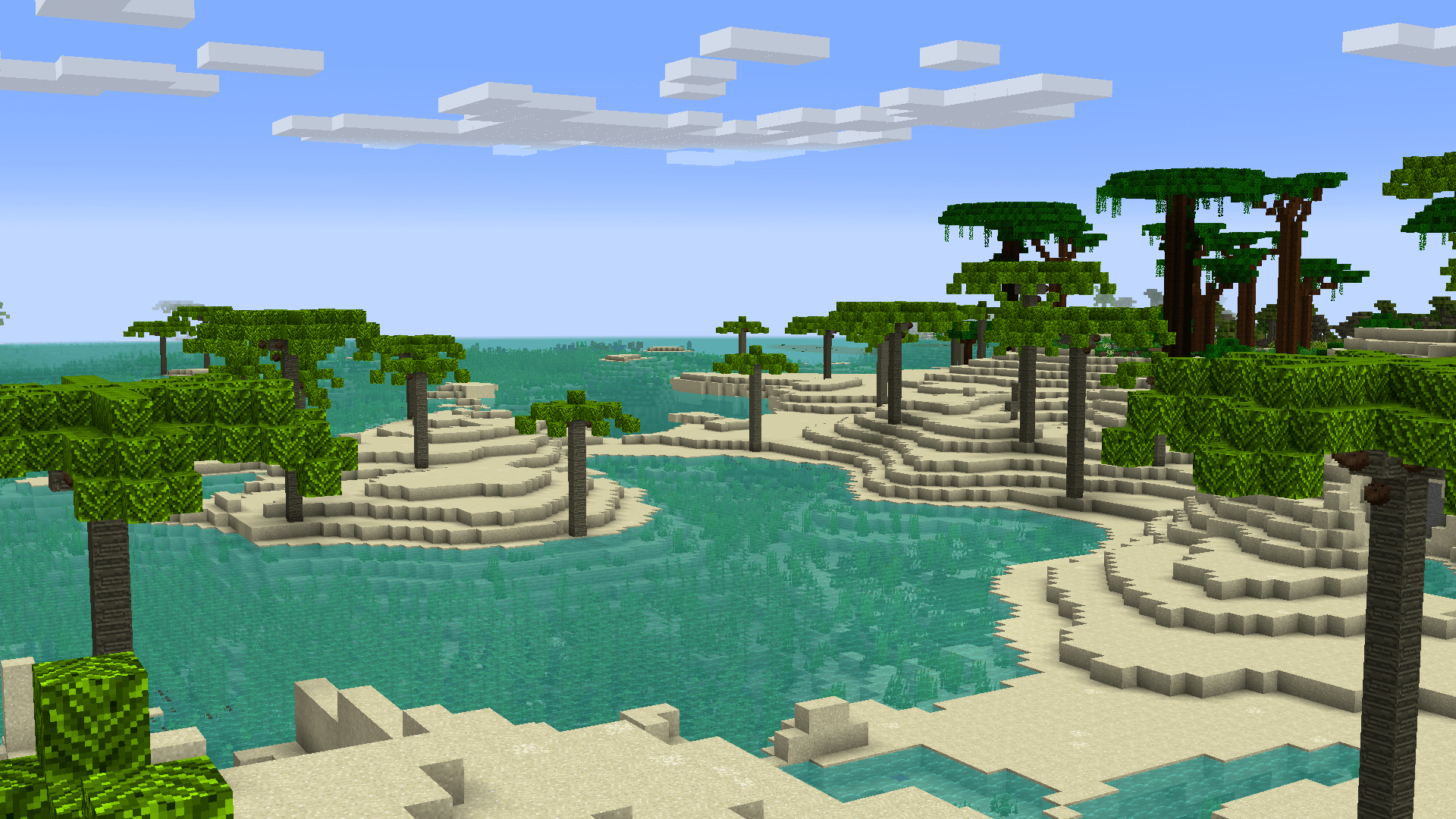
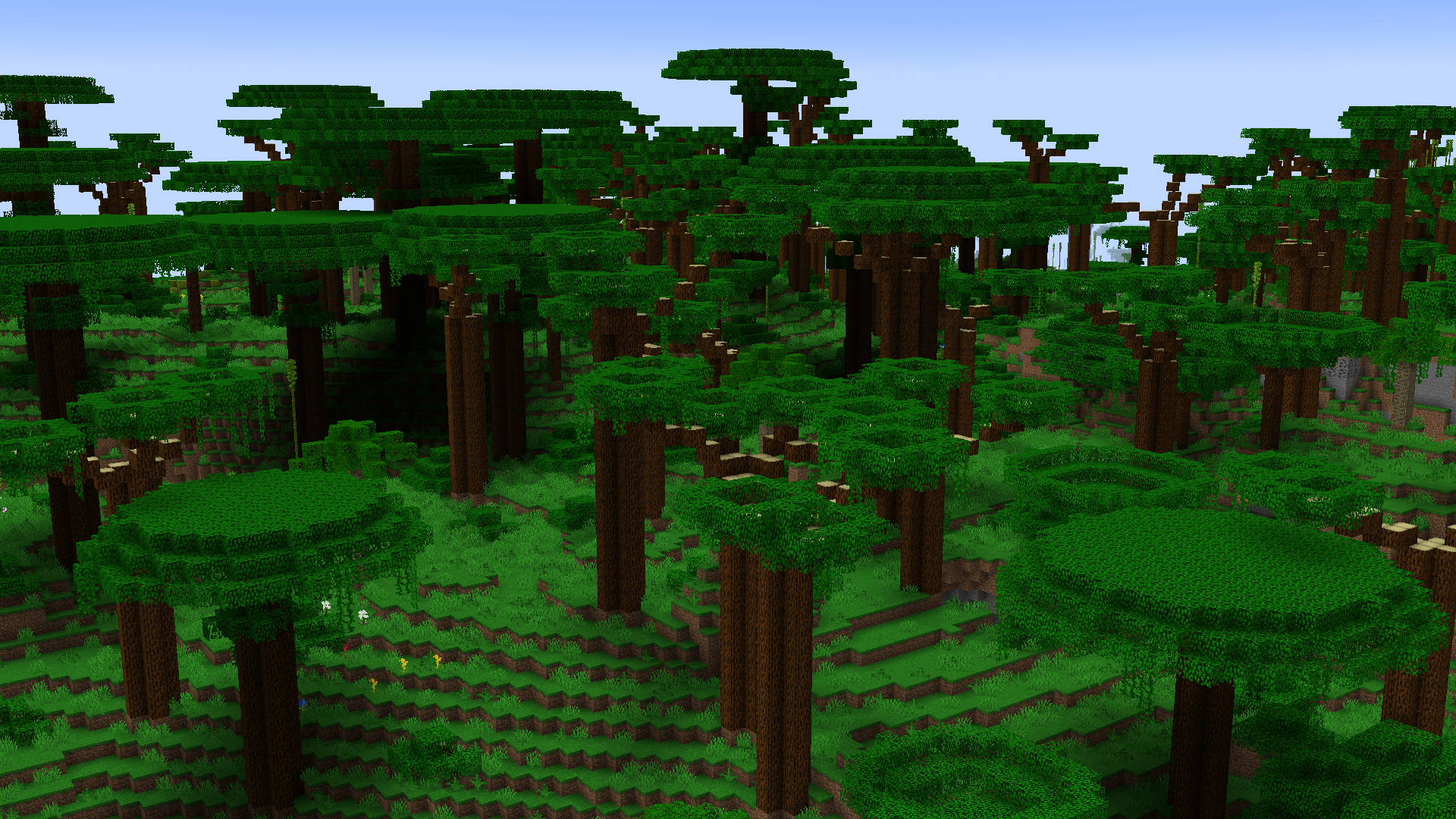
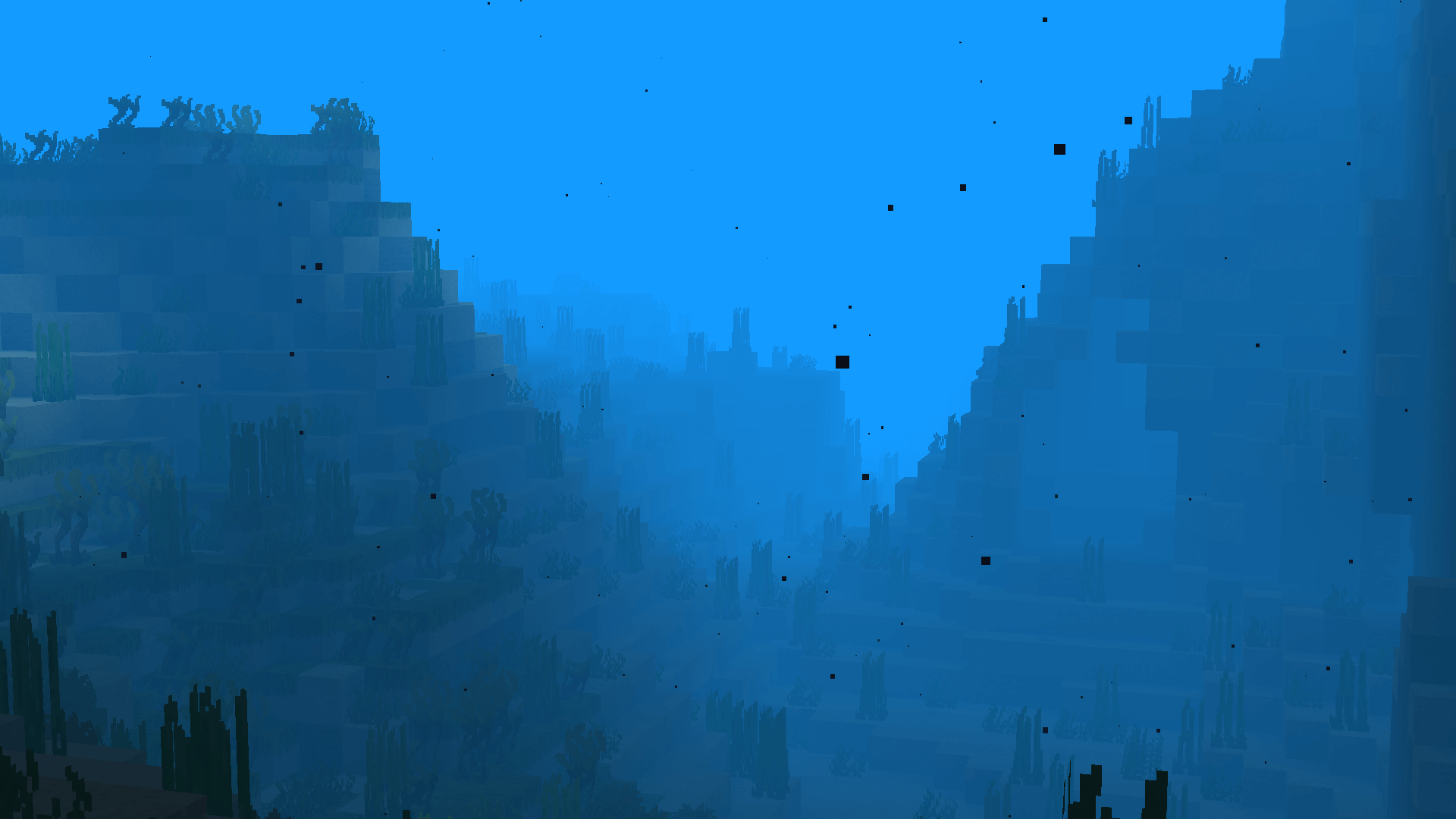
Explore the dense tropical rainforests, build a sand castle on the vast beaches, or go diving in the deep oceans!
Screenshots
Getting to the Tropics
1. Craft a beach chair (available in all 16 wool colors)
2. Craft a Piña Colada (All combinations of pineapples, coconuts, and chunks can create this)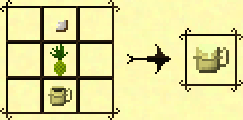
3. Sip your drink in your beach chair at sunset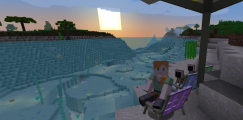
4. Find out what happens next for yourself!
Support
We can provide support via our Discord Guild. If you don't want to create a Discord account, reach out via the Discussions tab above! You can also file any issues that you encounter on our GitHub issue tracker.
Modpacks
Tropicraft can be used in any Public & Private Modpack without permission. Feel free to reach out to us via Discord and let us know how you're using Tropicraft!
Love Tropics
Love Tropics is a weekend-long charity livestream founded by the Tropicraft Devs, and is focused on raising funds to fight climate change in the regions impacted the most.
Since inception in 2017, over US$200,000 has been raised for various different causes.
Click on the link above to learn more about the event.
Verfügbare Versionen
Tropicraft auf dem Server installieren
Server bestellen
Bestelle einen Minecraft Java Server mit mindestens 4 GB RAM (6 GB empfohlen).
forge Loader setzen
Wähle im Panel unter "Egg" den forge-Loader und die passende Minecraft-Version (26.2).
Mod installieren
Öffne den Mod-Browser im Dashboard und suche nach "Tropicraft". Klicke "Installieren" – fertig! Alternativ: Lade die .jar via SFTP in den /mods Ordner.
Kompatibilität
Mod-Loader
Minecraft-Versionen
26.2, 26.1.2, 1.21.8 (+10 weitere)
Server-seitig
✓ ErforderlichEmpfohlener RAM
6 GB(min. 4 GB)Häufige Fragen
Tropicraft Server crasht beim Start – was tun?
Häufigste Ursache: falsche forge-Version oder zu wenig RAM. Prüfe im Server-Log (latest.log), ob ein "OutOfMemoryError" oder "Mixin"-Fehler auftritt. Bei Mado Hosting: Stelle sicher, dass mindestens 4 GB RAM zugewiesen sind und der Loader zur Mod-Version passt (26.2). Über das Panel kannst du den Loader mit einem Klick wechseln.
Ist Tropicraft mit forge und neoforge kompatibel?
Tropicraft unterstützt offiziell forge, neoforge für Minecraft 26.2, 26.1.2, 1.21.8. Im Mado Dashboard werden inkompatible Loader-Kombinationen automatisch erkannt.
Server laggt mit Tropicraft – wie optimiere ich die Performance?
Empfohlener RAM: 6 GB (+1 GB pro 5 Spieler). Prüfe mit /spark profiler, ob Tropicraft den meisten Tick-Time verbraucht. Häufige Fixes: Server-View-Distance auf 8-10 reduzieren, bei Forge "performant" oder "starlight" als Zusatz-Mod installieren. Bei Mado Hosting läuft dein Server auf NVMe-SSDs mit dedizierten CPU-Kernen für minimale Latenz.
Ähnliche Mods




Modded Server mieten
Installiere Tropicraft mit nur einem Klick auf deinem Server.