
Universe 76
Enter Universe 76, the 76th world in Minecraft version 1.8. It was deleted. It was corrupted. Explore, then come back and tell me who really owned that land.
Screenshots
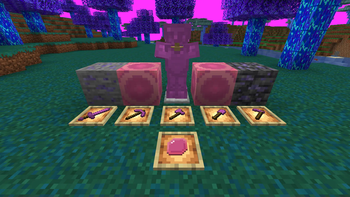
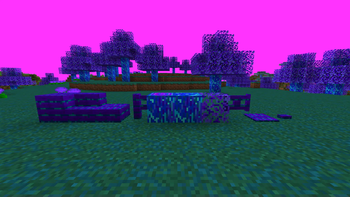
Über diese Mod

What happens when you delete a world?
This mod explores that idea. Things begin corrupting rapidly. Please note that this mod is set to be redeveloped entirely to convey this idea. This was my first mod, and I would like to recreate it. Some things in this description have innaccurate textures or features that won't be present in the recreation.
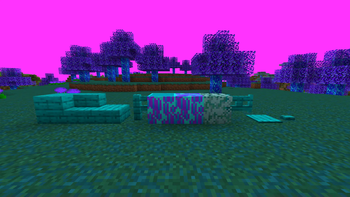
Etherealum Forest
Comes with the Etherealum Wood type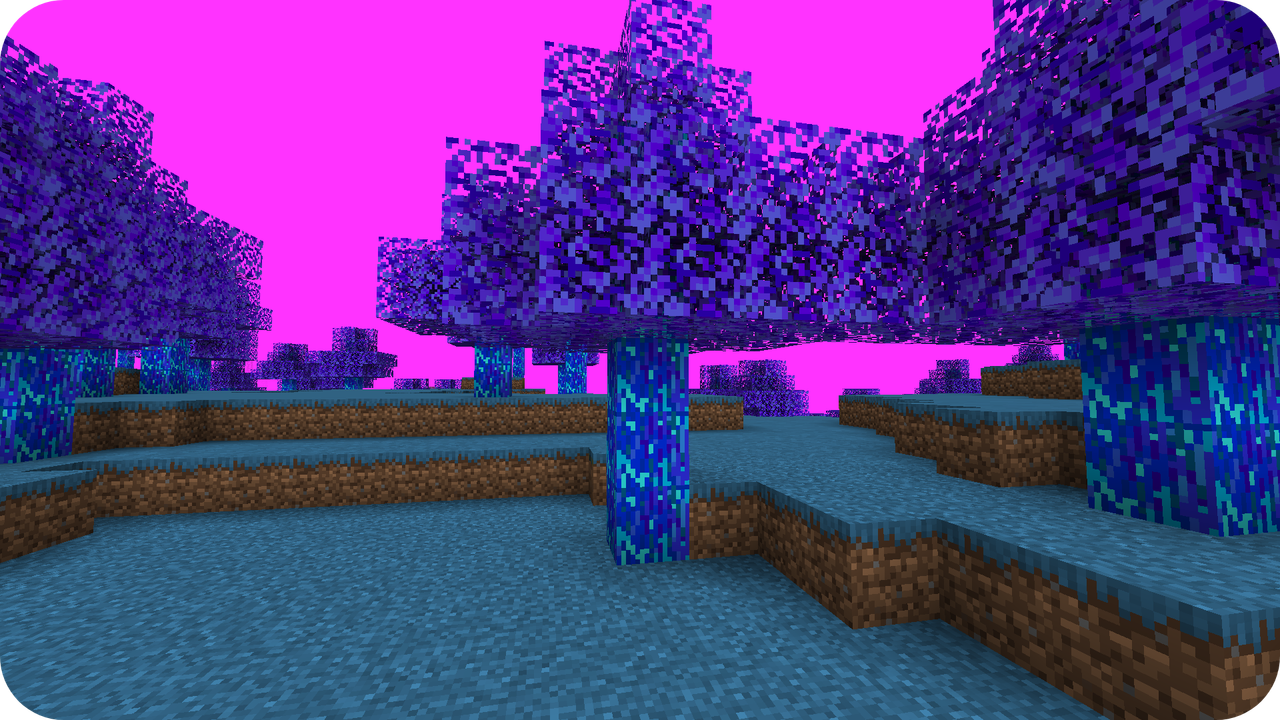
Ensarite Forest
Comes with the Etherealum Wood type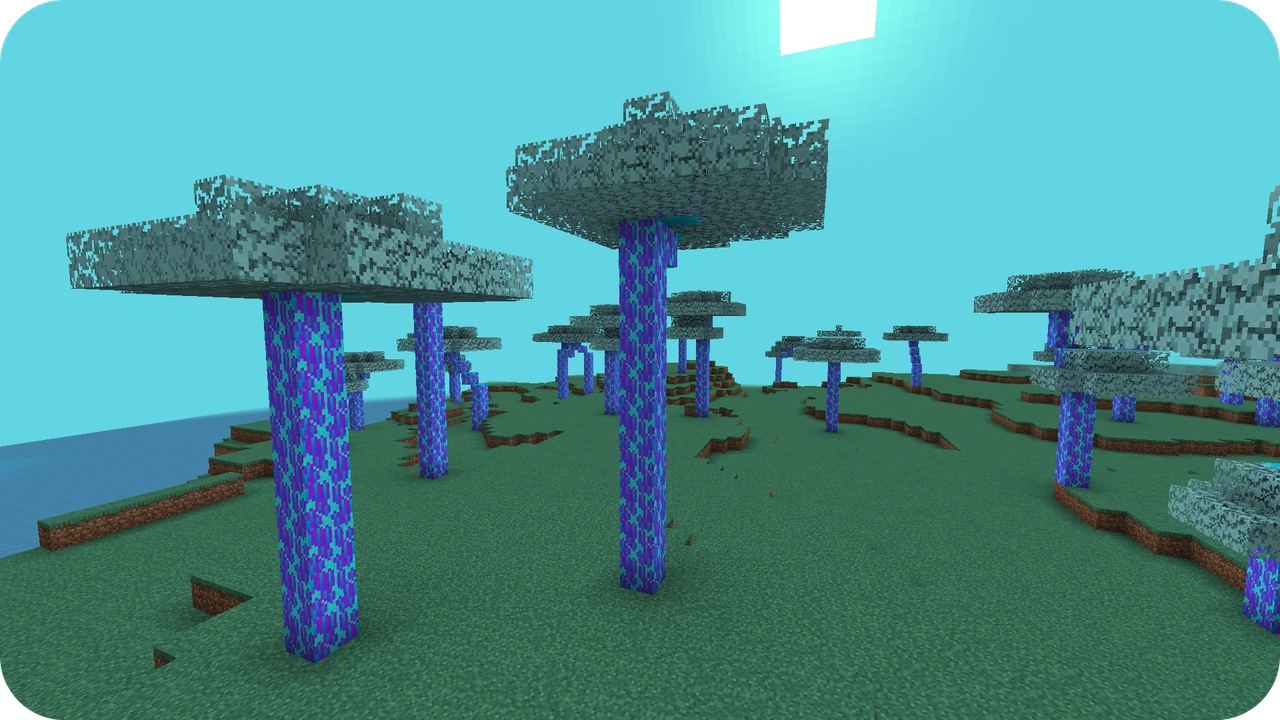
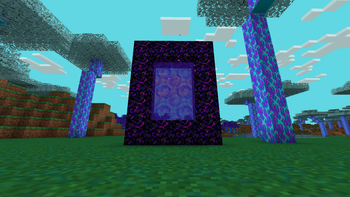
Corrupted Nexus
A new dimension accessed through the Nexus Warp, or building a portal with corrupted obsidian and lighting it with a Nexus Opener (Only forge can build the portal currently)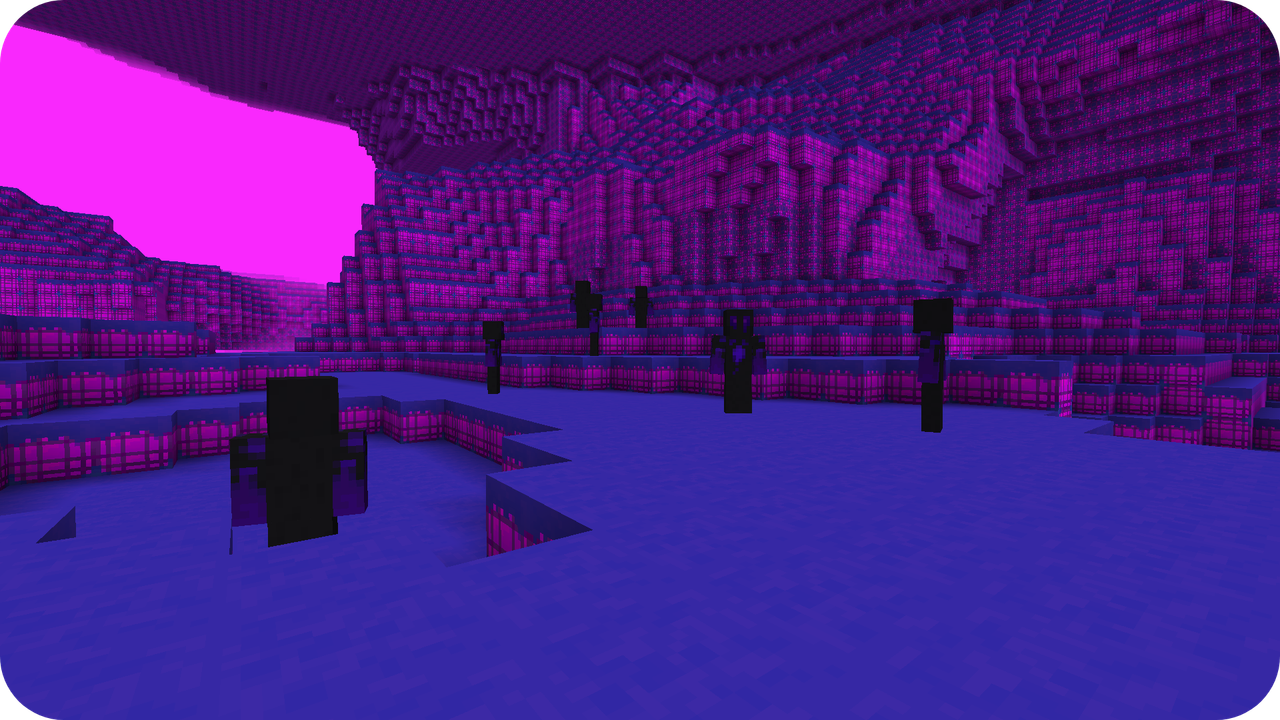
Kunzite
Similar to iron tools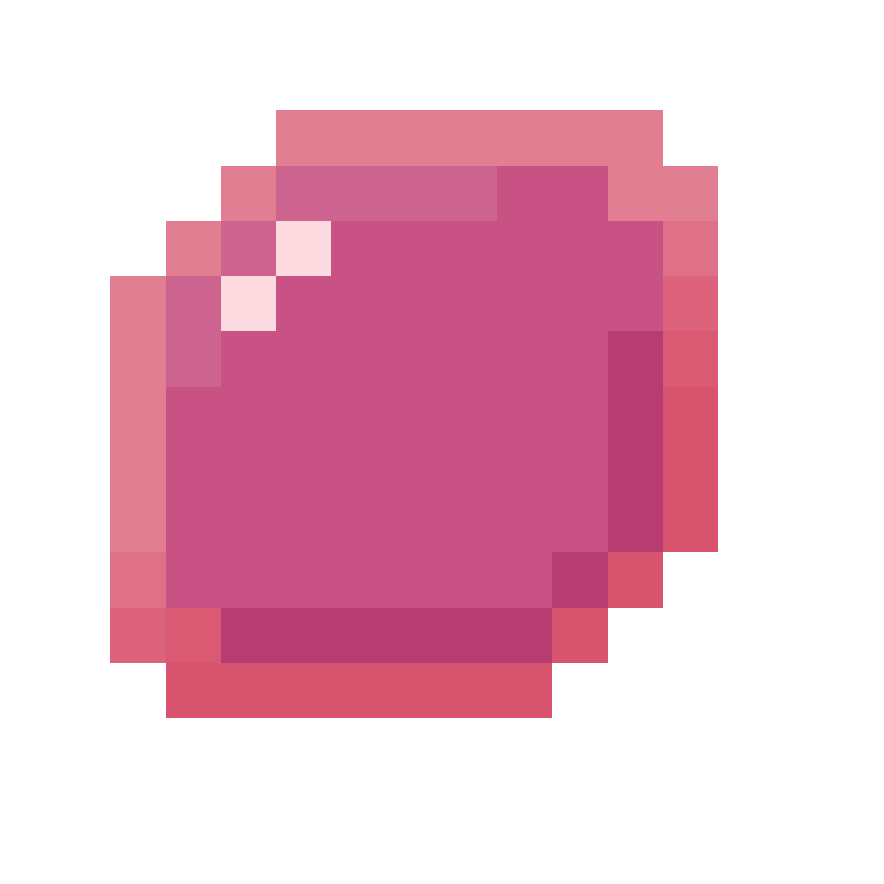
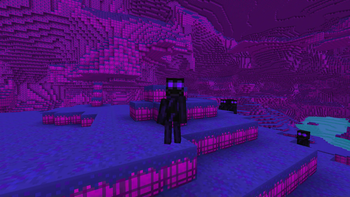
Nexus Walker
A mob that spawns in the Corrupted Nexus
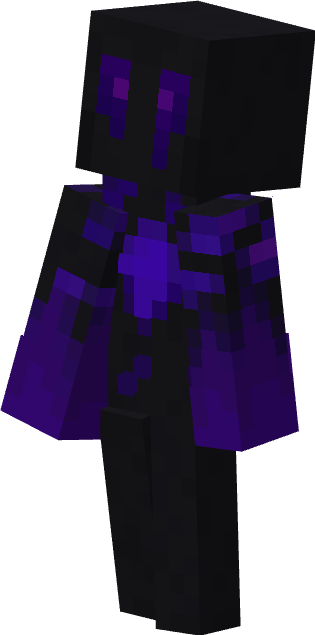
(This model is only used in the Forge version, the fabric version has a human model!)
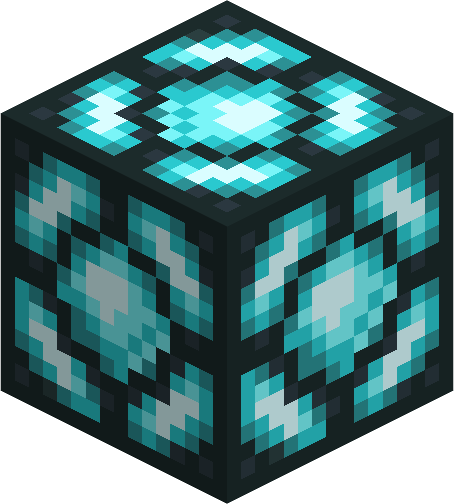
Soul Lamp Block
A light block made from souls. (Not really)
Corrupted Bloom
A new Corrupted Flower

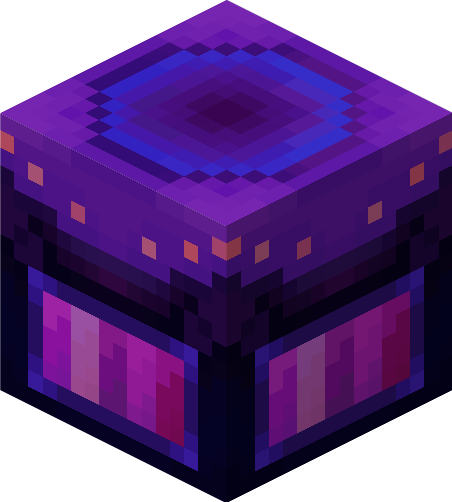
Nexus Warp
An alternative to getting to the Corrupted Nexus (Only works in corrupted biomes)
More features are coming soon!
Verfügbare Versionen
Universe 76 auf dem Server installieren
Server bestellen
Bestelle einen Minecraft Java Server mit mindestens 4 GB RAM (6 GB empfohlen).
fabric Loader setzen
Wähle im Panel unter "Egg" den fabric-Loader und die passende Minecraft-Version (1.20.1).
Mod installieren
Öffne den Mod-Browser im Dashboard und suche nach "Universe 76". Klicke "Installieren" – fertig! Alternativ: Lade die .jar via SFTP in den /mods Ordner.
Kompatibilität
Mod-Loader
Minecraft-Versionen
1.20.1
Server-seitig
✓ ErforderlichEmpfohlener RAM
6 GB(min. 4 GB)Häufige Fragen
Universe 76 Server crasht beim Start – was tun?
Häufigste Ursache: falsche fabric-Version oder zu wenig RAM. Prüfe im Server-Log (latest.log), ob ein "OutOfMemoryError" oder "Mixin"-Fehler auftritt. Bei Mado Hosting: Stelle sicher, dass mindestens 4 GB RAM zugewiesen sind und der Loader zur Mod-Version passt (1.20.1). Über das Panel kannst du den Loader mit einem Klick wechseln.
Ist Universe 76 mit fabric und forge kompatibel?
Universe 76 unterstützt offiziell fabric, forge für Minecraft 1.20.1. Achtung: Forge- und Fabric-Mods sind NICHT untereinander kompatibel – wähle einen Loader und bleibe dabei. Im Mado Dashboard werden inkompatible Loader-Kombinationen automatisch erkannt.
Server laggt mit Universe 76 – wie optimiere ich die Performance?
Empfohlener RAM: 6 GB (+1 GB pro 5 Spieler). Prüfe mit /spark profiler, ob Universe 76 den meisten Tick-Time verbraucht. Häufige Fixes: Server-View-Distance auf 8-10 reduzieren, bei Forge "performant" oder "starlight" als Zusatz-Mod installieren. Bei Mado Hosting läuft dein Server auf NVMe-SSDs mit dedizierten CPU-Kernen für minimale Latenz.
Ähnliche Mods




Modded Server mieten
Installiere Universe 76 mit nur einem Klick auf deinem Server.