
Visual Recipe Edit-Summoning Rituals
Visual Recipe Edit-Summoning Rituals is an addon mod for Summoning Rituals. It provides a visual GUI that allows you to create, edit, and delete custom recipes. Modified recipes take effect after executing /reload or re-entering the world.
Screenshots
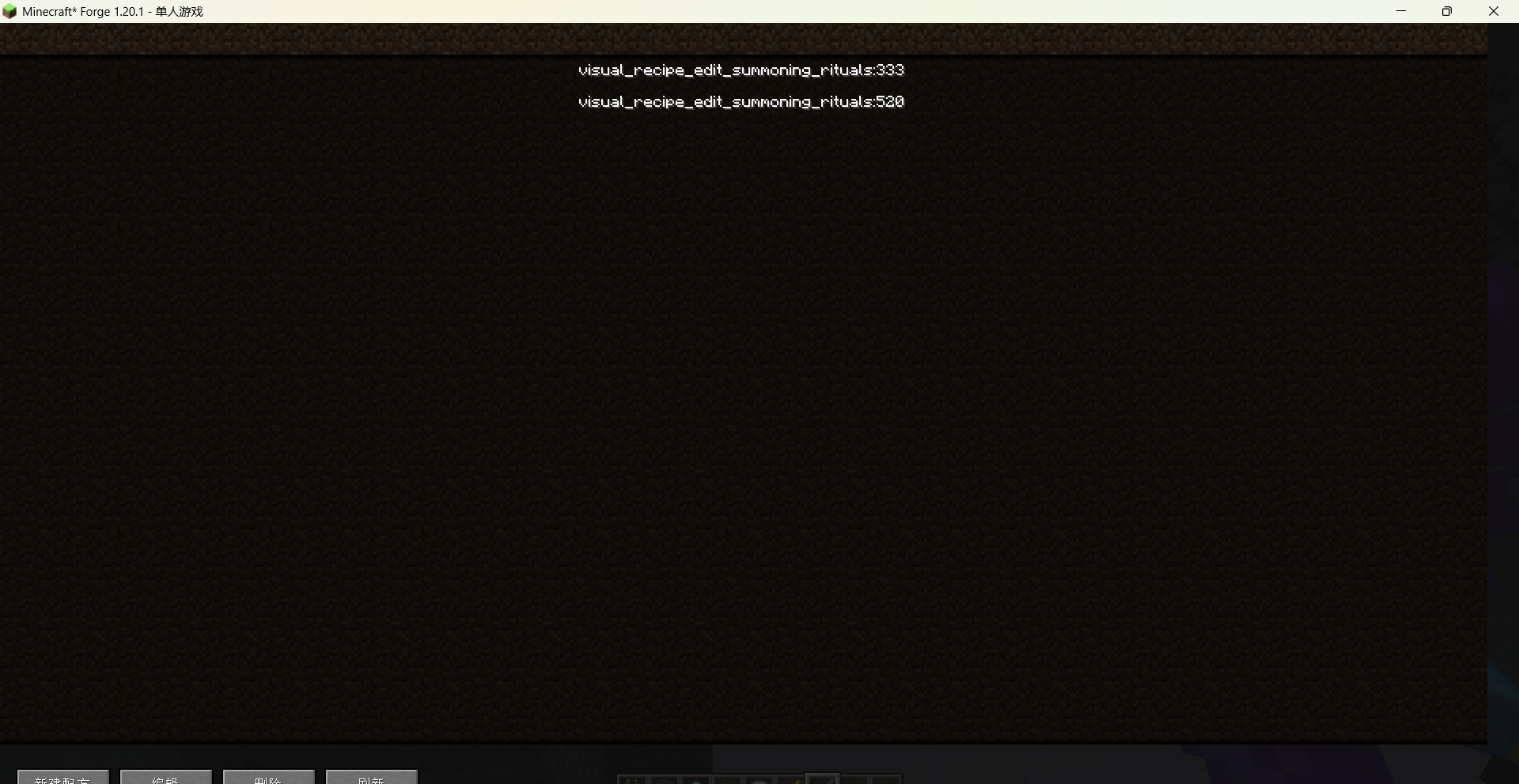
Über diese Mod
Brief Introduction
Visual Recipe Edit-Summoning Rituals is an addon mod for Summoning Rituals.
It provides a visual GUI that allows you to create, edit, and delete custom recipes. Modified recipes take effect after executing /reload or re-entering the world.
Details
Use the command /vre summoning rituals gui to open the main recipe list interface. From there you can create new recipes, or edit / delete existing custom recipes.
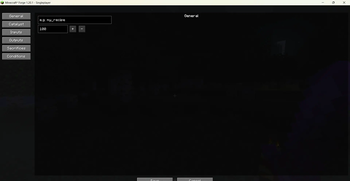
The recipe editor is divided into several tab pages:
General: set the recipe name and processing time.
Catalyst: choose the catalyst item using a searchable item picker.
Inputs: add multiple input items with configurable counts; items can be re-selected or removed at any time.
Outputs:
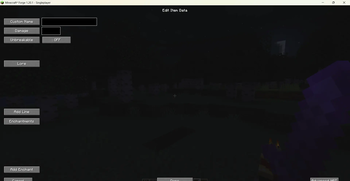
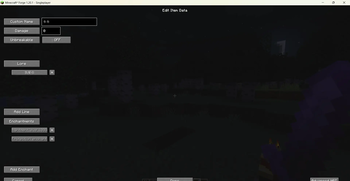
Add item outputs – click an output entry to open the Item Data Editor, where you can set a custom name, Lore text, enchantments, damage value, and unbreakable flag. Enchantments are selected via a visual picker with localised names.
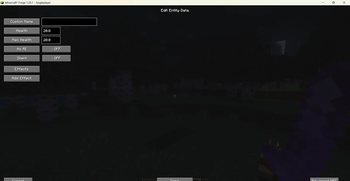
Add mob outputs – click a mob output entry to open the Entity Data Editor, where you can set a custom name, health, max health, NoAI, Silent flags, and apply potion effects with visual selection.
Both output types support offset and spread parameters for spawn positioning.
Sacrifices: define required mobs (type + count) and the checking region size.
Conditions: configure allowed day time, weather, and an optional block below the altar.
All item, entity, mob effect, and enchantment pickers feature a search bar and display in-game translated names, making it easy to find what you need.
Recipes are saved as a data pack under config/visual_recipe_edit_summoning_rituals/data/
The mod fully supports English and Chinese, with the interface language following the game settings.
Commands
/vre summoning rituals gui – Opens the recipe list screen to create or manage custom recipes.
Note
After adding, modifying, or deleting recipes, you must execute /reload or leave and re-enter the world for the changes to take effect.
Verfügbare Versionen
Visual Recipe Edit-Summoning Rituals auf dem Server installieren
Server bestellen
Bestelle einen Minecraft Java Server mit mindestens 3 GB RAM (4 GB empfohlen).
forge Loader setzen
Wähle im Panel unter "Egg" den forge-Loader und die passende Minecraft-Version (1.20.1).
Mod installieren
Öffne den Mod-Browser im Dashboard und suche nach "Visual Recipe Edit-Summoning Rituals". Klicke "Installieren" – fertig! Alternativ: Lade die .jar via SFTP in den /mods Ordner.
Kompatibilität
Mod-Loader
Minecraft-Versionen
1.20.1
Server-seitig
✓ ErforderlichEmpfohlener RAM
4 GB(min. 3 GB)Häufige Fragen
Visual Recipe Edit-Summoning Rituals Server crasht beim Start – was tun?
Häufigste Ursache: falsche forge-Version oder zu wenig RAM. Prüfe im Server-Log (latest.log), ob ein "OutOfMemoryError" oder "Mixin"-Fehler auftritt. Bei Mado Hosting: Stelle sicher, dass mindestens 3 GB RAM zugewiesen sind und der Loader zur Mod-Version passt (1.20.1). Über das Panel kannst du den Loader mit einem Klick wechseln.
Ist Visual Recipe Edit-Summoning Rituals mit forge kompatibel?
Visual Recipe Edit-Summoning Rituals unterstützt offiziell forge für Minecraft 1.20.1. Im Mado Dashboard werden inkompatible Loader-Kombinationen automatisch erkannt.
Server laggt mit Visual Recipe Edit-Summoning Rituals – wie optimiere ich die Performance?
Empfohlener RAM: 4 GB (+1 GB pro 8 Spieler). Prüfe mit /spark profiler, ob Visual Recipe Edit-Summoning Rituals den meisten Tick-Time verbraucht. Häufige Fixes: Server-View-Distance auf 8-10 reduzieren, bei Forge "performant" oder "starlight" als Zusatz-Mod installieren. Bei Mado Hosting läuft dein Server auf NVMe-SSDs mit dedizierten CPU-Kernen für minimale Latenz.
Modded Server mieten
Installiere Visual Recipe Edit-Summoning Rituals mit nur einem Klick auf deinem Server.