
Wheel of Wacky
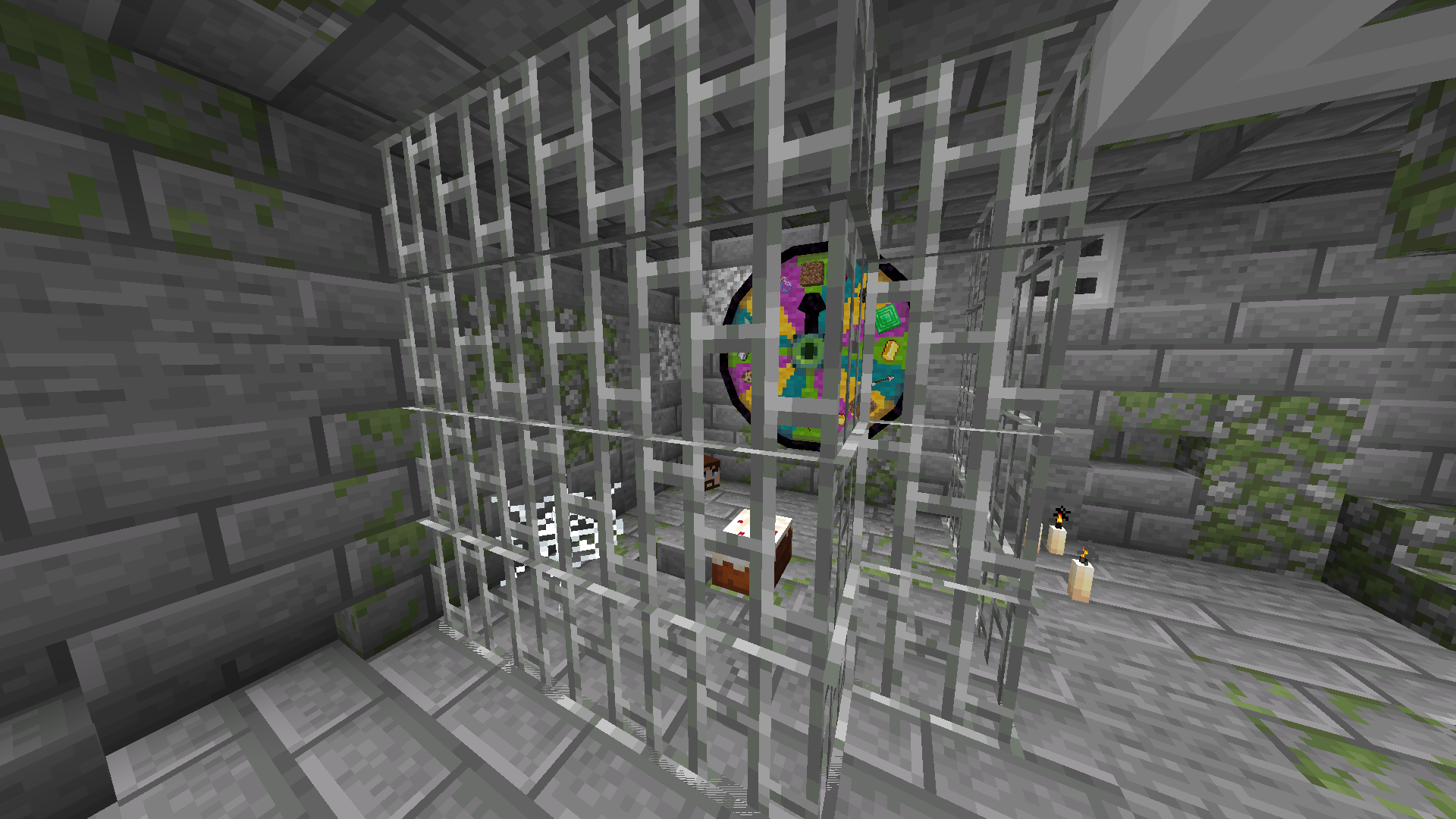
A mod that adds a carnival prize wheel that has the chance to either fabulously reward or horrifically punish players!
Screenshots
Über diese Mod
Wheel of Wacky
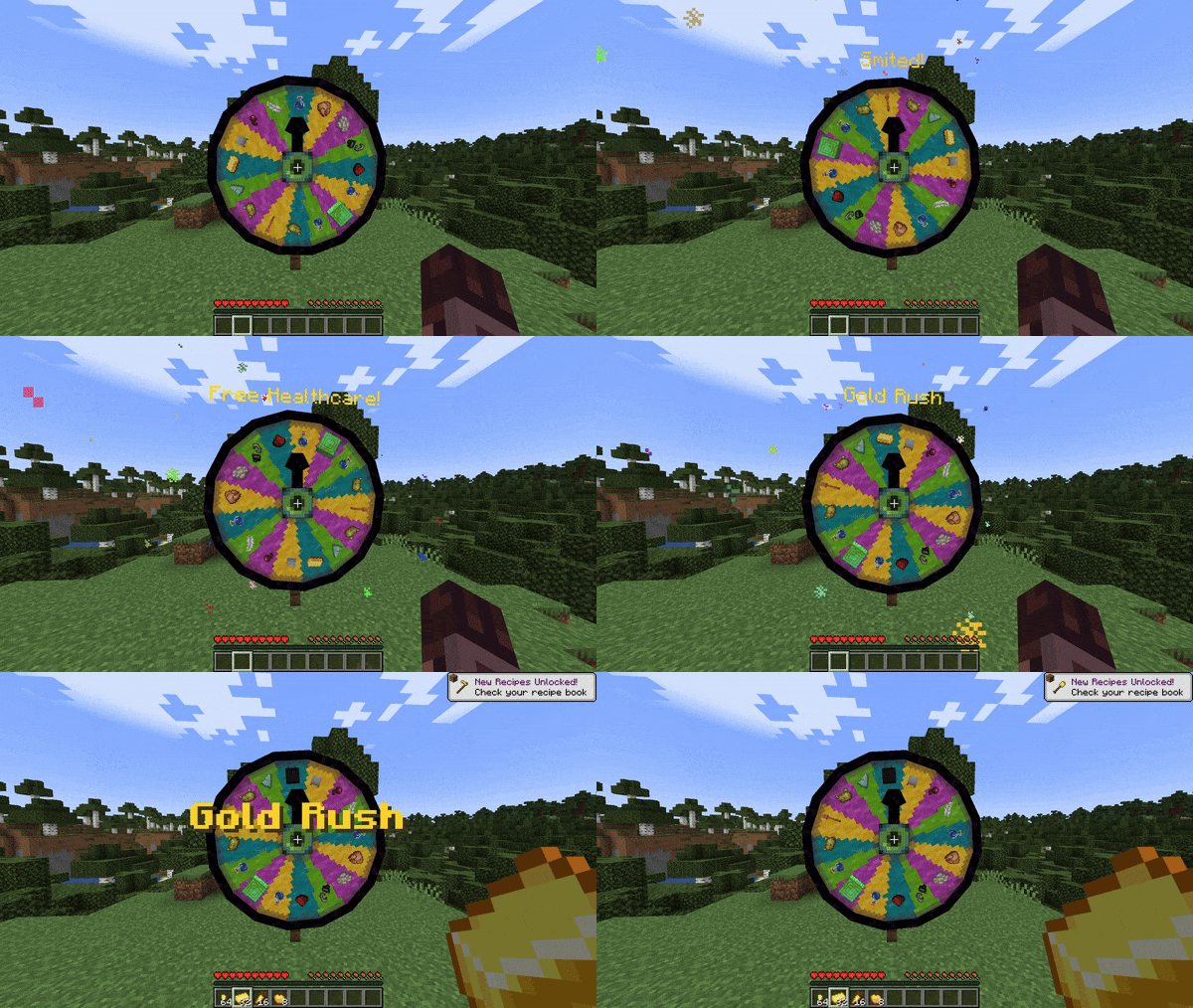
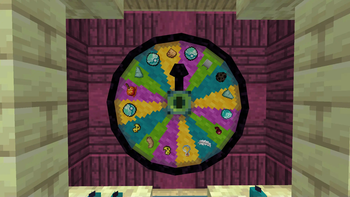
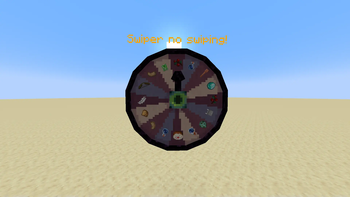
A mod that adds a carnival prize wheel that - when spun - has the chance to either fabulously reward or horrifically punish the player that spun the wheel in a hilarious fashion!
You do not need Sinytra Connector and Forgified Fabric API if you are playing on Fabric.
Obtaining a Wheel of Wacky
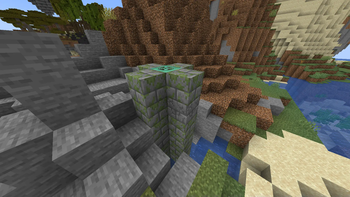
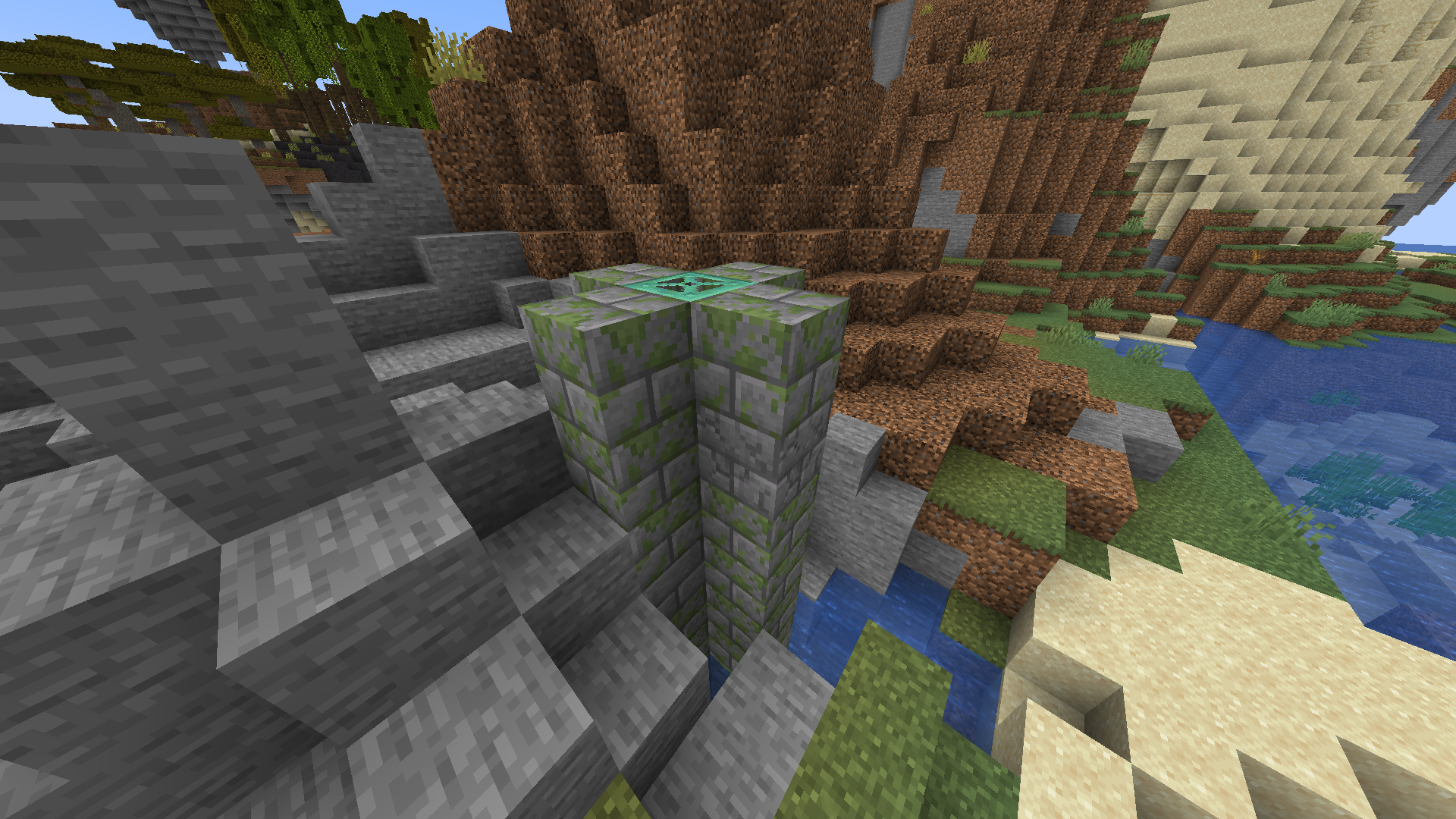
In order to get a Wheel of Wacky for yourself, you'll have to find a "basement" structure in your world. Inside Wheel Boy's dungeon prison the basement you'll find a Wheel of Wacky that you can break and collect using a diamond or better pickaxe.
Creating spells
To start creating your own custom spells, you'll first have to create a data pack folder. If you don't know how to make a data pack, here is a link to a tutorial to help you get started: Creating a data pack.
If you haven't already, you'll want to create a data folder in your data pack folder. Then you'll want to a create a folder named wacky_wheel within your data folder. After which you will have to create a folder called spell_type in the wacky_wheel folder.
Your file path should look like this: <your data pack folder>/data/wacky_wheel/spell_type.
Now you'll want to create a JSON file in <your data pack folder>/data/wacky_wheel/spell_type. For the purpose of this example, we'll call it free_diamond.json.
The first thing we'll want to do is give a spell a name that will be displayed to the player when they roll that spell on the wheel.
{
  "name": "Free Diamond!",
}
We can also optionally set a specific color for the name text and add some flavor text to be displayed underneath it:
{
  "name": "Free Diamond!",
  "titleColor": "#ADD8E6",
  "flavorText": "Enjoy your free diamond :)",
}
Next, we have to provide our spell with an item id that corresponds to an in-game item. This item will be used to represent the spell on wheel slices.
{
  "name": "Free Diamond!",
  "titleColor": "#ADD8E6",
  "flavorText": "Enjoy your free diamond :)",
  "itemID": "minecraft:diamond",
}
The next field we have to define is castingTime, which represents the amount of time (in ticks) that it will take to cast the spell after the wheel lands on it:
{
  "name": "Free Diamond!",
  "titleColor": "#ADD8E6",
  "flavorText": "Enjoy your free diamond :)",
  "itemID": "minecraft:diamond",
  "castingTime": 60,
}
The last step is the provide the name of .mcfunction file that will be used to provide the actual spell effect.
{
  "name": "Free Diamond!",
  "titleColor": "#ADD8E6",
  "flavorText": "Enjoy your free diamond :)",
  "itemID": "minecraft:diamond",
  "castingTime": 60,
  "onCastFunction": "give_diamond"
}
Of course, we'll actually have a create a .mcfunction file named give_diamond.mcfunction in <your data pack folder>/data/wacky_wheel/functions.
give @s diamond
Keep in mind that the onCastFunction by default will target the player who initially spun the wheel.
To test our new command, enter the /wheel free_diamond command into chat and receive your free diamond.
Spell JSON Properties
name: The name of the spell.
titleColor (Optional) : Color of the name text/title.
flavorText (Optional): Additional information that appears underneath the spell's name.
flavorTextColor (Optional): Color of the flavor text subtitle.
itemID: ID of the item used to represent the spell on the wacky wheel.
castingTime: Time in ticks that it takes to cast the spell.
onCastFunction: Name of the .mcfunction file that executes to create the spell effect.
executeOnCastFunctionAtPlayer (Optional): Set to true to execute onCastFunction AT player instead of AS player.
duration (Optional): Time in ticks that the spell lasts.
onTickFunction (Optional): Name of the .mcfunction that executes every tick that the spell lasts.
executeOnTickFunctionAtPlayer (Optional): Set to true to execute onTickFunction AT player instead of as player.
onEndFunction (Optional) : Name of the .mcfunction file that executes when the spell ends.
executeOnEndFunctionAtPlayer (Optional): Set to true to execute onEndFunction AT player instead of AS player.
Credits
https://github.com/HyperPigeon
Verfügbare Versionen
Wheel of Wacky auf dem Server installieren
Server bestellen
Bestelle einen Minecraft Java Server mit mindestens 3 GB RAM (4 GB empfohlen).
fabric Loader setzen
Wähle im Panel unter "Egg" den fabric-Loader und die passende Minecraft-Version (1.21.1).
Mod installieren
Öffne den Mod-Browser im Dashboard und suche nach "Wheel of Wacky". Klicke "Installieren" – fertig! Alternativ: Lade die .jar via SFTP in den /mods Ordner.
Kompatibilität
Mod-Loader
Minecraft-Versionen
1.21.1, 1.21
Server-seitig
✓ ErforderlichEmpfohlener RAM
4 GB(min. 3 GB)Häufige Fragen
Wheel of Wacky Server crasht beim Start – was tun?
Häufigste Ursache: falsche fabric-Version oder zu wenig RAM. Prüfe im Server-Log (latest.log), ob ein "OutOfMemoryError" oder "Mixin"-Fehler auftritt. Bei Mado Hosting: Stelle sicher, dass mindestens 3 GB RAM zugewiesen sind und der Loader zur Mod-Version passt (1.21.1). Über das Panel kannst du den Loader mit einem Klick wechseln.
Ist Wheel of Wacky mit fabric und neoforge kompatibel?
Wheel of Wacky unterstützt offiziell fabric, neoforge für Minecraft 1.21.1, 1.21. Im Mado Dashboard werden inkompatible Loader-Kombinationen automatisch erkannt.
Server laggt mit Wheel of Wacky – wie optimiere ich die Performance?
Empfohlener RAM: 4 GB (+1 GB pro 8 Spieler). Prüfe mit /spark profiler, ob Wheel of Wacky den meisten Tick-Time verbraucht. Häufige Fixes: Server-View-Distance auf 8-10 reduzieren, bei Forge "performant" oder "starlight" als Zusatz-Mod installieren. Bei Mado Hosting läuft dein Server auf NVMe-SSDs mit dedizierten CPU-Kernen für minimale Latenz.
Ähnliche Mods




Modded Server mieten
Installiere Wheel of Wacky mit nur einem Klick auf deinem Server.