
Screenshots


Über diese Mod

Wand and Focuses
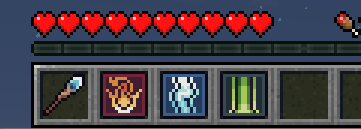
A Wand is a versatile tool! You can combine it with focuses by having some focuses in your inventory and pressing [LEFT ALT] to cycle through them.
Starshooter focus
Have you ever wanted to shoot stars at your enemies? Now you can!
Stars explode your enemy, but don't explode blocks (a.k.a. building-safe :D)
Lightning focus
Now, how about playing a Zeus? You can do that with Lightning focus!
For some charge you can easily shoot lightning left and right!
Comet Warp focus
Everyone has to venture into a crowd of enemies sometimes. Or to just teleport home without hassle.
Use the nifty Comet Warp focus to setup a recall point and then teleport to it from any location
or dimension for just some wand charge!
Energy Veil focus
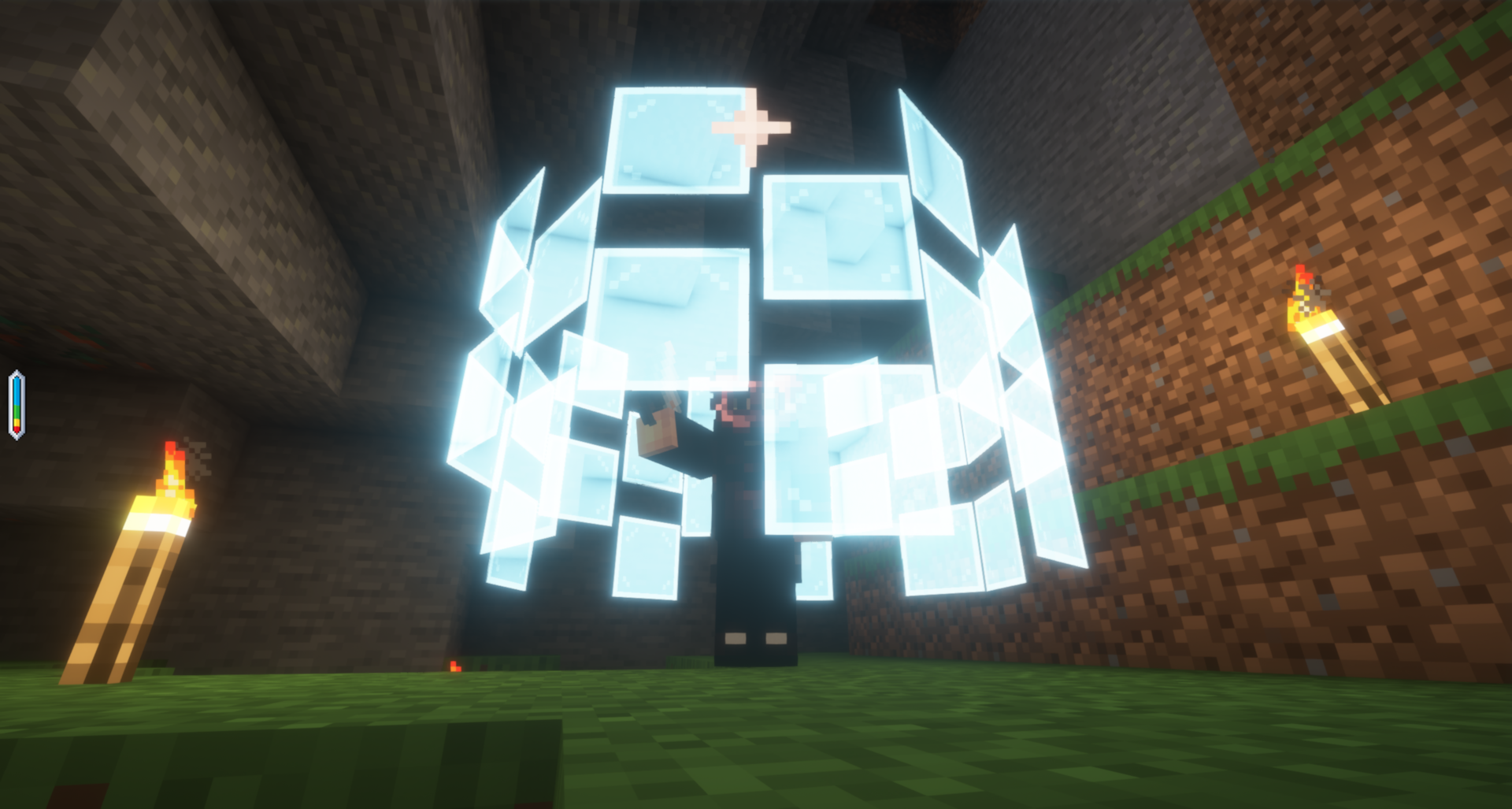
Just because you don't have armor, doesn't mean you can't have protection! Use this focus to create a barrier
made of concentrated energy panels around yourself which will repel projectiles and any nasties coming your way!
Be careful not to use up all your charge though :)
Trueseer Goggles and Focuses pouch
These are your best friends when dealing with focuses! You can use them to store every focus in just one Trinket slot, as well as see the remaining charge on your Wand. Maybe even more!
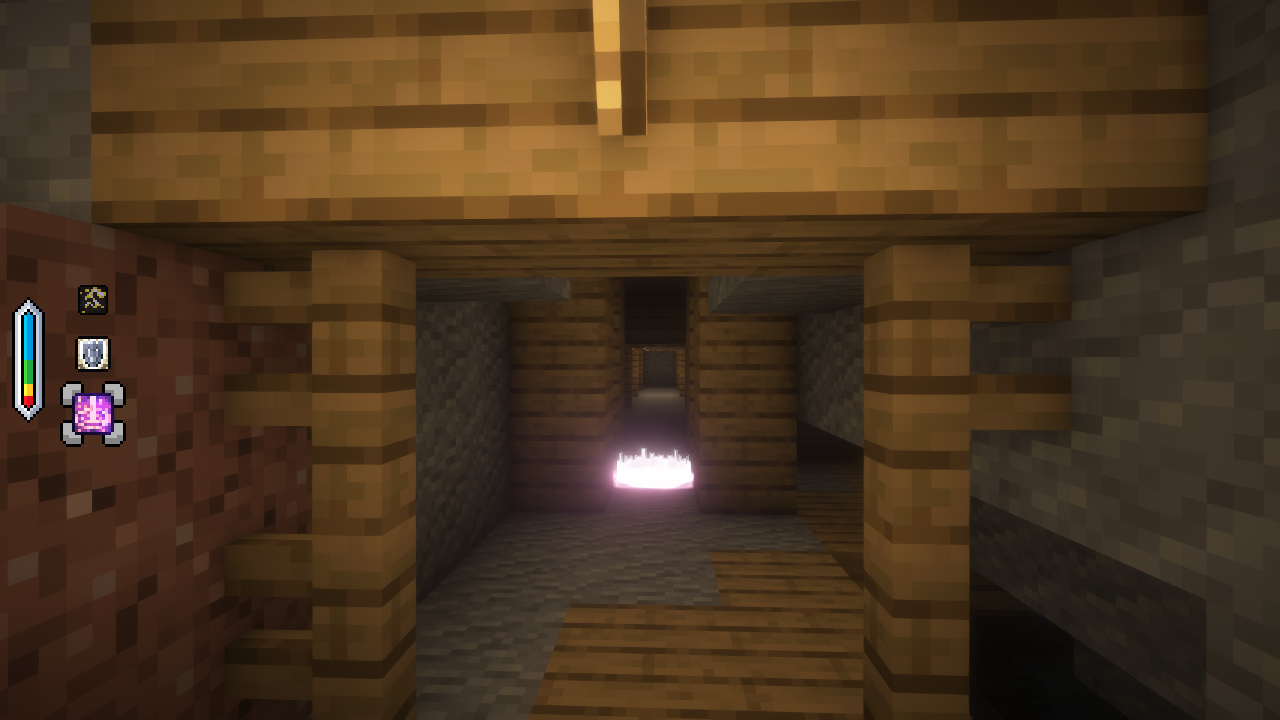
Lensed Worktable and Crucible
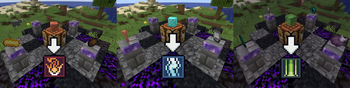
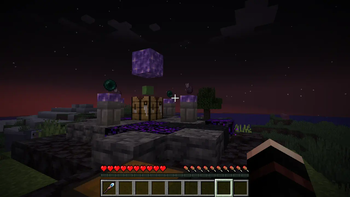
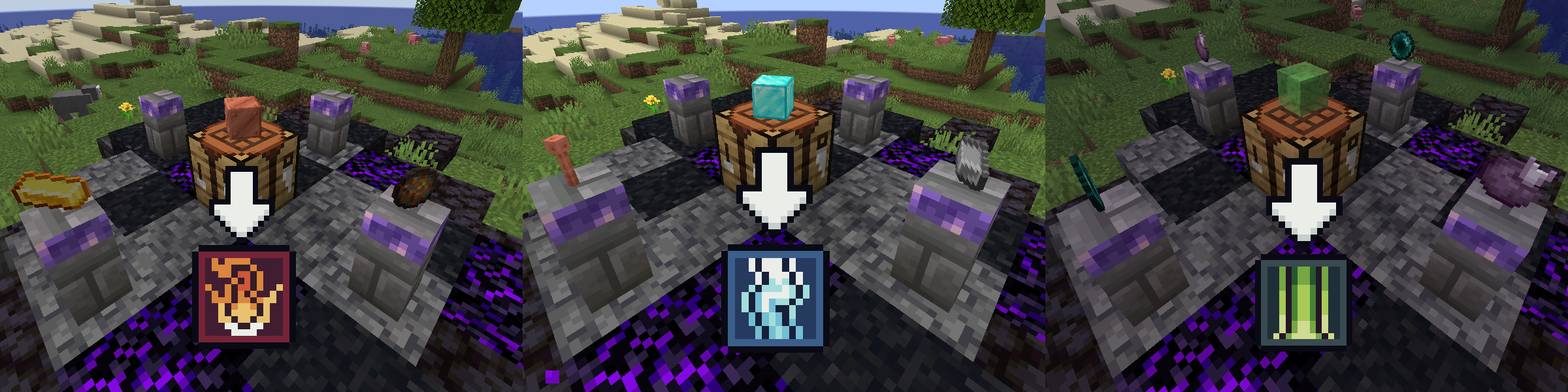
Craft focuses using a lensed worktable setup: A worktable surrounded by 4 lensing pedestals. And don't mess up the order of components on the pedestals!
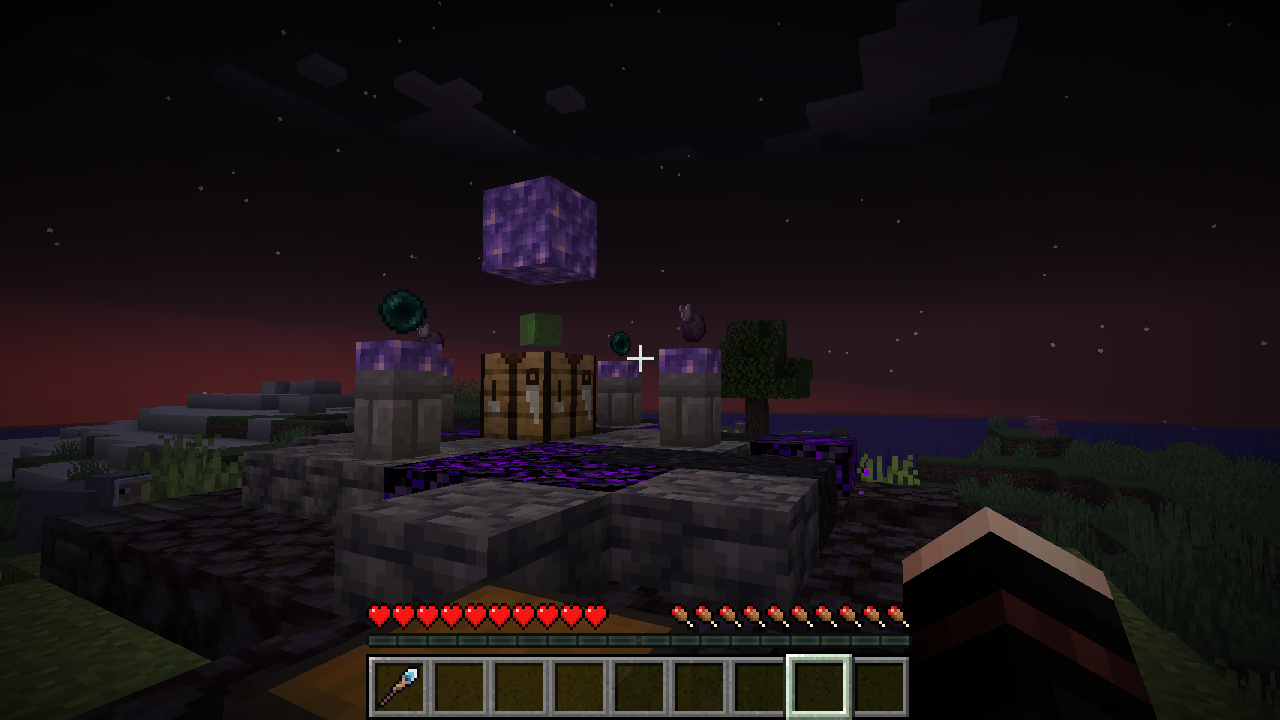
Lensed Worktable recipes
Credits
The current version has been built with the help of great people at the Fabric and Modfest Discord servers.
Additionally, I have used assets, libraries and pieces of code by these wonderful people and projects:
- Some item textures by kayillustrations @ itch.io
- Some item textures by Atelier Pixeleria @ itch.io
- Some GUI/HUD textures by BDragon1727 @ itch.io
- Some item & GUI/HUD textures by Devillas @ itch.io
- Some classes and tidbits of code are taken from owo-lib
- And finally, there are also acknowledgements in the code for the times I needed to use code from StackOverflow and Wiki lol
Verfügbare Versionen
Wizcraft auf dem Server installieren
Server bestellen
Bestelle einen Minecraft Java Server mit mindestens 3 GB RAM (4 GB empfohlen).
fabric Loader setzen
Wähle im Panel unter "Egg" den fabric-Loader und die passende Minecraft-Version (1.21.1).
Mod installieren
Öffne den Mod-Browser im Dashboard und suche nach "Wizcraft". Klicke "Installieren" – fertig! Alternativ: Lade die .jar via SFTP in den /mods Ordner.
Kompatibilität
Mod-Loader
Minecraft-Versionen
1.21.1, 1.20.4
Server-seitig
✓ ErforderlichEmpfohlener RAM
4 GB(min. 3 GB)Häufige Fragen
Wizcraft Server crasht beim Start – was tun?
Häufigste Ursache: falsche fabric-Version oder zu wenig RAM. Prüfe im Server-Log (latest.log), ob ein "OutOfMemoryError" oder "Mixin"-Fehler auftritt. Bei Mado Hosting: Stelle sicher, dass mindestens 3 GB RAM zugewiesen sind und der Loader zur Mod-Version passt (1.21.1). Über das Panel kannst du den Loader mit einem Klick wechseln.
Ist Wizcraft mit fabric kompatibel?
Wizcraft unterstützt offiziell fabric für Minecraft 1.21.1, 1.20.4. Im Mado Dashboard werden inkompatible Loader-Kombinationen automatisch erkannt.
Server laggt mit Wizcraft – wie optimiere ich die Performance?
Empfohlener RAM: 4 GB (+1 GB pro 8 Spieler). Prüfe mit /spark profiler, ob Wizcraft den meisten Tick-Time verbraucht. Häufige Fixes: Server-View-Distance auf 8-10 reduzieren, bei Forge "performant" oder "starlight" als Zusatz-Mod installieren. Bei Mado Hosting läuft dein Server auf NVMe-SSDs mit dedizierten CPU-Kernen für minimale Latenz.
Ähnliche Mods





Modded Server mieten
Installiere Wizcraft mit nur einem Klick auf deinem Server.