
Xaero Zoomout
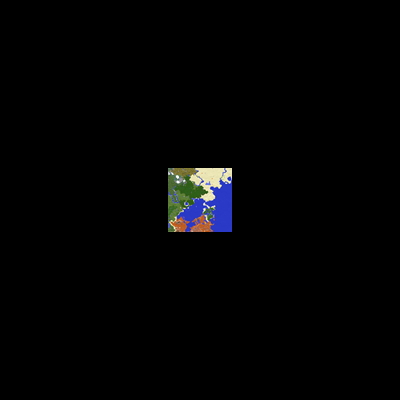
Reduces the minimum zoom of Xaero's World Map from 0.0625x to 0.0025x, so you can see everything!
Über diese Mod
Archival Notice
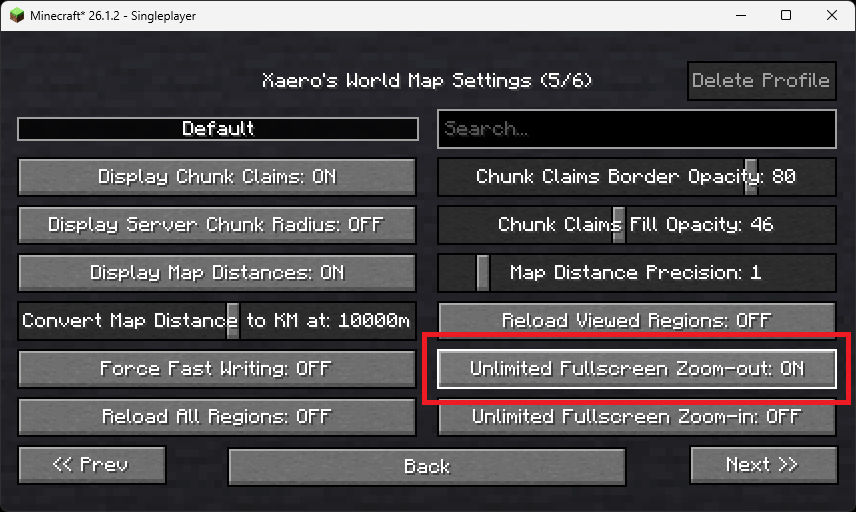
As of v1.42.0, extended zoom-out is a built-in option in Xaero's World Map, so this mod is no longer required.
XaeroZoomout
Reduces the minimum zoom of Xaero's World Map from 0.0625x to 0.0025x.





Features
No settings, no setup; just zoom out and watch it work.
As a guide, the Xaero's World Map display is typically about 30k blocks wide when
fully zoomed out. With this mod, the display width is increased to about 760k.
Note: Rendering the world map is quite CPU-intensive, so you'll probably experience
some lag when fully zoomed out.
Contact



Verfügbare Versionen
Xaero Zoomout auf deinem Client installieren
Mod-Loader lokal installieren
Installiere fabric für deine lokale Minecraft-Version.
Passende Datei herunterladen
Wähle die Xaero Zoomout-Datei für fabric und Minecraft 26.2.
Mod installieren
Lege die .jar-Datei in deinem lokalen .minecraft/mods-Ordner ab und starte Minecraft neu. Eine Installation auf dem Server ist nicht nötig.
Kompatibilität
Mod-Loader
Minecraft-Versionen
26.2, 26.1.2, 26.1.1 (+25 weitere)
Server-seitig
✗ Nicht unterstütztEmpfohlener RAM
4 GB(min. 3 GB)Häufige Fragen
Muss Xaero Zoomout auf dem Minecraft Server installiert werden?
Nein. Modrinth kennzeichnet Xaero Zoomout serverseitig als nicht unterstützt. Installiere die Mod nur im lokalen Minecraft-Mods-Ordner. Dein Server kann unverändert bleiben, sofern die Mod-Seite keine zusätzliche Abhängigkeit nennt.
Welche Version und welchen Loader braucht Xaero Zoomout?
Nutze eine Datei für fabric, forge, neoforge, quilt und exakt deine Minecraft-Version. Unterstützte Versionen sind unter anderem 26.2, 26.1.2, 26.1.1. Loader-Dateien sind nicht untereinander austauschbar.
Xaero Zoomout funktioniert nicht – was kann ich prüfen?
Prüfe zuerst Minecraft-Version, Loader-Version und erforderliche Abhängigkeiten. Lege die .jar-Datei im lokalen .minecraft/mods-Ordner ab und entferne ältere Duplikate. Da die Mod clientseitig ist, löst mehr Server-RAM dieses Problem nicht.
Ähnliche Mods




Minecraft Server für deine Gruppe
Xaero Zoomout bleibt auf deinem Client. Hoste dazu eine kompatible Welt für deine Mitspieler.