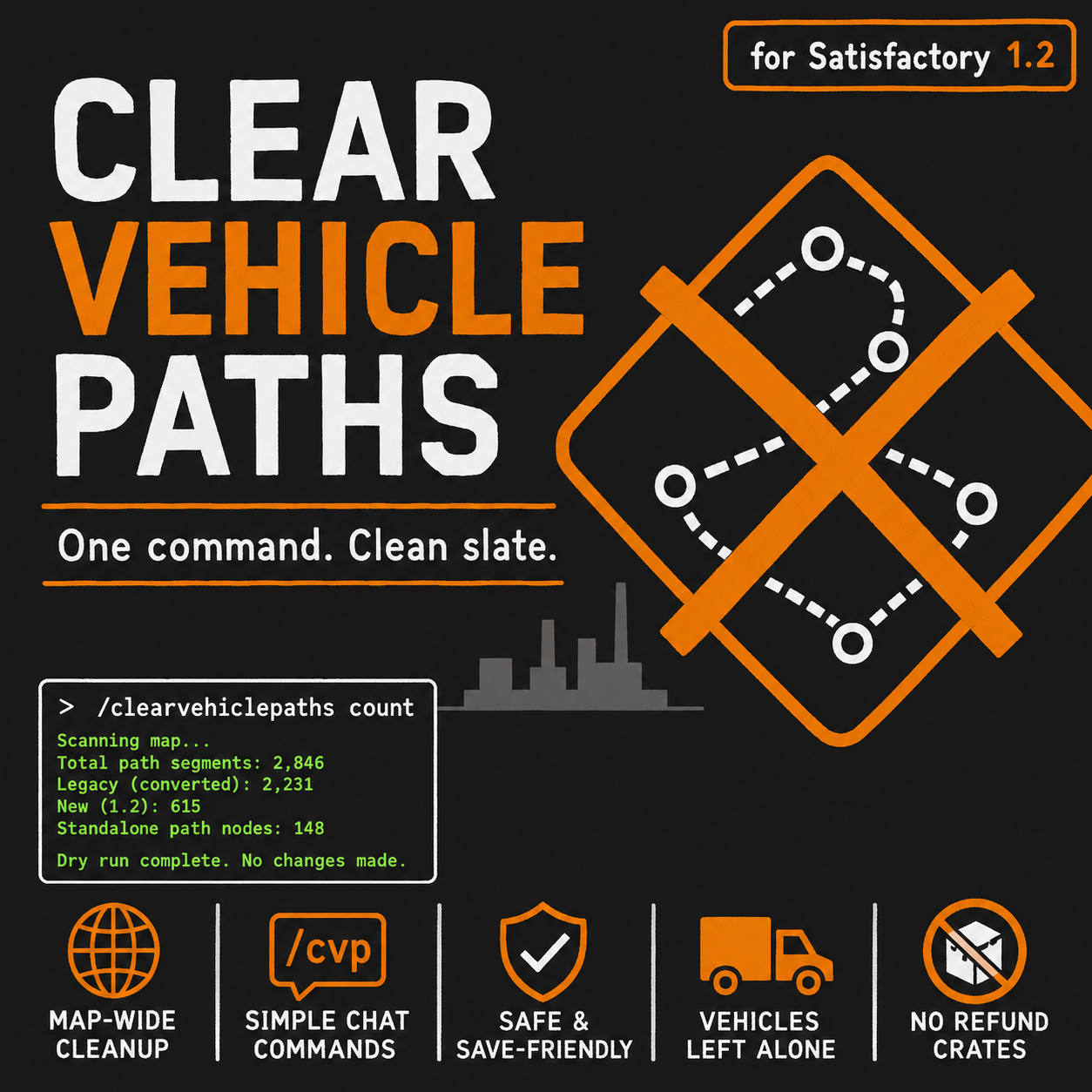
Clear Vehicle Paths
Clear vehicle paths map-wide with one chat command - legacy pre-1.2 paths only, or all of them. Dry-run mode included.
Beschreibung
<img src="https://github.com/majormer/ClearVehiclePaths/blob/main/docs/Reference/FicsitApp/image.png?raw=true" width="150" alt="Clear Vehicle Paths"> Clear Vehicle Paths
      
Quick links: [Usage](#-usage) • [Before you run it](#-before-you-run-it) • [FAQ](#-frequently-asked-questions) • [Discord](https://discord.gg/SgXY4CwXYw) • [Report bugs](https://github.com/majormer/ClearVehiclePaths/issues) • [Source](https://github.com/majormer/ClearVehiclePaths)
---
🚗 What is Clear Vehicle Paths?
Clear Vehicle Paths removes vehicle paths from your save map-wide, with one chat command, instead of making you dismantle them segment by segment.
Satisfactory 1.2 replaced the old recorded vehicle paths with a new path system. When you load a pre-1.2 save, the game converts every old recorded route into the new path segments — and if you had years of truck routes, that can mean thousands of leftover path pieces you no longer want, with no vanilla way to clear them in bulk. Offline save editors can't help either until they support the 1.2 save format.
This mod adds a single chat command that finds those paths and dismantles them through the game's own dismantle system — the same code path the build gun uses — so path networks rebuild cleanly and vehicles handle the change safely.
Clear Vehicle Paths does not add buildings, items, or recipes. It is a one-job cleanup tool you can install, run once, and remove.
---
⚡ Usage
Open chat (`Enter`) and type:
| Command | What it does |
|---|---|
| `/clearvehiclepaths count` | Dry run. Reports how many path segments exist and how many are legacy (converted from a pre-1.2 save). Changes nothing. |
| `/clearvehiclepaths` | Dismantles only legacy paths — routes the game converted from a pre-1.2 save. Paths you drew with the new 1.2 tools are untouched. |
| `/clearvehiclepaths all` | Dismantles every vehicle path on the map, including paths made with the new 1.2 tools and standalone path nodes. |
| `/cvp` | Short alias — works with all of the above. |
Recommended first run: `/clearvehiclepaths count` to see what you have, then choose `legacy` or `all`.
---
⚠️ Before You Run It
- Back up your save first. The command dismantles paths in one shot; there is no undo besides reloading.
- Vehicles using removed paths will stop where they are and will need new paths recorded. That's the point — but it means your truck network pauses until you re-record routes.
- In multiplayer, the command always executes on the server, no matter which player types it — SML chat commands work that way. There is no host-only restriction, so coordinate with your crew before clearing.
---
🧩 Compatibility and Save Safety
- Removal goes through the game's own dismantle handling, so path networks rebuild and vehicle route lists are cleaned up by the game itself — no hand-edited save data.
- The mod adds nothing to your save. After running it, you can remove the mod and the save stays clean.
- `legacy` mode only touches paths carrying the game's own "converted from an old save" marker; it cannot misfire on paths you drew in 1.2.
---
❓ Frequently Asked Questions
How does it know which paths are "legacy"?
When Satisfactory 1.2 loads a pre-1.2 save, it converts each old recorded route into new path segments and permanently marks them as converted. The default mode removes exactly the segments carrying that marker.
I want a completely clean slate. Which mode?
`/clearvehiclepaths all` — it removes every path segment and every standalone path node on the map.
Will my trucks be touched? What about refunds?
Vehicles are never touched — only the paths they drive on. Removed paths do not drop refund crates; this matters less than it sounds, since vehicle paths aren't built from materials the way buildings are.
Can I remove the mod afterwards?
Yes. The mod only removes things; it stores nothing in your save. Install, clean up, uninstall — that's the intended use.
Does it work on dedicated servers?
Yes. The release is packaged for the game client and for dedicated servers on both Windows and Linux, which covers most hosted-server providers. Install the same version on the server and on every client. Any player can type the command in chat and it executes on the server — SML chat commands have no permission gate, so coordinate with your crew before clearing.
---
💬 Getting Help
- Bug reports: https://github.com/majormer/ClearVehiclePaths/issues
- Source: https://github.com/majormer/ClearVehiclePaths
- Discord: https://discord.gg/SgXY4CwXYw (the Smart! mod Discord — same developer)
If something behaves unexpectedly, include your Satisfactory version, the command you ran, what `/clearvehiclepaths count` reports, and your `FactoryGame.log`.
---
💰 Support Development
Clear Vehicle Paths is a small community tool by the developer of the [Smart!](https://ficsit.app/mod/SmartFoundations) mod. Support is completely optional, but if this saved you from dismantling a thousand path segments by hand and you want to help keep development sustainable, Ko-fi contributions are appreciated.
- Direct support via Ko-fi: [Support Finalomega on Ko-fi](https://ko-fi.com/finalomega)
- Report bugs clearly: Include your Satisfactory version, the command you ran, what `/clearvehiclepaths count` reports, and your `FactoryGame.log`.
No pressure — every kind of support helps.
---
👥 Credits
- Finalomega — Developer. Also the developer of the [Smart!](https://ficsit.app/mod/SmartFoundations) mod.
- Doug "the plug" Eiffel — for hooking me up with Gursoy. (Reached out with the problem and the requirements that became this mod, then verified the fix on his save. The credit text is his own — inside joke.)
---
🤖 AI Disclosure
Clear Vehicle Paths uses AI-assisted development. AI tools help with investigation, drafting, refactoring, documentation, and debugging support. Final decisions, testing, release preparation, and maintenance remain the responsibility of the project maintainer.
Clear Vehicle Paths auf dem Server installieren
Satisfactory Server bestellen
Bestelle einen Satisfactory Server mit mindestens 4 GB RAM (6 GB empfohlen). Bei Multiplayer: +1 GB pro 4 Spieler.
Mod installieren
Öffne den Mod-Manager im Dashboard und suche nach "Clear Vehicle Paths". Installations-Dependencies werden automatisch mitinstalliert.
Server neu starten
Starte den Server neu, damit die Mod geladen wird. Spieler müssen die Mod ebenfalls lokal installiert haben.
Häufige Fragen
Clear Vehicle Paths funktioniert nicht nach Update – was tun?
Nach einem Satisfactory-Update müssen Mods aktualisiert werden. Prüfe auf ficsit.app, ob Clear Vehicle Paths bereits für die neue Game-Version aktualisiert wurde. Bei Mado Hosting: Öffne den Mod-Manager und klicke "Alle aktualisieren". Wenn die Mod noch nicht aktualisiert ist, entferne sie temporär, damit der Server startet.
Clear Vehicle Paths verursacht Crashes im Multiplayer – Lösung
Häufigste Ursache: alle Spieler müssen exakt die gleiche Mod-Version installiert haben. Prüfe in den Server-Logs nach "ModMismatch" oder "Version Conflict". Stelle sicher, dass alle Spieler Clear Vehicle Paths v1.0.0 und den gleichen SML verwenden. Bei Mado Hosting laufen Satisfactory Server mit 6 GB RAM für stabile Multiplayer-Performance.
Ist Clear Vehicle Paths mit anderen Satisfactory Mods kompatibel?
Clear Vehicle Paths nutzt den Satisfactory Mod Loader (SML). Generell sind SML-basierte Mods untereinander kompatibel, aber Mods die gleiche Game-Systeme ändern, können Konflikte verursachen. Teste neue Mod-Kombinationen am besten auf einem Backup-Save. Im Mado Dashboard werden bekannte Konflikte automatisch erkannt und du wirst gewarnt.
Clear Vehicle Paths Server mieten
Spiele Clear Vehicle Paths auf deinem eigenen Satisfactory Server mit Mod-Support.
Mod Informationen
- Ersteller
- Finalomega
- Neueste Version
- v1.0.0
- Erstellt am
- 11. Juni 2026
- Zuletzt aktualisiert
- 8. Juli 2026
- Quellcode
- GitHub →