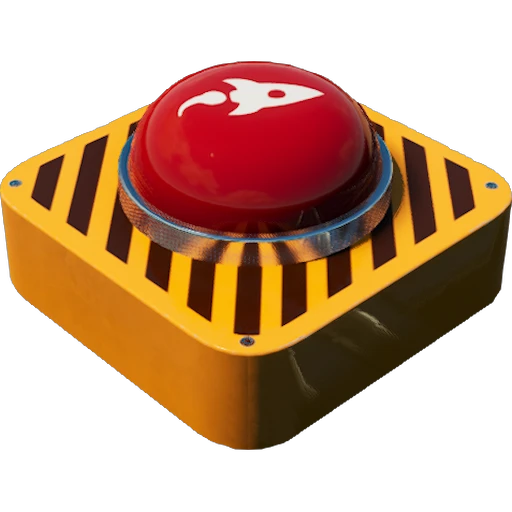
Event Utilities
Send webhook messages to an external web server by interacting with in-game buildings. Full multiplayer support.
Beschreibung
Event Utilities
Send webhook messages to an external web server by interacting with in-game buildings.
Full multiplayer support - use it to implement quizzes, parkour courses, race tracks, and more!
Created by volunteers at the request of the [Satisfactory Events](https://www.twitch.tv/satisfactoryevents) group,
but the mod is usable by anyone.
Features
All content is free to build and unlock (Hub Tier 1 milestone).
If you want alternate costs, use [ContentLib](https://ficsit.app/mod/ContentLib) to change them.
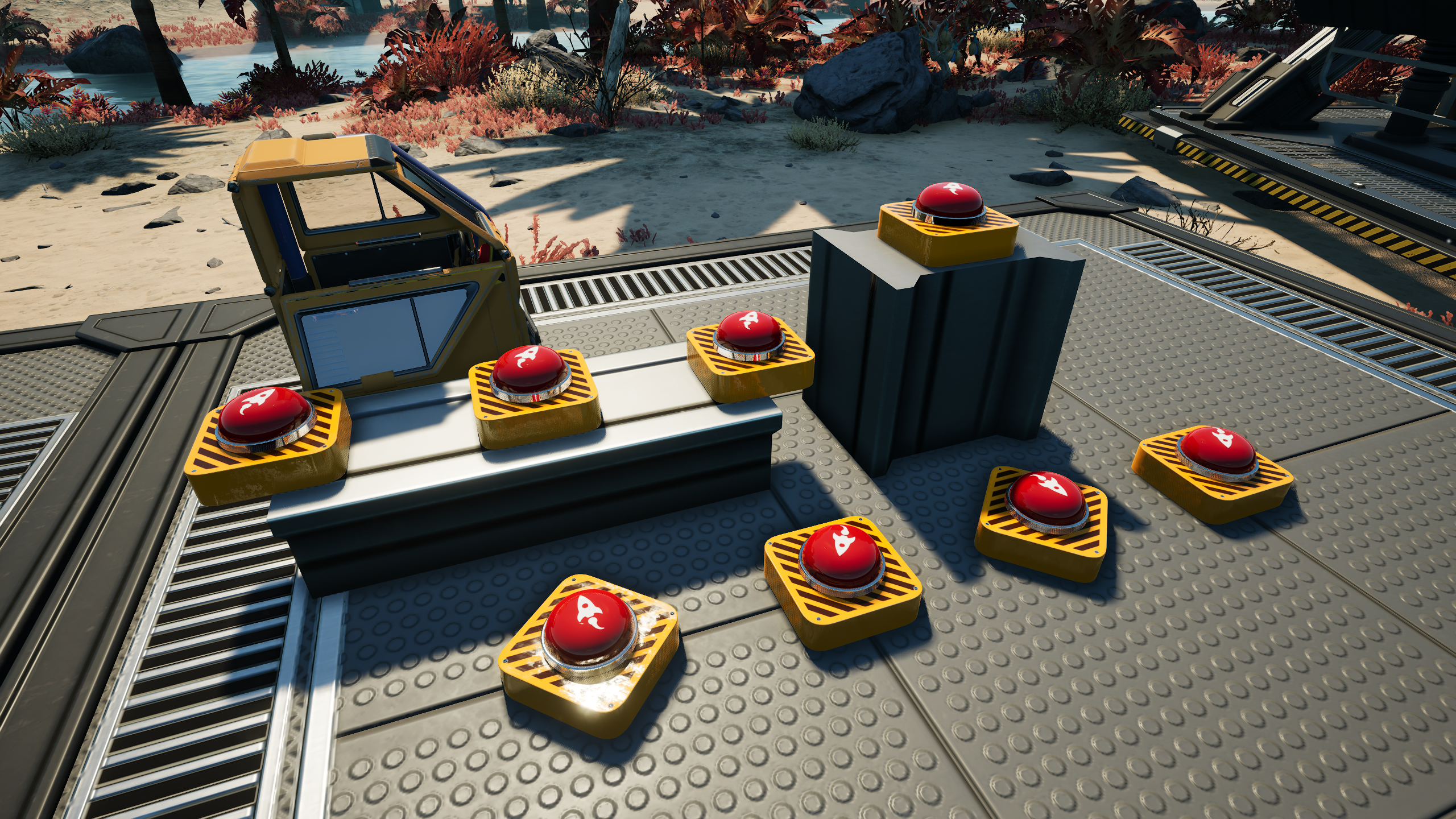
Adds 2 devices that respond to player input/presence:
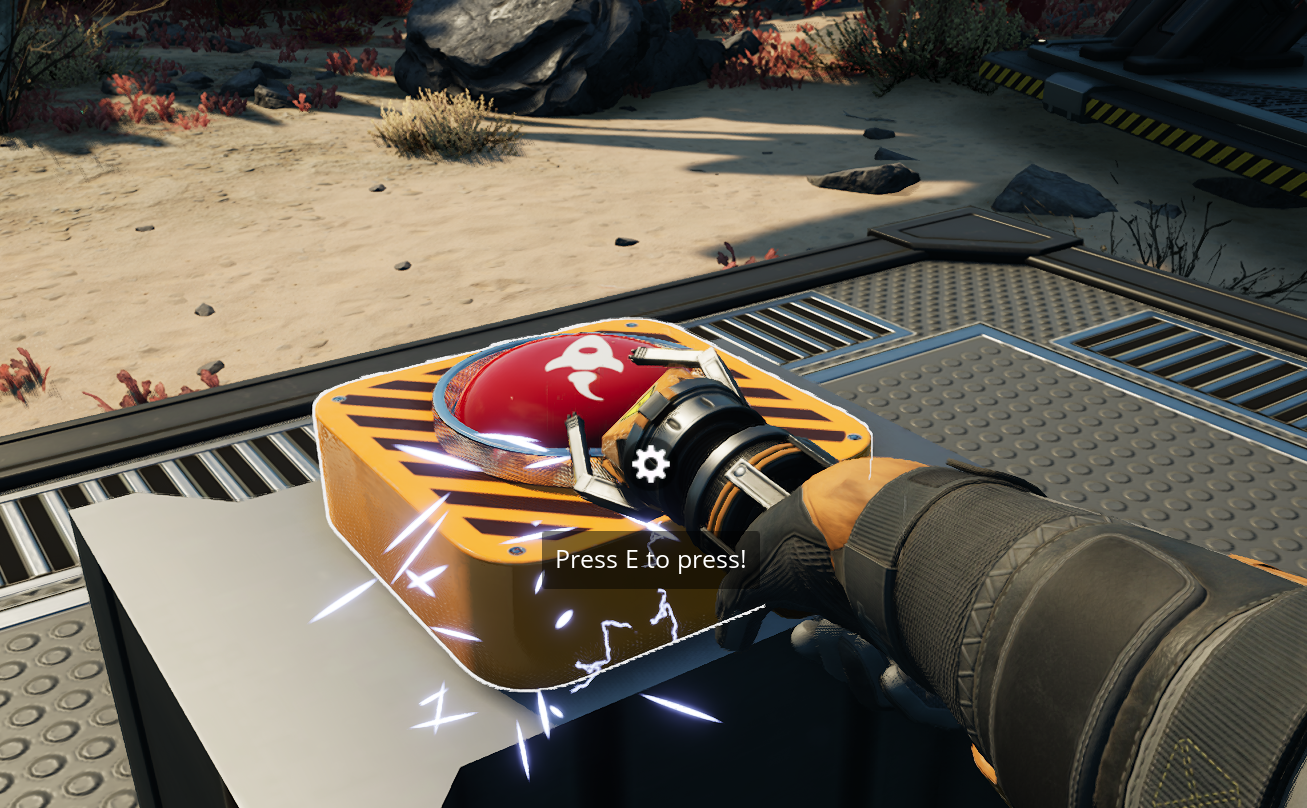
Button
Players can interact (use) to trigger, or trigger via any type of player-instigated damage.
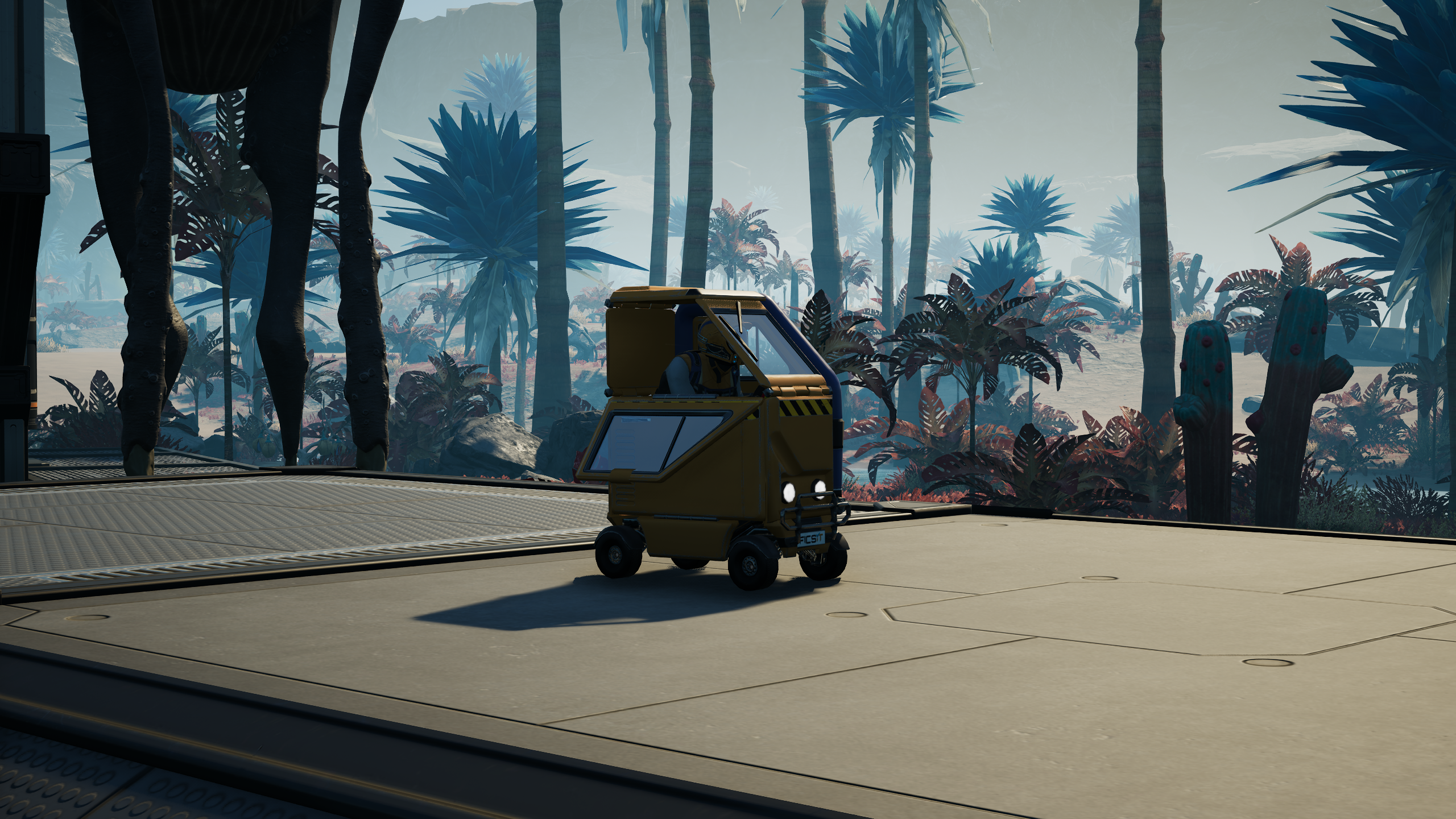
Sensor Foundation
Detects when players (and player-operated vehicles) enter a two-foundation (8m x 8m x 8m) area above the building. Snapping is weird, sorry.
Use mods like [Infinite Nudge](https://ficsit.app/mod/InfiniteNudge) or [Rearchitector Redux](https://ficsit.app/mod/RearchitectorRedux) to help with positioning it.
Device Configuration
Each built copy of a device can be configured separately.
To configure what a device does, first use the `/gameShowEdit` chat command to enter editor mode.
In editor mode, interacting with the devices will open a configuration screen.
Run the command again to exit editor mode.
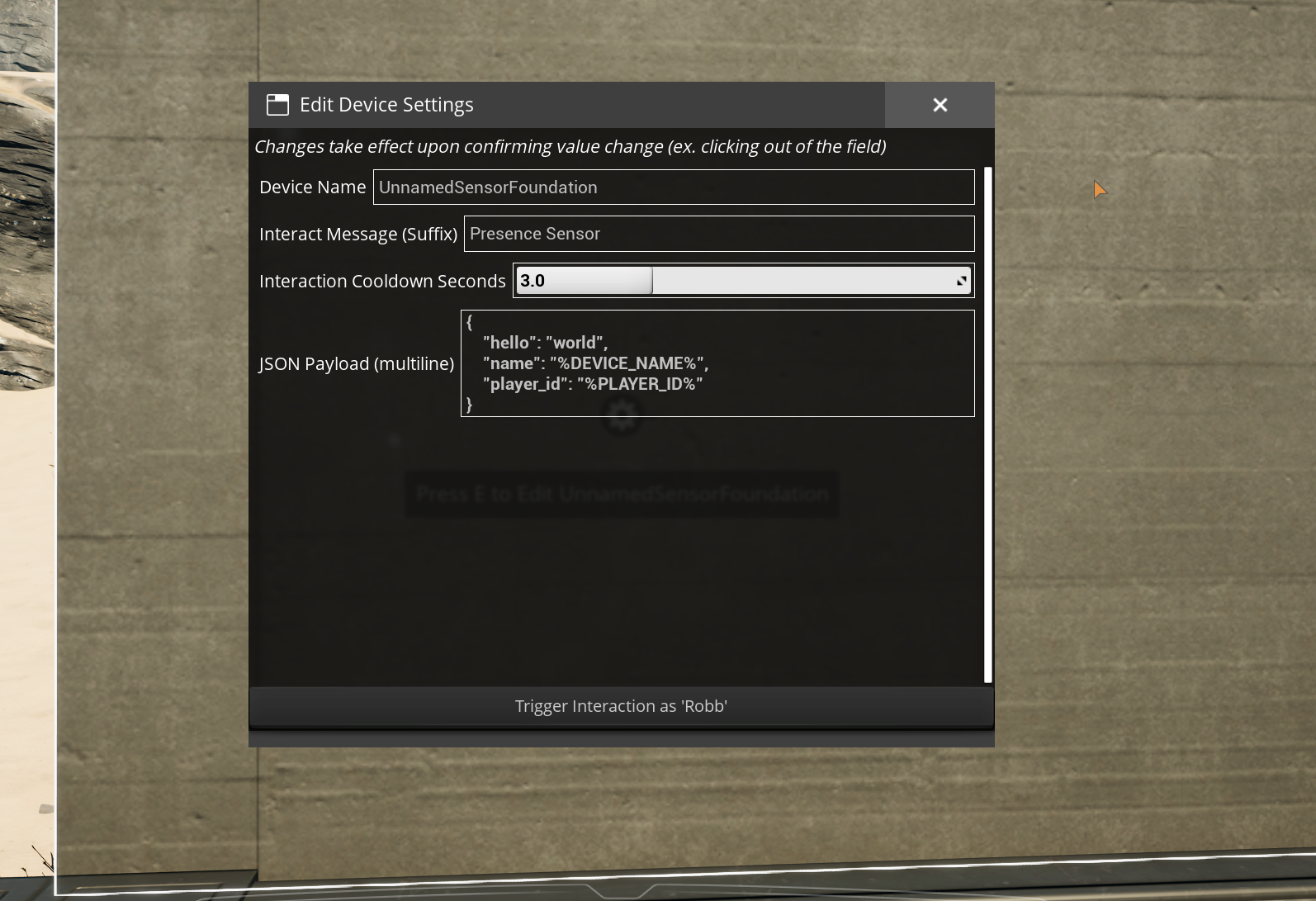
To use a name other than your player display name for the purpose of `%PLAYER_ID%`, run the `/gameShowName <name>` chat command.
This value is not saved and must be set upon every multiplayer rejoin.
To swap back to using your player display name, run `/gameShowName CLEAR`.
Mod Configuration
This mod is not very useful without an external application to connect to.
Setting that up is outside the scope of this guide.
Potential applications include OBS, Streamerbot or SAMMI.
To configure the server to connect to, supply a URL in the "Webhook URL" mod config option.
This is purposefully not using the Mod Savegame Settings system yet since there is not an easy way to ensure that only a server administrator can modify the URL.
Dedicated servers will need to manually edit the mod config file with a text editor.
All (attempted) message payloads are logged to the game's
[log files](https://docs.ficsit.app/satisfactory-modding/latest/faq.html#Files_Logs),
which you should probably have open while setting up the mod to see any error messages.
You can open a live console window that shows logs in real-time by following the steps
[here](https://docs.ficsit.app/satisfactory-modding/latest/Development/TestingResources.html#_unreal_console).
Network Activity Transparency
The express purpose of this mod is to send messages to an external server you specify in the "Webhook URL" mod config option when users interact in-game.
This option is blank by default, so until you manually set one yourself, connections will always fail.
This external server could either be hosted by you or by someone else depending on what you configure.
In multiplayer, the server is the only side that makes connections.
As a player, messages can include your in-game display name depending on how in-game buildings are configured.
All message payloads are logged to the game's
[log files](https://docs.ficsit.app/satisfactory-modding/latest/faq.html#Files_Logs).
Support the Developers
- Robb (Buildings and UI): _If you enjoy my work, please consider donating to my [completely optional tip jar](https://ko-fi.com/robb4)._
- DarthPorisius (Webhook functionality): Not currently accepting donations.
- Pleasure (Button model and textures): Not currently accepting donations.
Versionen
Event Utilities auf dem Server installieren
Satisfactory Server bestellen
Bestelle einen Satisfactory Server mit mindestens 6 GB RAM (8 GB empfohlen). Bei Multiplayer: +1 GB pro 2 Spieler.
Mod installieren
Öffne den Mod-Manager im Dashboard und suche nach "Event Utilities". Installations-Dependencies werden automatisch mitinstalliert.
Server neu starten
Starte den Server neu, damit die Mod geladen wird. Spieler müssen die Mod ebenfalls lokal installiert haben.
Häufige Fragen
Event Utilities funktioniert nicht nach Update – was tun?
Nach einem Satisfactory-Update müssen Mods aktualisiert werden. Prüfe auf ficsit.app, ob Event Utilities bereits für die neue Game-Version aktualisiert wurde. Bei Mado Hosting: Öffne den Mod-Manager und klicke "Alle aktualisieren". Wenn die Mod noch nicht aktualisiert ist, entferne sie temporär, damit der Server startet.
Event Utilities verursacht Crashes im Multiplayer – Lösung
Häufigste Ursache: alle Spieler müssen exakt die gleiche Mod-Version installiert haben. Prüfe in den Server-Logs nach "ModMismatch" oder "Version Conflict". Stelle sicher, dass alle Spieler Event Utilities v1.0.0-pre2 und den gleichen SML verwenden. Bei Mado Hosting laufen Satisfactory Server mit 8 GB RAM für stabile Multiplayer-Performance.
Ist Event Utilities mit anderen Satisfactory Mods kompatibel?
Event Utilities nutzt den Satisfactory Mod Loader (SML). Generell sind SML-basierte Mods untereinander kompatibel, aber Mods die gleiche Game-Systeme ändern, können Konflikte verursachen. Teste neue Mod-Kombinationen am besten auf einem Backup-Save. Im Mado Dashboard werden bekannte Konflikte automatisch erkannt und du wirst gewarnt.
Event Utilities Server mieten
Spiele Event Utilities auf deinem eigenen Satisfactory Server mit Mod-Support.
Mod Informationen
- Ersteller
- DarthPorisius, Robb
- Neueste Version
- v1.0.0-pre2
- Erstellt am
- 15. Februar 2025
- Zuletzt aktualisiert
- 8. Juli 2026
- Quellcode
- GitHub →