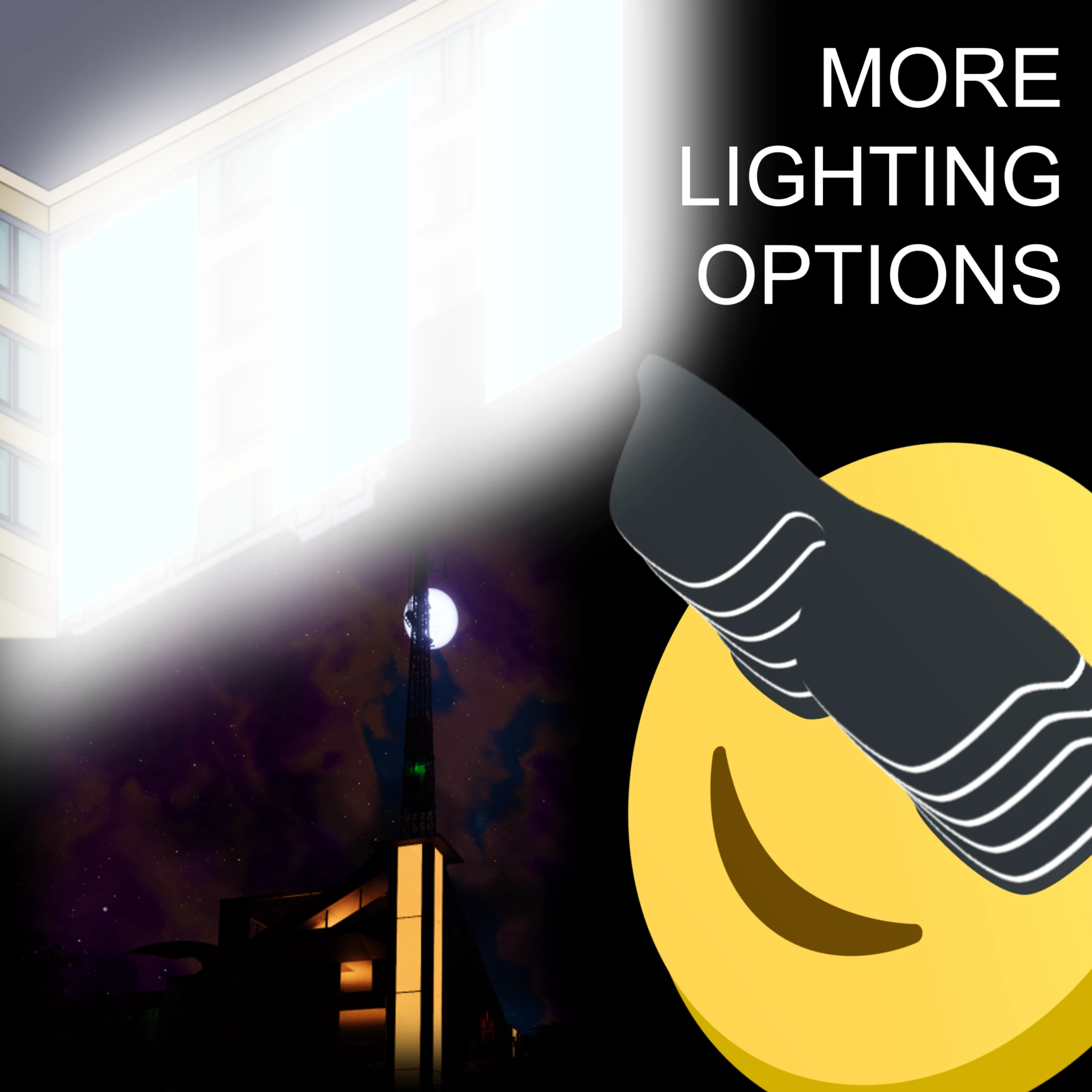
More Lighting Options
Additional control over lighting in the game
Beschreibung
More Lighting Options
<p align="center" width="100%"><img alt="Icon" src="https://raw.githubusercontent.com/TheRealBeef/Satisfactory-More-Lighting-Options/refs/heads/master/MoreLightingOptions.png" width="15%" />
</p>
Description
Beef's More Lighting Options mod gives you additional control over lighting in the game.
Sun and Moon Brightness
Nights too bright? Days not dreary enough for you? You can increase or decrease the brightness/intensity of both the Sun and the Moon now, with independent settings.Sign Emissiveness
Adjust your desired emissiveness level for each emissiveness option for signs (Off, Level 1, 2, 3) in the mod options either on the main menu or in-game. The default values are vanilla, so if you don't notice any changes make sure you've changed the settings!There's a setting to increase the speed at which Mod Configuration options are applied to signs in-game since it now updates in realtime, at the cost of more flickering and if you have a lot of signs, potential for lag.
<p align="center" width="100%">
Sign Emissiveness<br>
<img alt="Icon" src="https://raw.githubusercontent.com/TheRealBeef/Satisfactory-More-Lighting-Options/refs/heads/master/Preview1.jpg" width="85%" />
<br><br>
Sun and Moon Brightness
<br>
<img alt="Icon" src="https://raw.githubusercontent.com/TheRealBeef/Satisfactory-More-Lighting-Options/refs/heads/master/Preview2.jpg" width="85%" />
</p>
Known Bugs
- Untested and unlikely to work in multiplayer and dedicated for now.- Updating brightness of signs in mod options, especially with Fast Update enabled, causes flickering. This is an artifact of the update process and there's not much I can do about it. It only happens while dragging sliders in mod options.
Changelog
- Version 1.1.2- Rebuild against SML 3.10
- Version 1.1.1
- Fixed minor issue where Sun max brightness setting was capped at 2.0 instead of 5.0
- Version 1.1.0
- Control over sun and moon brightness/intensity values. You can make your sun and moon darker (or brighter) according to your wishes.
- Changed the default config values for all settings (including signs) to vanilla values, to allow picking and choosing what you want to alter.
- Version 1.0.2
- You can now see your mod config changes realtime in-game. There's a setting for "fast update" that can be set that speeds it up even more, but can result in flickering as it refreshes which is a vanilla behavior sped up.
- Version 1.0.1
- Added configuration support - requires reloading the save
- Version: 1.0.0
- Implemented basic functionality for signs
- Replaced vanilla values (0,1,5,10) with higher values (0,2,10,50)
Roadmap
(In most likely order of tackling them)
- [X] Configuration of sign brightness levels can happen in-game
- [ ] Dimmer lights - Allow setting lights lower than 10%, as sometimes this is still too bright
- [ ] Configure "light cones" emitting from regular lights, allowing them to be reduced or eliminated
- [X] Sun / Moon Brightness Control - to make your day and nights brighter or darker
- [ ] Place a slider in sign menu to give more fine-control over sign emissiveness
- [ ] Test and resolve any multiplayer / dedicated server issues, including synchroniziation of settings
Credits
Mod created by TheRealBeef, and much thanks to Rex and Mircea and the rest of the people on Discord so far guiding me through the first steps here.
Versionen
More Lighting Options auf dem Server installieren
Satisfactory Server bestellen
Bestelle einen Satisfactory Server mit mindestens 4 GB RAM (6 GB empfohlen). Bei Multiplayer: +1 GB pro 4 Spieler.
Mod installieren
Öffne den Mod-Manager im Dashboard und suche nach "More Lighting Options". Installations-Dependencies werden automatisch mitinstalliert.
Server neu starten
Starte den Server neu, damit die Mod geladen wird. Spieler müssen die Mod ebenfalls lokal installiert haben.
Häufige Fragen
More Lighting Options funktioniert nicht nach Update – was tun?
Nach einem Satisfactory-Update müssen Mods aktualisiert werden. Prüfe auf ficsit.app, ob More Lighting Options bereits für die neue Game-Version aktualisiert wurde. Bei Mado Hosting: Öffne den Mod-Manager und klicke "Alle aktualisieren". Wenn die Mod noch nicht aktualisiert ist, entferne sie temporär, damit der Server startet.
More Lighting Options verursacht Crashes im Multiplayer – Lösung
Häufigste Ursache: alle Spieler müssen exakt die gleiche Mod-Version installiert haben. Prüfe in den Server-Logs nach "ModMismatch" oder "Version Conflict". Stelle sicher, dass alle Spieler More Lighting Options v1.1.3 und den gleichen SML verwenden. Bei Mado Hosting laufen Satisfactory Server mit 6 GB RAM für stabile Multiplayer-Performance.
Ist More Lighting Options mit anderen Satisfactory Mods kompatibel?
More Lighting Options nutzt den Satisfactory Mod Loader (SML). Generell sind SML-basierte Mods untereinander kompatibel, aber Mods die gleiche Game-Systeme ändern, können Konflikte verursachen. Teste neue Mod-Kombinationen am besten auf einem Backup-Save. Im Mado Dashboard werden bekannte Konflikte automatisch erkannt und du wirst gewarnt.
More Lighting Options Server mieten
Spiele More Lighting Options auf deinem eigenen Satisfactory Server mit Mod-Support.
Mod Informationen
- Ersteller
- Acxd, TheRealBeef
- Neueste Version
- v1.1.3
- Erstellt am
- 23. Oktober 2024
- Zuletzt aktualisiert
- 8. Juli 2026
- Quellcode
- GitHub →