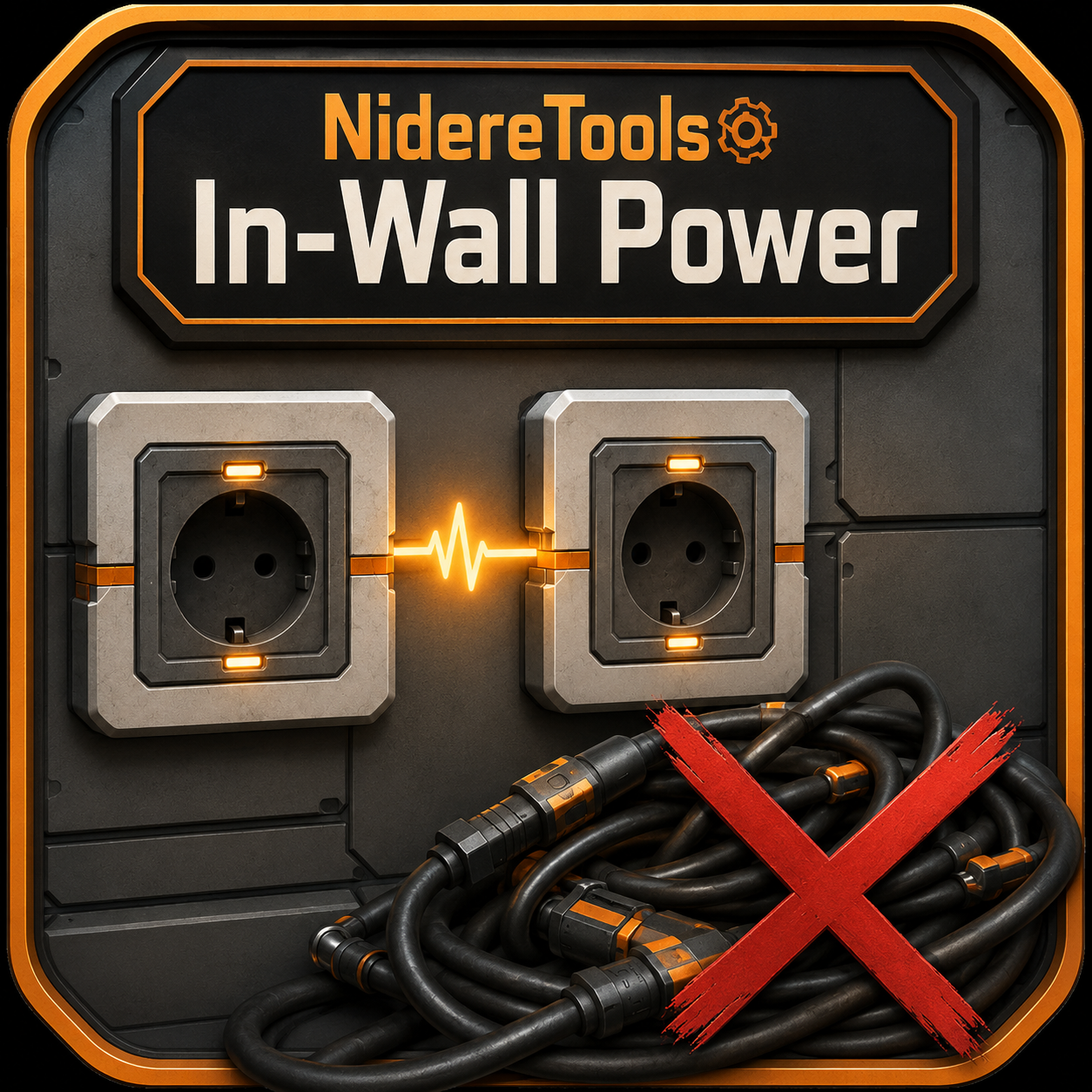
NidereTools: In-Wall Power
Wall-mounted power conduits that auto-link through walls into a hidden power bus when built, no cables needed
Beschreibung
In-Wall Power
Tired of stringing power lines across every blueprint seam and along every wall?
In-Wall Power adds a wall-mounted conduit that quietly wires itself to its neighbours through the wall — giving you a clean, invisible power bus.
What it does
- Build an In-Wall Power Conduit on a wall. When placed, it automatically links to every other conduit nearby — through a hidden connection, with no visible cable between them.- Run a single power line into any conduit, and power spreads across the entire linked network.
- The hidden links don't count against the conduit's wire limit — so your one visible cable is the only wire you'll ever see.
Why you'll want it
- Clean builds. No more cable spaghetti between rooms, floors, or wall panels.- Blueprint-friendly. Drop conduits at the edges of your blueprint tiles — when the tiles meet, power stitches itself across the seam automatically. No more hand-wiring every join.
- Just works. Links form the moment you build, survive save/reload, and re-form correctly if you remove and replace a conduit.
How to use
1. Build a conduit on a wall.2. Build more conduits wherever you need power — they link up automatically.
3. Wire a generator (or your grid) into any one of them. Done — the whole network is powered.
Manual wiring still works exactly like vanilla: the conduit is a normal power connection, so you can plug it into poles, machines, or other outlets whenever you like.
Versionen
NidereTools: In-Wall Power auf dem Server installieren
Satisfactory Server bestellen
Bestelle einen Satisfactory Server mit mindestens 4 GB RAM (6 GB empfohlen). Bei Multiplayer: +1 GB pro 4 Spieler.
Mod installieren
Öffne den Mod-Manager im Dashboard und suche nach "NidereTools: In-Wall Power". Installations-Dependencies werden automatisch mitinstalliert.
Server neu starten
Starte den Server neu, damit die Mod geladen wird. Spieler müssen die Mod ebenfalls lokal installiert haben.
Häufige Fragen
NidereTools: In-Wall Power funktioniert nicht nach Update – was tun?
Nach einem Satisfactory-Update müssen Mods aktualisiert werden. Prüfe auf ficsit.app, ob NidereTools: In-Wall Power bereits für die neue Game-Version aktualisiert wurde. Bei Mado Hosting: Öffne den Mod-Manager und klicke "Alle aktualisieren". Wenn die Mod noch nicht aktualisiert ist, entferne sie temporär, damit der Server startet.
NidereTools: In-Wall Power verursacht Crashes im Multiplayer – Lösung
Häufigste Ursache: alle Spieler müssen exakt die gleiche Mod-Version installiert haben. Prüfe in den Server-Logs nach "ModMismatch" oder "Version Conflict". Stelle sicher, dass alle Spieler NidereTools: In-Wall Power v1.0.1 und den gleichen SML verwenden. Bei Mado Hosting laufen Satisfactory Server mit 6 GB RAM für stabile Multiplayer-Performance.
Ist NidereTools: In-Wall Power mit anderen Satisfactory Mods kompatibel?
NidereTools: In-Wall Power nutzt den Satisfactory Mod Loader (SML). Generell sind SML-basierte Mods untereinander kompatibel, aber Mods die gleiche Game-Systeme ändern, können Konflikte verursachen. Teste neue Mod-Kombinationen am besten auf einem Backup-Save. Im Mado Dashboard werden bekannte Konflikte automatisch erkannt und du wirst gewarnt.
NidereTools: In-Wall Power Server mieten
Spiele NidereTools: In-Wall Power auf deinem eigenen Satisfactory Server mit Mod-Support.
Mod Informationen
- Ersteller
- Nidere
- Neueste Version
- v1.0.1
- Erstellt am
- 16. Juni 2026
- Zuletzt aktualisiert
- 8. Juli 2026
- Quellcode
- GitHub →