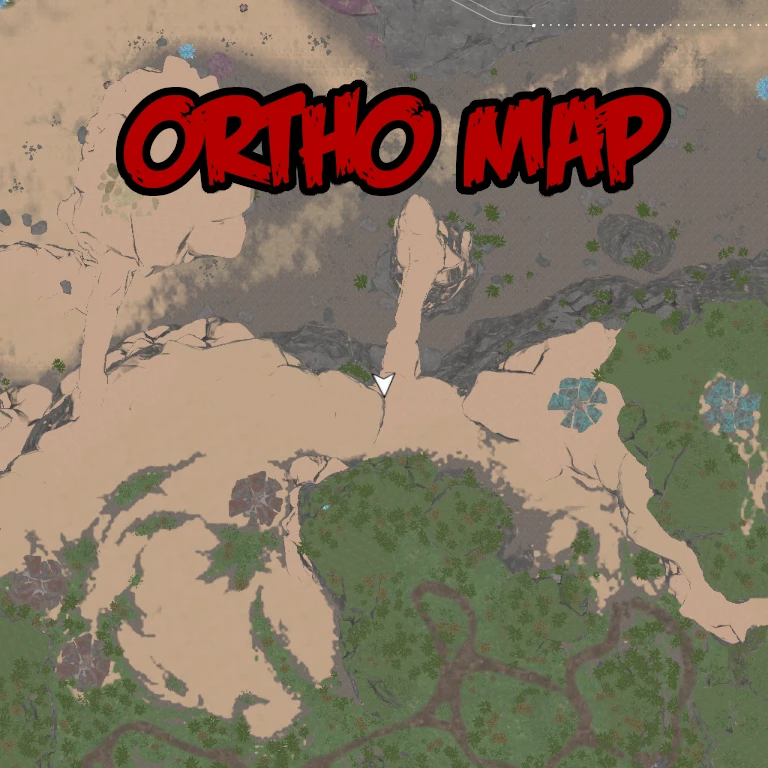
Ortho Minimap
An experimental minimap using an orthographic scene capture
Beschreibung
Ortho Minimap
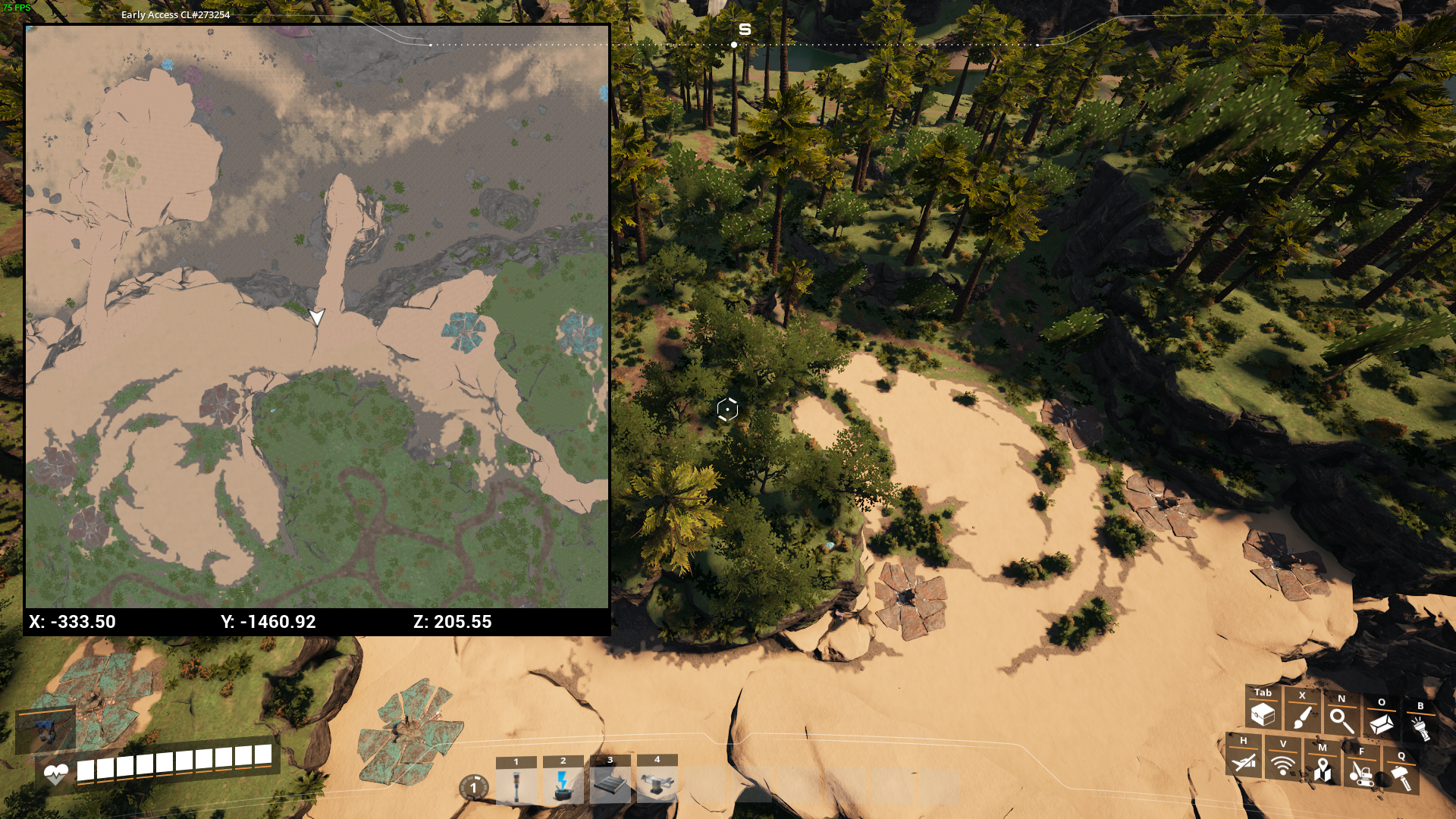
(TODO: update screenshot)
Description
This is an experimental minimap using an orthographic scene capture. It is shown by default, press J (default keybind) to toggle the minimap. You can change various settings in the mod configs, and the new values take effect immediately. Because the minimap is little more than a camera floating somewhere above the player, it shows things like buildings.
Known issues
- Some things use LODs in the minimap, not sure how to fix that without killing performance.
- Not all foliage is shown in the minimap, it likely depends on foliage render distance.
- Using very large values for capture size will make the game lag.
- Holograms don't show up in the minimap (building holograms will show up as regular buildings).
- Map markers, stamps and pings do not appear in the minimap.
Workarounds
- Using the [Unreal Engine console](https://satisfactory.wiki.gg/wiki/Console), forcing max LOD on things as well as adjusting distance scales might make things show up in the map, but it will hurt the framerate.
To do
- Integrate with in-game map, add support for map markers, stamps and pings.
- Add an option to make the minimap round, make the map rotate (instead of just rotating the arrow).
Versionen
Ortho Minimap auf dem Server installieren
Satisfactory Server bestellen
Bestelle einen Satisfactory Server mit mindestens 4 GB RAM (6 GB empfohlen). Bei Multiplayer: +1 GB pro 4 Spieler.
Mod installieren
Öffne den Mod-Manager im Dashboard und suche nach "Ortho Minimap". Installations-Dependencies werden automatisch mitinstalliert.
Server neu starten
Starte den Server neu, damit die Mod geladen wird. Spieler müssen die Mod ebenfalls lokal installiert haben.
Häufige Fragen
Ortho Minimap funktioniert nicht nach Update – was tun?
Nach einem Satisfactory-Update müssen Mods aktualisiert werden. Prüfe auf ficsit.app, ob Ortho Minimap bereits für die neue Game-Version aktualisiert wurde. Bei Mado Hosting: Öffne den Mod-Manager und klicke "Alle aktualisieren". Wenn die Mod noch nicht aktualisiert ist, entferne sie temporär, damit der Server startet.
Ortho Minimap verursacht Crashes im Multiplayer – Lösung
Häufigste Ursache: alle Spieler müssen exakt die gleiche Mod-Version installiert haben. Prüfe in den Server-Logs nach "ModMismatch" oder "Version Conflict". Stelle sicher, dass alle Spieler Ortho Minimap v3.1.1 und den gleichen SML verwenden. Bei Mado Hosting laufen Satisfactory Server mit 6 GB RAM für stabile Multiplayer-Performance.
Ist Ortho Minimap mit anderen Satisfactory Mods kompatibel?
Ortho Minimap nutzt den Satisfactory Mod Loader (SML). Generell sind SML-basierte Mods untereinander kompatibel, aber Mods die gleiche Game-Systeme ändern, können Konflikte verursachen. Teste neue Mod-Kombinationen am besten auf einem Backup-Save. Im Mado Dashboard werden bekannte Konflikte automatisch erkannt und du wirst gewarnt.
Ortho Minimap Server mieten
Spiele Ortho Minimap auf deinem eigenen Satisfactory Server mit Mod-Support.
Mod Informationen
- Ersteller
- Rex (Th3Fanbus)
- Neueste Version
- v3.1.1
- Erstellt am
- 4. März 2024
- Zuletzt aktualisiert
- 8. Juli 2026
- Quellcode
- GitHub →