
Props and Deco
Decorative Buildables
Beschreibung
This is yet another Decoration Modpack. But the more options the better, right?
Most of them can be purchased in the Awesome Shop (some unlock with Milestone 1)
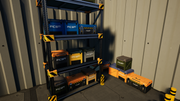
Crate, Storage with 16 Slots, snaps on Shelf (more sizes are planned)
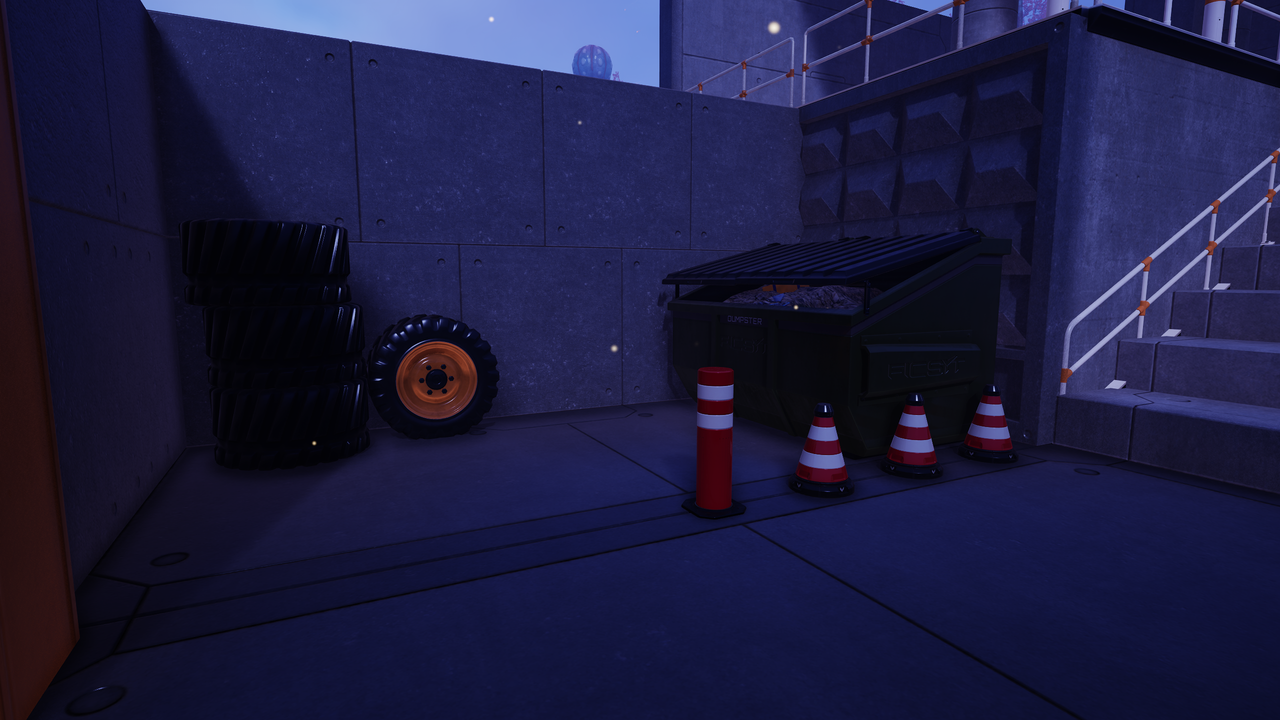
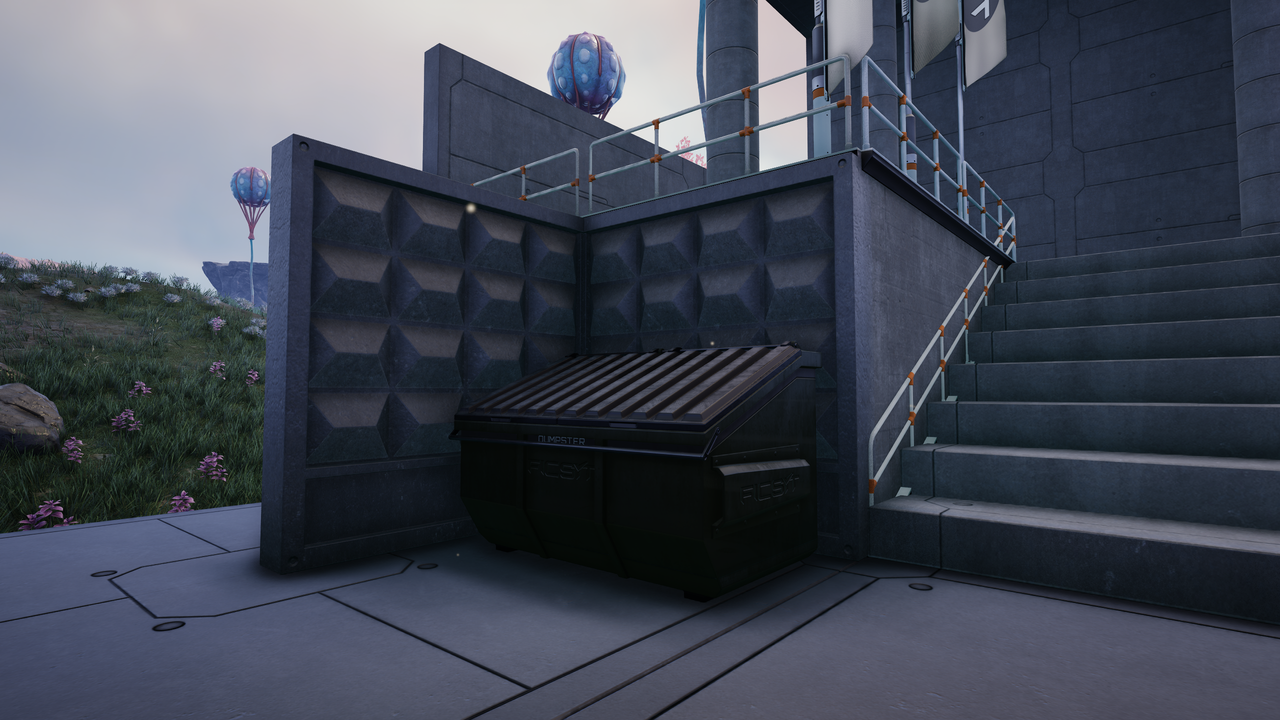
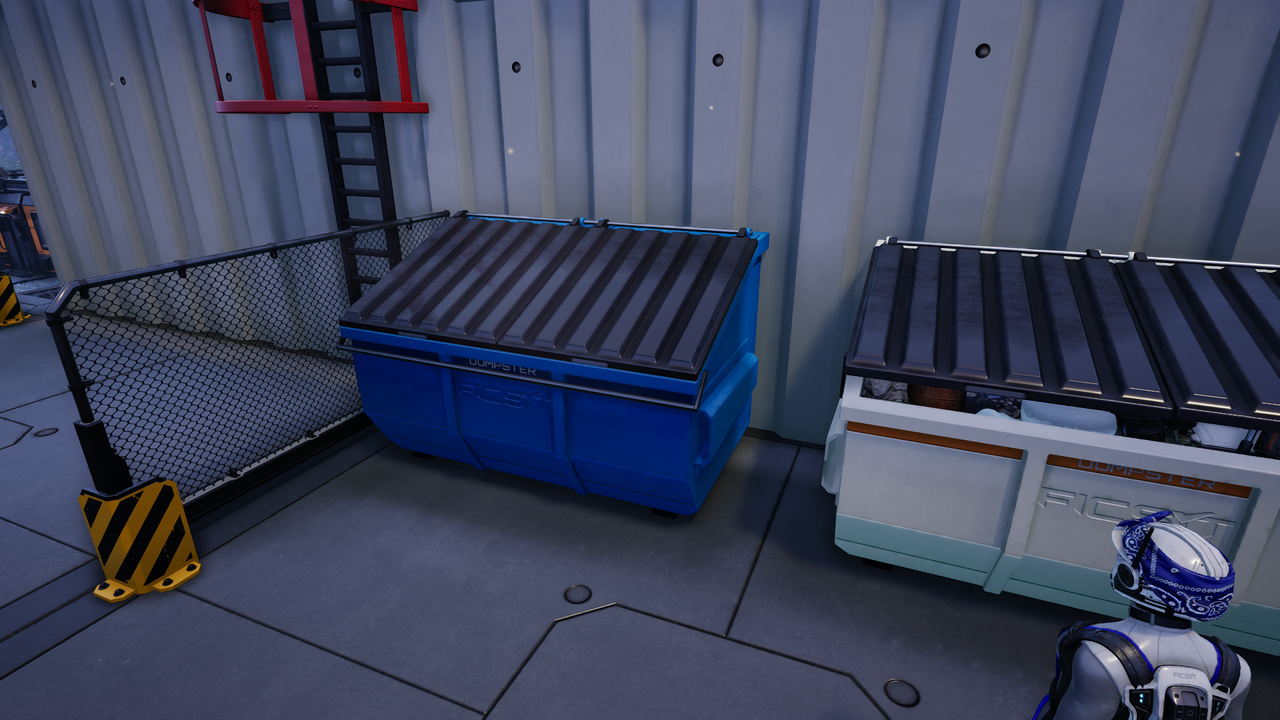
Dumpster, has 16 Slots to Store your Trashitems
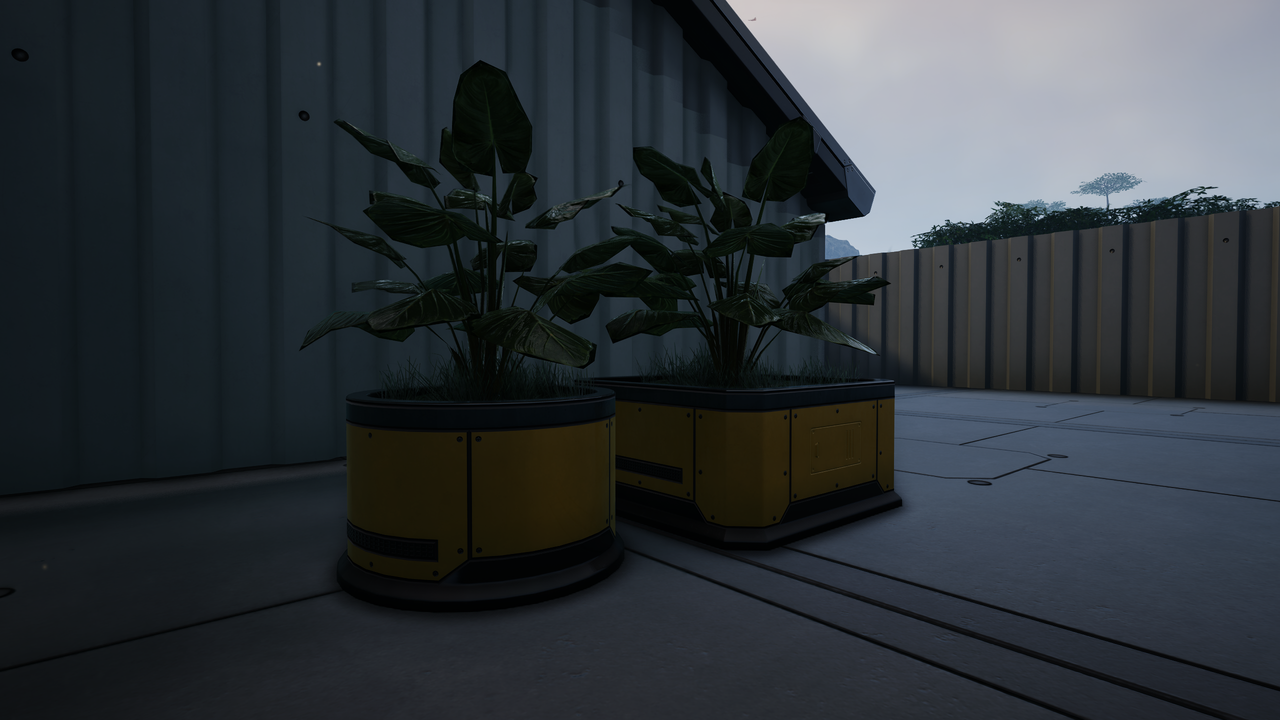
2 Planters with a Widget to choose the visual Plant
Collision Protection, typically seen around Shelves and Doors/Gates
Retractable Bollard, can be set to be always extended/retracted and has 2 Automatic Modes
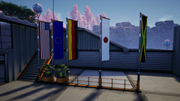
Flag, when first placed points towards 0,0,0, height and orientation can be adjusted from the widget, 95 Flags to chose from, 14 styles with option for
custom Colors and Logo Rotation/Size
Banner, attaches to Walls, Copy/Paste works between Flags and Banners
Placeable Wheels from Explorer, Truck and Tractor
Placeable "Days Since Last Incident" Display
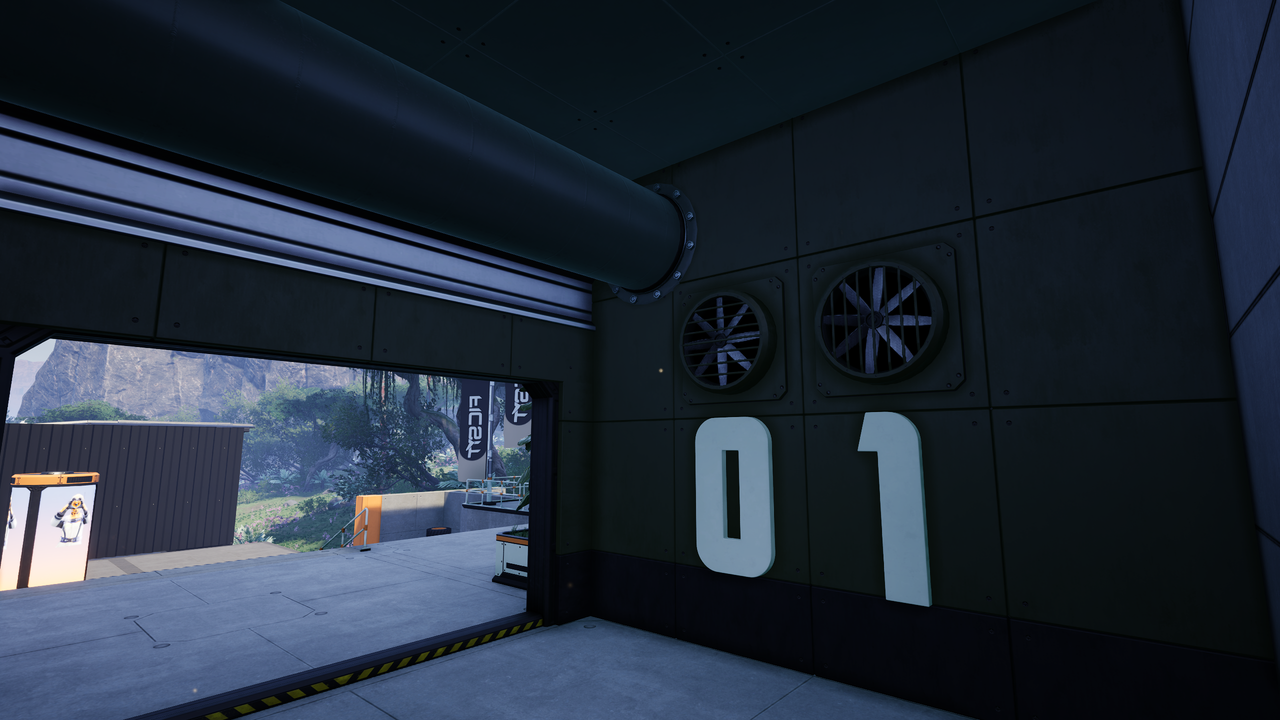
Numbers (0-9) and Letters (A-Z), included a Skin to make them emissive
Fuse Box, used to distribute Power and has 6 Power Connections
Small Fan
Advertising Column/Pillar, slowly rotating
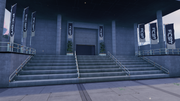
Molded Concrete Walls (8x4 and 4x4m)
Traffic Cone (2 color variants)
Metal and Concrete Tiles
---
Credits:
[The Urban Goose](https://ficsit.app/user/7Bq8NxqGa8tGtJ) for helping with Widgets and providing uassets
https://3dtextures.me for some Textures
* https://natewren.com/satisfontory for the Font
Versionen
Props and Deco auf dem Server installieren
Satisfactory Server bestellen
Bestelle einen Satisfactory Server mit mindestens 4 GB RAM (6 GB empfohlen). Bei Multiplayer: +1 GB pro 4 Spieler.
Mod installieren
Öffne den Mod-Manager im Dashboard und suche nach "Props and Deco". Installations-Dependencies werden automatisch mitinstalliert.
Server neu starten
Starte den Server neu, damit die Mod geladen wird. Spieler müssen die Mod ebenfalls lokal installiert haben.
Häufige Fragen
Props and Deco funktioniert nicht nach Update – was tun?
Nach einem Satisfactory-Update müssen Mods aktualisiert werden. Prüfe auf ficsit.app, ob Props and Deco bereits für die neue Game-Version aktualisiert wurde. Bei Mado Hosting: Öffne den Mod-Manager und klicke "Alle aktualisieren". Wenn die Mod noch nicht aktualisiert ist, entferne sie temporär, damit der Server startet.
Props and Deco verursacht Crashes im Multiplayer – Lösung
Häufigste Ursache: alle Spieler müssen exakt die gleiche Mod-Version installiert haben. Prüfe in den Server-Logs nach "ModMismatch" oder "Version Conflict". Stelle sicher, dass alle Spieler Props and Deco v0.10.0 und den gleichen SML verwenden. Bei Mado Hosting laufen Satisfactory Server mit 6 GB RAM für stabile Multiplayer-Performance.
Ist Props and Deco mit anderen Satisfactory Mods kompatibel?
Props and Deco nutzt den Satisfactory Mod Loader (SML). Generell sind SML-basierte Mods untereinander kompatibel, aber Mods die gleiche Game-Systeme ändern, können Konflikte verursachen. Teste neue Mod-Kombinationen am besten auf einem Backup-Save. Im Mado Dashboard werden bekannte Konflikte automatisch erkannt und du wirst gewarnt.
Props and Deco Server mieten
Spiele Props and Deco auf deinem eigenen Satisfactory Server mit Mod-Support.
Mod Informationen
- Ersteller
- Eikester
- Neueste Version
- v0.10.0
- Erstellt am
- 12. August 2026
- Zuletzt aktualisiert
- 7. Oktober 2026