Social Icons
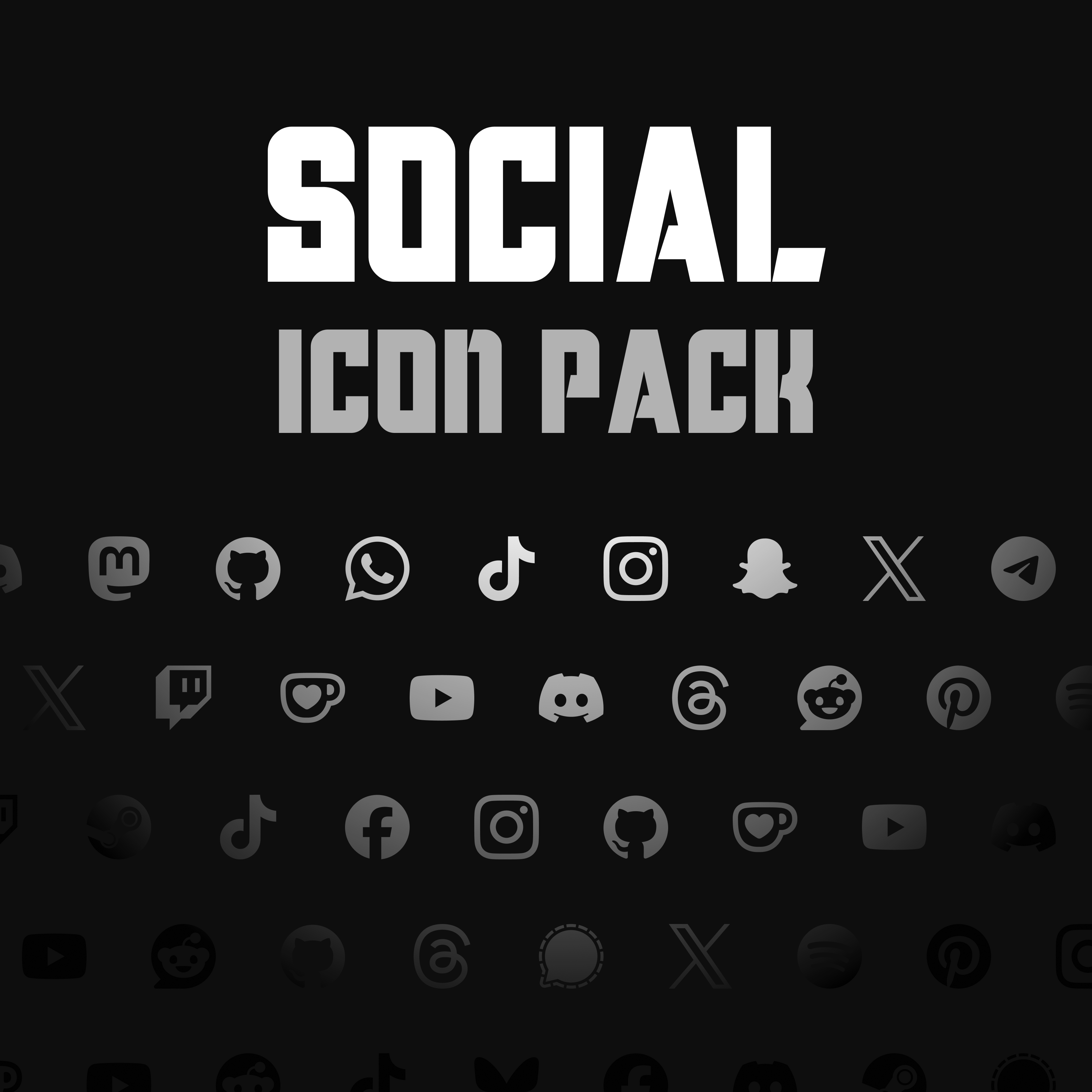
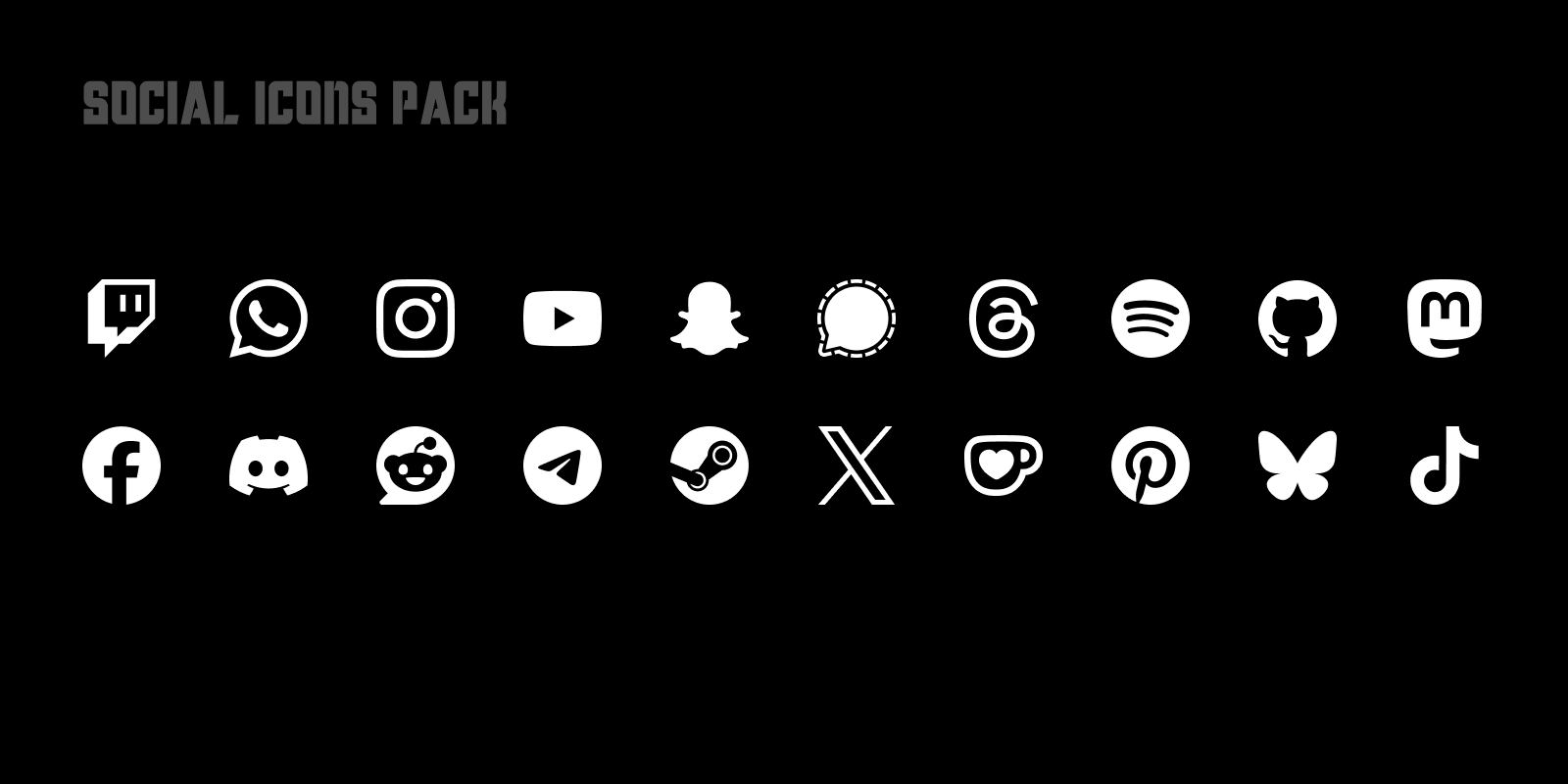
Adds popular social platform icons to Satisfactory, including YouTube, Discord, Twitch, Reddit, GitHub, Steam, and more.
Beschreibung
This mod adds all 21 icons from the Social Icons pack to Satisfactory as icons you can pick in the icon picker
See the source icon set here: https://simpleicons.org/ (curated Simple Icons set)
<br/>
#
Recommended Companion Mod
Highly recommended to use this pack with [IconPicker Plus](https://ficsit.app/mod/IconPickerPlus), which turns Satisfactory's icon browser into a smarter, faster picker with first-class controller support and performance built for huge icon libraries.
---
Third-party notice: This mod includes brand icons sourced from Simple Icons.
Simple Icons is released under CC0 1.0, but brand icon usage is complicated. Individual icons may have separate license metadata, brand logos may be protected by trademark rights, and brand usage guidelines can change over time.
Brand names, logos, and trademarks remain property of their respective owners. This mod is not affiliated with, sponsored by, approved by, or endorsed by any included platform or brand.
Before using or redistributing this pack, check the relevant icon on Simple Icons and review the specific brand's current usage guidelines.
Simple Icons: https://simpleicons.org
License: https://github.com/simple-icons/simple-icons/blob/develop/LICENSE.md
Disclaimer: https://github.com/simple-icons/simple-icons/blob/develop/DISCLAIMER.md
Versionen
Social Icons auf dem Server installieren
Satisfactory Server bestellen
Bestelle einen Satisfactory Server mit mindestens 4 GB RAM (6 GB empfohlen). Bei Multiplayer: +1 GB pro 3 Spieler.
Mod installieren
Öffne den Mod-Manager im Dashboard und suche nach "Social Icons". Installations-Dependencies werden automatisch mitinstalliert.
Server neu starten
Starte den Server neu, damit die Mod geladen wird. Spieler müssen die Mod ebenfalls lokal installiert haben.
Häufige Fragen
Social Icons funktioniert nicht nach Update – was tun?
Nach einem Satisfactory-Update müssen Mods aktualisiert werden. Prüfe auf ficsit.app, ob Social Icons bereits für die neue Game-Version aktualisiert wurde. Bei Mado Hosting: Öffne den Mod-Manager und klicke "Alle aktualisieren". Wenn die Mod noch nicht aktualisiert ist, entferne sie temporär, damit der Server startet.
Social Icons verursacht Crashes im Multiplayer – Lösung
Häufigste Ursache: alle Spieler müssen exakt die gleiche Mod-Version installiert haben. Prüfe in den Server-Logs nach "ModMismatch" oder "Version Conflict". Stelle sicher, dass alle Spieler Social Icons v1.0.1 und den gleichen SML verwenden. Bei Mado Hosting laufen Satisfactory Server mit 6 GB RAM für stabile Multiplayer-Performance.
Ist Social Icons mit anderen Satisfactory Mods kompatibel?
Social Icons nutzt den Satisfactory Mod Loader (SML). Generell sind SML-basierte Mods untereinander kompatibel, aber Mods die gleiche Game-Systeme ändern, können Konflikte verursachen. Teste neue Mod-Kombinationen am besten auf einem Backup-Save. Im Mado Dashboard werden bekannte Konflikte automatisch erkannt und du wirst gewarnt.
Social Icons Server mieten
Spiele Social Icons auf deinem eigenen Satisfactory Server mit Mod-Support.
Mod Informationen
- Ersteller
- oliyy
- Neueste Version
- v1.0.1
- Erstellt am
- 23. Juni 2026
- Zuletzt aktualisiert
- 8. Juli 2026
- Quellcode
- GitHub →