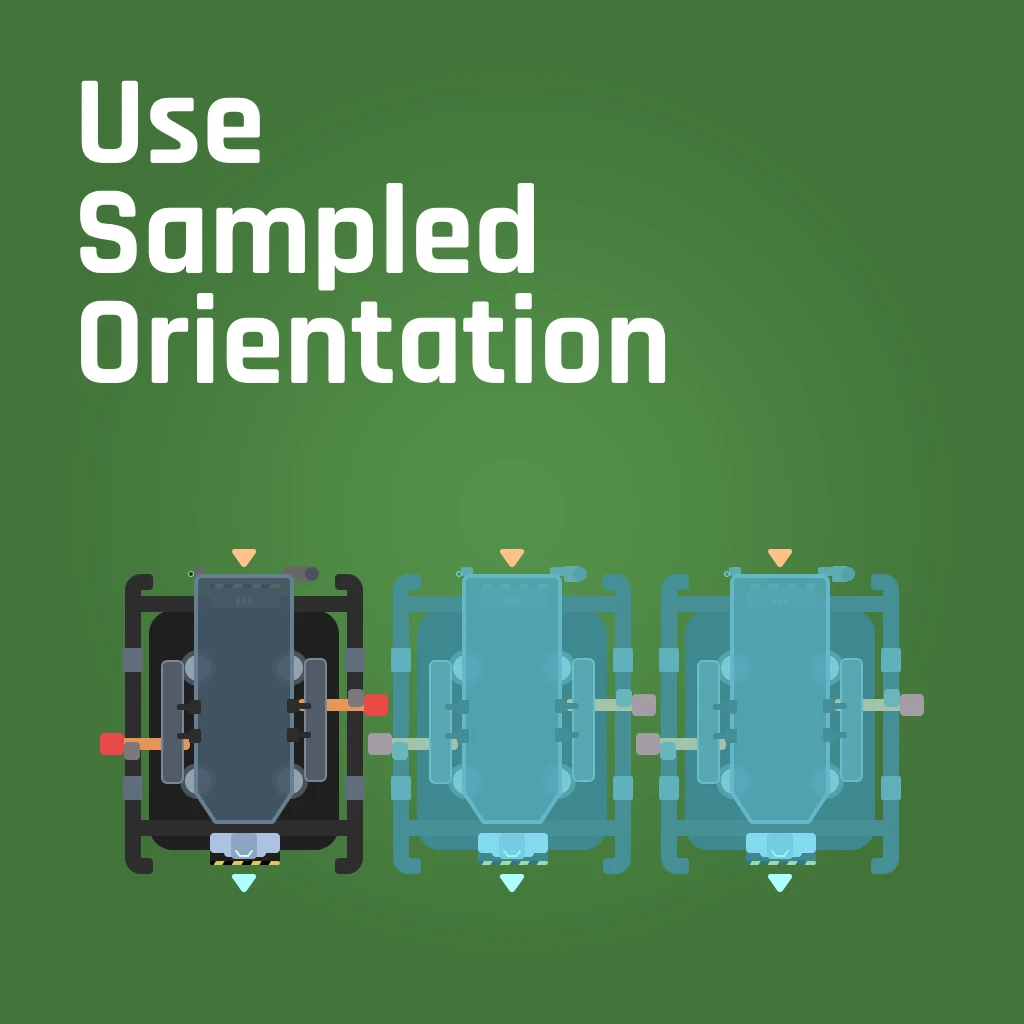
USO (Use Sampled Orientation)
When you sample a structure to build, the hologram will use the sampled structure's orientation.
Beschreibung
When you sample a structure (default: middle mouse button), the resulting hologram will match the structure's orientation. Also, sample can be used in build mode to match the current hologram's orientation to a structure of the same type, making it easier to snap buildings and to ensure your splitters/mergers always line up the way you expect.
In addition, if used on a conveyor belt, pipeline, railroad, or hypertube, your GROUND hologram will be oriented in the direction of the tangent at the point you targeted (though please note that the game will still snap to certain rotation steps depending on where you are looking). Unfortunately, the mod does not reliably set hologram orientation of ceiling and wall poles for belts, pipes, or hypertubes due to some internal oddness in how they work.
Here's a quick demonstration video: https://youtu.be/B__7lO_p460
Be sure "Hologram Rotation Mode" in the Controls options is set to "Static"
Please report any bugs at https://github.com/Epp-s-Satisfactory-Mods/UseSampledOrientation/issues
Additional caveats:
- This mod does not override behavior for foundations and walls and anything else that is part of the internal lightweight buildable system; they are handled differently by the game and have special rotation and snapping behavior that makes attempting to align inconsistent, ineffective, and/or unintuitive.
- If you sample a structure on bare ground but your cursor is pointed to a foundation behind it, the game snaps the hologram on the foundation and it may not be possible to match the original orientation. Re-sample in this case. Another reason to build on foundations whenever possible!
My QoL mods try to improve the game's user experience without drastically altering gameplay. Check them all out at https://ficsit.app/user/2WMLC615MzZpaL
Big thanks to the Satisfactory Modding discord and especially the very patient members of the #help-writing-ue-cpp channel!
Special thanks to bpforest for creating the mod icon - https://bpforest.com/
Versionen
USO (Use Sampled Orientation) auf dem Server installieren
Satisfactory Server bestellen
Bestelle einen Satisfactory Server mit mindestens 4 GB RAM (6 GB empfohlen). Bei Multiplayer: +1 GB pro 4 Spieler.
Mod installieren
Öffne den Mod-Manager im Dashboard und suche nach "USO (Use Sampled Orientation)". Installations-Dependencies werden automatisch mitinstalliert.
Server neu starten
Starte den Server neu, damit die Mod geladen wird. Spieler müssen die Mod ebenfalls lokal installiert haben.
Häufige Fragen
USO (Use Sampled Orientation) funktioniert nicht nach Update – was tun?
Nach einem Satisfactory-Update müssen Mods aktualisiert werden. Prüfe auf ficsit.app, ob USO (Use Sampled Orientation) bereits für die neue Game-Version aktualisiert wurde. Bei Mado Hosting: Öffne den Mod-Manager und klicke "Alle aktualisieren". Wenn die Mod noch nicht aktualisiert ist, entferne sie temporär, damit der Server startet.
USO (Use Sampled Orientation) verursacht Crashes im Multiplayer – Lösung
Häufigste Ursache: alle Spieler müssen exakt die gleiche Mod-Version installiert haben. Prüfe in den Server-Logs nach "ModMismatch" oder "Version Conflict". Stelle sicher, dass alle Spieler USO (Use Sampled Orientation) v0.3.1 und den gleichen SML verwenden. Bei Mado Hosting laufen Satisfactory Server mit 6 GB RAM für stabile Multiplayer-Performance.
Ist USO (Use Sampled Orientation) mit anderen Satisfactory Mods kompatibel?
USO (Use Sampled Orientation) nutzt den Satisfactory Mod Loader (SML). Generell sind SML-basierte Mods untereinander kompatibel, aber Mods die gleiche Game-Systeme ändern, können Konflikte verursachen. Teste neue Mod-Kombinationen am besten auf einem Backup-Save. Im Mado Dashboard werden bekannte Konflikte automatisch erkannt und du wirst gewarnt.
USO (Use Sampled Orientation) Server mieten
Spiele USO (Use Sampled Orientation) auf deinem eigenen Satisfactory Server mit Mod-Support.
Mod Informationen
- Ersteller
- Epp, Nidere
- Neueste Version
- v0.3.1
- Erstellt am
- 11. Oktober 2024
- Zuletzt aktualisiert
- 8. Juli 2026
- Quellcode
- GitHub →