
Durability Reduction Limit
Server-side NeoForge 1.21.1 mod that caps durability loss per damage cycle, defaulting tools and armor to losing at most 1 durability point.
Screenshots
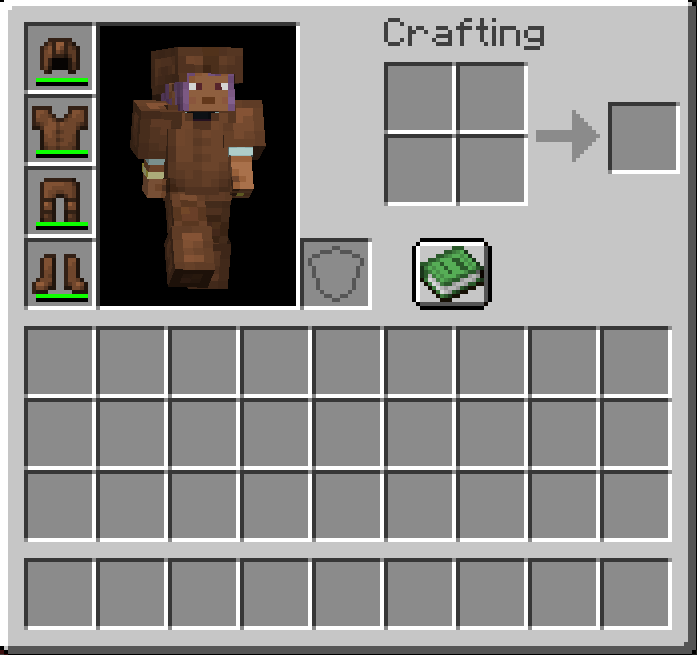
About this Mod
Durability Reduction Limit
Durability Reduction Limit is a lightweight server-side NeoForge 1.21.1 mod that lets you control how much durability an item can lose from a single damage cycle.
By default, durability loss is capped at 1 point, meaning tools, weapons, and armor cannot lose more than one durability point at a time, even when the original damage value would be higher.
Features
- Caps durability reduction from item damage cycles.
- Default cap is 1 durability point.
- Works with tools, weapons, armor, and other damageable items that use Minecraft's normal durability path.
- Fully configurable through NeoForge common config.
- Can be disabled without removing the mod.
- Server-side focused and compatible with SinglePlayer.
- Does not add items, blocks, commands, or client UI.
Configuration
The generated common config includes:
enabled- turns the durability cap on or off.maxDurabilityReduction- sets the maximum durability points an item can lose from one damage application.
Defaults
enabled = truemaxDurabilityReduction = 1
How It Works
When Minecraft calculates durability damage for an item, the mod limits the final durability reduction before it is applied. This keeps heavy durability hits from instantly consuming multiple points while still allowing normal item damage, breaking behavior, and configuration control.
Available Versions
How to Install Durability Reduction Limit on Your Server
Order Server
Order a Minecraft Java server with at least 3 GB RAM (4 GB recommended).
Set neoforge Loader
In the panel under "Egg", select the neoforge loader and matching Minecraft version (1.21.11).
Install Mod
Open the mod browser in the dashboard and search for "Durability Reduction Limit". Click "Install" – done! Alternatively, upload the .jar via SFTP to the /mods folder.
Compatibility
Mod Loaders
Minecraft Versions
1.21.11, 1.21.10, 1.21.9 (+8 more)
Server-side
✓ RequiredRecommended RAM
4 GB(min. 3 GB)Frequently Asked Questions
Durability Reduction Limit server crashes on startup – what to do?
Most common cause: wrong neoforge version or insufficient RAM. Check the server log (latest.log) for "OutOfMemoryError" or "Mixin" errors. With Mado Hosting: ensure at least 3 GB RAM is allocated and the loader matches the mod version (1.21.11). You can switch loaders with one click in the panel.
Is Durability Reduction Limit compatible with neoforge?
Durability Reduction Limit officially supports neoforge for Minecraft 1.21.11, 1.21.10, 1.21.9. The Mado dashboard automatically detects incompatible loader combinations.
Server lagging with Durability Reduction Limit – how to optimize performance?
Recommended RAM: 4 GB (per 8 players). Use /spark profiler to check if Durability Reduction Limit consumes the most tick time. Common fixes: reduce server view-distance to 8-10, install "performant" or "starlight" as supplementary mods on Forge. With Mado Hosting, your server runs on NVMe SSDs with dedicated CPU cores for minimal latency.
Similar Mods



![[TaCZ] Timeless and Classics Zero](https://cdn.modrinth.com/data/SzzJttH8/fd27766d2bb8390d284696b1dbd358f87e081439_96.webp)


Rent Modded Server
Install Durability Reduction Limit with just one click on your server.