
Ropes+
Hookshot and 3D Ziplines! and mutch Arrow
Screenshots
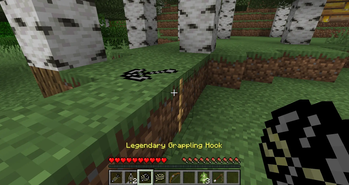
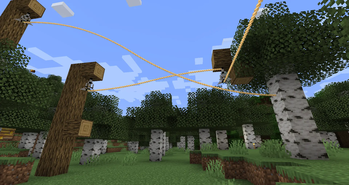
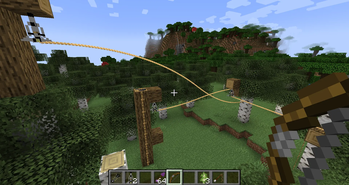
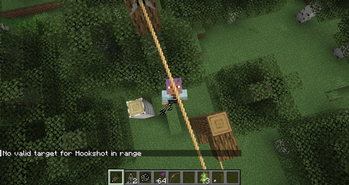
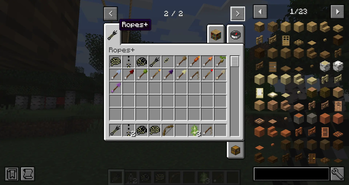
About this Mod
Rope+ Reforged
Expand your adventures with ropes, grappling tools, and powerful utility arrows!
Rope+ Remake is a modern NeoForge 1.21.1 remake/port of the classic Rope+ mod originally created by AtomicStryker, bringing its iconic exploration tools to modern Minecraft.
Traverse cliffs, descend safely, and explore the world with a collection of rope-based
mechanics and special arrows.
Features
- 🪢 Rope Arrows for creating climbable ropes.
- 🪝 Grappling Hook for fast vertical and horizontal movement.
- ⚡ Zipline system for quick travel.
- 🏹 A collection of utility and elemental arrows.
- 🌍 Designed for exploration and adventure.
- ⚙️ Fully updated for NeoForge 1.21.1.
Exemple Craft
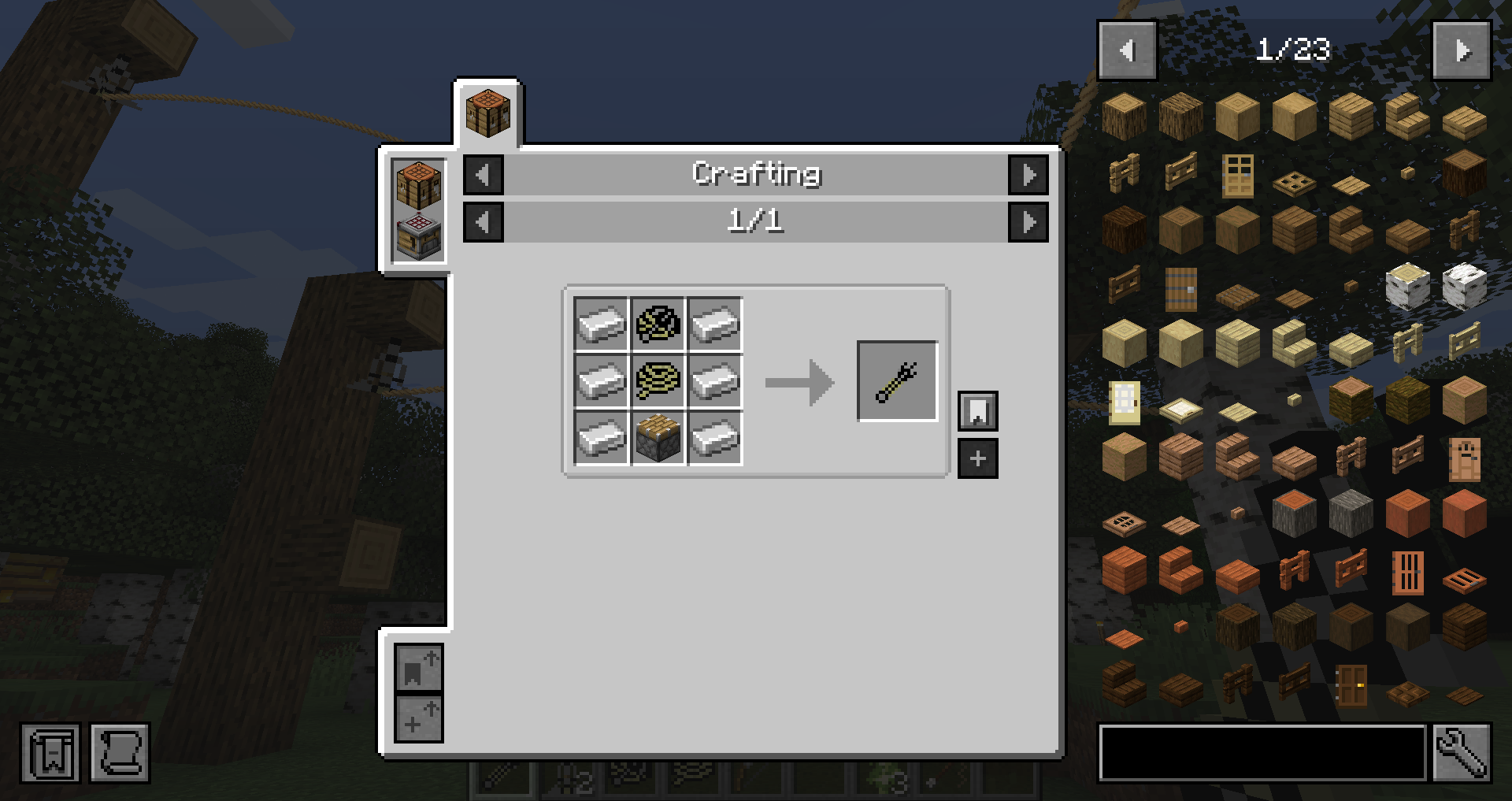
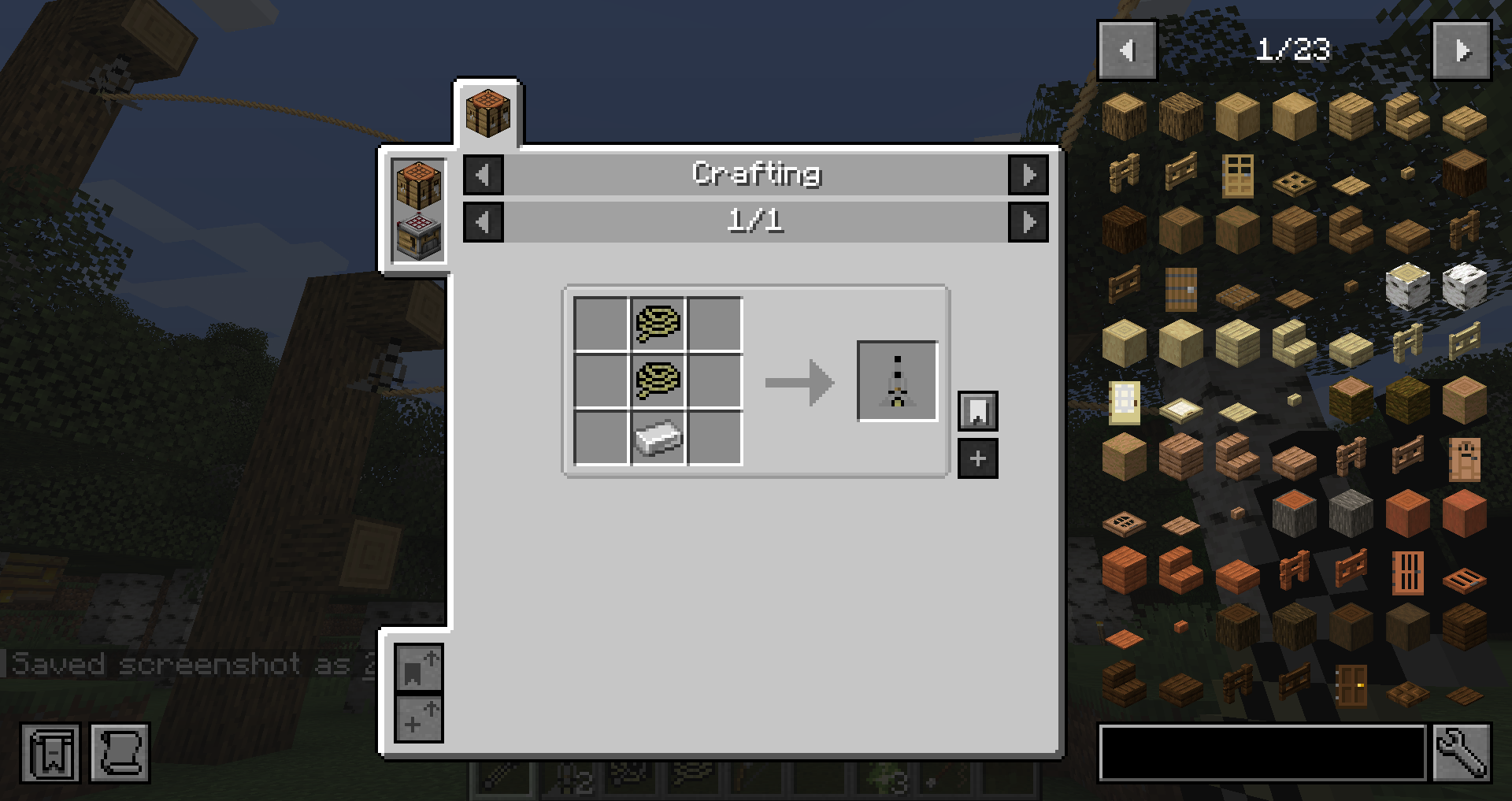
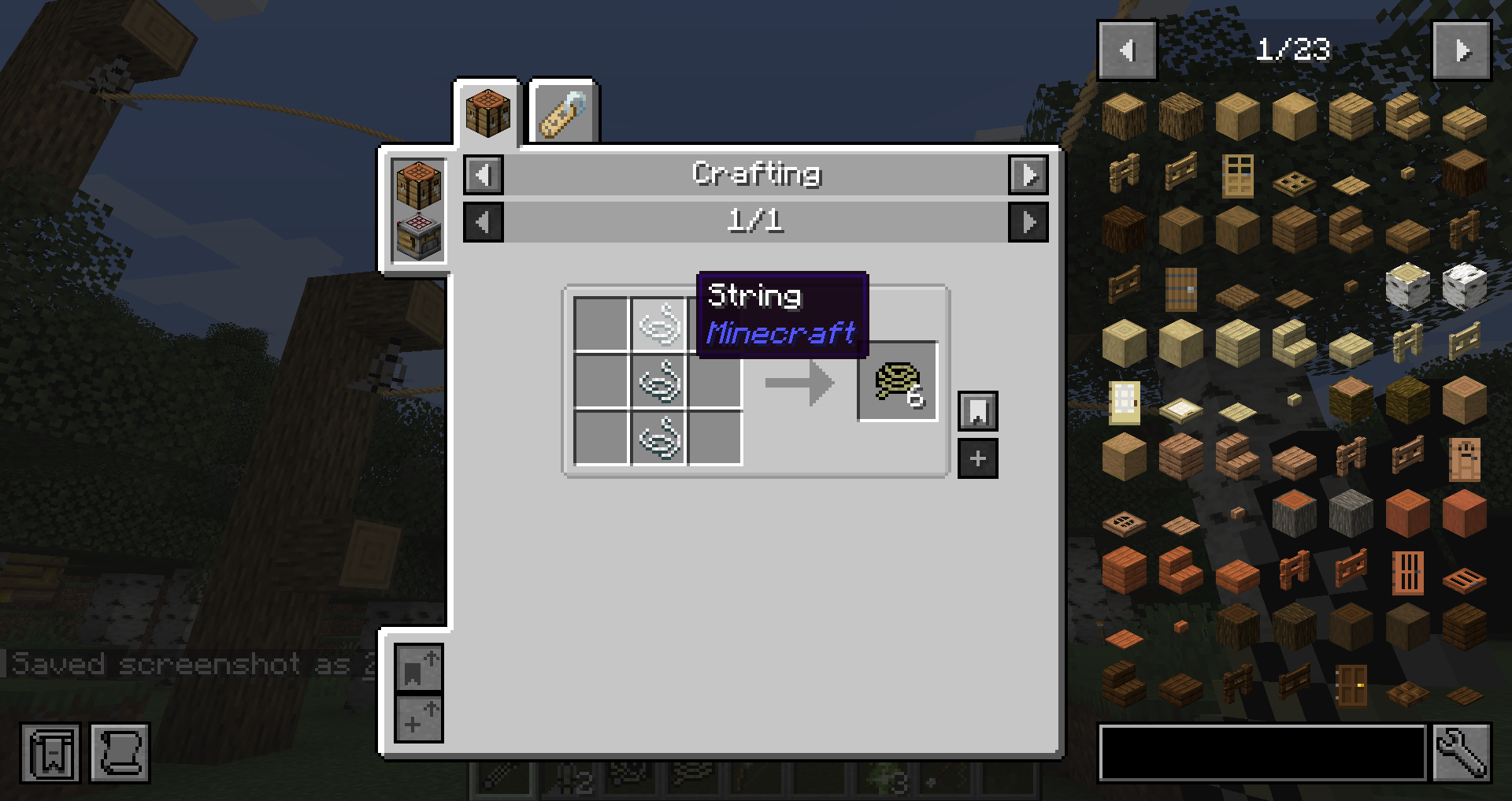
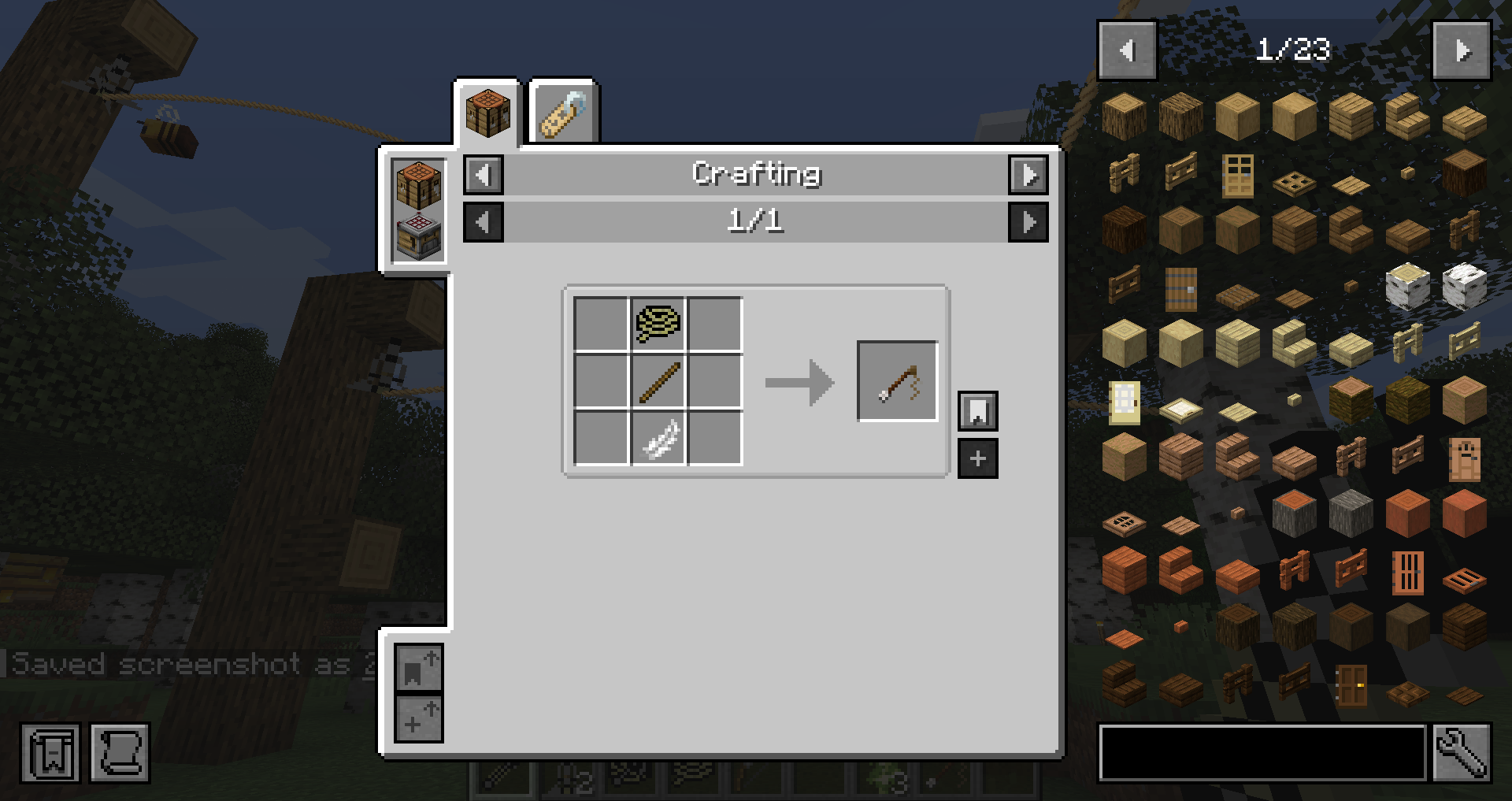
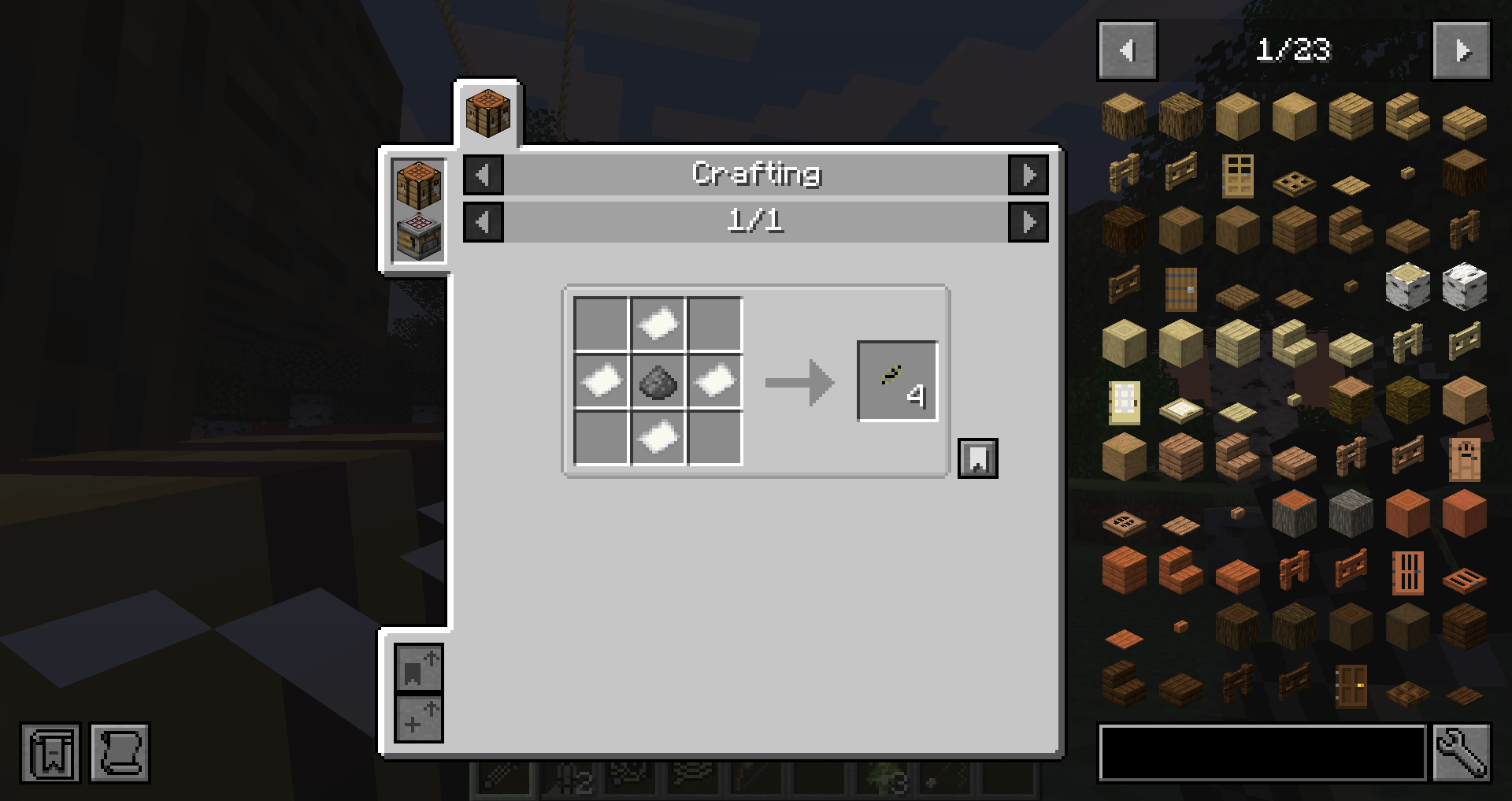
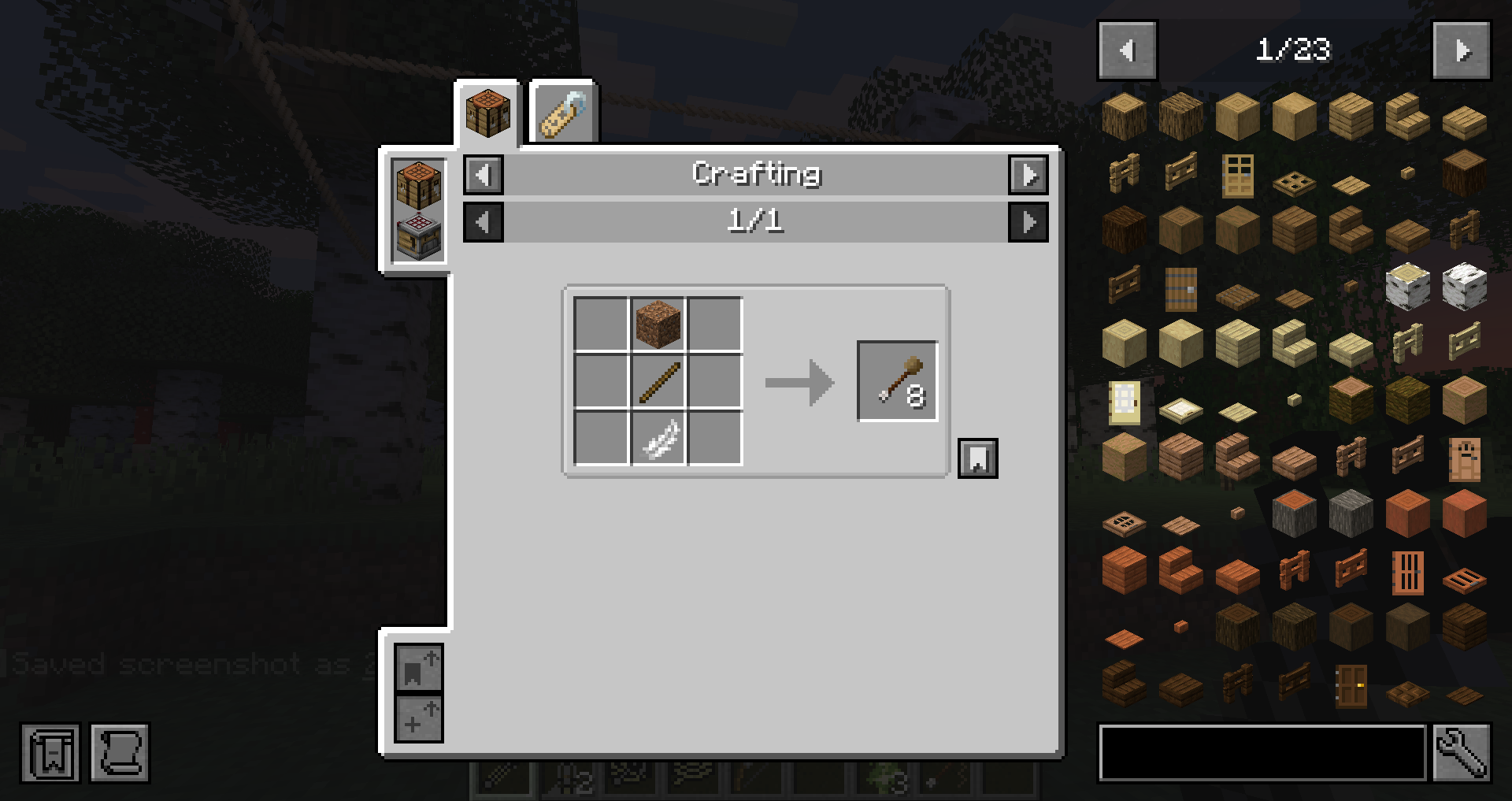
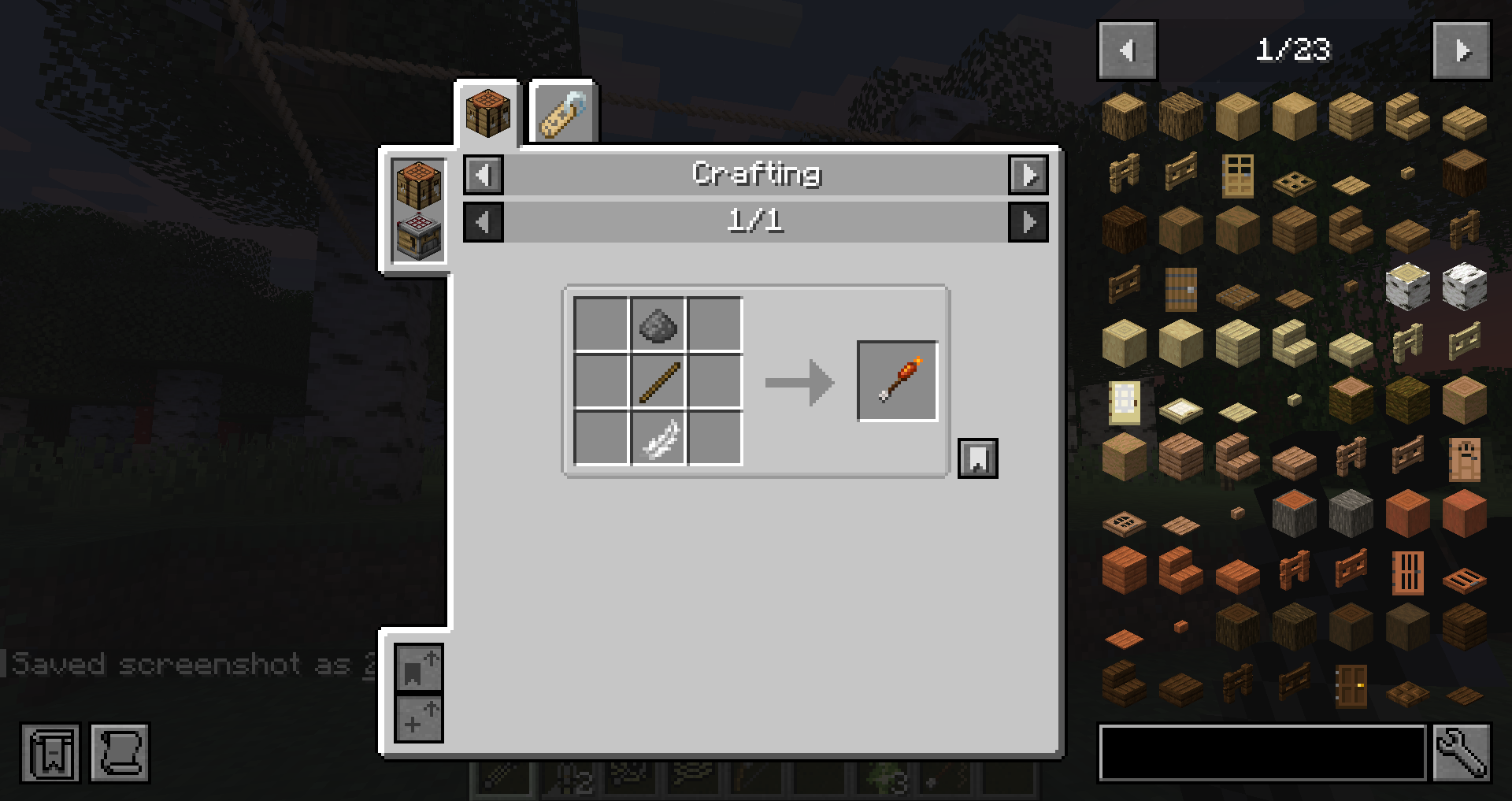
Zipline tutorial
Step 1
Place a Zipline Anchor underneath a solid block.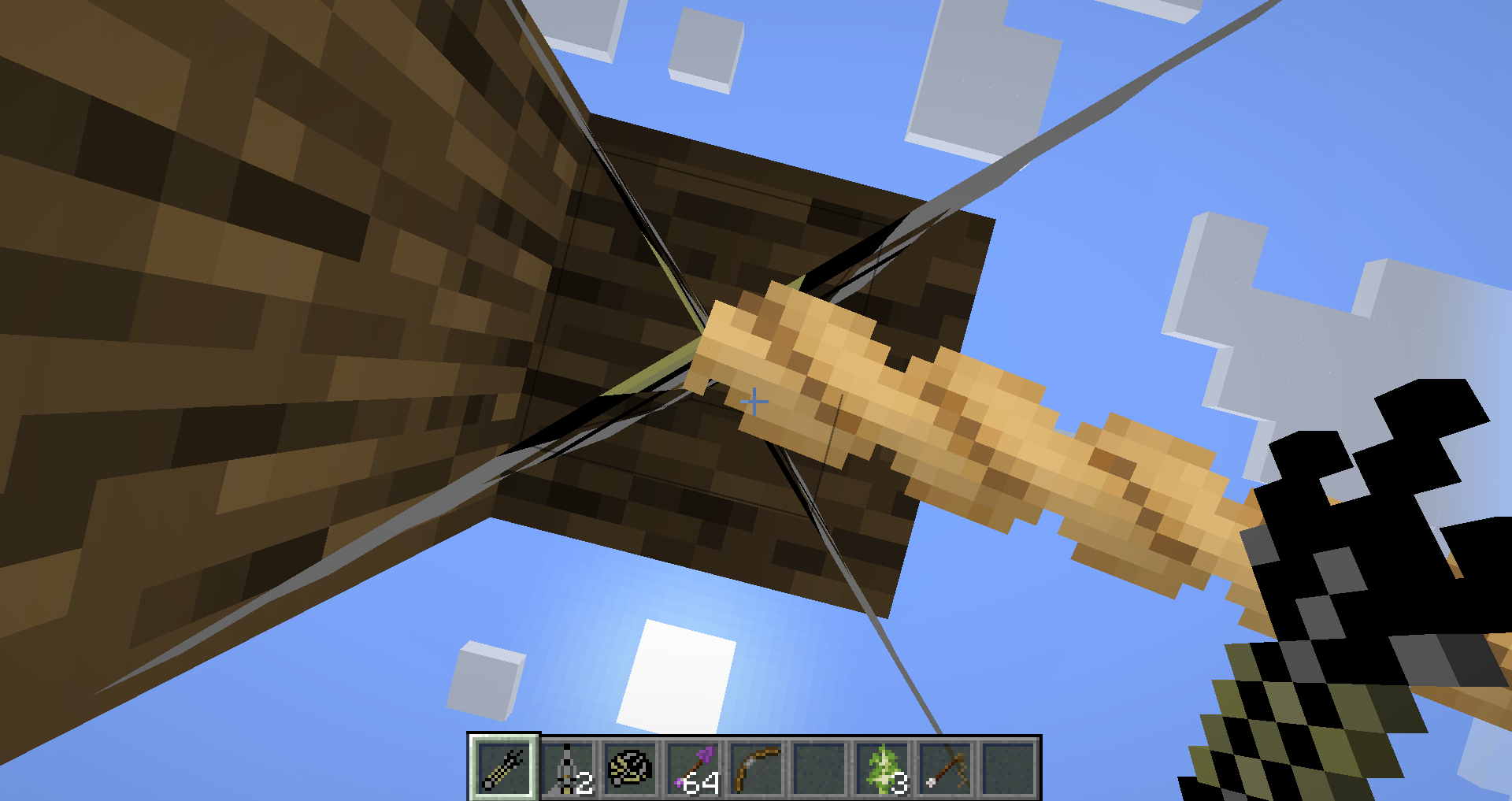
Step 2
Equip the Hook Shot and shoot the target block where you want the zipline to end.
Step 3
The default maximum zipline length is 50 blocks.
To extend the distance:
- Hold a Bridge Cart and the Hook Shot.
- Press Shift to increase the maximum length by 10 blocks per upgrade.
- The maximum possible zipline length is 200 blocks.
Credits
Original Rope+ Mod
- AtomicStryker
Original Inspirations
- 303 – Elemental Arrows
- SDK – Grappling Hook concept
- DJRoslin – Original Rope system
- DerrikeG – Grappling Hook and item sprites
NeoForge 1.21.1 Remake/Port
- MickDev
Published with permission from the original author.
Original Project
Original CurseForge project (Minecraft 1.7.10):
https://www.curseforge.com/minecraft/mc-mods/ropes
Support
Found a bug or have a suggestion?
Please report it on the GitHub Issues page.
https://github.com/minsto/RopePlus/issues
Available Versions
How to Install Ropes+ on Your Server
Order Server
Order a Minecraft Java server with at least 3 GB RAM (4 GB recommended).
Set neoforge Loader
In the panel under "Egg", select the neoforge loader and matching Minecraft version (1.21.1).
Install Mod
Open the mod browser in the dashboard and search for "Ropes+". Click "Install" – done! Alternatively, upload the .jar via SFTP to the /mods folder.
Compatibility
Mod Loaders
Minecraft Versions
1.21.1
Server-side
✓ RequiredRecommended RAM
4 GB(min. 3 GB)Frequently Asked Questions
Ropes+ server crashes on startup – what to do?
Most common cause: wrong neoforge version or insufficient RAM. Check the server log (latest.log) for "OutOfMemoryError" or "Mixin" errors. With Mado Hosting: ensure at least 3 GB RAM is allocated and the loader matches the mod version (1.21.1). You can switch loaders with one click in the panel.
Is Ropes+ compatible with neoforge?
Ropes+ officially supports neoforge for Minecraft 1.21.1. The Mado dashboard automatically detects incompatible loader combinations.
Server lagging with Ropes+ – how to optimize performance?
Recommended RAM: 4 GB (per 8 players). Use /spark profiler to check if Ropes+ consumes the most tick time. Common fixes: reduce server view-distance to 8-10, install "performant" or "starlight" as supplementary mods on Forge. With Mado Hosting, your server runs on NVMe SSDs with dedicated CPU cores for minimal latency.
Similar Mods




Rent Modded Server
Install Ropes+ with just one click on your server.