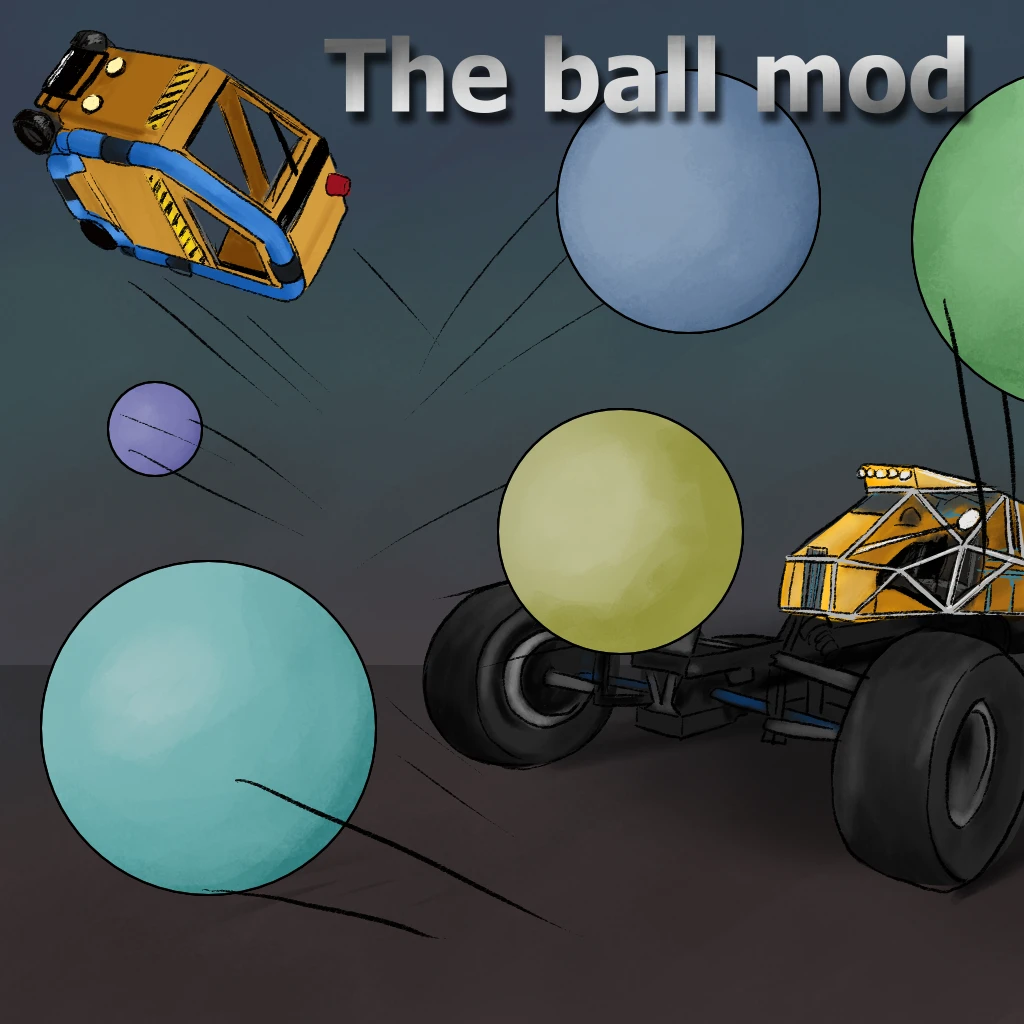
The Balls Mod
Adds balls to the game
Description
The short title sayes it all, this mod simply adds some balls to the game.
The mod itself currently has a goals and a soccer gamemode implemented.
The longer story is:
<br><code>/createballs \<x y\></code> to spawn balls.
<br><code>/sizeball \<x\></code> to resize upcoming balls.
<br><code>/colorball \<r g b\></code> to recolor upcoming balls.
<br><code>/frictionball \<golf\></code> changes the properties of all the balls.
The balls are currently without saving and therefore keeps your save completely vanilla!
<br>In the future theres going to be:
<br> - Goals added for golf and a dedicated golf gamemode.
<br> - Automatic ball spawning from text screens.
<br>Signs can now be used as autospawners by setting the sign text. (spawn,rate=1,limit=50,rgb=1:0:0)
For more examples of the ball mod goto Frutchy on twitch, where we streamed the soccer game.
<br>https://www.twitch.tv/frutchy
For an even greater time, come join us on the Satlabs discord server:
<br>https://discord.gg/wY5vpdW9kF
But for now, i hope that you enjoy playing with the balls.
<br>I'm Hax#2715, i accept feature ideas.
Versions
How to Install The Balls Mod on Your Server
Order Satisfactory Server
Order a Satisfactory server with at least 4 GB RAM (6 GB recommended). For multiplayer: per 4 players.
Install Mod
Open the mod manager in the dashboard and search for "The Balls Mod". Installation dependencies are installed automatically.
Restart Server
Restart the server so the mod is loaded. Players need to have the mod installed locally as well.
Frequently Asked Questions
The Balls Mod not working after update – what to do?
After a Satisfactory update, mods need to be updated. Check ficsit.app whether The Balls Mod has been updated for the new game version. With Mado Hosting: open the mod manager and click "Update All". If the mod hasn't been updated yet, temporarily remove it so the server starts.
The Balls Mod causing crashes in multiplayer – solution
Most common cause: all players must have exactly the same mod version installed. Check server logs for "ModMismatch" or "Version Conflict". Ensure all players use The Balls Mod v0.2.0 and the same SML. With Mado Hosting, Satisfactory servers run with 6 GB RAM for stable multiplayer performance.
Is The Balls Mod compatible with other Satisfactory mods?
The Balls Mod uses the Satisfactory Mod Loader (SML). Generally, SML-based mods are cross-compatible, but mods modifying the same game systems can cause conflicts. Test new mod combinations on a backup save. The Mado dashboard automatically detects known conflicts and warns you.
Rent The Balls Mod Server
Play The Balls Mod on your own Satisfactory server with mod support.
Mod Information
- Author
- PepiHax
- Latest Version
- v0.2.0
- Created
- December 20, 2021
- Last Updated
- July 8, 2026