Event Utilities
Send webhook messages to an external web server by interacting with in-game buildings. Full multiplayer support.
Description
Event Utilities
Send webhook messages to an external web server by interacting with in-game buildings.
Full multiplayer support - use it to implement quizzes, parkour courses, race tracks, and more!
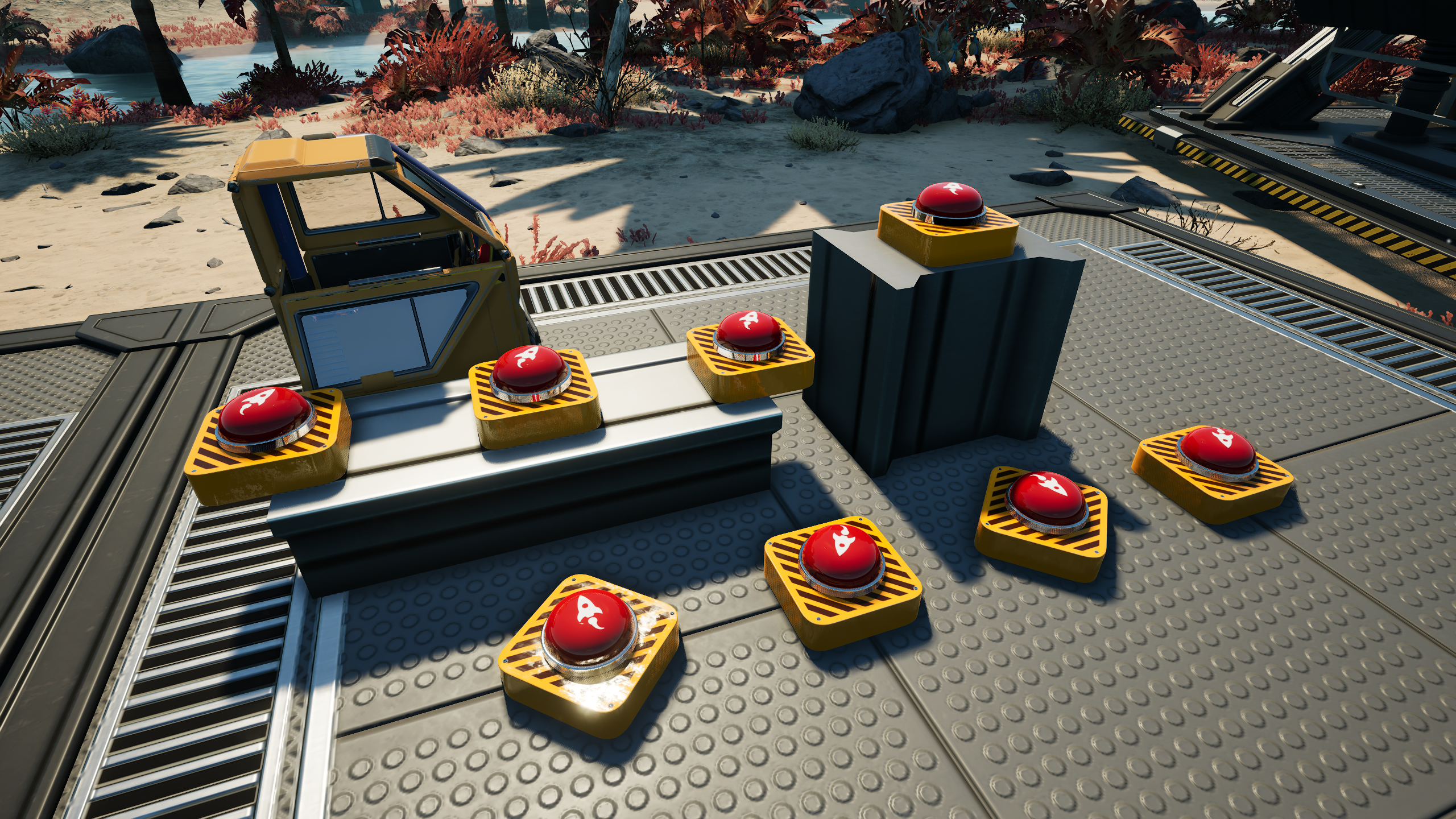
Created by volunteers at the request of the [Satisfactory Events](https://www.twitch.tv/satisfactoryevents) group,
but the mod is usable by anyone.
Features
All content is free to build and unlock (Hub Tier 1 milestone).
If you want alternate costs, use [ContentLib](https://ficsit.app/mod/ContentLib) to change them.
Adds 2 devices that respond to player input/presence:
Button
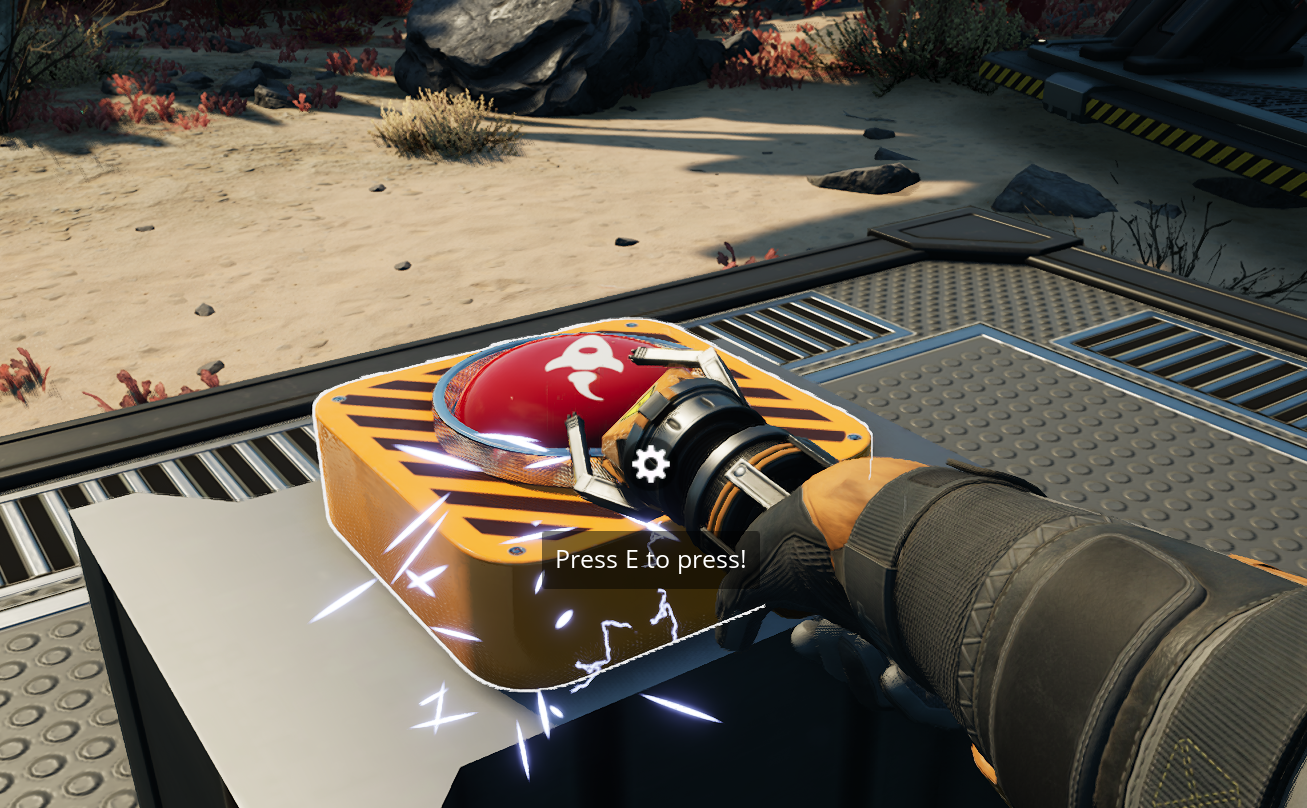
Players can interact (use) to trigger, or trigger via any type of player-instigated damage.
Sensor Foundation
Detects when players (and player-operated vehicles) enter a two-foundation (8m x 8m x 8m) area above the building. Snapping is weird, sorry.
Use mods like [Infinite Nudge](https://ficsit.app/mod/InfiniteNudge) or [Rearchitector Redux](https://ficsit.app/mod/RearchitectorRedux) to help with positioning it.

Device Configuration
Each built copy of a device can be configured separately.
To configure what a device does, first use the `/gameShowEdit` chat command to enter editor mode.
In editor mode, interacting with the devices will open a configuration screen.
Run the command again to exit editor mode.
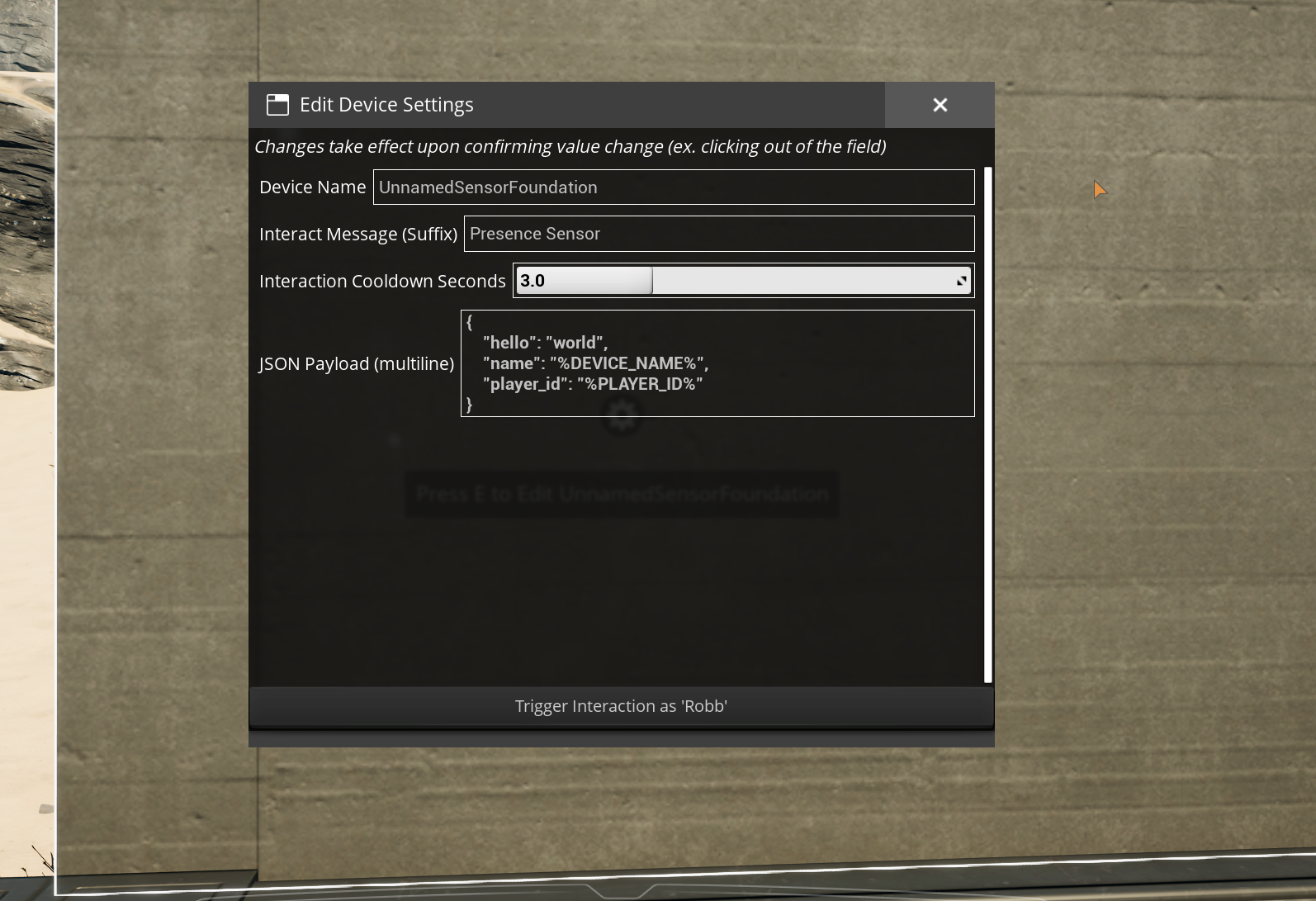
To use a name other than your player display name for the purpose of `%PLAYER_ID%`, run the `/gameShowName <name>` chat command.
This value is not saved and must be set upon every multiplayer rejoin.
To swap back to using your player display name, run `/gameShowName CLEAR`.
Mod Configuration
This mod is not very useful without an external application to connect to.
Setting that up is outside the scope of this guide.
Potential applications include OBS, Streamerbot or SAMMI.
To configure the server to connect to, supply a URL in the "Webhook URL" mod config option.
This is purposefully not using the Mod Savegame Settings system yet since there is not an easy way to ensure that only a server administrator can modify the URL.
Dedicated servers will need to manually edit the mod config file with a text editor.
All (attempted) message payloads are logged to the game's
[log files](https://docs.ficsit.app/satisfactory-modding/latest/faq.html#Files_Logs),
which you should probably have open while setting up the mod to see any error messages.
You can open a live console window that shows logs in real-time by following the steps
[here](https://docs.ficsit.app/satisfactory-modding/latest/Development/TestingResources.html#_unreal_console).
Network Activity Transparency
The express purpose of this mod is to send messages to an external server you specify in the "Webhook URL" mod config option when users interact in-game.
This option is blank by default, so until you manually set one yourself, connections will always fail.
This external server could either be hosted by you or by someone else depending on what you configure.
In multiplayer, the server is the only side that makes connections.
As a player, messages can include your in-game display name depending on how in-game buildings are configured.
All message payloads are logged to the game's
[log files](https://docs.ficsit.app/satisfactory-modding/latest/faq.html#Files_Logs).
Support the Developers
- Robb (Buildings and UI): _If you enjoy my work, please consider donating to my [completely optional tip jar](https://ko-fi.com/robb4)._
- DarthPorisius (Webhook functionality): Not currently accepting donations.
- Pleasure (Button model and textures): Not currently accepting donations.
Versions
How to Install Event Utilities on Your Server
Order Satisfactory Server
Order a Satisfactory server with at least 6 GB RAM (8 GB recommended). For multiplayer: per 2 players.
Install Mod
Open the mod manager in the dashboard and search for "Event Utilities". Installation dependencies are installed automatically.
Restart Server
Restart the server so the mod is loaded. Players need to have the mod installed locally as well.
Frequently Asked Questions
Event Utilities not working after update – what to do?
After a Satisfactory update, mods need to be updated. Check ficsit.app whether Event Utilities has been updated for the new game version. With Mado Hosting: open the mod manager and click "Update All". If the mod hasn't been updated yet, temporarily remove it so the server starts.
Event Utilities causing crashes in multiplayer – solution
Most common cause: all players must have exactly the same mod version installed. Check server logs for "ModMismatch" or "Version Conflict". Ensure all players use Event Utilities v1.0.0-pre2 and the same SML. With Mado Hosting, Satisfactory servers run with 8 GB RAM for stable multiplayer performance.
Is Event Utilities compatible with other Satisfactory mods?
Event Utilities uses the Satisfactory Mod Loader (SML). Generally, SML-based mods are cross-compatible, but mods modifying the same game systems can cause conflicts. Test new mod combinations on a backup save. The Mado dashboard automatically detects known conflicts and warns you.
Rent Event Utilities Server
Play Event Utilities on your own Satisfactory server with mod support.
Mod Information
- Author
- DarthPorisius, Robb
- Latest Version
- v1.0.0-pre2
- Created
- February 15, 2025
- Last Updated
- July 8, 2026
- Source Code
- GitHub →