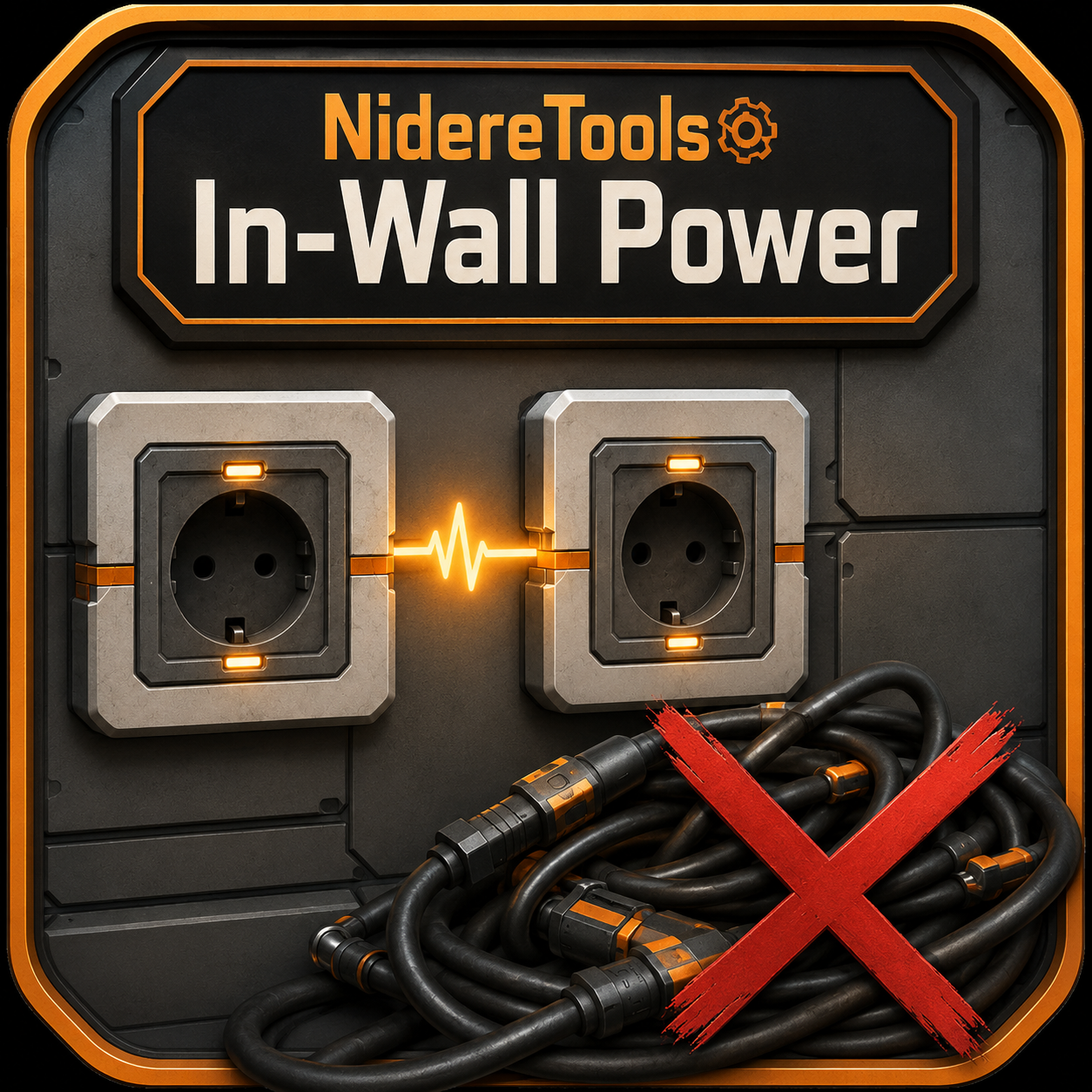
NidereTools: In-Wall Power
Wall-mounted power conduits that auto-link through walls into a hidden power bus when built, no cables needed
Description
In-Wall Power
Tired of stringing power lines across every blueprint seam and along every wall?
In-Wall Power adds a wall-mounted conduit that quietly wires itself to its neighbours through the wall — giving you a clean, invisible power bus.
What it does
- Build an In-Wall Power Conduit on a wall. When placed, it automatically links to every other conduit nearby — through a hidden connection, with no visible cable between them.- Run a single power line into any conduit, and power spreads across the entire linked network.
- The hidden links don't count against the conduit's wire limit — so your one visible cable is the only wire you'll ever see.
Why you'll want it
- Clean builds. No more cable spaghetti between rooms, floors, or wall panels.- Blueprint-friendly. Drop conduits at the edges of your blueprint tiles — when the tiles meet, power stitches itself across the seam automatically. No more hand-wiring every join.
- Just works. Links form the moment you build, survive save/reload, and re-form correctly if you remove and replace a conduit.
How to use
1. Build a conduit on a wall.2. Build more conduits wherever you need power — they link up automatically.
3. Wire a generator (or your grid) into any one of them. Done — the whole network is powered.
Manual wiring still works exactly like vanilla: the conduit is a normal power connection, so you can plug it into poles, machines, or other outlets whenever you like.
Versions
How to Install NidereTools: In-Wall Power on Your Server
Order Satisfactory Server
Order a Satisfactory server with at least 4 GB RAM (6 GB recommended). For multiplayer: per 4 players.
Install Mod
Open the mod manager in the dashboard and search for "NidereTools: In-Wall Power". Installation dependencies are installed automatically.
Restart Server
Restart the server so the mod is loaded. Players need to have the mod installed locally as well.
Frequently Asked Questions
NidereTools: In-Wall Power not working after update – what to do?
After a Satisfactory update, mods need to be updated. Check ficsit.app whether NidereTools: In-Wall Power has been updated for the new game version. With Mado Hosting: open the mod manager and click "Update All". If the mod hasn't been updated yet, temporarily remove it so the server starts.
NidereTools: In-Wall Power causing crashes in multiplayer – solution
Most common cause: all players must have exactly the same mod version installed. Check server logs for "ModMismatch" or "Version Conflict". Ensure all players use NidereTools: In-Wall Power v1.0.1 and the same SML. With Mado Hosting, Satisfactory servers run with 6 GB RAM for stable multiplayer performance.
Is NidereTools: In-Wall Power compatible with other Satisfactory mods?
NidereTools: In-Wall Power uses the Satisfactory Mod Loader (SML). Generally, SML-based mods are cross-compatible, but mods modifying the same game systems can cause conflicts. Test new mod combinations on a backup save. The Mado dashboard automatically detects known conflicts and warns you.
Rent NidereTools: In-Wall Power Server
Play NidereTools: In-Wall Power on your own Satisfactory server with mod support.
Mod Information
- Author
- Nidere
- Latest Version
- v1.0.1
- Created
- June 16, 2026
- Last Updated
- July 8, 2026
- Source Code
- GitHub →