48fancy
Convenient Vanilla+ Modpack with tweaks, bugfixes on Quilt.
Screenshots
About this Modpack
About Future Versions
> There have been no updates for a long time. But the modpack needed to be rethought. And I’m ready to say that a new version of the modpack for 1.20.1, 1.20.4, 1.21, 1.21.2 will be released soon.1.20.1 and 1.20.4 will be the last supported versions unless I find the right toolkit. I don't know how to program modifications, and the goal of this build is to simplify the game as much as possible with the addition of new and old amenities.
For 1.21, a difficulty arose in the fact that there are no SAME modifications that I used before. Of course, I found similar ones. But that's not it.
If you know how to program modifications for Fabric, I will be grateful if you can contact me.
48fancy
48fancy — a modpack that I put together especially for myself, for convenient play in Minecraft. Based on Quilt (soon on Fabric). So install Quilt instead of Fabric before installing.
⚠ IMPORTANT: We do not claim to be the best optimization modpack! The purpose of the modpack is to improve the game by adding little-known mods.
If you have an NVIDIA 16 series or higher video card, you can install Nvidium.
TO DO
- Make a separate version of the modpack for Optifine
- More fixes & more bugfixes
Optimization, and make a quick game launch
- MAXIMUM PERFORMANCE
- Mod Sets Settings
- Mod Config Settings
- Regular updates
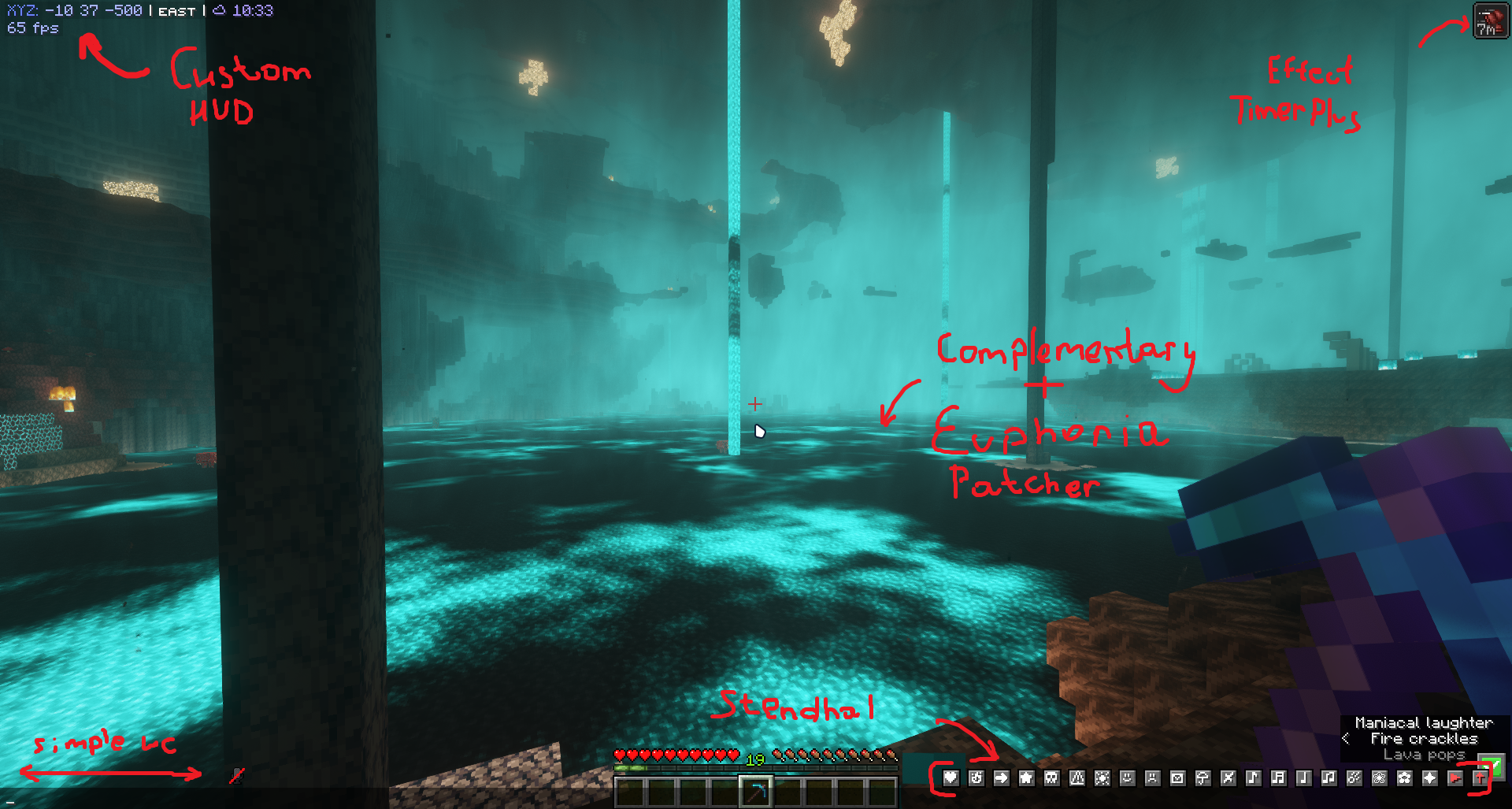
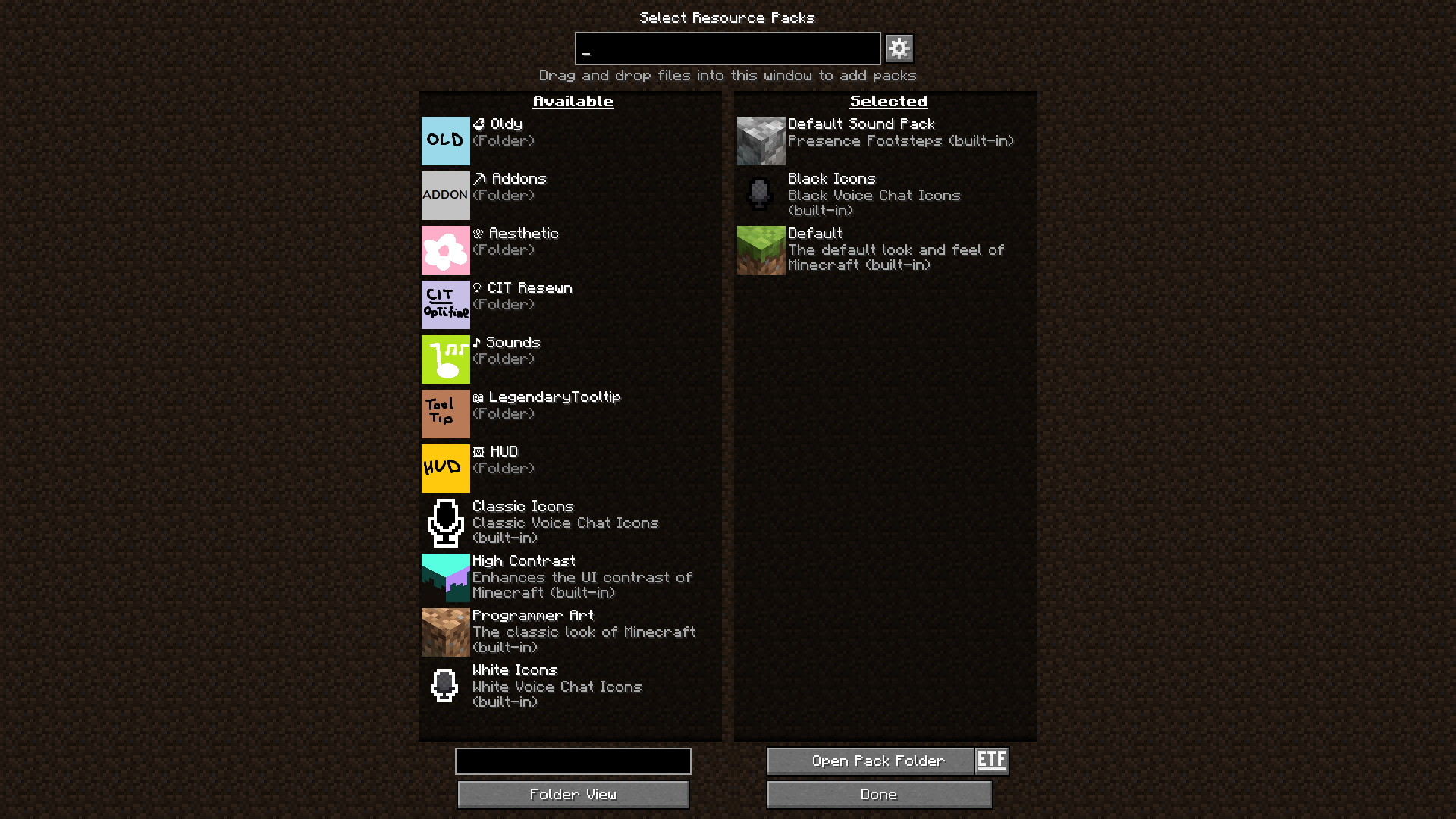
Optimization & Optifine Alternative Mods
- Sodium, Iris, Animatica, Continuity, OptiGUI, CIT Resewn, Sodium Extra, Entity Texture Features & Entity Model Features (maybe I'll make a separate version for Optifine)
- Concurrent Chunk Management Engine
- CollisionFix
- Capes
- Bad Packets
- BadOptimization
- Dynamic FPS
- Entity View Distance
- Entity Culling
- FastQuit
- FerriteCore
- FeyTweaks
- Icterine
- Indium
- Kripton
- Ksyxis
- Lithium
- Memory Leak Fix
- MixinTrace
- ModernFix
- More Culling & More Culling Extra
- Noisium
- Remove Reloading Screen
- Starlight
- ThreadTweak
- Too Many Players
- Very Many Players
QoL Mods
- Borderless Mining
- Bobby
- Cherished Worlds
- Draggable Lists
- Debugify
- Fadeless
- Held Item Info
- Hardcover
- Highlight Unrestrictor
- NBT Autocomplete
- No Chat Reports & No Telemetry
- No Resource Pack Warnings
- Not Enough Crashes
- Perspective Mod Redux
- Recursive Resources
- Riding Mouse Fix
- Advancement Screenshot
- Searchable
- Shoulder Surfing Reloaded
- Suggestion Tweaker
- Tips
- Visible Offhand
- Wildfire's Female Gender Mod
- Zoomify
Visual & Sound Mods
- 'Slight' GUI Modifications
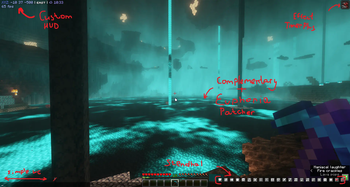
- Euphoria Patcher — addon for Complementary shader
- Interactic - fancy physics for drop.
- Dynamic Surroundings
- Vistas — random panoramas in main menu.
- LambDynamicLights
- LootBeams
- Presence Footsteps
- Not Enough Animations
- Camcord
- Legendary Tooltips
- ScreenFX
- Sound Physics Remastered
- Tiny Item Animations
Utility Mods
- Chest Tracker
- Emotecraft
- Light Overlay
- Litematica, litemoretica & Syncmatica
- Simple Voice Chat
- RP Renames
- Show Me Your Skin!
- Shulker Box Tooltip
- Stendhal
- Xaero's World Map & Xaero Zoomout
- Watson — show CoreProtect, Ledger actions.
Available Versions
How to Set Up a 48fancy Server
Order Server
Choose at least 6 GB RAM (8 GB recommended for 48fancy). Based on player count: per 5 players.
Install Modpack in Dashboard
Open the modpack browser in the dashboard, search for "48fancy" and click "Install". The quilt loader and Minecraft 1.20.1 are configured automatically.
Start Server & Play
Start the server – all mods are loaded automatically. Share the server IP with friends and play together!
Frequently Asked Questions
48fancy server crashes or won't start – what to do?
Most common causes: insufficient RAM or wrong quilt loader. Check latest.log for "OutOfMemoryError" → increase RAM to at least 8 GB. For "Mixin" or "ClassNotFoundException" errors: modpack version and loader don't match. With Mado Hosting, loader and Minecraft version are auto-configured on modpack install – preventing most startup issues.
How much RAM does a 48fancy server really need?
Minimum 6 GB, recommended 8 GB for stable performance. per 5 players. Important: Minecraft modpacks need more RAM than vanilla – plan extra per additional player. With Mado Hosting, you can scale RAM up live at any time without data loss (from €12/month).
Can I add custom mods to 48fancy without conflicts?
Yes, but check compatibility: only use mods for the same loader (quilt) and same Minecraft version (1.20.1). Common issues: ID conflicts with recipe mods and incompatible coremod versions. The Mado dashboard mod browser only shows compatible mods and warns about known conflicts.
48fancy server lagging – performance tips
1) Increase RAM to 8 GB+. 2) Reduce server view-distance to 8 (server.properties). 3) Pre-generate chunks with the "Chunky" plugin. 4) Use /spark profiler to check which mods consume the most tick time. With Mado Hosting, all servers run on NVMe SSDs with dedicated CPU cores – eliminating hardware as a bottleneck.
Similar Modpacks
![Cobblemon Official Modpack [Fabric]](https://cdn.modrinth.com/data/5FFgwNNP/e7f9ee2e9d361623847853fe2ddce42f519ee64f.png)
![COBBLEVERSE - Pokemon Adventure [Cobblemon]](https://cdn.modrinth.com/data/Jkb29YJU/581ecf54530972afb18a04660afd820f2f24f6c7.png)
![Better MC [FABRIC] - BMC2](https://cdn.modrinth.com/data/shFhR8Vx/a19c2bcb51d38f32f138d3607e91cb2b7b8e387f_96.webp)


![Better MC [FORGE] - BMC4](https://cdn.modrinth.com/data/4BV47HRn/7f5ef7cc61b2593609aabef3ed07a866a4f11b73_96.webp)
Rent 48fancy Server
Start your own server with automatic modpack installation.
Details
- License
- LicenseRef-All-Rights-Reserved
- Server-side
- Unsupported
- Client-side
- Required
Supported Versions
Start your 48fancy Server now
From €12.00/month with 8 GB RAM for the best performance.
Configure Server →