![Isabel's Aeroscapes [for Create Aeronautics]](https://cdn.modrinth.com/data/x308hQIU/dc9f13c3fc770e9c9ea3676da55fd403cbe3fd0d_96.webp)
Isabel's Aeroscapes [for Create Aeronautics]
Totally immersive sky island survival for Create: Aeronautics.
Screenshots
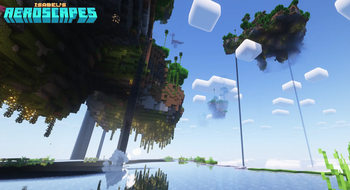
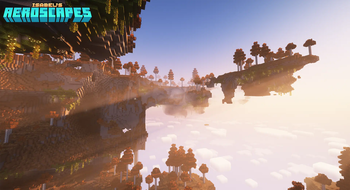
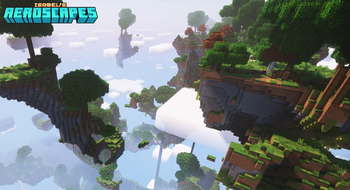
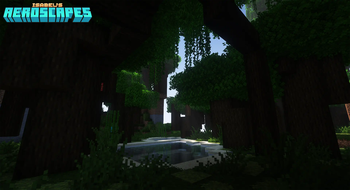
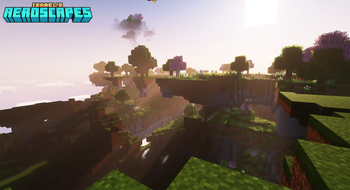
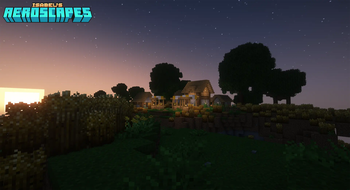
About this Modpack
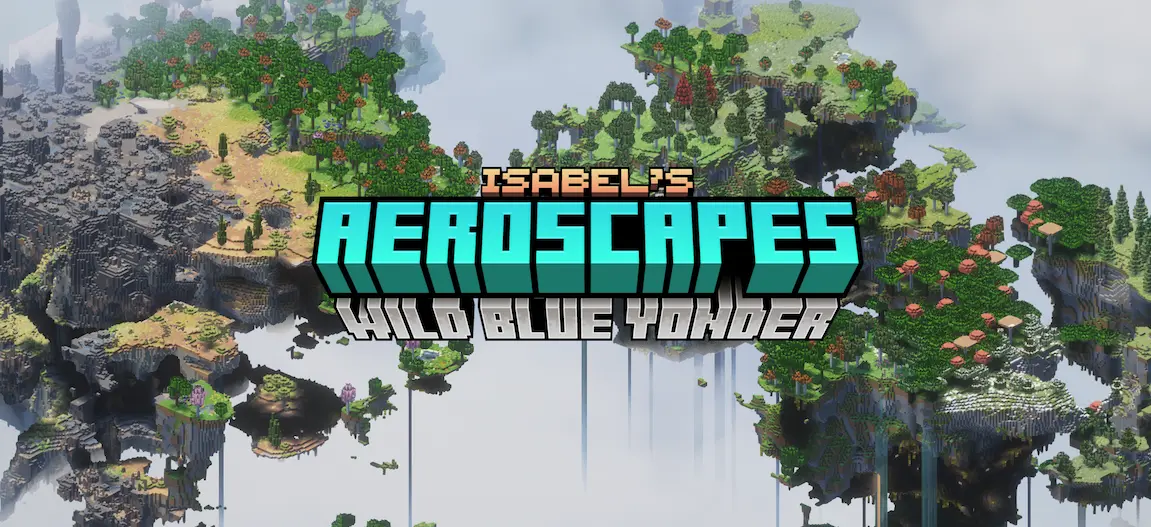
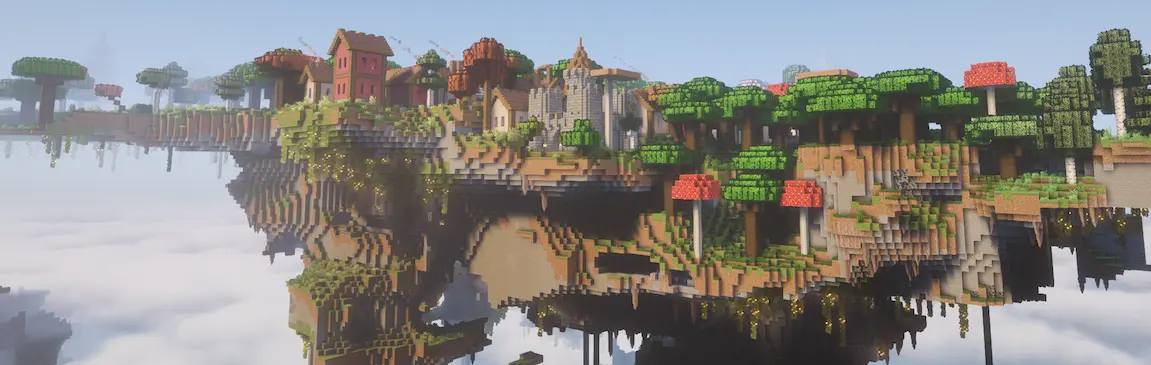
Features
All of the mods in this pack are heavily configured to provide an accessible, balanced, and immersive experience. Check the full modlist for more details.
🛩️ Create: Aeronautics!
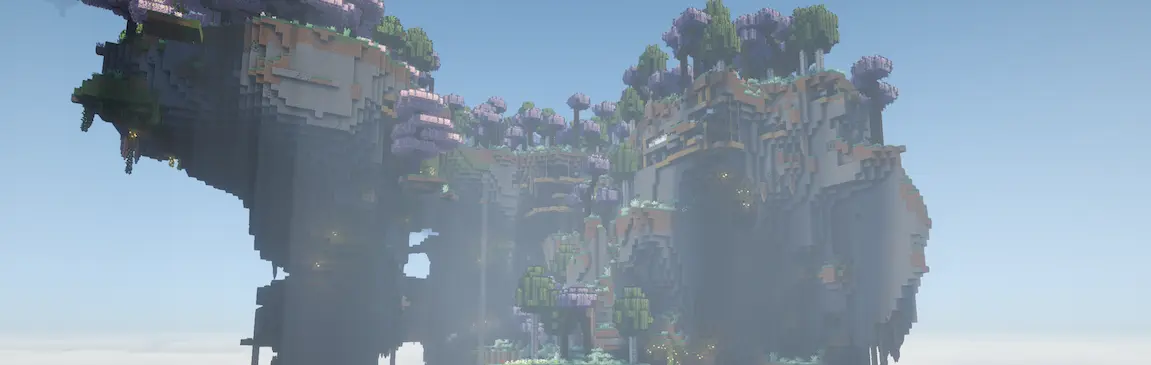
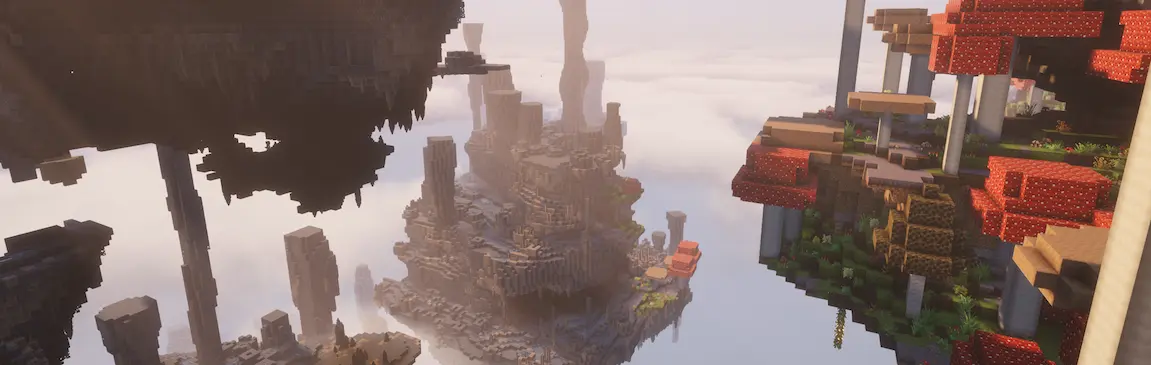
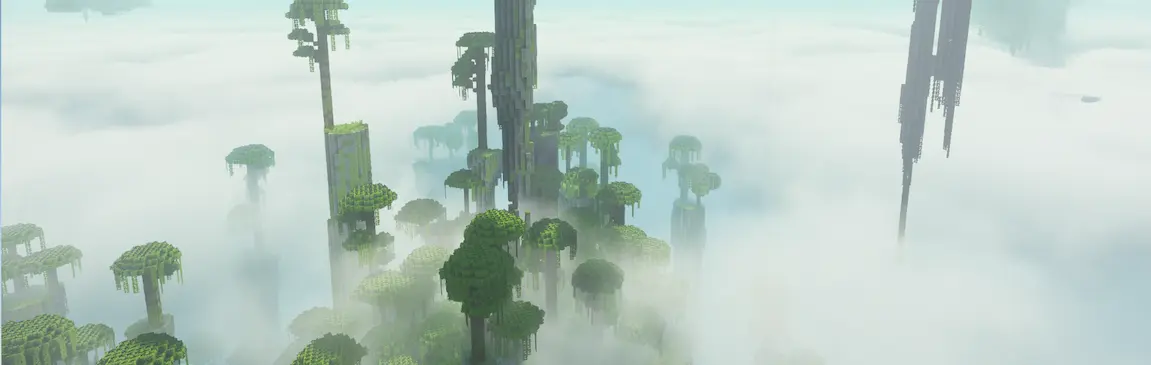
🏝️ Beautiful floating islands world generation!
🌱 150+ biomes to explore!
🏺 Vanilla-friendly ruins!
🌽 Dozens of new crops!
🐤 Immersive wildlife!
🪁 Gliders, Grappling Hooks, and more!
🎶 Immersive sound overhaul!
💽 Original music by Elephants!
Installation Guide
Download the latest release.
Download and install a Minecraft launcher of your choice. You can use the Modrinth app, or a third-party one like MultiMC or PrismLauncher.
For the official Modrinth app, check out this support page. The rest of these instructions are for either of the other listed launchers!
Ensure you have Java 21+. If you don’t, or you’re not sure, download it from Oracle and install it.
Make sure that your launcher of choice is using Java 21+ by either pointing it at your Java executable during setup, or going to Settings > Java and pointing the Java Path at your Java executable.
In your launcher's settings, make sure the max RAM is high enough; 4096MB should be more than enough.
In your launcher, click the Add Instance button in the top left.
Select the Import from zip option in the left menu.
Select Browse and open the .mrpack file for Isabel’s Aeroscapes that you downloaded. If you don't see it, you might have to set the file type in the browse window to ".mrpack".
After import has completed, double-click the new instance that was just created to launch. Done!

FAQ
❓ Can this pack be used in multiplayer?
Absolutely! Check out this support page for more info.
❓ Are there any vanilla features missing from this pack?
The only missing features are certain structures that are incompatible with Aeroscapes world generation, like oceans and Ocean Monuments. I plan on adding alternative methods for getting the blocks and items exclusive to these structures in a future update. Elytra and some modded items have been intentionally removed for balance.
❓ Will this pack be updated to newer Minecraft versions?
The pack is on 1.21.1, the only version of the game that Create: Aeronautics is compatible with at the time of writing. This pack will be updated to new versions of the game by popular demand only :)
❓ Can I make the islands further apart?
Yes! Try Stardust Labs' Continents pack and use the Large Biomes preset.
❓ Whoa, my performance is terrible!
Hey, that's not a question! First, make sure your launcher has enough RAM. The default configuration is usually not enough. Then try disabling shaders, then LambDynamicLights, then Sound Physics Remastered: those are the most performance-impacting mods in the pack.
❓ What's next for the pack?
The next step for this pack is to incorporate feedback from players and improve the generator as I work to integrate a lightweight FTB quest integration into the pack.

Full Modlist
Check out the full modlist here!
It's recommended to also grab Stay True for a massive (but faithful!) enhancement to the vanilla visuals.
External Links
🎼 Elephants, composer of the original music disc yaw
☕ My Ko-fi
Available Versions
How to Set Up a Isabel's Aeroscapes [for Create Aeronautics] Server
Order Server
Choose at least 6 GB RAM (8 GB recommended for Isabel's Aeroscapes [for Create Aeronautics]). Based on player count: per 5 players.
Install Modpack in Dashboard
Open the modpack browser in the dashboard, search for "Isabel's Aeroscapes [for Create Aeronautics]" and click "Install". The neoforge loader and Minecraft 1.21.1 are configured automatically.
Start Server & Play
Start the server – all mods are loaded automatically. Share the server IP with friends and play together!
Frequently Asked Questions
Isabel's Aeroscapes [for Create Aeronautics] server crashes or won't start – what to do?
Most common causes: insufficient RAM or wrong neoforge loader. Check latest.log for "OutOfMemoryError" → increase RAM to at least 8 GB. For "Mixin" or "ClassNotFoundException" errors: modpack version and loader don't match. With Mado Hosting, loader and Minecraft version are auto-configured on modpack install – preventing most startup issues.
How much RAM does a Isabel's Aeroscapes [for Create Aeronautics] server really need?
Minimum 6 GB, recommended 8 GB for stable performance. per 5 players. Important: Minecraft modpacks need more RAM than vanilla – plan extra per additional player. With Mado Hosting, you can scale RAM up live at any time without data loss (from €12/month).
Can I add custom mods to Isabel's Aeroscapes [for Create Aeronautics] without conflicts?
Yes, but check compatibility: only use mods for the same loader (neoforge) and same Minecraft version (1.21.1). Common issues: ID conflicts with recipe mods and incompatible coremod versions. The Mado dashboard mod browser only shows compatible mods and warns about known conflicts.
Isabel's Aeroscapes [for Create Aeronautics] server lagging – performance tips
1) Increase RAM to 8 GB+. 2) Reduce server view-distance to 8 (server.properties). 3) Pre-generate chunks with the "Chunky" plugin. 4) Use /spark profiler to check which mods consume the most tick time. With Mado Hosting, all servers run on NVMe SSDs with dedicated CPU cores – eliminating hardware as a bottleneck.
Similar Modpacks
![Cobblemon Official Modpack [Fabric]](https://cdn.modrinth.com/data/5FFgwNNP/e7f9ee2e9d361623847853fe2ddce42f519ee64f.png)
![COBBLEVERSE - Pokemon Adventure [Cobblemon]](https://cdn.modrinth.com/data/Jkb29YJU/581ecf54530972afb18a04660afd820f2f24f6c7.png)
![Better MC [FABRIC] - BMC2](https://cdn.modrinth.com/data/shFhR8Vx/a19c2bcb51d38f32f138d3607e91cb2b7b8e387f_96.webp)


![Better MC [FORGE] - BMC4](https://cdn.modrinth.com/data/4BV47HRn/7f5ef7cc61b2593609aabef3ed07a866a4f11b73_96.webp)
Rent Isabel's Aeroscapes [for Create Aeronautics] Server
Start your own server with automatic modpack installation.
Details
- License
- Creative Commons Attribution Share Alike 4.0 International
- Server-side
- Required
- Client-side
- Required
Supported Versions
Start your Isabel's Aeroscapes [for Create Aeronautics] Server now
From €12.00/month with 8 GB RAM for the best performance.
Configure Server →