
Aeternia Vanilla
Vanilla like modpack for private smp servers
Screenshots
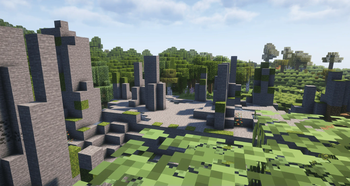
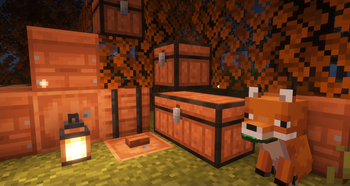
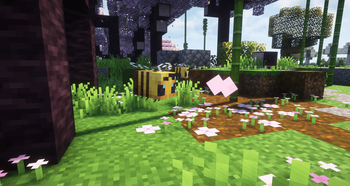
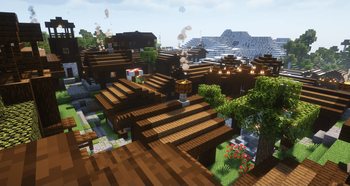
About this Modpack
Aeternia Vanilla
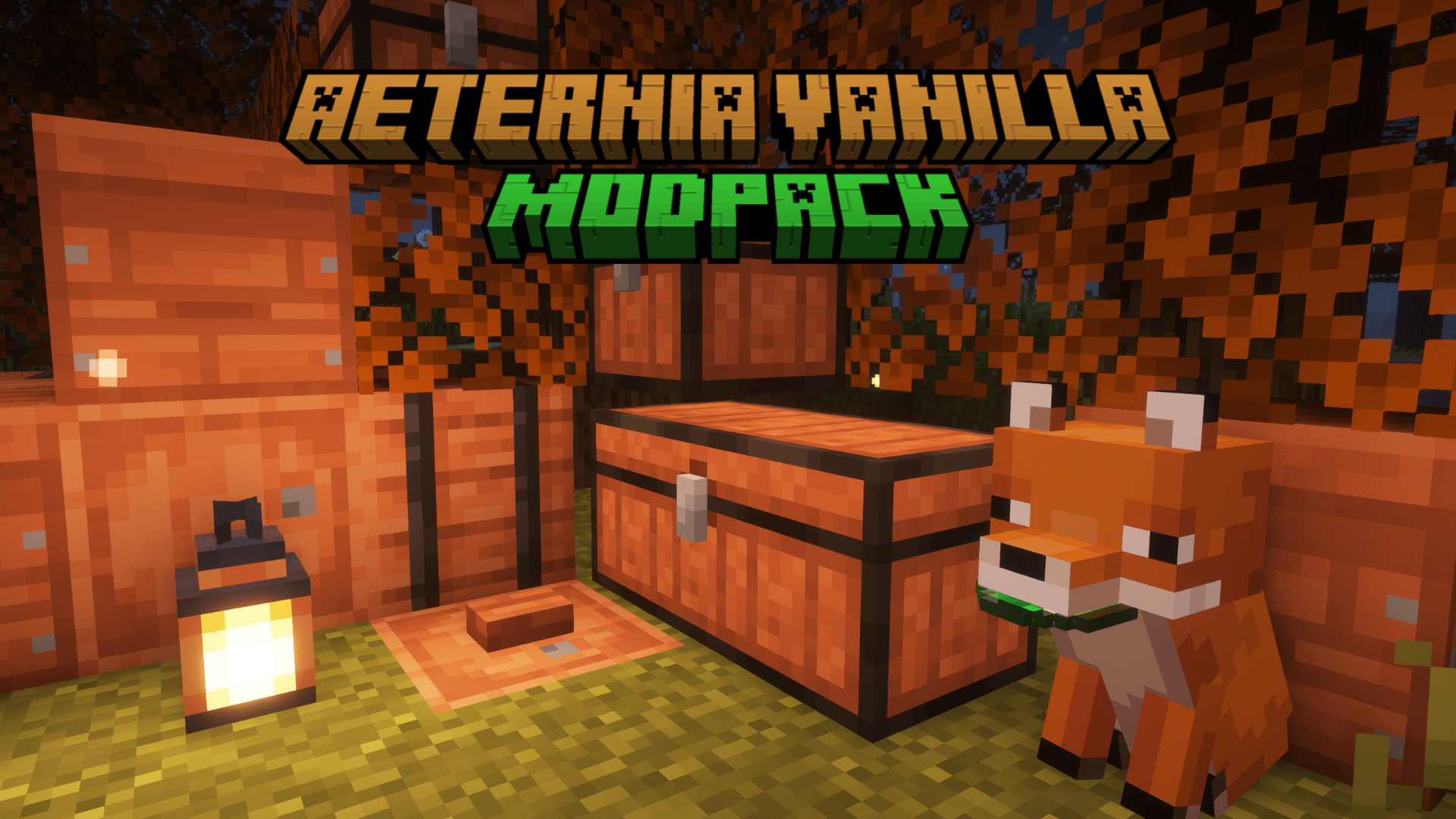
Version: Fabric 1.21.4
Pack Type: Vanilla with light enhancements for SMP and solo play
Description
Aeternia Vanilla preserves the pure atmosphere of classic Minecraft while adding subtle performance, audio, and gameplay tweaks. This pack is perfect for friendly SMP servers and peaceful solo world exploration alike.
Modpack is installed on our Russian-speaking SMP server: AeterniaVelum
Key Features
Higher FPS, fewer lags
Sodium and Lithium optimize rendering and game logic, easing the load on CPU and GPU so the game runs smoother even on lower-end PCs.Immersive atmosphere
Ambient music, surface-dependent footsteps, and realistic world sounds create a true sense of presence. Leaves rustle in the wind, and raindrops softly patter on blocks.User-friendly interface
Achievement information flips through pages like a book, you can reload arrows with a single click, and the advancement log gains paginated navigation.Varied exploration
Dungeons, fortresses, and mineshafts feature new hidden chambers and treasure rooms—no more dull corridors, but real challenges with secret rewards.Little joys & Easter eggs
- Dynamic torch lighting in hand.
- Bubble sounds when moving underwater.
- Fruit on trees subtly shifts hue with the seasons.
Interesting Touches
- Seasonal changes: Autumn leaves turn orange, and in winter the world is dusted with a light layer of snow.
- Custom advancement plaques: Decorate your server with unique plaques featuring custom icons and text.
- Built-in voice chat — communicate with friends without any third-party software.
Available Versions
How to Set Up a Aeternia Vanilla Server
Order Server
Choose at least 6 GB RAM (8 GB recommended for Aeternia Vanilla). Based on player count: per 5 players.
Install Modpack in Dashboard
Open the modpack browser in the dashboard, search for "Aeternia Vanilla" and click "Install". The fabric loader and Minecraft 1.21.4 are configured automatically.
Start Server & Play
Start the server – all mods are loaded automatically. Share the server IP with friends and play together!
Frequently Asked Questions
Aeternia Vanilla server crashes or won't start – what to do?
Most common causes: insufficient RAM or wrong fabric loader. Check latest.log for "OutOfMemoryError" → increase RAM to at least 8 GB. For "Mixin" or "ClassNotFoundException" errors: modpack version and loader don't match. With Mado Hosting, loader and Minecraft version are auto-configured on modpack install – preventing most startup issues.
How much RAM does a Aeternia Vanilla server really need?
Minimum 6 GB, recommended 8 GB for stable performance. per 5 players. Important: Minecraft modpacks need more RAM than vanilla – plan extra per additional player. With Mado Hosting, you can scale RAM up live at any time without data loss (from €12/month).
Can I add custom mods to Aeternia Vanilla without conflicts?
Yes, but check compatibility: only use mods for the same loader (fabric) and same Minecraft version (1.21.4). Common issues: ID conflicts with recipe mods and incompatible coremod versions. The Mado dashboard mod browser only shows compatible mods and warns about known conflicts.
Aeternia Vanilla server lagging – performance tips
1) Increase RAM to 8 GB+. 2) Reduce server view-distance to 8 (server.properties). 3) Pre-generate chunks with the "Chunky" plugin. 4) Use /spark profiler to check which mods consume the most tick time. With Mado Hosting, all servers run on NVMe SSDs with dedicated CPU cores – eliminating hardware as a bottleneck.
Similar Modpacks
![Cobblemon Official Modpack [Fabric]](https://cdn.modrinth.com/data/5FFgwNNP/e7f9ee2e9d361623847853fe2ddce42f519ee64f.png)
![COBBLEVERSE - Pokemon Adventure [Cobblemon]](https://cdn.modrinth.com/data/Jkb29YJU/581ecf54530972afb18a04660afd820f2f24f6c7.png)
![Better MC [FABRIC] - BMC2](https://cdn.modrinth.com/data/shFhR8Vx/a19c2bcb51d38f32f138d3607e91cb2b7b8e387f_96.webp)


![Better MC [FORGE] - BMC4](https://cdn.modrinth.com/data/4BV47HRn/7f5ef7cc61b2593609aabef3ed07a866a4f11b73_96.webp)
Rent Aeternia Vanilla Server
Start your own server with automatic modpack installation.
Supported Versions
Start your Aeternia Vanilla Server now
From €12.00/month with 8 GB RAM for the best performance.
Configure Server →