
April Fools
This modpack includes nearly every feature in almost all April Fools' updates!
Screenshots
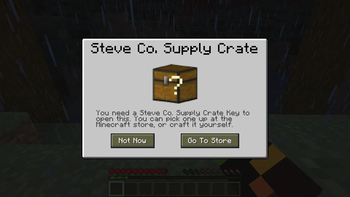
About this Modpack

Prepare to experience the wildest and wackiest additions from Mojang's April Fools' updates, all crammed into one delightfully chaotic modpack. From infinite dimensions to 3D Shareware graphics, and much, much more. If you're looking for unpredictable fun and a break from the ordinary, this is definitely the modpack for you!

| 🟢 | Content from the April Fools update |
|---|---|
| 🟡 | Custom content NOT from the April Fools update |
| 🔴 | Content exists in the April Fools update but NOT in this modpack |
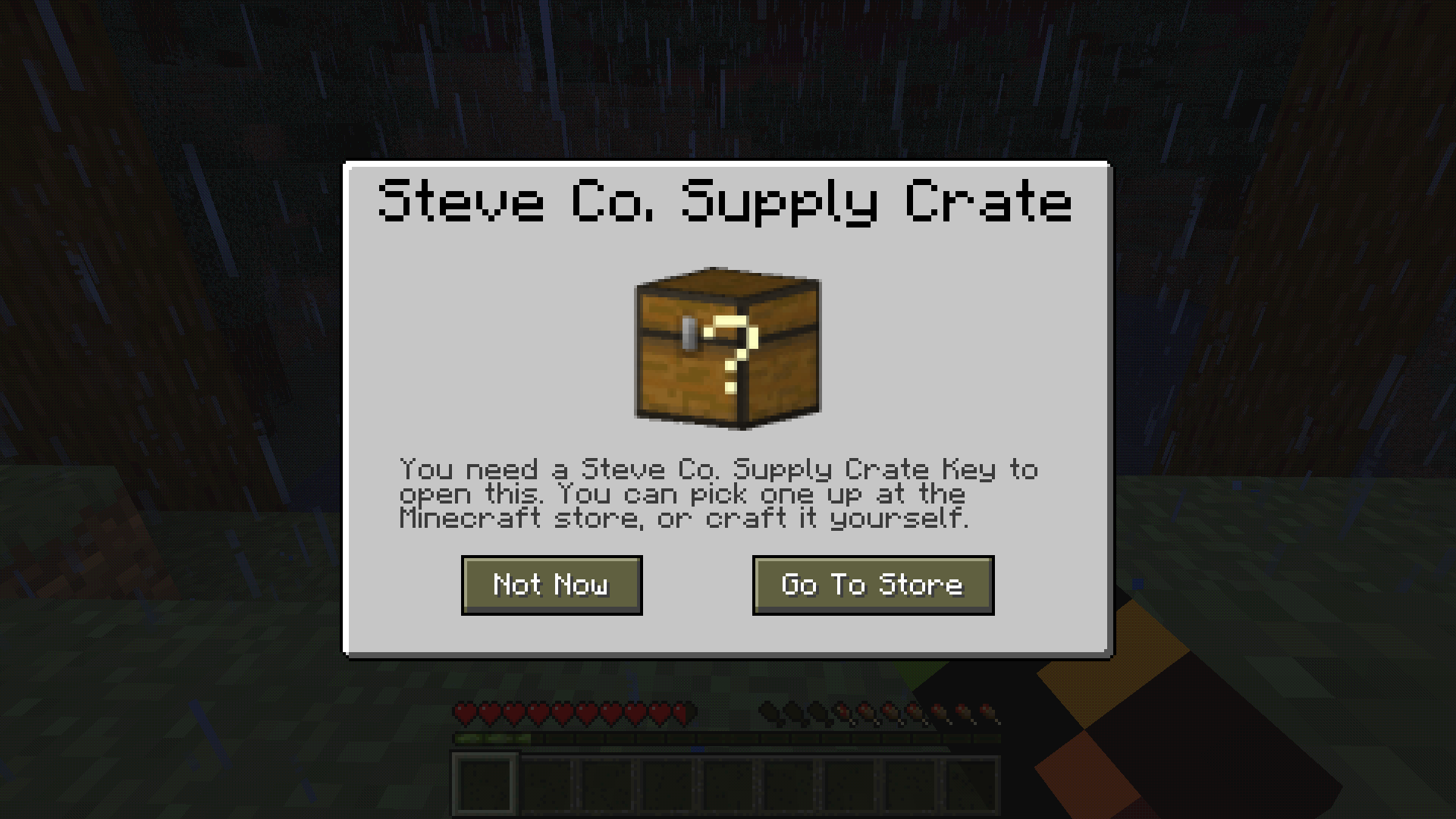

Java Edition 2.0
🟢 Etho slab, Burnt-out Torch and Tinted glass🟡 "Block of Charcoal" instead of "Block of Coal" like the April Fools update

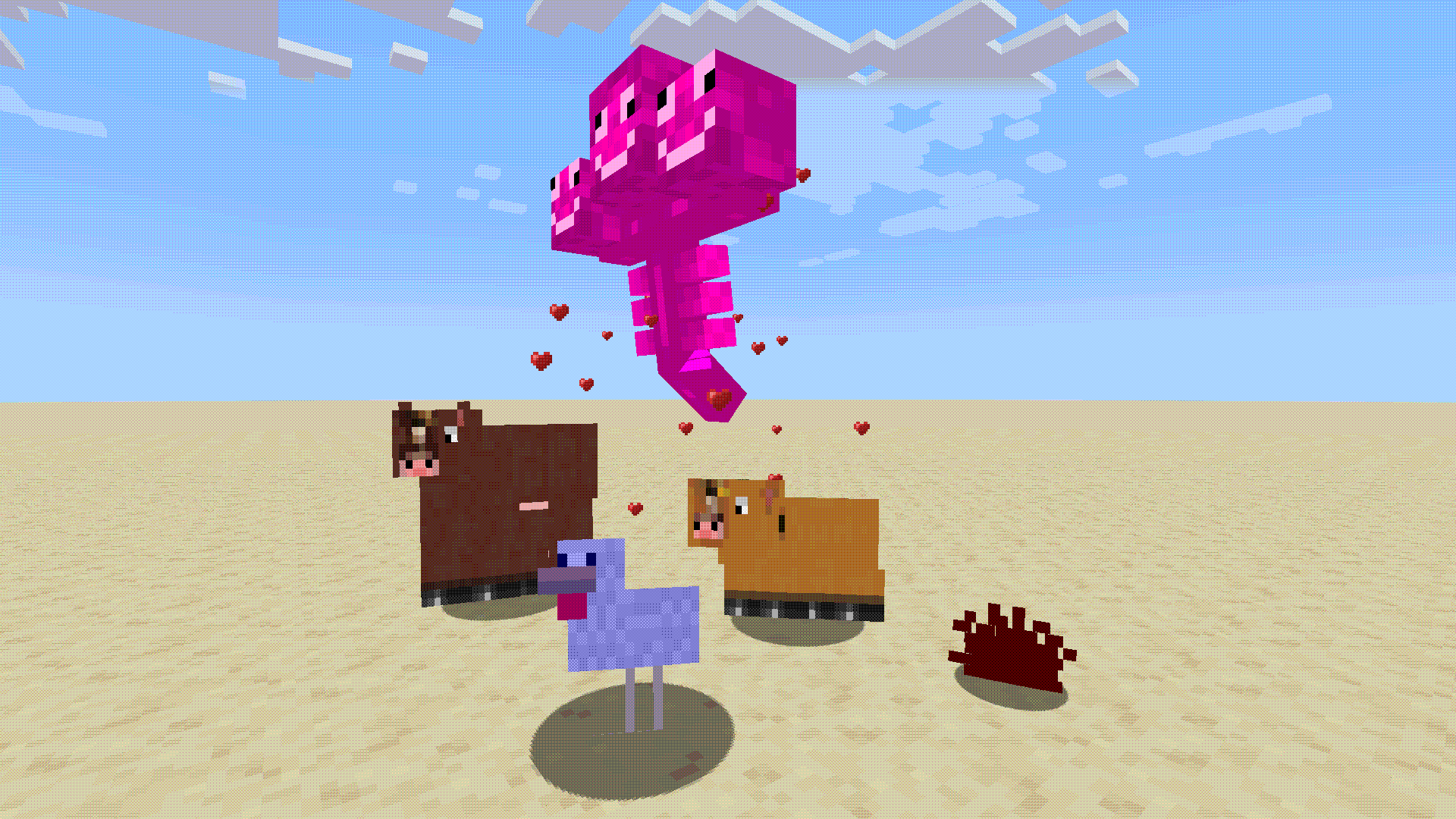
🟢 Horses, ponies, pink wither, diamond chicken and redstone bug
🔴 Super Hostile Mode, Speech bubbles, Super HD Graphics, Fatness, Floppers, Heat,...
Love and Hugs Update
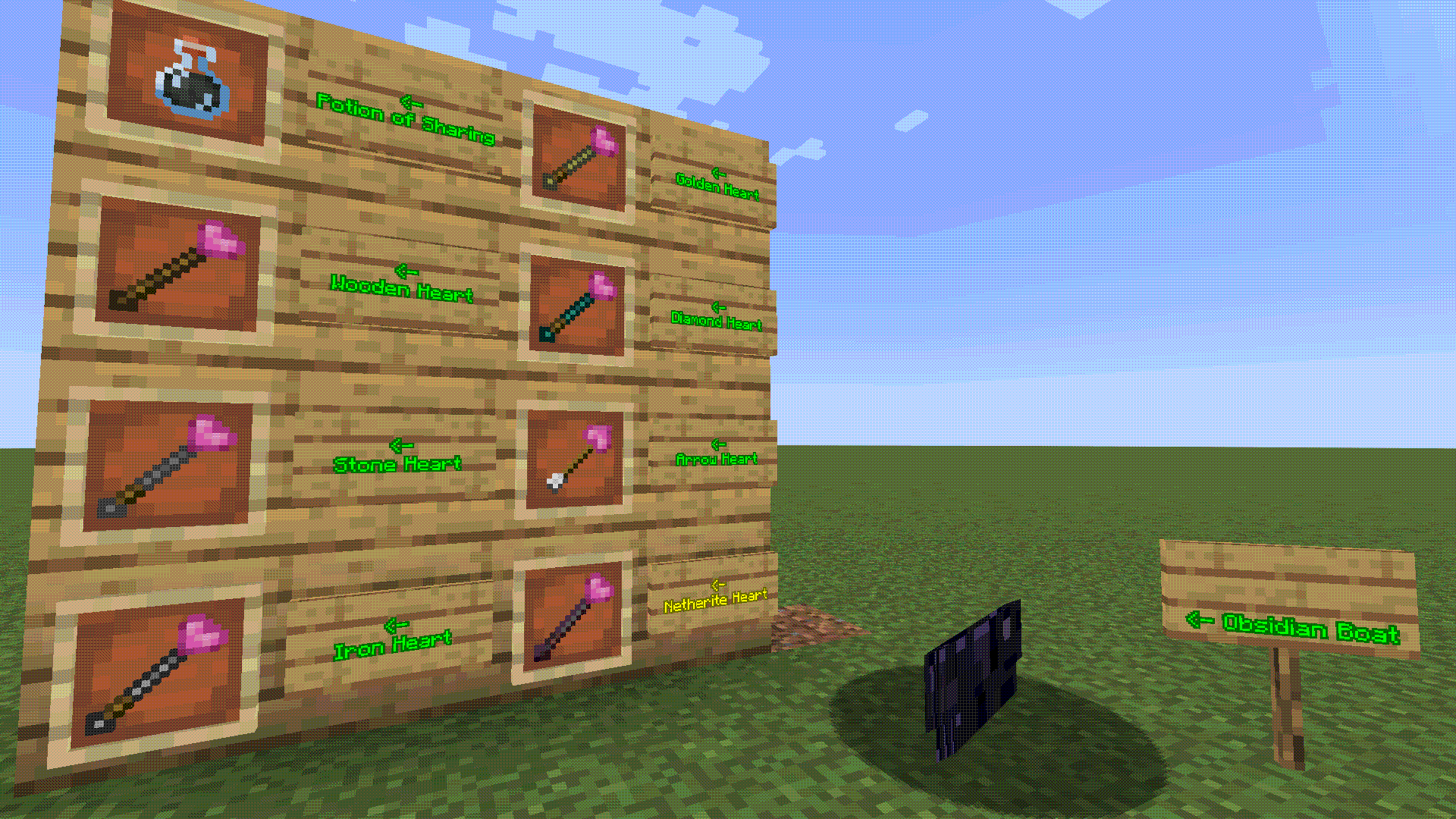
🟢 Obsidian Boat, Potion of Sharing, Splash Potion of Sharing, Lingering Potion of Sharing🟢 Wooden Heart, Stone Heart, Iron Heart, Golden Heart, Diamond Heart and Heart Arrow
🟡 Netherite Heart, and a lot more I think
🔴 Potion of Caring, Pink hearts clouds, Hearts particles, Superflat QR code,...
Trendy Update
🟢 USB Charger Block, Reality Vision, Ankle Monitor and Smarter Watch
🔴 3D minimap, OBEY signs, Smarter Watch's time,...
3D Shareware v1.34
🟢 Red key, Blue key, Yellow key, 3D, Boss mode, Nerd Creeper🟡 Red door, Blue door, Yellow door
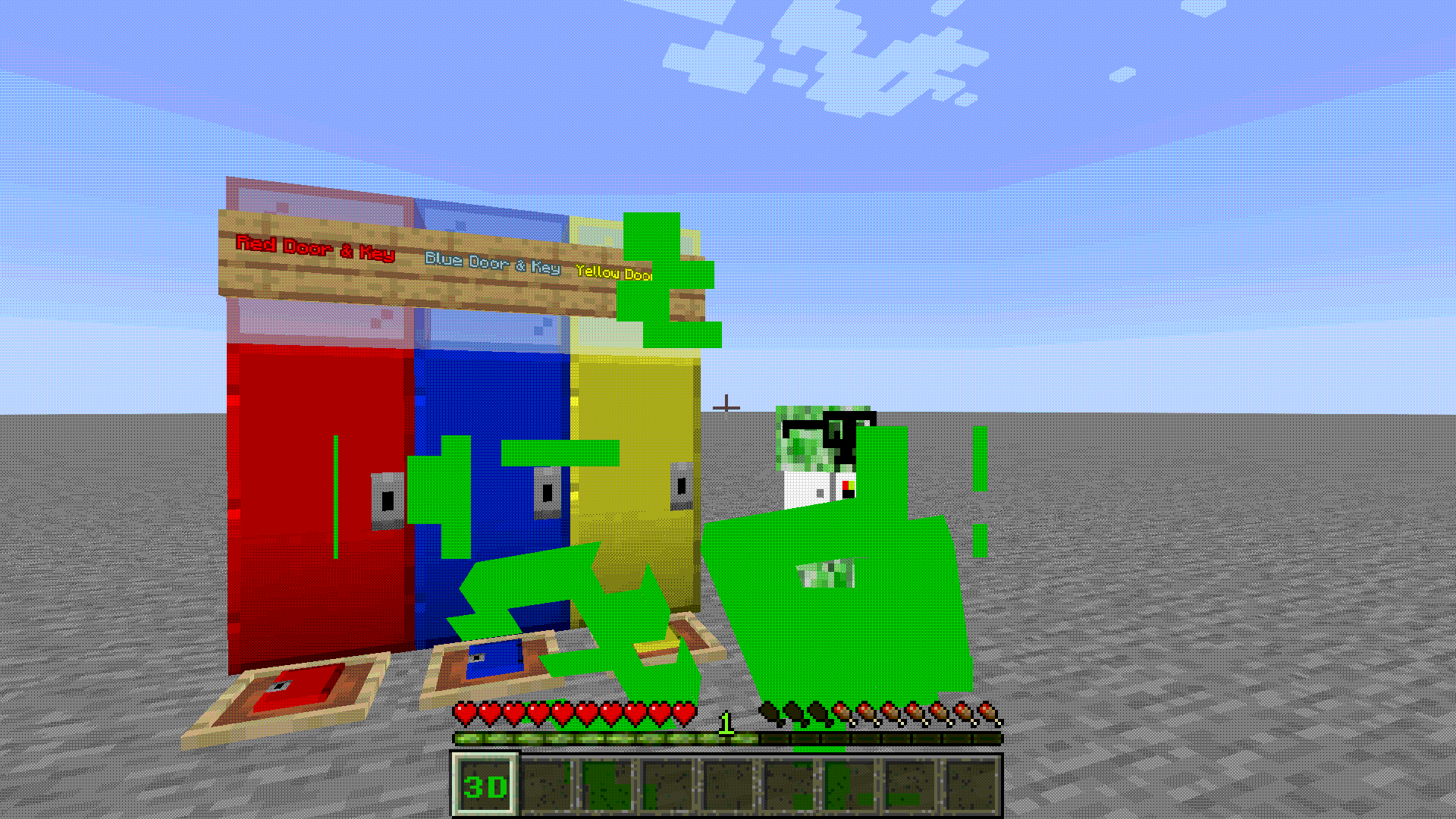
🟢 Cheat codes - Now require "/" at the start. For example, "/NEEEERD" instead of "NEEEERD"

🟢 Default Max Framerate to 30 FPS, 8-bit graphics and sounds (Thanks to 8-Bit for the GUI textures!)

🟢 Flatten Entities

🔴 DOS Loading screen, All Custom Difficulties, RPG style HUD, Fire Barrel, Demo mode,...
20w14∞
🟢 ALMOST everything from this April Fools Update, including the 43 hard-coded easter egg dimensions. 
Minecraft Plus!
🟡 Insert the screensaver into the gameplay itself ;) 
One Block at a Time Update
🟢 Carry entities and chests by crouching and right clicking it 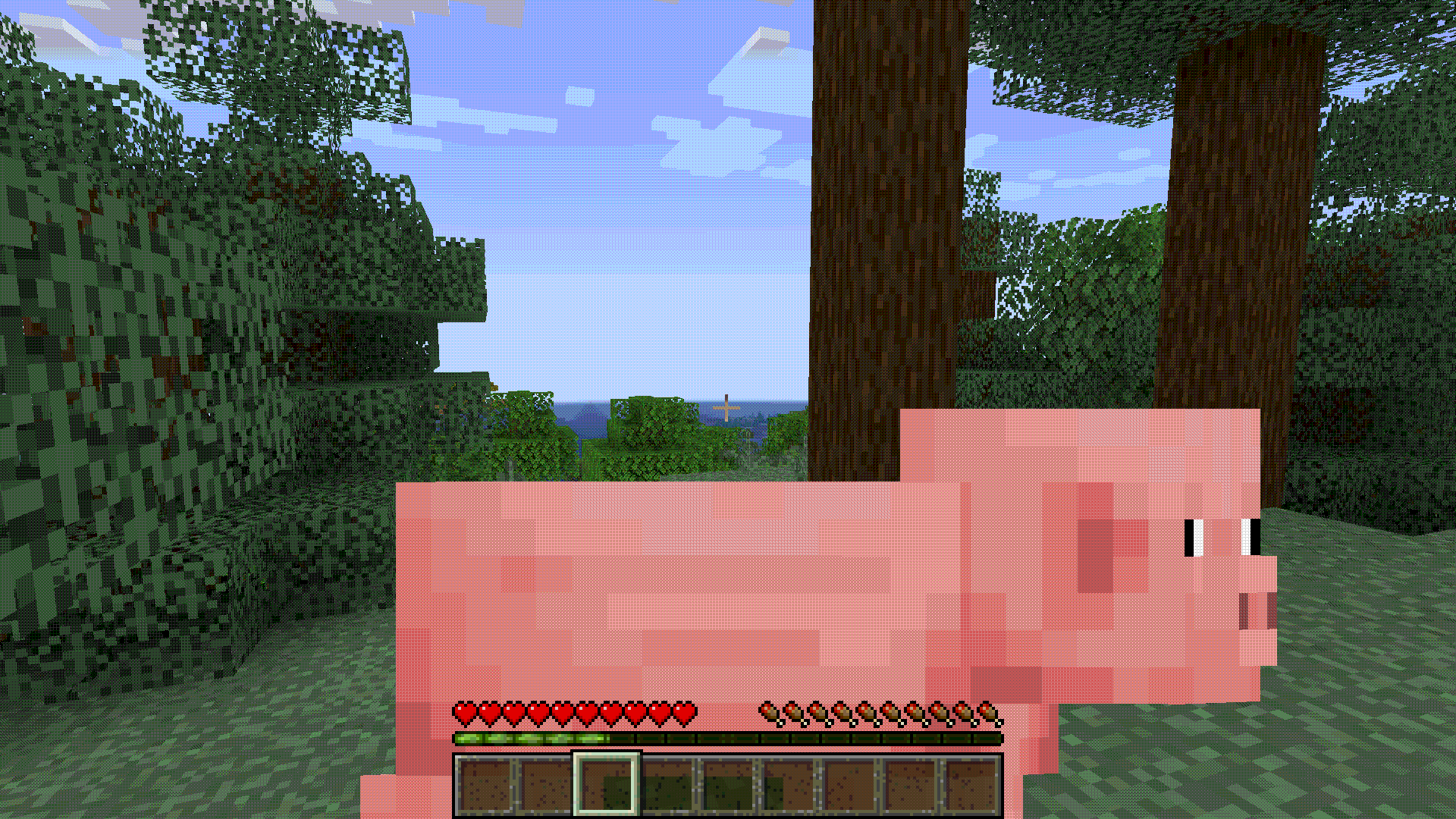
🔴 Everything else...
Poisonous Potato Update
🟢 Everything from this April Fools Update!! 
Extra custom content!
🟡 I'm too lazy to review the hundreds of custom content additions by Refooled ;) 
Available Versions
How to Set Up a April Fools Server
Order Server
Choose at least 6 GB RAM (8 GB recommended for April Fools). Based on player count: per 5 players.
Install Modpack in Dashboard
Open the modpack browser in the dashboard, search for "April Fools" and click "Install". The neoforge loader and Minecraft 1.20.1 are configured automatically.
Start Server & Play
Start the server – all mods are loaded automatically. Share the server IP with friends and play together!
Frequently Asked Questions
April Fools server crashes or won't start – what to do?
Most common causes: insufficient RAM or wrong neoforge loader. Check latest.log for "OutOfMemoryError" → increase RAM to at least 8 GB. For "Mixin" or "ClassNotFoundException" errors: modpack version and loader don't match. With Mado Hosting, loader and Minecraft version are auto-configured on modpack install – preventing most startup issues.
How much RAM does a April Fools server really need?
Minimum 6 GB, recommended 8 GB for stable performance. per 5 players. Important: Minecraft modpacks need more RAM than vanilla – plan extra per additional player. With Mado Hosting, you can scale RAM up live at any time without data loss (from €12/month).
Can I add custom mods to April Fools without conflicts?
Yes, but check compatibility: only use mods for the same loader (neoforge) and same Minecraft version (1.20.1). Common issues: ID conflicts with recipe mods and incompatible coremod versions. The Mado dashboard mod browser only shows compatible mods and warns about known conflicts.
April Fools server lagging – performance tips
1) Increase RAM to 8 GB+. 2) Reduce server view-distance to 8 (server.properties). 3) Pre-generate chunks with the "Chunky" plugin. 4) Use /spark profiler to check which mods consume the most tick time. With Mado Hosting, all servers run on NVMe SSDs with dedicated CPU cores – eliminating hardware as a bottleneck.
Similar Modpacks
![Cobblemon Official Modpack [Fabric]](https://cdn.modrinth.com/data/5FFgwNNP/e7f9ee2e9d361623847853fe2ddce42f519ee64f.png)
![COBBLEVERSE - Pokemon Adventure [Cobblemon]](https://cdn.modrinth.com/data/Jkb29YJU/581ecf54530972afb18a04660afd820f2f24f6c7.png)
![Better MC [FABRIC] - BMC2](https://cdn.modrinth.com/data/shFhR8Vx/a19c2bcb51d38f32f138d3607e91cb2b7b8e387f_96.webp)


![Better MC [FORGE] - BMC4](https://cdn.modrinth.com/data/4BV47HRn/7f5ef7cc61b2593609aabef3ed07a866a4f11b73_96.webp)

Rent April Fools Server
Start your own server with automatic modpack installation.
Supported Versions
Start your April Fools Server now
From €12.00/month with 8 GB RAM for the best performance.
Configure Server →