
Banquito
changing the vanilla game in a friendly way with multiplayer in mind, made for Banquito server
Screenshots
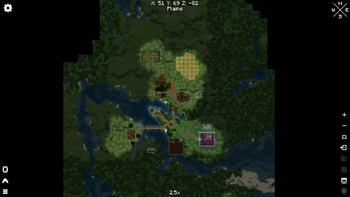
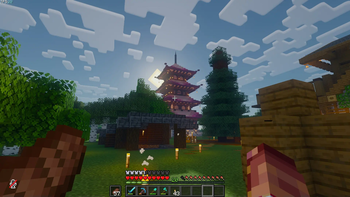
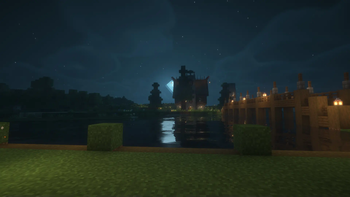
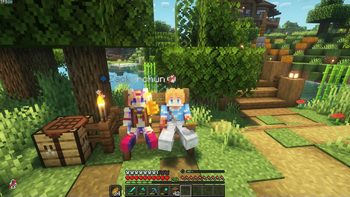
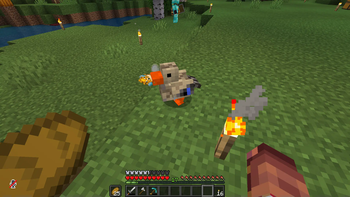
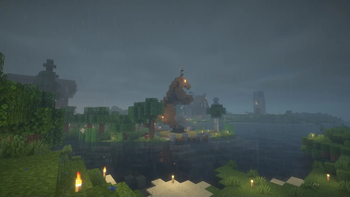
About this Modpack
old description
hecho para el servidor BanquitoFabric
optimized with Simply Optimized config files
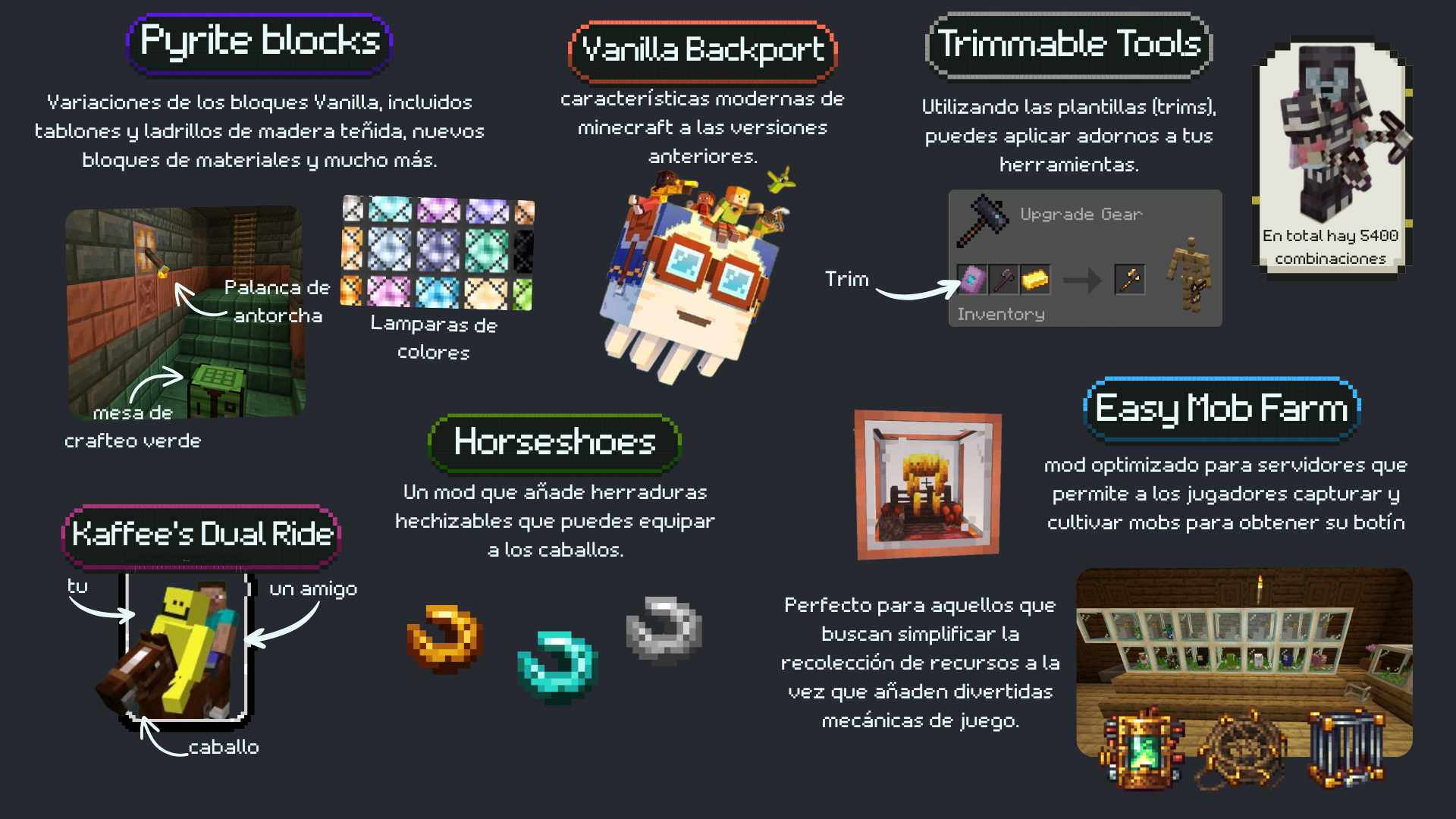
modpack vanilla plus con cambios para ofrecer una mejor experiencia multijugador siendo mayormente de bajo rendimiento en el servidor.
Cambios en la generacion del terreno para que se vea mas diferente al estilo vanilla, nuevas animaciones en la camara de primera y tercera persona con Shoulder Surfing Reloaded.
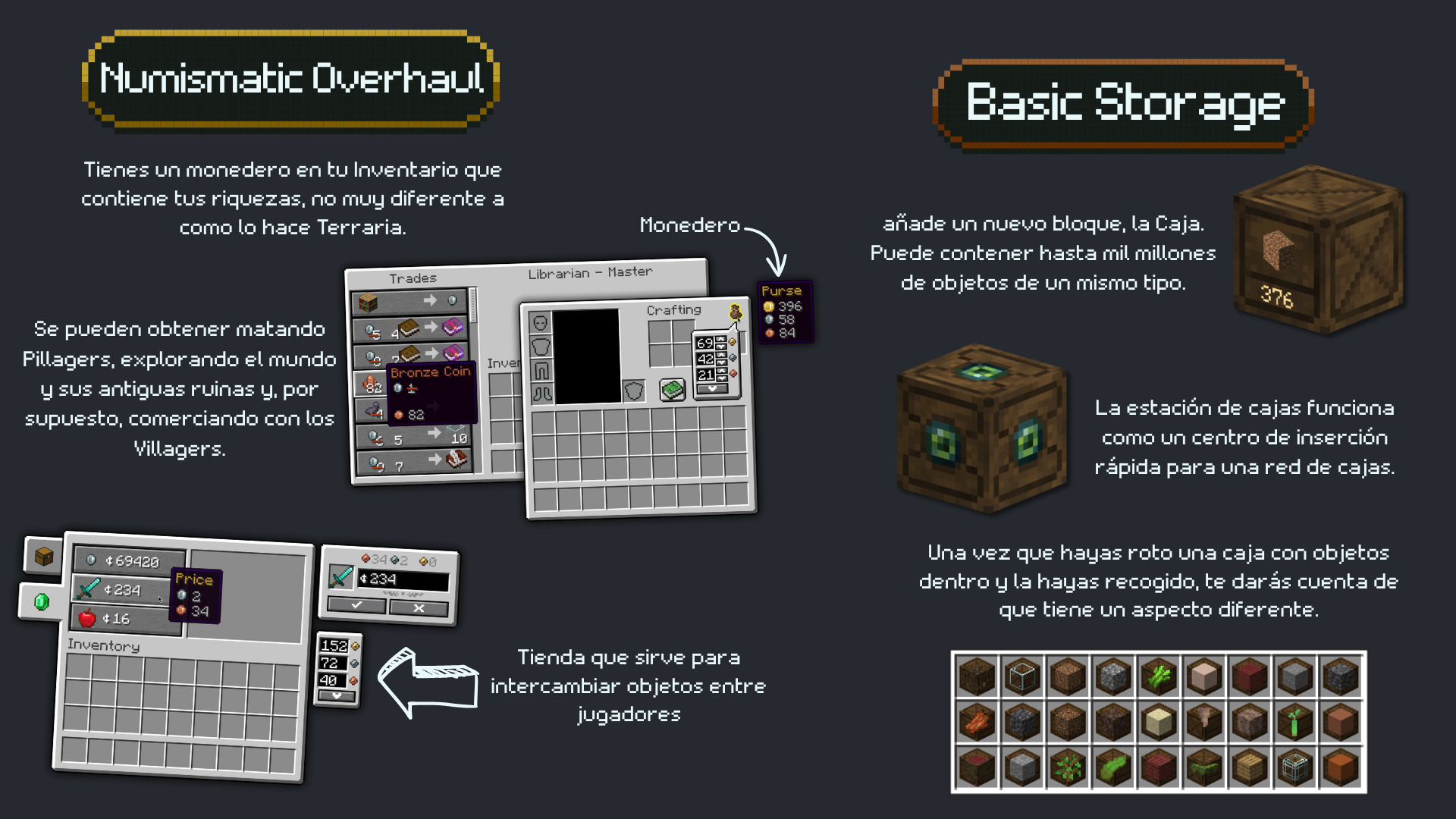
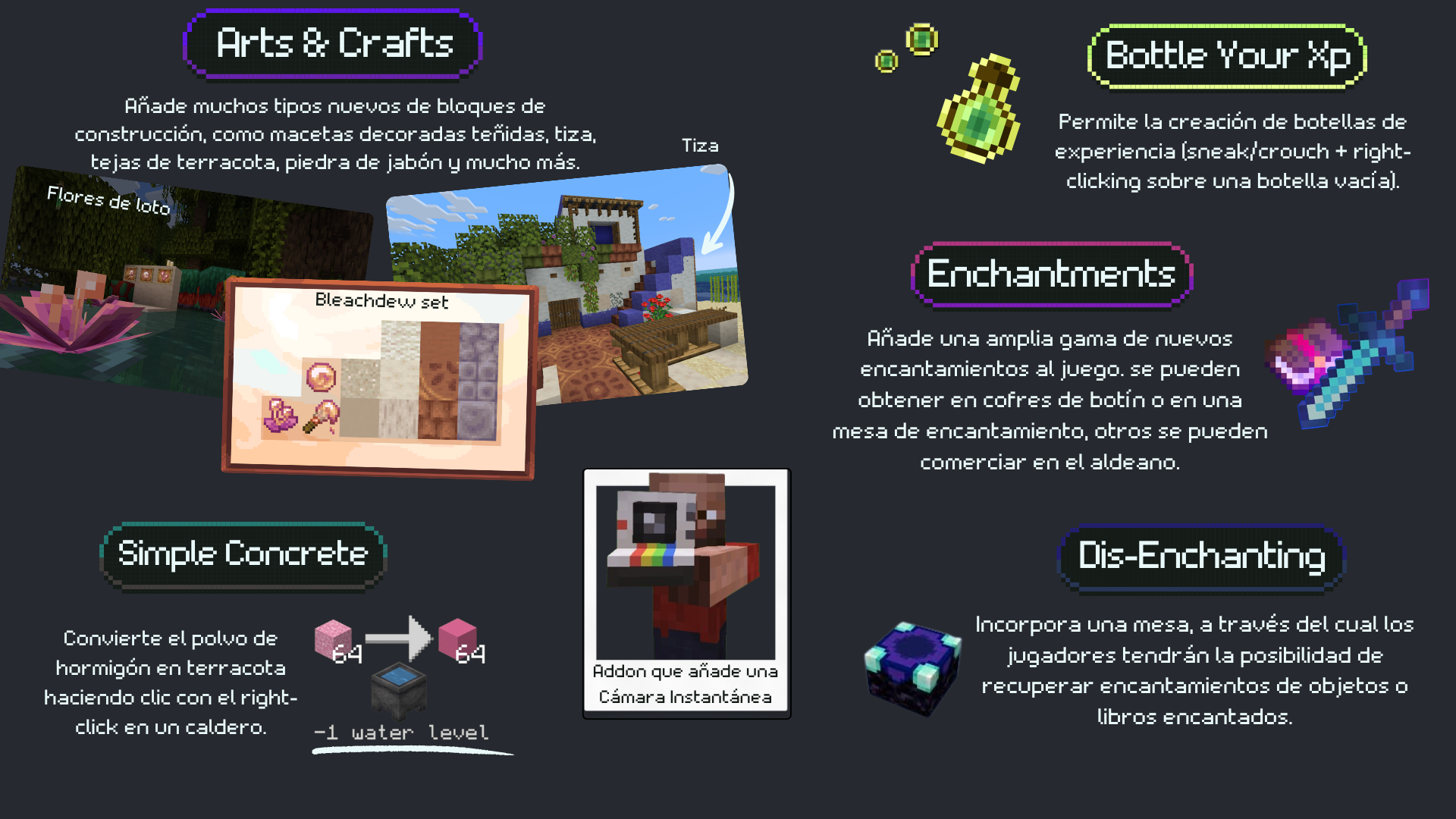
terraria like changes:
Client-side mods
shaders
resourcepacks
- Retextured Dyes
- Shrimp's Immersive Interfaces
- Tender Dragon
- Torches Reimagined
- Visual: Armor Trims
- Even Better Enchants
- Assorted Allays x Fresh Animations
- Angel's Weather
- GUISe
- Panorama da casa automática com REI-Reymagined
- Fresh Animations
- Fresh Moves
old versions descriptions
Spoiler
made for Banquito HQ server
enchanced vanilla gameplay with new structures, biomes, and items to discover. Multiplayer focused experience: voice chat, essensial emotes, tpa commands and Anti-xray.
- WATERFrAMES: Multimedia Displays
- Joy of Painting: paint your own paintings
- Exposure: camera mod
resourcepacks:
- Assorted Allays
- Even Better Enchants
- Fresh Animations
- Fresh Moves
- Programmer Art Fix
- Visual Armor Trims
- Tender Dragon
- Default Dark Mode / Expansion
- TU5 Tutorial World Panorama
- ClassicCraft
Shaders:
- Rudimentary A PS1 Styled Shader meant for casual gameplay.
- Miniature Shader Extremely lightweight with shadows and reflections
- Complementary Shaders - Reimagined Preserving the elements of Minecraft with exceptional quality, detail, and performance.
- BSL Shaders It's bright, colorful, and distinct.
- Bloop Shaders designed to deliver excellent graphics while maximizing performance
Available Versions
How to Set Up a Banquito Server
Order Server
Choose at least 4 GB RAM (6 GB recommended for Banquito). Based on player count: per 8 players.
Install Modpack in Dashboard
Open the modpack browser in the dashboard, search for "Banquito" and click "Install". The fabric loader and Minecraft 1.21.1 are configured automatically.
Start Server & Play
Start the server – all mods are loaded automatically. Share the server IP with friends and play together!
Frequently Asked Questions
Banquito server crashes or won't start – what to do?
Most common causes: insufficient RAM or wrong fabric loader. Check latest.log for "OutOfMemoryError" → increase RAM to at least 6 GB. For "Mixin" or "ClassNotFoundException" errors: modpack version and loader don't match. With Mado Hosting, loader and Minecraft version are auto-configured on modpack install – preventing most startup issues.
How much RAM does a Banquito server really need?
Minimum 4 GB, recommended 6 GB for stable performance. per 8 players. Important: Minecraft modpacks need more RAM than vanilla – plan extra per additional player. With Mado Hosting, you can scale RAM up live at any time without data loss (from €8/month).
Can I add custom mods to Banquito without conflicts?
Yes, but check compatibility: only use mods for the same loader (fabric) and same Minecraft version (1.21.1). Common issues: ID conflicts with recipe mods and incompatible coremod versions. The Mado dashboard mod browser only shows compatible mods and warns about known conflicts.
Banquito server lagging – performance tips
1) Increase RAM to 6 GB+. 2) Reduce server view-distance to 8 (server.properties). 3) Pre-generate chunks with the "Chunky" plugin. 4) Use /spark profiler to check which mods consume the most tick time. With Mado Hosting, all servers run on NVMe SSDs with dedicated CPU cores – eliminating hardware as a bottleneck.
Similar Modpacks
![Better MC [FABRIC] - BMC2](https://cdn.modrinth.com/data/shFhR8Vx/a19c2bcb51d38f32f138d3607e91cb2b7b8e387f_96.webp)
![Better MC [FORGE] - BMC4](https://cdn.modrinth.com/data/4BV47HRn/7f5ef7cc61b2593609aabef3ed07a866a4f11b73_96.webp)


![Better MC [FABRIC] - BMC3](https://cdn.modrinth.com/data/NHUidpfR/327e0749bb6d160c41799fd77bf6d3d631569dc8_96.webp)

Rent Banquito Server
Start your own server with automatic modpack installation.
Supported Versions
Start your Banquito Server now
From €8.00/month with 6 GB RAM for the best performance.
Configure Server →