
Beyond Optimized
BeyondOptimized is the ultimate optimization pack for Minecraft 1.21.11, designed to squeeze every last drop of FPS out of your system, even on integrated graphics. Say goodbye to lag, hello to smooth gameplay!
Screenshots
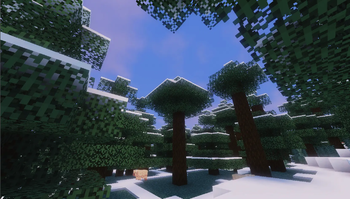
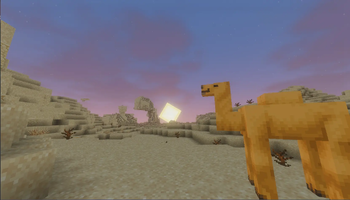
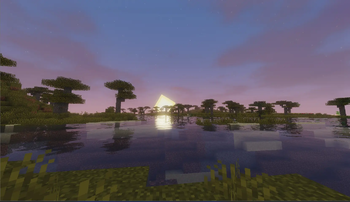
About this Modpack
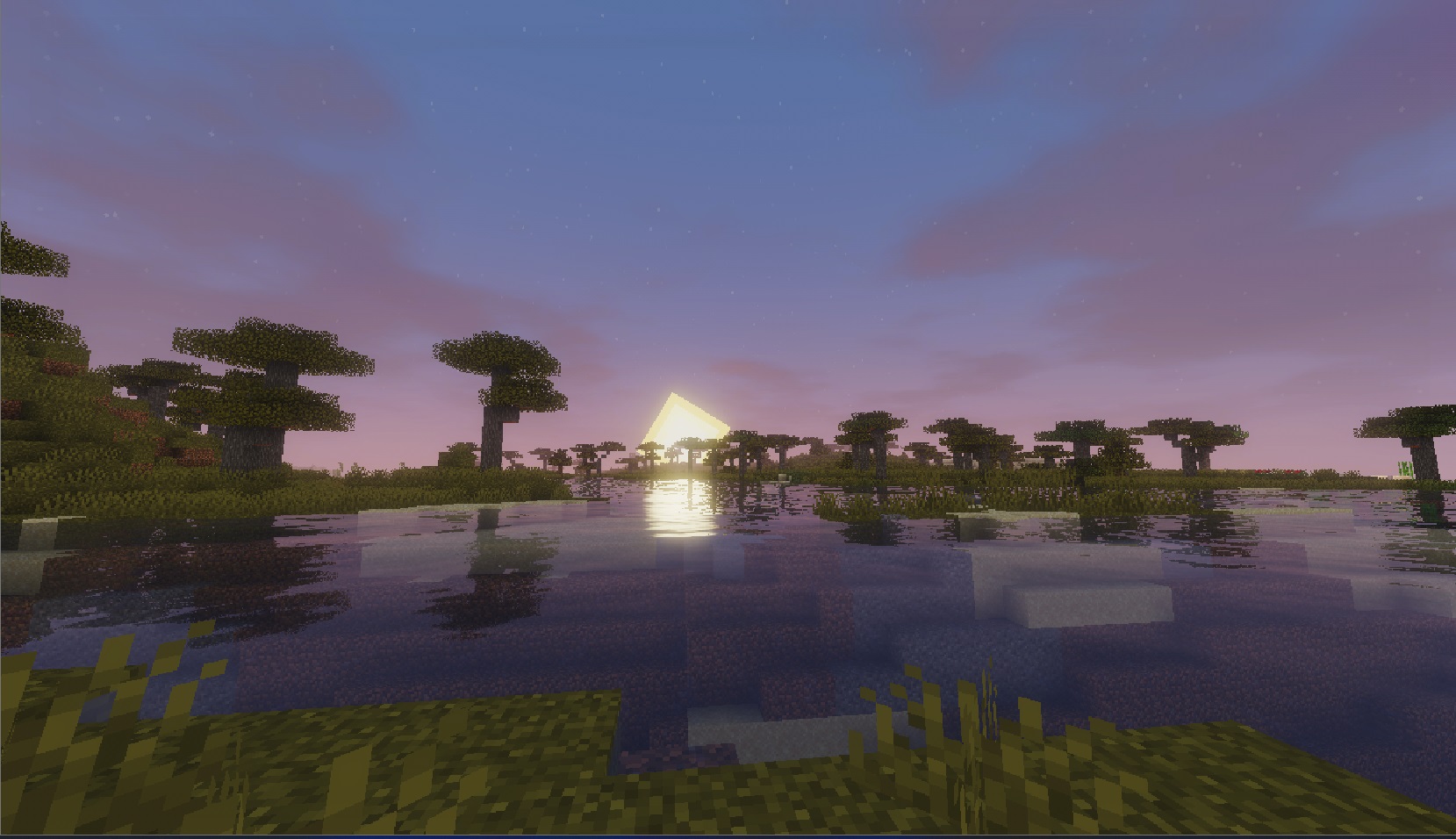 Spanish/Español
🔥 ¿Qué es BeyondOptimized?
BeyondOptimized no es solo un modpack; es la solución definitiva para jugar Minecraft 1.21.11 sin frustraciones. Cansado del lag, las pantallas de carga eternas y los tirones? Este pack ha sido auditado y optimizado meticulosamente para ofrecer una extremadamente fluida.
**Rendimiento Real: ** ¡Logramos más de 250 FPS en un Intel i5-6500 con gráficos HD 530!
✨ Características Principales:
Optimización de Motor: Incluye Sodium, Lithium, FerriteCore y ModernFix, configurados para trabajar en armonía y reducir el uso de RAM y CPU.
Gráficos Fluidos: ImmediatelyFast y BadOptimizations aseguran que el renderizado sea instantáneo y eficiente.
Carga Rápida: Reducción dramática del tiempo de carga del juego y de la generación de mundos (gracias a Noisium y c2me).
Calidad de Vida (Vanilla+): ModMenu para gestionar tus mods, Iris para shaders (si tu PC lo aguanta) y mejoras de interfaz como FPSDisplay y Almanaque.
🛠️ Detalles Técnicos:
Versión Base: Minecraft 1.21.11 (Fabric).
RAM Recomendada: Asigna 1GB a 3GB para la mejor experiencia (¡Probado y confirmado!).
Compatibilidad: Totalmente limpio de mods antiguos o conflictivos.
🚀 ¿Listo para jugar?
Asigna la RAM correcta en tu launcher.
Importa el pack.
¡Disfruta de Minecraft como nunca antes!
English/Inglés
🔥 What is BeyondOptimized?
BeyondOptimized isn't just a modpack; it's the ultimate solution for playing Minecraft 1.21.11 without frustration. Tired of lag, endless loading screens, and stuttering? This pack has been meticulously audited and optimized to deliver an extremely smooth experience.
Real-World Performance: We achieved over 250 FPS on an Intel i5-6500 with HD Graphics 530!
✨ Key Features:
Engine Optimization: Includes Sodium, Lithium, FerriteCore, and ModernFix, configured to work in harmony and reduce RAM and CPU usage.
Smooth Graphics: ImmediatelyFast and BadOptimizations ensure instant and efficient rendering.
Fast Loading: Dramatically reduced game load times and faster world generation (thanks to Noisium and c2me).
Quality of Life (Vanilla+): ModMenu for managing your mods, Iris for shaders (if your PC can handle it), and interface improvements like FPSDisplay and Almanac.
🛠️ Technical Details:
Base Version: Minecraft 1.21.11 (Fabric).
Recommended RAM: Allocate 1GB to 3GB for the best experience (Tested and confirmed!).
Compatibility: Completely clean of old or conflicting mods.
🚀 Ready to play?
Allocate the correct RAM in your launcher.
Import the pack.
Enjoy Minecraft like never before!
Available Versions
How to Set Up a Beyond Optimized Server
Order Server
Choose at least 4 GB RAM (6 GB recommended for Beyond Optimized). Based on player count: per 8 players.
Install Modpack in Dashboard
Open the modpack browser in the dashboard, search for "Beyond Optimized" and click "Install". The fabric loader and Minecraft 1.21.11 are configured automatically.
Start Server & Play
Start the server – all mods are loaded automatically. Share the server IP with friends and play together!
Frequently Asked Questions
Beyond Optimized server crashes or won't start – what to do?
Most common causes: insufficient RAM or wrong fabric loader. Check latest.log for "OutOfMemoryError" → increase RAM to at least 6 GB. For "Mixin" or "ClassNotFoundException" errors: modpack version and loader don't match. With Mado Hosting, loader and Minecraft version are auto-configured on modpack install – preventing most startup issues.
How much RAM does a Beyond Optimized server really need?
Minimum 4 GB, recommended 6 GB for stable performance. per 8 players. Important: Minecraft modpacks need more RAM than vanilla – plan extra per additional player. With Mado Hosting, you can scale RAM up live at any time without data loss (from €8/month).
Can I add custom mods to Beyond Optimized without conflicts?
Yes, but check compatibility: only use mods for the same loader (fabric) and same Minecraft version (1.21.11). Common issues: ID conflicts with recipe mods and incompatible coremod versions. The Mado dashboard mod browser only shows compatible mods and warns about known conflicts.
Beyond Optimized server lagging – performance tips
1) Increase RAM to 6 GB+. 2) Reduce server view-distance to 8 (server.properties). 3) Pre-generate chunks with the "Chunky" plugin. 4) Use /spark profiler to check which mods consume the most tick time. With Mado Hosting, all servers run on NVMe SSDs with dedicated CPU cores – eliminating hardware as a bottleneck.
Similar Modpacks

![Cobblemon Official Modpack [Fabric]](https://cdn.modrinth.com/data/5FFgwNNP/e7f9ee2e9d361623847853fe2ddce42f519ee64f.png)
![COBBLEVERSE - Pokemon Adventure [Cobblemon]](https://cdn.modrinth.com/data/Jkb29YJU/581ecf54530972afb18a04660afd820f2f24f6c7.png)
![Better MC [FABRIC] - BMC2](https://cdn.modrinth.com/data/shFhR8Vx/a19c2bcb51d38f32f138d3607e91cb2b7b8e387f_96.webp)


Rent Beyond Optimized Server
Start your own server with automatic modpack installation.
Supported Versions
Start your Beyond Optimized Server now
From €8.00/month with 6 GB RAM for the best performance.
Configure Server →