
Brixel X ERAZER
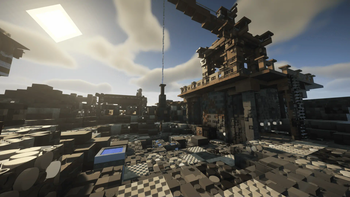
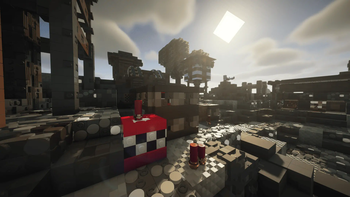
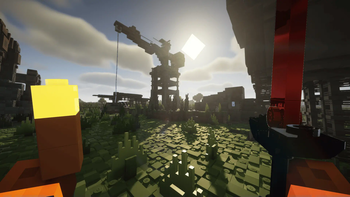
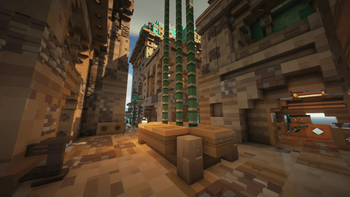
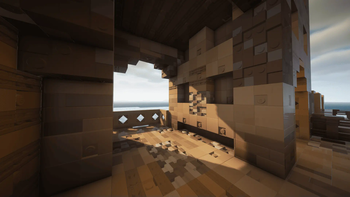
BRIXEL X ERAZER brings together a brick-styled texture pack, physics-based destruction, cinematic biomes and medieval structures. Optimized for the ERAZER Major X20, this pack runs smooth even with complex visuals.
Screenshots

About this Modpack
🧱 BRIXEL X ERAZER – THE LEGO MODPACK
BRIXEL X ERAZER is a LEGO-style modpack experience built for Minecraft 1.21.4, optimized to run smoothly on ERAZER laptops like the Major X20.
This is not just visual – it's interactive.
My Official REVIEW HERE
✨ Main Features:
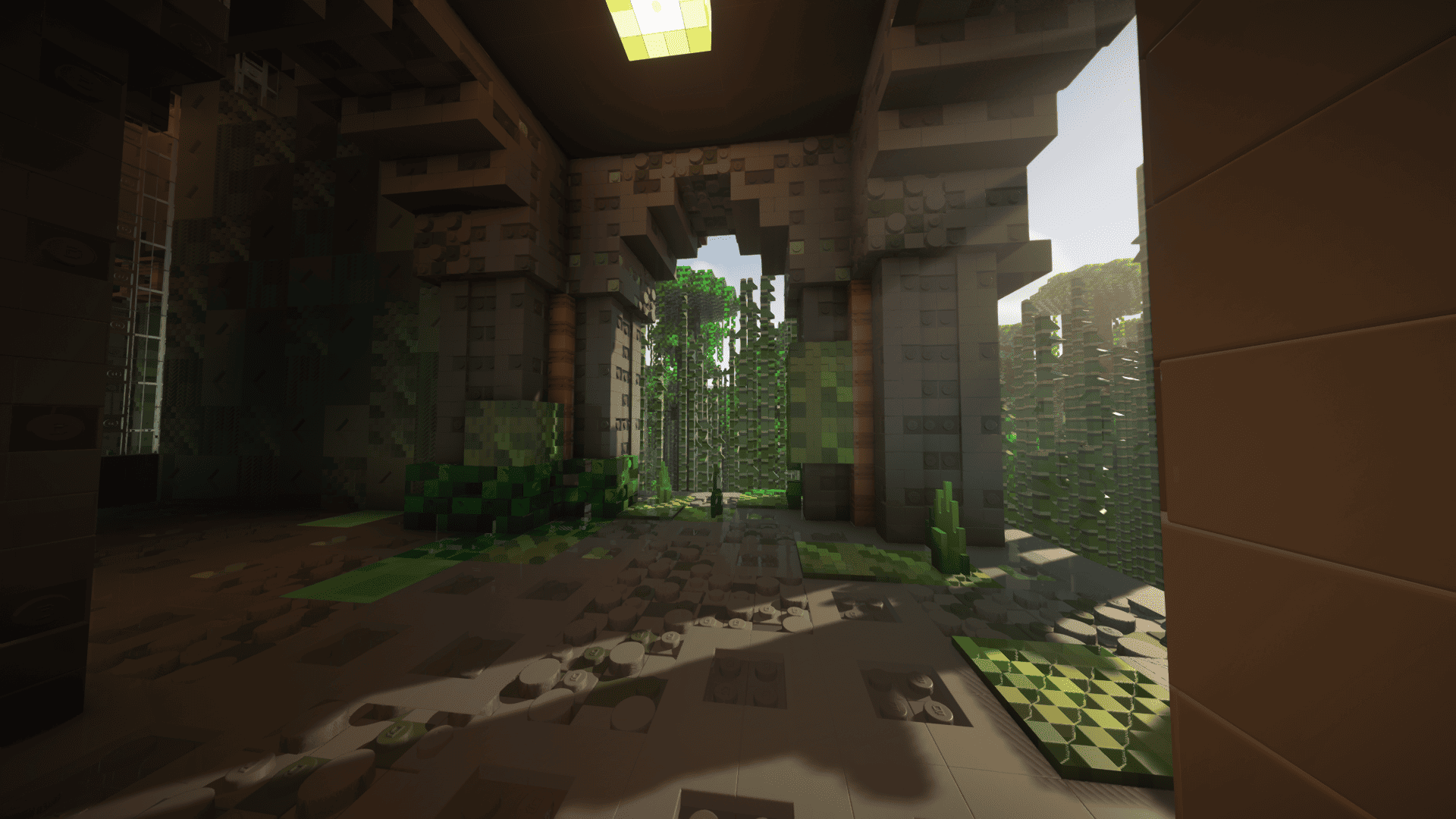
- BRIXEL x512 or x64 (install separately): Converts every block into 3D plastic-like bricks.
- Physics Mod Pro (install separately): Blocks shatter into realistic LEGO-style pieces when broken.
- Detailed Animations Reworked: Adds smooth, immersive animations to player movement.
- Hold My Items: First-person hands now animate naturally when placing, breaking, or holding items.
- Weaponmaster YDM: Weapons and tools are visibly sheathed on your character’s body.
- Distant Horizons: Enables LOD-based rendering up to 256 chunks away, turning your world into a massive LEGO landscape.
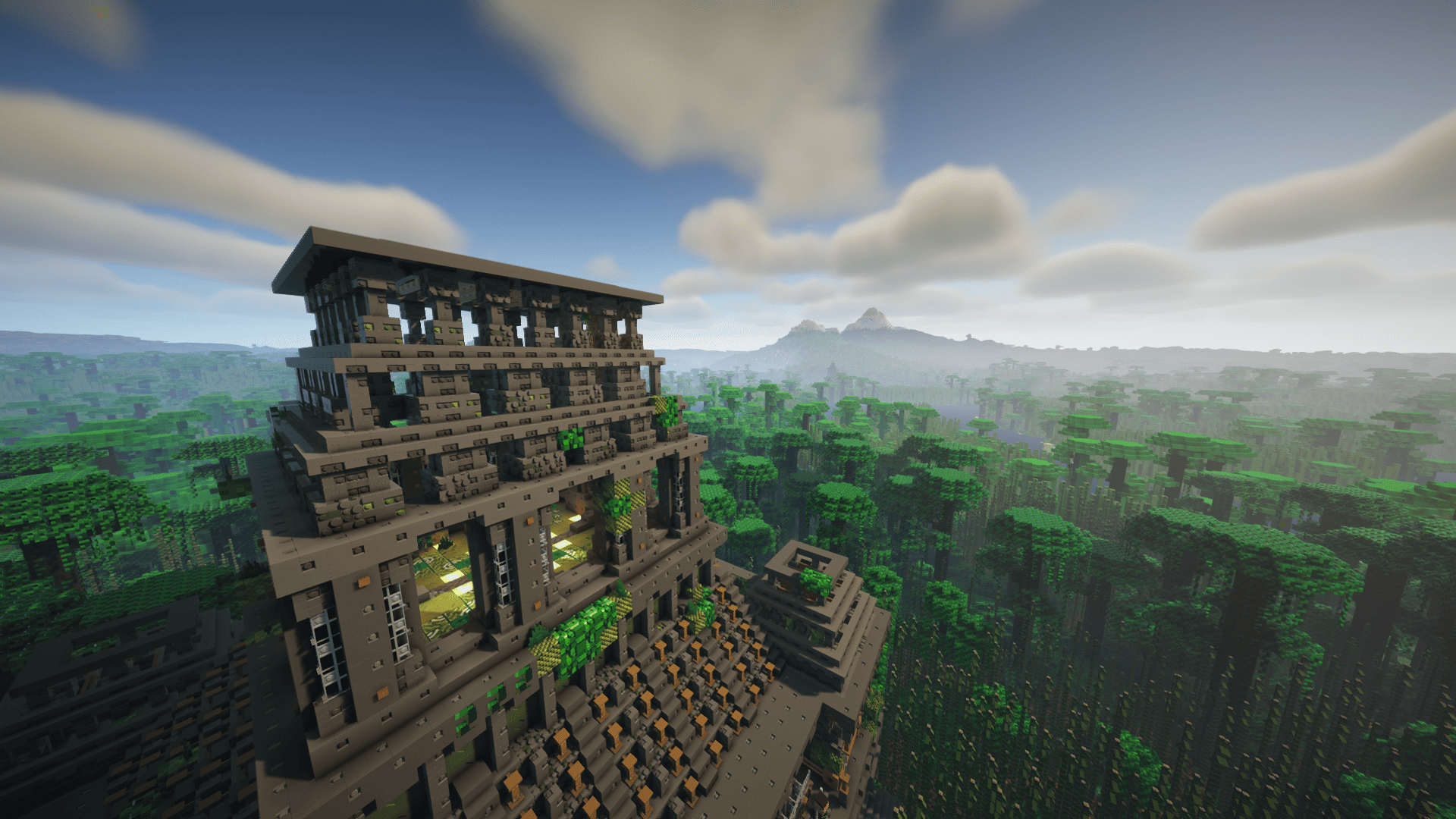
- ATi Structures: Auto-generates detailed medieval and fantasy structures like ancient temples, castles, towers, and more. Each structure is placed naturally and fully compatible with the BRIXEL aesthetic.
Explore unique structures such as:
- Ancient Temple
- Dark Keep
- Castillo
- Catalonian Castle
- Desert Outpost
...and many more
This pack was designed for creators and explorers alike who want a cinematic, toy-like experience in Minecraft.
🚀 Performance Optimization Mods:
To ensure smooth performance (even with advanced shaders and physics), the modpack includes lightweight, high-efficiency optimization tools:
Sodium + Iris for ultra-fast graphics with shader supportFerriteCore to reduce memory usage
Lithium for server-side and game logic performance
ModernFix, Noisium, and BadOptimizations for deep engine-level optimizations
Dynamic FPS, FastQuit, and ImmediatelyFast to improve responsiveness
Entity Culling and Enhanced Block Entities for rendering more efficiently
Reese's Sodium Options and Debugify for improved UI and stability
This setup allows 512x textures, real-time shadows, and physics with consistently high FPS.
⚙️ Installation Notes:
- This pack requires Brixel x64 and BSL Shaders, which must be installed manually.
- In BSL Shader settings, enable:
→ Materials > Advanced Materials: ON
→ Materials > Normals & Parallax: ON - Use Iris for best shader compatibility with Distant Horizons.
- Use 8gb of RAM to be able of using Distant Horizons.
LINKS:
RECOMMENDED:
- https://www.patreon.com/wabbabrick (x128 & x512 paid)
- https://gist.github.com/Steveplays28/52db568f297ded527da56dbe6deeec0e (download BSL)
- https://www.patreon.com/Haubna (Physics Mod Pro is free since 2023)
USE THIS IF YOU DIDN'T BUY BRIXEL:
🧩 Conclusion
BRIXEL X ERAZER isn’t just another modpack — it’s a visual sandbox made for storytelling, architecture and exploration.
Your Minecraft world will feel like a handcrafted LEGO set, ready for cinematic shots, survival challenges or chill creative building.
Pair it with your ERAZER Major X20 and experience Minecraft like never before — smooth, sharp and brick-by-brick beautiful.

Available Versions
How to Set Up a Brixel X ERAZER Server
Order Server
Choose at least 6 GB RAM (8 GB recommended for Brixel X ERAZER). Based on player count: per 5 players.
Install Modpack in Dashboard
Open the modpack browser in the dashboard, search for "Brixel X ERAZER" and click "Install". The fabric loader and Minecraft 1.21.4 are configured automatically.
Start Server & Play
Start the server – all mods are loaded automatically. Share the server IP with friends and play together!
Frequently Asked Questions
Brixel X ERAZER server crashes or won't start – what to do?
Most common causes: insufficient RAM or wrong fabric loader. Check latest.log for "OutOfMemoryError" → increase RAM to at least 8 GB. For "Mixin" or "ClassNotFoundException" errors: modpack version and loader don't match. With Mado Hosting, loader and Minecraft version are auto-configured on modpack install – preventing most startup issues.
How much RAM does a Brixel X ERAZER server really need?
Minimum 6 GB, recommended 8 GB for stable performance. per 5 players. Important: Minecraft modpacks need more RAM than vanilla – plan extra per additional player. With Mado Hosting, you can scale RAM up live at any time without data loss (from €12/month).
Can I add custom mods to Brixel X ERAZER without conflicts?
Yes, but check compatibility: only use mods for the same loader (fabric) and same Minecraft version (1.21.4). Common issues: ID conflicts with recipe mods and incompatible coremod versions. The Mado dashboard mod browser only shows compatible mods and warns about known conflicts.
Brixel X ERAZER server lagging – performance tips
1) Increase RAM to 8 GB+. 2) Reduce server view-distance to 8 (server.properties). 3) Pre-generate chunks with the "Chunky" plugin. 4) Use /spark profiler to check which mods consume the most tick time. With Mado Hosting, all servers run on NVMe SSDs with dedicated CPU cores – eliminating hardware as a bottleneck.
Similar Modpacks
![Cobblemon Official Modpack [Fabric]](https://cdn.modrinth.com/data/5FFgwNNP/e7f9ee2e9d361623847853fe2ddce42f519ee64f.png)
![COBBLEVERSE - Pokemon Adventure [Cobblemon]](https://cdn.modrinth.com/data/Jkb29YJU/581ecf54530972afb18a04660afd820f2f24f6c7.png)
![Better MC [FABRIC] - BMC2](https://cdn.modrinth.com/data/shFhR8Vx/a19c2bcb51d38f32f138d3607e91cb2b7b8e387f_96.webp)


![Better MC [FORGE] - BMC4](https://cdn.modrinth.com/data/4BV47HRn/7f5ef7cc61b2593609aabef3ed07a866a4f11b73_96.webp)
Rent Brixel X ERAZER Server
Start your own server with automatic modpack installation.
Details
- License
- LicenseRef-All-Rights-Reserved
- Server-side
- Unsupported
- Client-side
- Required
Supported Versions
Start your Brixel X ERAZER Server now
From €12.00/month with 8 GB RAM for the best performance.
Configure Server →