
Builders omptimization pack
A lighting-fast optimization pack for builders alike. Provides the tools that allow you to build anything you could possibly dream of while optimizing the game to a level which surpasses anything else. Discord and Patreon coming soon!
Screenshots
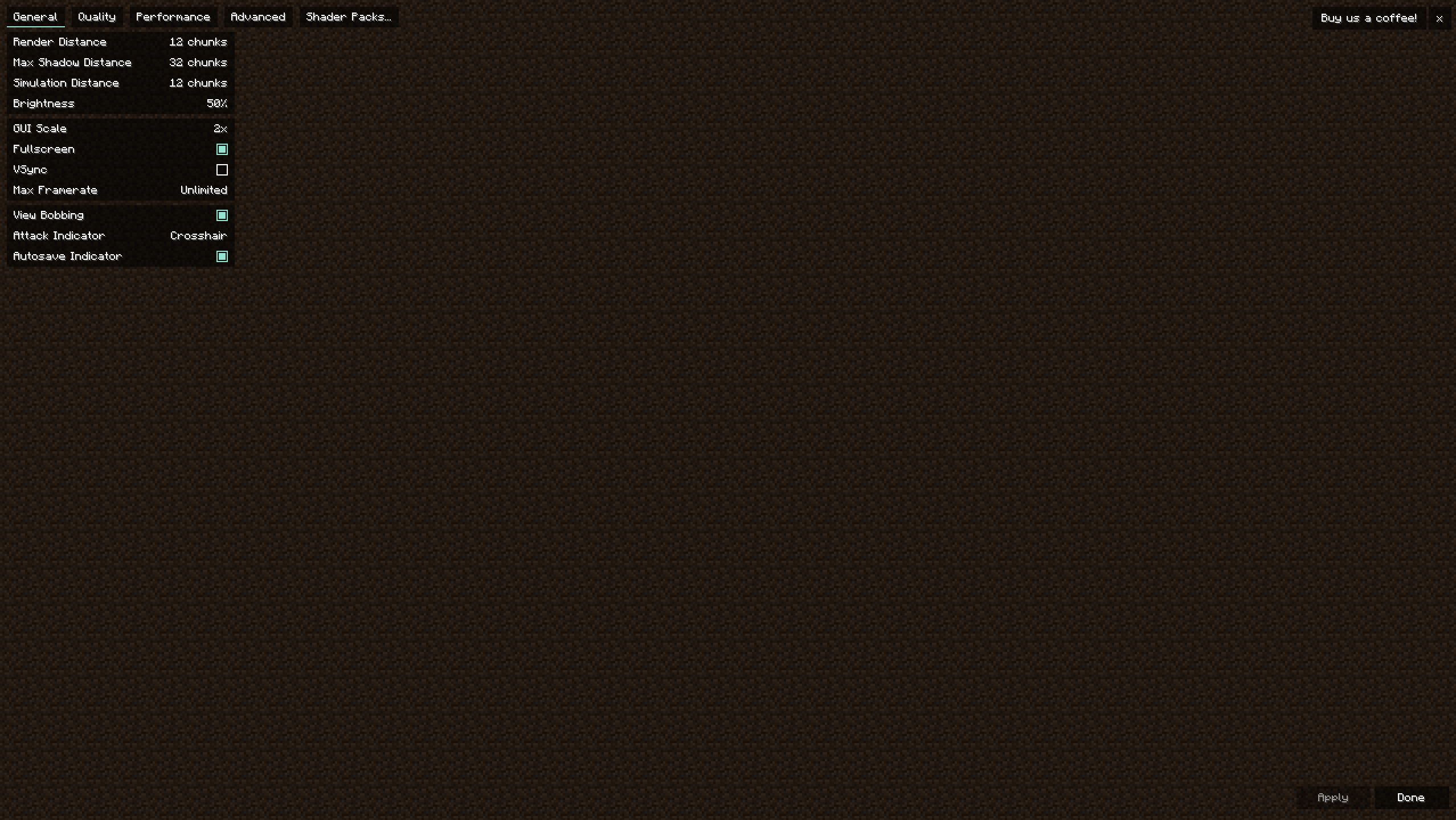
About this Modpack
Builder's Optimization Pack
Unlock the potential to create the build of your dreams with our Builder's Optimization Pack. This comprehensive suite of tools is designed to streamline your construction and design processes, enabling lightning-fast execution without compromising on quality or creativity.
Features
- Advanced Planning Tools: Leverage cutting-edge technology to map out intricate designs effortlessly, turning the vision of your dream build into a tangible plan.
- Efficiency Enhancements: Optimize your workflow with our customized efficiency tools, ensuring that every step from conception to completion is as smooth and lightning-fast as possible.
- Resource Management: Access a wide array of premium materials and resources, carefully curated to bring your dream build to life with unmatched quality and style.
Benefits
- Speed: Achieve remarkable time savings, allowing for quicker project turnaround without sacrificing detail or quality.
- Precision: Our tools are designed for meticulous precision, ensuring that your dream build is realized exactly as you envisioned.
- Innovation: Stay ahead of the curve with access to the latest building technologies and trends.
- Cost-Effective: Streamline your building process, reducing unnecessary expenses and focusing your budget on what truly matters—realizing the build of your dreams.
Transform your building experience today with our Builder's Optimization Pack and make the construction of your dream project lightning-fast and more efficient than ever before.
Available Versions
How to Set Up a Builders omptimization pack Server
Order Server
Choose at least 6 GB RAM (8 GB recommended for Builders omptimization pack). Based on player count: per 5 players.
Install Modpack in Dashboard
Open the modpack browser in the dashboard, search for "Builders omptimization pack" and click "Install". The fabric loader and Minecraft 1.20.4 are configured automatically.
Start Server & Play
Start the server – all mods are loaded automatically. Share the server IP with friends and play together!
Frequently Asked Questions
Builders omptimization pack server crashes or won't start – what to do?
Most common causes: insufficient RAM or wrong fabric loader. Check latest.log for "OutOfMemoryError" → increase RAM to at least 8 GB. For "Mixin" or "ClassNotFoundException" errors: modpack version and loader don't match. With Mado Hosting, loader and Minecraft version are auto-configured on modpack install – preventing most startup issues.
How much RAM does a Builders omptimization pack server really need?
Minimum 6 GB, recommended 8 GB for stable performance. per 5 players. Important: Minecraft modpacks need more RAM than vanilla – plan extra per additional player. With Mado Hosting, you can scale RAM up live at any time without data loss (from €12/month).
Can I add custom mods to Builders omptimization pack without conflicts?
Yes, but check compatibility: only use mods for the same loader (fabric) and same Minecraft version (1.20.4). Common issues: ID conflicts with recipe mods and incompatible coremod versions. The Mado dashboard mod browser only shows compatible mods and warns about known conflicts.
Builders omptimization pack server lagging – performance tips
1) Increase RAM to 8 GB+. 2) Reduce server view-distance to 8 (server.properties). 3) Pre-generate chunks with the "Chunky" plugin. 4) Use /spark profiler to check which mods consume the most tick time. With Mado Hosting, all servers run on NVMe SSDs with dedicated CPU cores – eliminating hardware as a bottleneck.
Similar Modpacks

![Cobblemon Official Modpack [Fabric]](https://cdn.modrinth.com/data/5FFgwNNP/e7f9ee2e9d361623847853fe2ddce42f519ee64f.png)
![COBBLEVERSE - Pokemon Adventure [Cobblemon]](https://cdn.modrinth.com/data/Jkb29YJU/581ecf54530972afb18a04660afd820f2f24f6c7.png)
![Better MC [FABRIC] - BMC2](https://cdn.modrinth.com/data/shFhR8Vx/a19c2bcb51d38f32f138d3607e91cb2b7b8e387f_96.webp)


Rent Builders omptimization pack Server
Start your own server with automatic modpack installation.
Supported Versions
Start your Builders omptimization pack Server now
From €12.00/month with 8 GB RAM for the best performance.
Configure Server →