
Candyy
Polishing minecraft to look aesthetically pleasing with simple mods and resourcepacks, all about eye candy. (client-side)
Screenshots
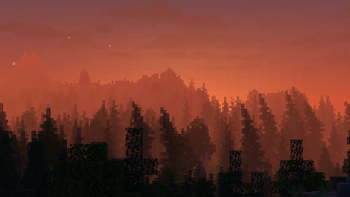
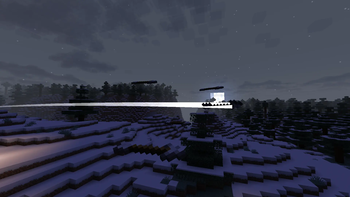
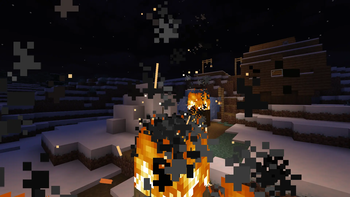
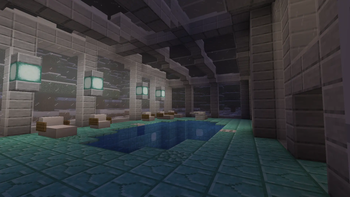
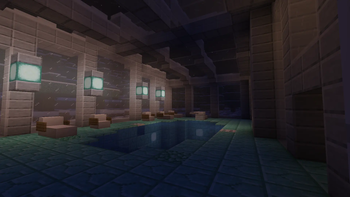
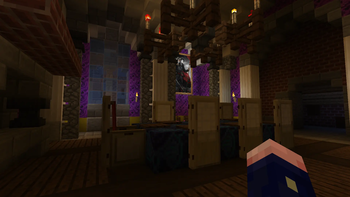
About this Modpack

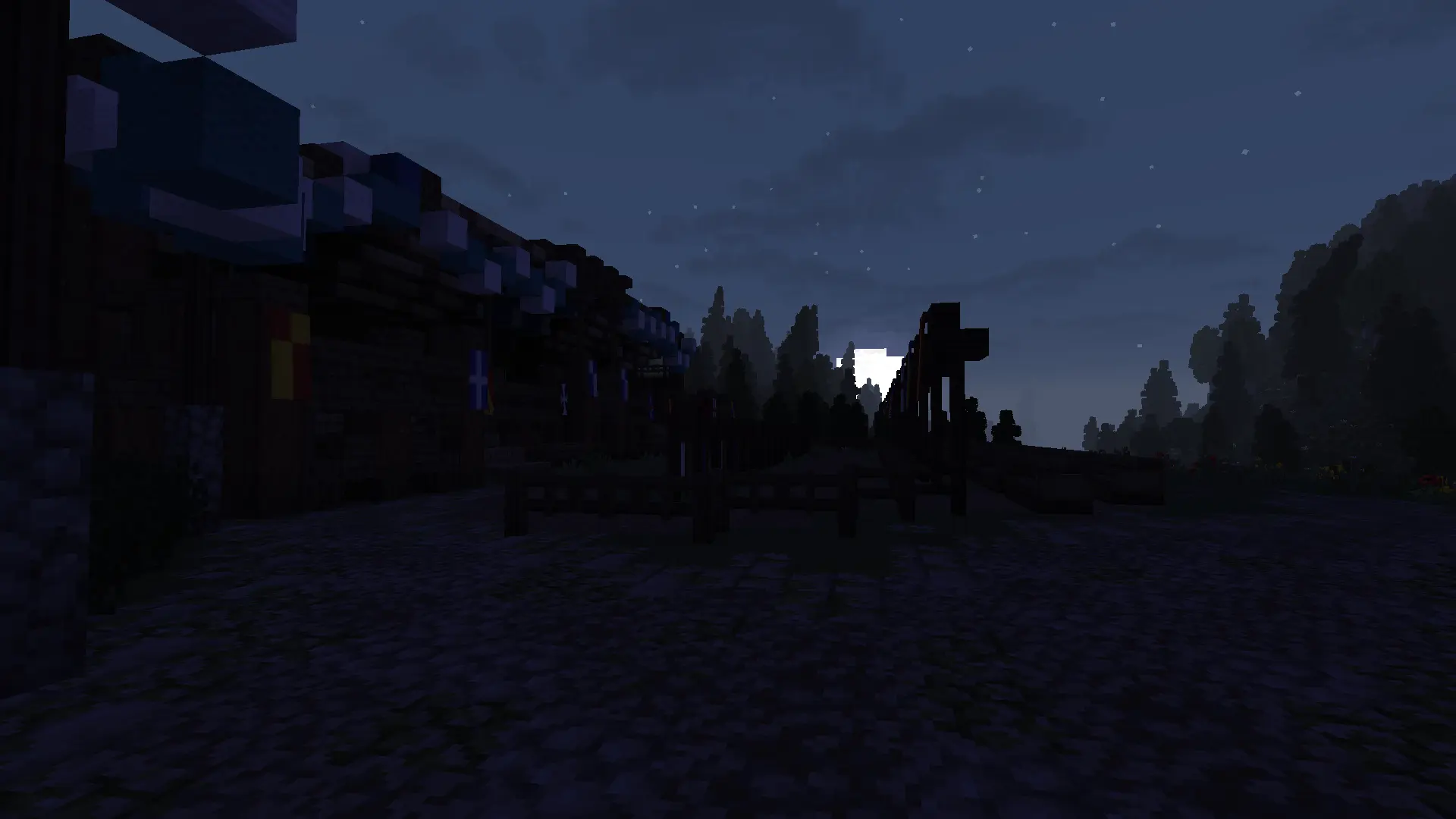
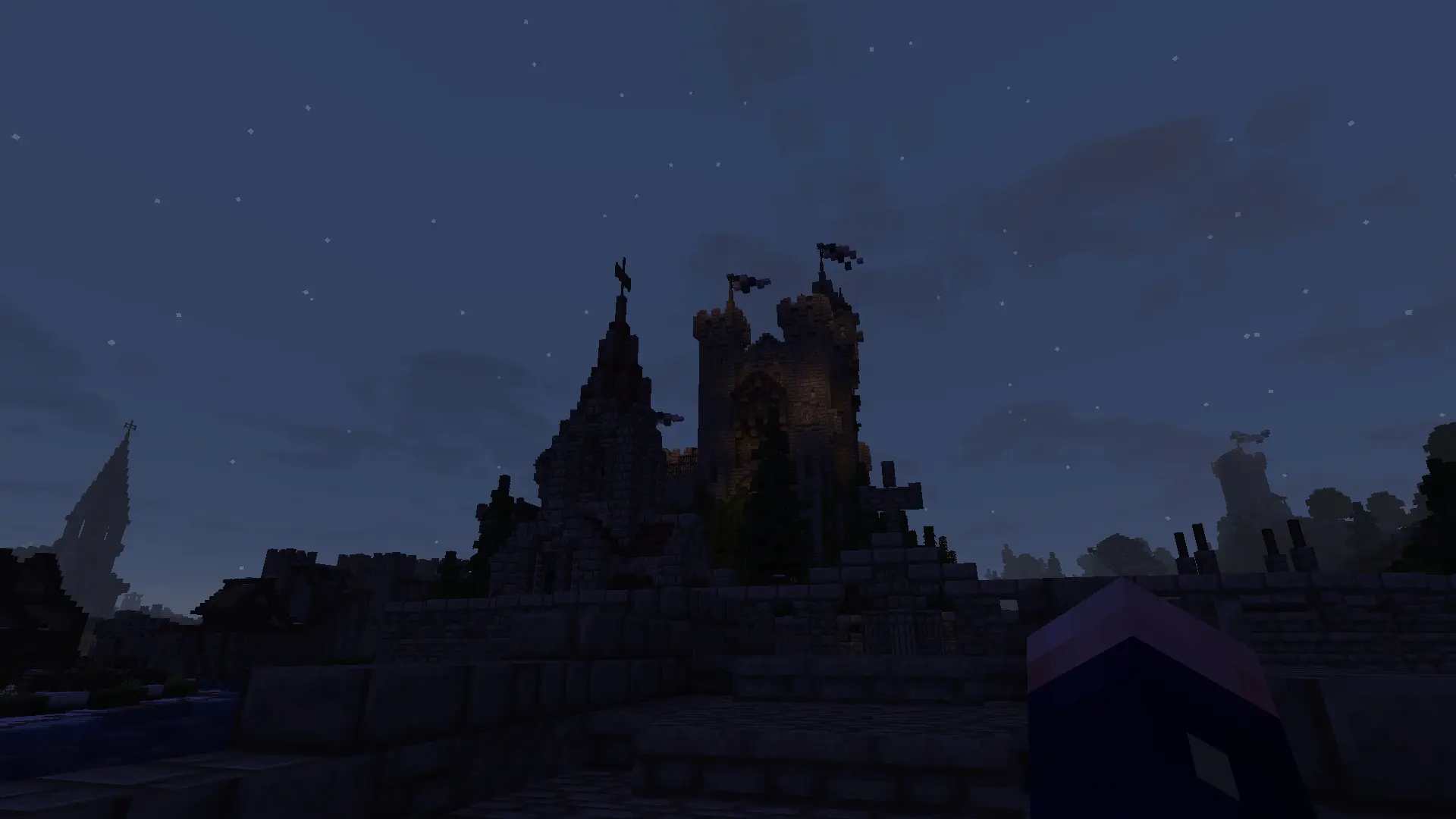
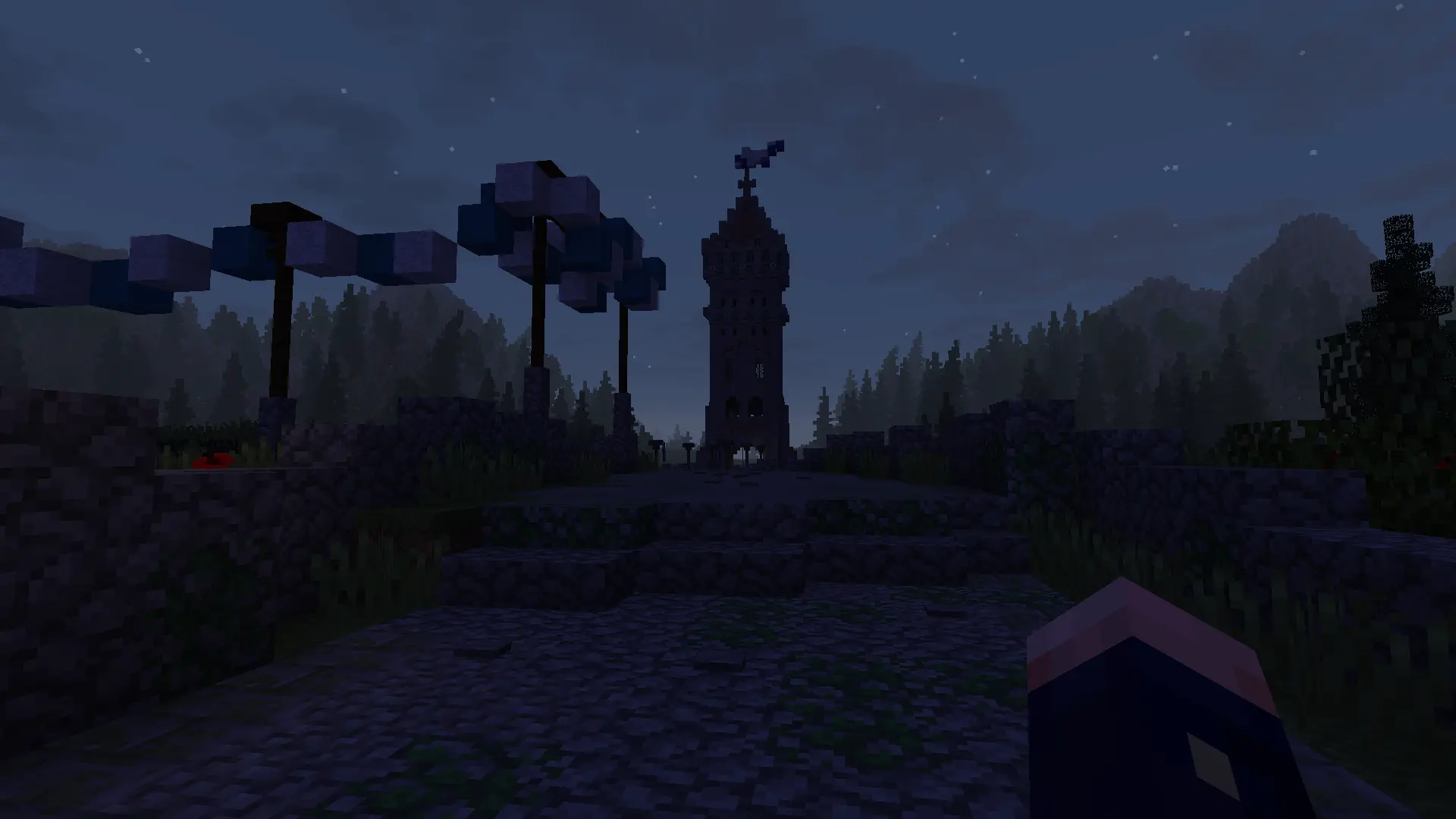
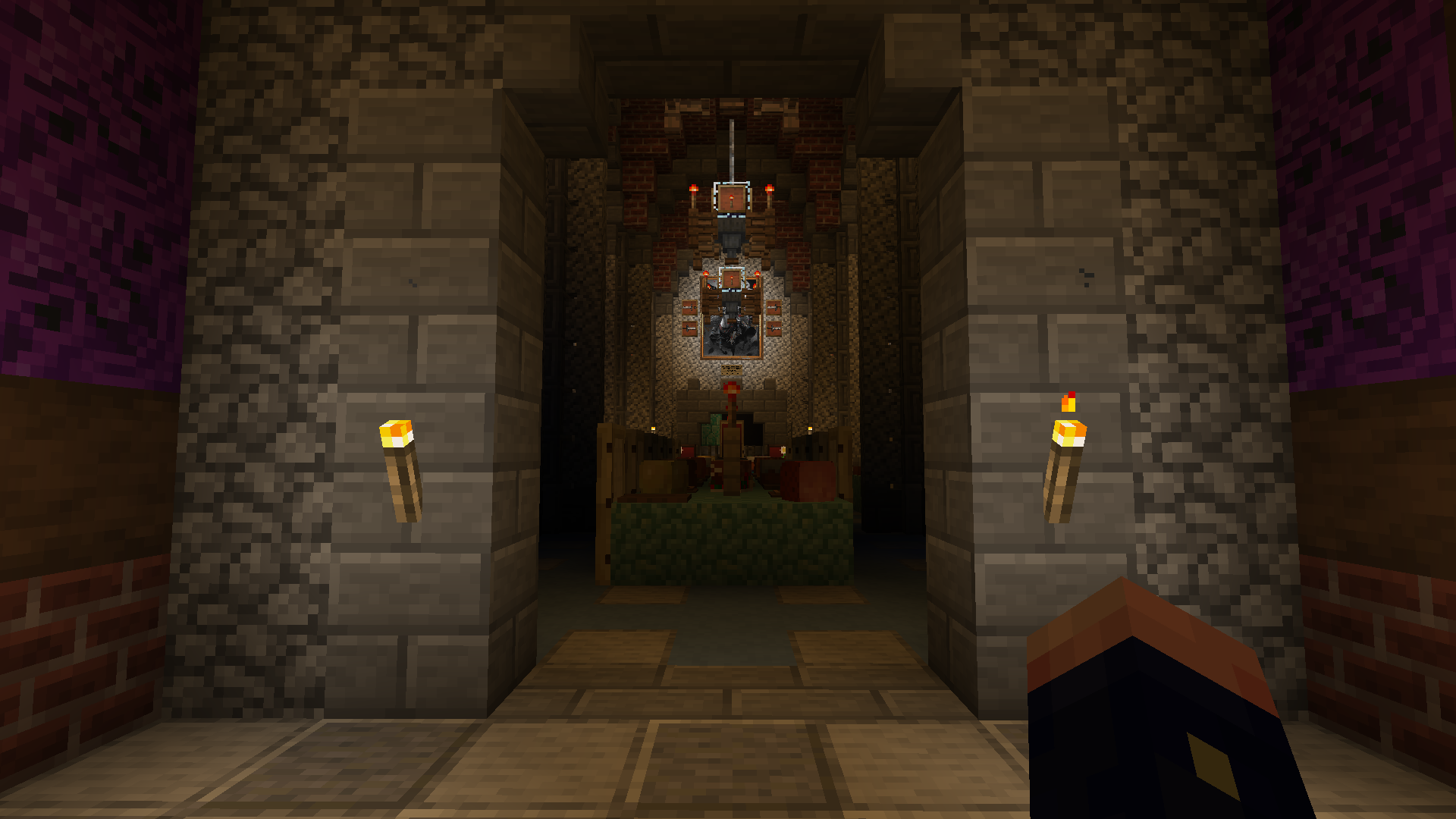
Picture taken with Candyy on ✠ Barony RagnarStein ✠ map by Ragnar le Rouge.
Overview
Polishing minecraft to improve the visual and sound experience with simple mods and resourcepacks with some Qol changes on the side, all client-side.
Performance is very important for the smoothness of the game, so all performance mods you might want are installed. Based on Simply Optimized. For extra performace i also use: JVM Arguments
When i play, I like to be immersed, so dynamic sounds to blocks during rain fall, the clouds are fluffy and dynamic to light. The inventory has items interactions animations and hotbar is soooooo smooth like butter. Some items and blocks have more particles or trails like arrows and elytras.
Most important of all i like to take photos of my world so all resourcepacks are to extend those colors i like to see, and Picture mode for cool perspectives.
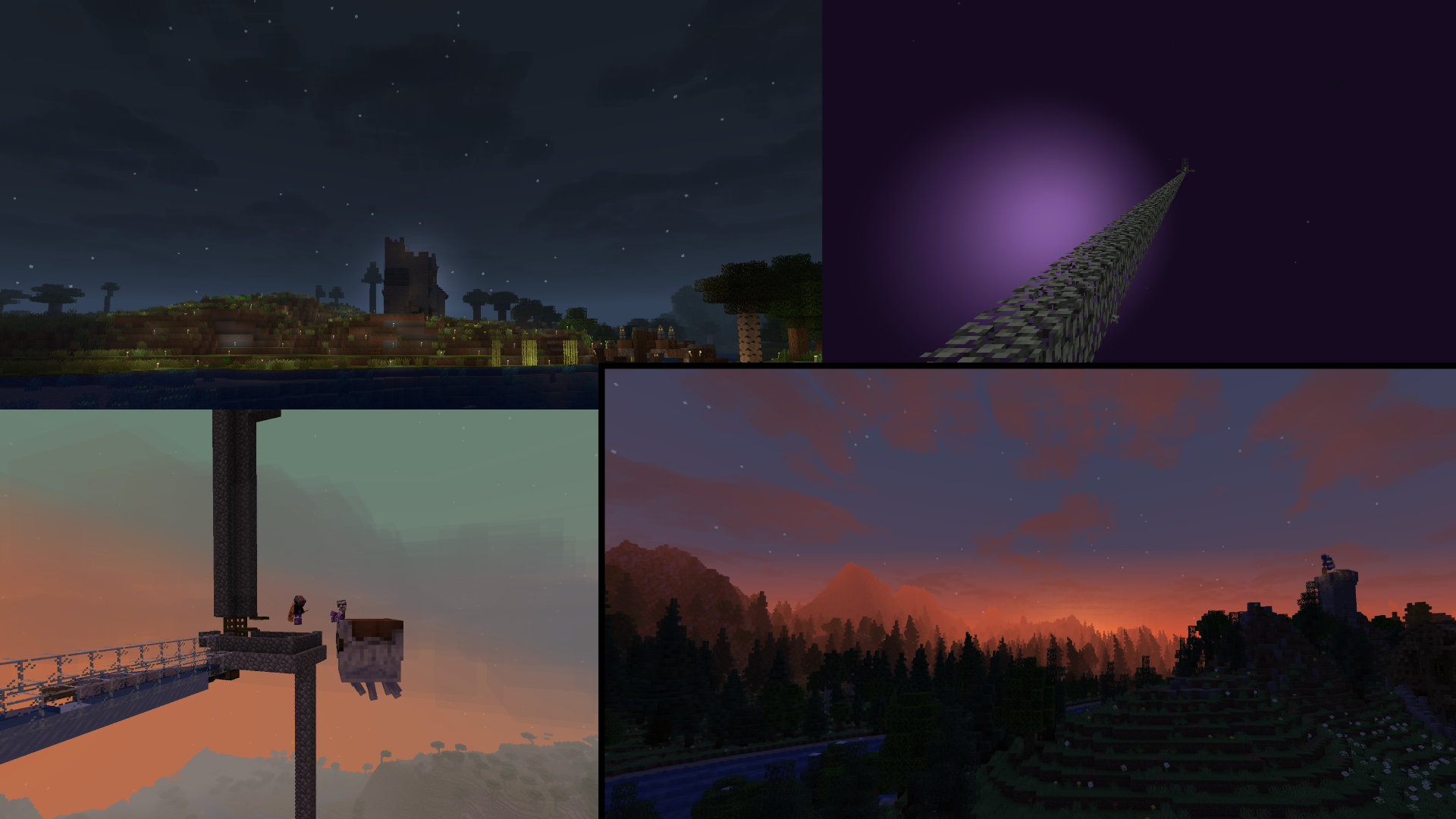
Notes
One of the mods that I recommend changing the values to your liking is simple fog control (when playing at low render distances it doesn't look as good). Disabling "terrain fog modification" does it for me.
Compatible with voxy you can add it yourself. voxy support for Simple fog control
Known issues:
About Better Block Entities (BBE): Some known mods that do not work with BBE fully enabled are Traben’s [EMF] Entity Model Features / [ETF] Entity Texture Features mods. If you want these to work alongside BBE, you will have to turn off optimizations for the block entity you want EMF/ETF to modify through our config screen. The same goes for resource packs that modify any of the enabled block entities.
Perception trails bugs on some non-vanilla servers.
If you are playing on low render distances (<20), I recommend disabling nvidium in sodium settings. Can have some performance regresion at lower render distances.
Picture mode not compatible with nvidium.
*not included in the modpack past this point
Mod/rp recommendations to add
moar dynamic mods
Resourcepacks
Backstory of the project
I was trying some maps from planetminecraft and ✠ Barony RagnarStein ✠ was one of my favorites. I enjoy so much walking around and looking at the details, trees flowing with the wind, churches with intiriors and the atmosphere is so medieval, even without ashen or excalibur resoucepacks, overall i recommend visiting ᛟ Windfall Haven ᛟ and all of his others maps from 8 years ago, pure talent.
more photos
Available Versions
How to Set Up a Candyy Server
Order Server
Choose at least 4 GB RAM (6 GB recommended for Candyy). Based on player count: per 8 players.
Install Modpack in Dashboard
Open the modpack browser in the dashboard, search for "Candyy" and click "Install". The fabric loader and Minecraft 1.21.11 are configured automatically.
Start Server & Play
Start the server – all mods are loaded automatically. Share the server IP with friends and play together!
Frequently Asked Questions
Candyy server crashes or won't start – what to do?
Most common causes: insufficient RAM or wrong fabric loader. Check latest.log for "OutOfMemoryError" → increase RAM to at least 6 GB. For "Mixin" or "ClassNotFoundException" errors: modpack version and loader don't match. With Mado Hosting, loader and Minecraft version are auto-configured on modpack install – preventing most startup issues.
How much RAM does a Candyy server really need?
Minimum 4 GB, recommended 6 GB for stable performance. per 8 players. Important: Minecraft modpacks need more RAM than vanilla – plan extra per additional player. With Mado Hosting, you can scale RAM up live at any time without data loss (from €8/month).
Can I add custom mods to Candyy without conflicts?
Yes, but check compatibility: only use mods for the same loader (fabric) and same Minecraft version (1.21.11). Common issues: ID conflicts with recipe mods and incompatible coremod versions. The Mado dashboard mod browser only shows compatible mods and warns about known conflicts.
Candyy server lagging – performance tips
1) Increase RAM to 6 GB+. 2) Reduce server view-distance to 8 (server.properties). 3) Pre-generate chunks with the "Chunky" plugin. 4) Use /spark profiler to check which mods consume the most tick time. With Mado Hosting, all servers run on NVMe SSDs with dedicated CPU cores – eliminating hardware as a bottleneck.
Similar Modpacks

![Cobblemon Official Modpack [Fabric]](https://cdn.modrinth.com/data/5FFgwNNP/e7f9ee2e9d361623847853fe2ddce42f519ee64f.png)
![COBBLEVERSE - Pokemon Adventure [Cobblemon]](https://cdn.modrinth.com/data/Jkb29YJU/581ecf54530972afb18a04660afd820f2f24f6c7.png)
![Better MC [FABRIC] - BMC2](https://cdn.modrinth.com/data/shFhR8Vx/a19c2bcb51d38f32f138d3607e91cb2b7b8e387f_96.webp)


Rent Candyy Server
Start your own server with automatic modpack installation.
Supported Versions
Start your Candyy Server now
From €8.00/month with 6 GB RAM for the best performance.
Configure Server →