
CaveTerrors VR
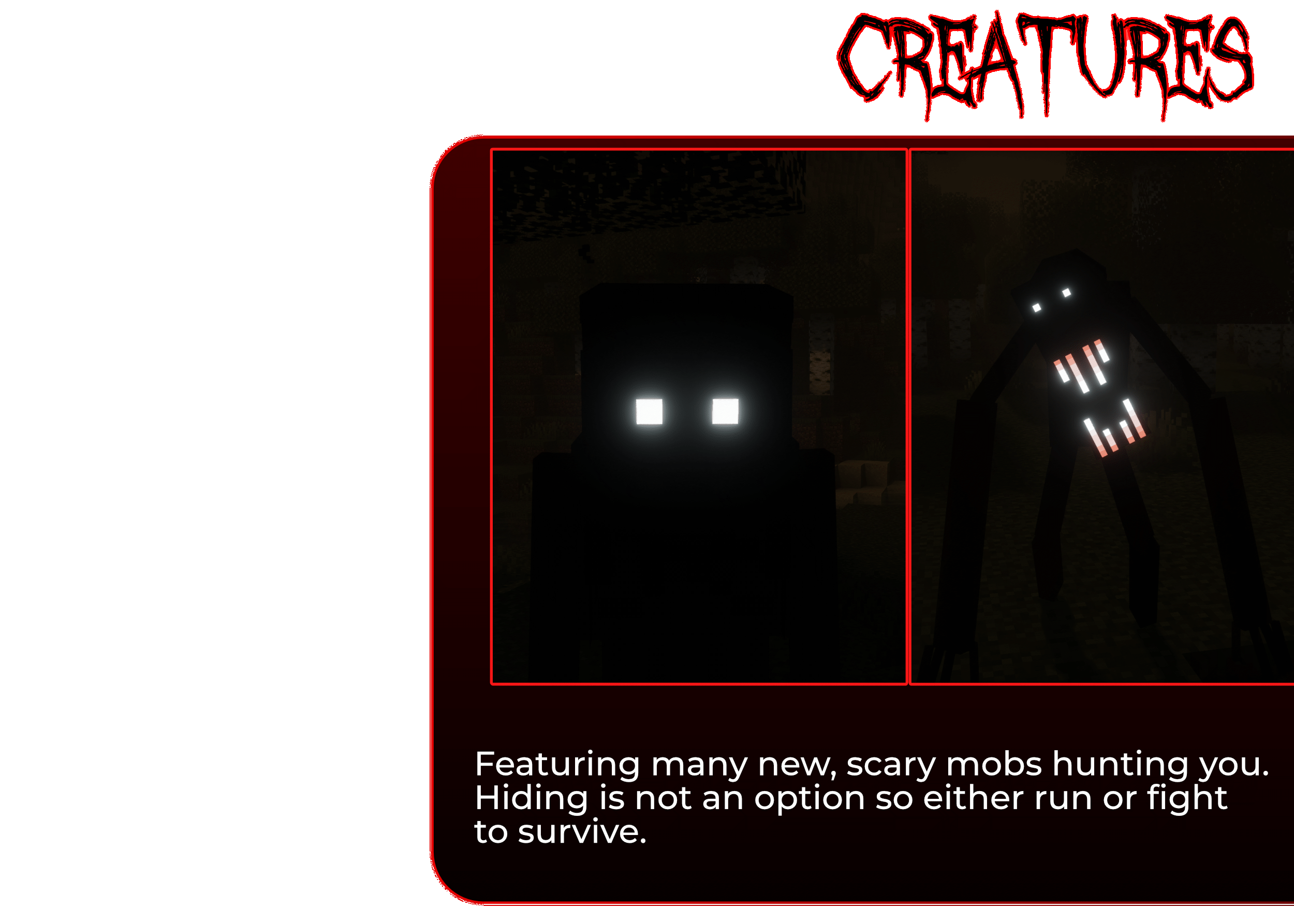
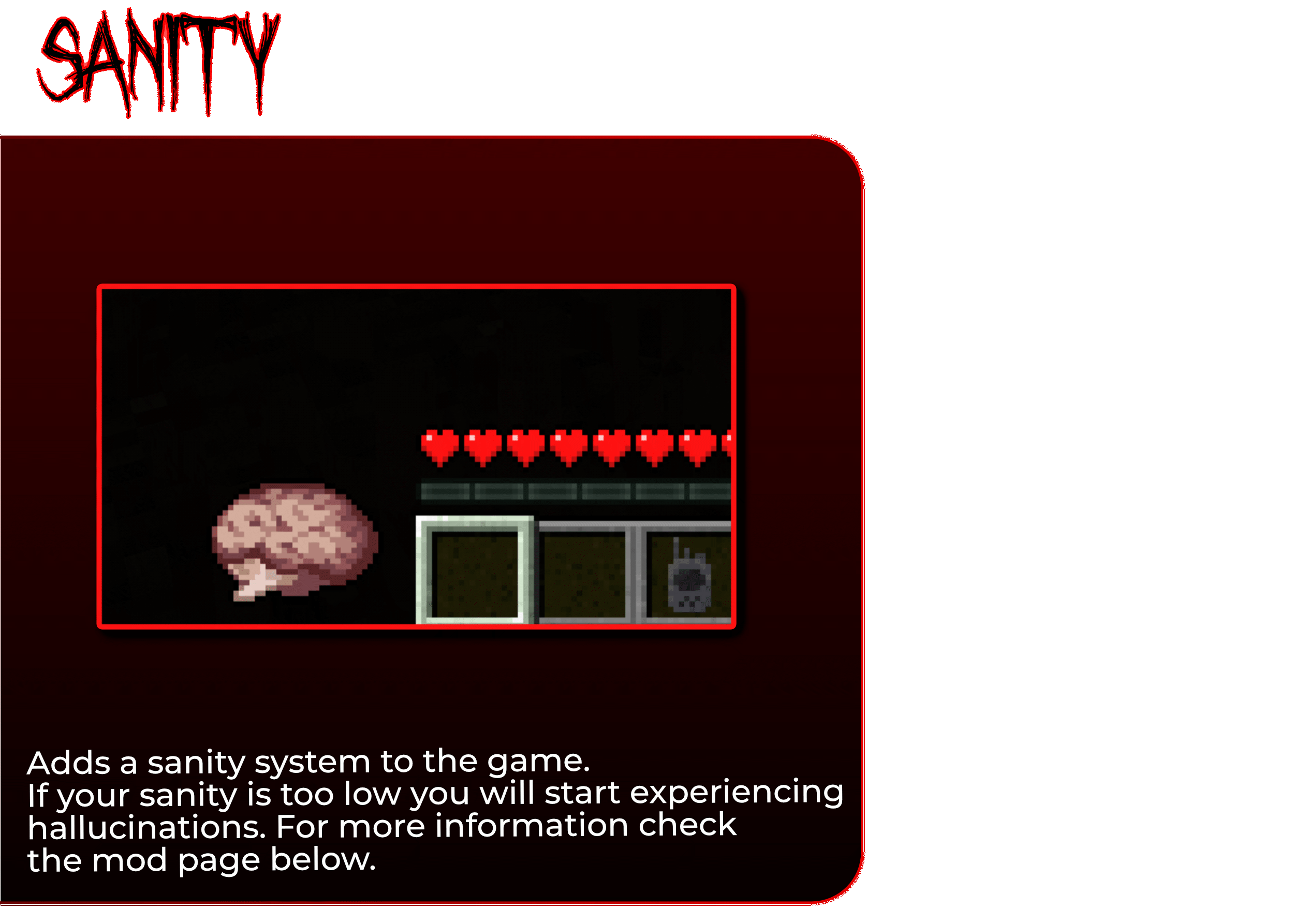
Adds several new creatures, along with a sanity system, proximity voice chat and even VR-support to make the game feel as intense and scary as possible.
Screenshots

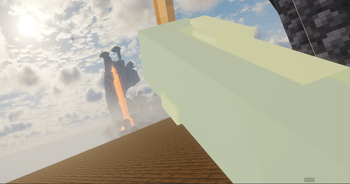
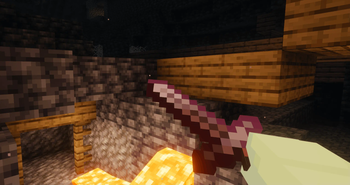


About this Modpack

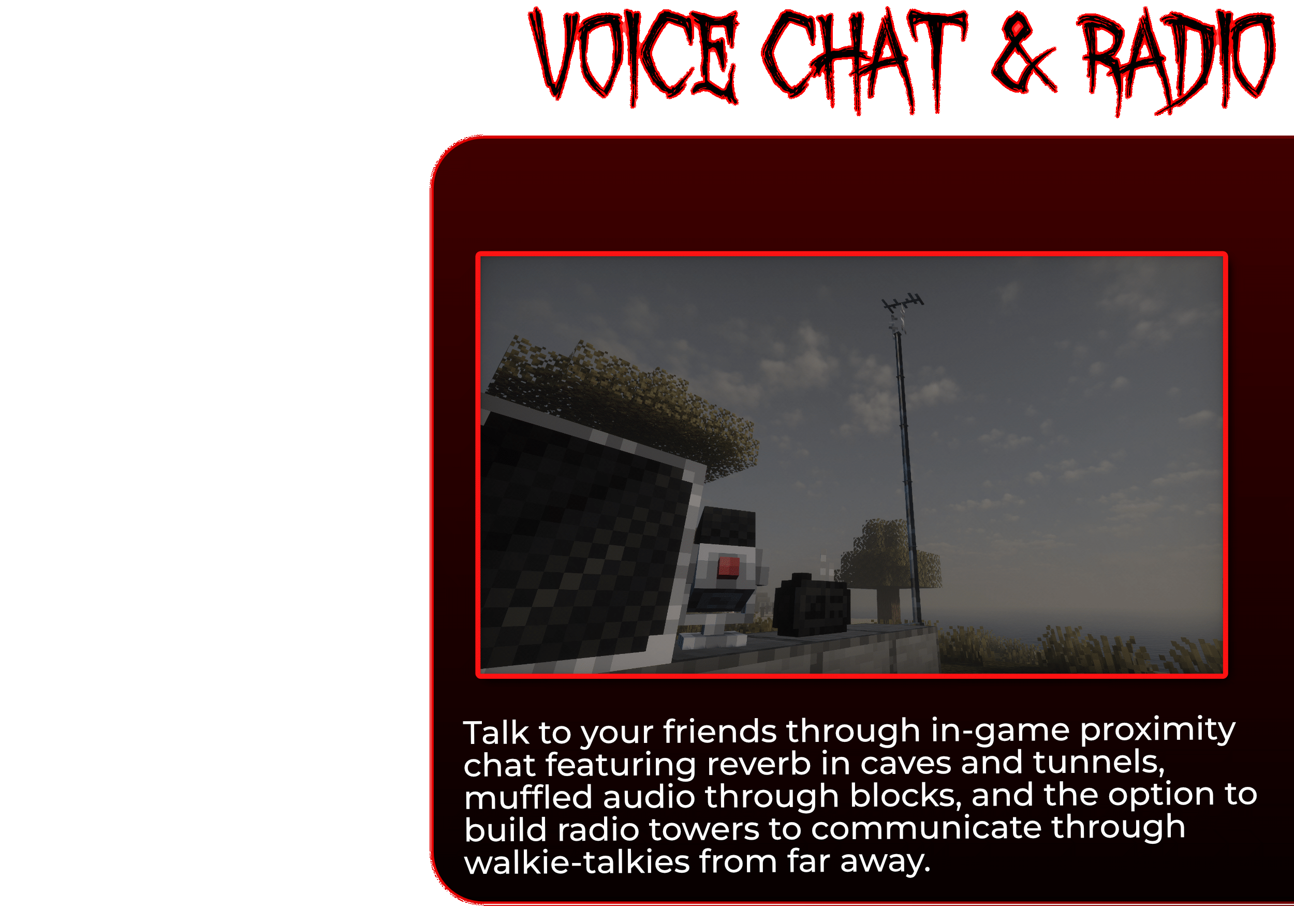
Experience the dark and twisted version of Minecraft. Adding several new, dangerous creatures to the game, alongside other immersive features like a proximity voice chat and radio communication, a sanity system, VR-support and more.
For more information check the Features, as well as the FAQ section below.

FAQ
How do I play in VR?
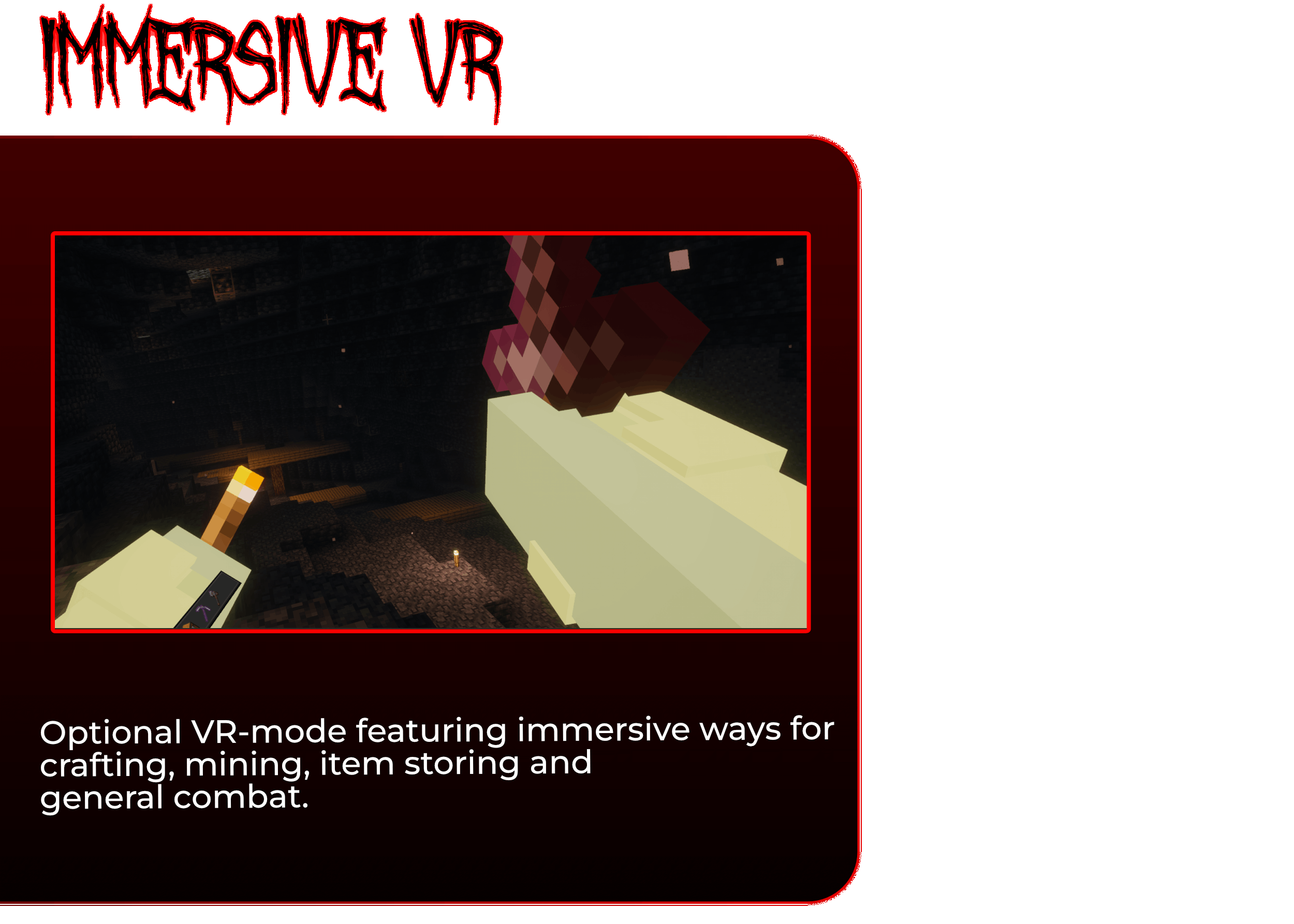
In the main menu, there is now a button on the rightside of the usual buttons saying "VR: Off". Just switch that to on whenever you want to get in VR.
Can I play in VR with my friends who are not in VR and will they see my VR movement?
Yes.
What VR headsets are supported?
Generally, every SteamVR-capable headset will be able to run it. For more information check the Vivecraft page.
How does crafting work in VR?
You approach the crafting table, equip the items needed for crafting (e.g. sticks) and move your hand on the top of the crafting table. At that point you will see 3x3 grid appear on the top of the crafting table. Just move your hand to the place on the grid and press the trigger button. Then map out your crafting recipe and when it's done the finished item (e.g. a pickaxe) will appear floating over the crafting table. At that point just grab it.
Can I switch between playing in VR and in Non-VR mid-game?
Yes. Just take your headset off and move to your PC. It should switch automatically. If not turn VR off in the main menu.
How does the sanity system work?
The mod page for it has all the info you need.
Do shaders work in VR?
Yes.
Does the voice chat work in VR?
While I haven't done extensive testing on it, it should definitely work (more info coming soon).
It tells me to add Garbage Collector to my Java arguments when I go in VR. How do I do that?
That process depends on your launcher. However just look for a field called "Java Arguments" and paste this in:-XX:+UseZGC
This should give some PCs a performance boost. If it does the opposite for you feel free to remove it.
How do I change the keybinds on my VR controller?
When opening the SteamVR overlay inside VR you should see Vivecraft pop up with a button called "Controller settings". In there you can customize the controller keybinds.

Creatures 👻
- The Knocker
- Better Cave Dweller
- The Man From The Fog
- The Midnight Lurker
- Whispering Spirits
- The Shy Guy
- The Sleep Killer
- From The Fog
- Flower Mimics
Gameplay Mods 🎮
- ViveCraft (VR mod for Minecraft)
- Alex's Caves (Explore six new rare cave biomes hidden under the surface of the Overworld.)
- AmbientSounds (Creates crickets and other ambient sounds.)
- Corpse (This mod brings a corpse into the game. It will spawn upon your death containing all items that you had in your inventory.)
- Enhanced Visuals (Provides a more immersive experience by adding effects to the HUD.)
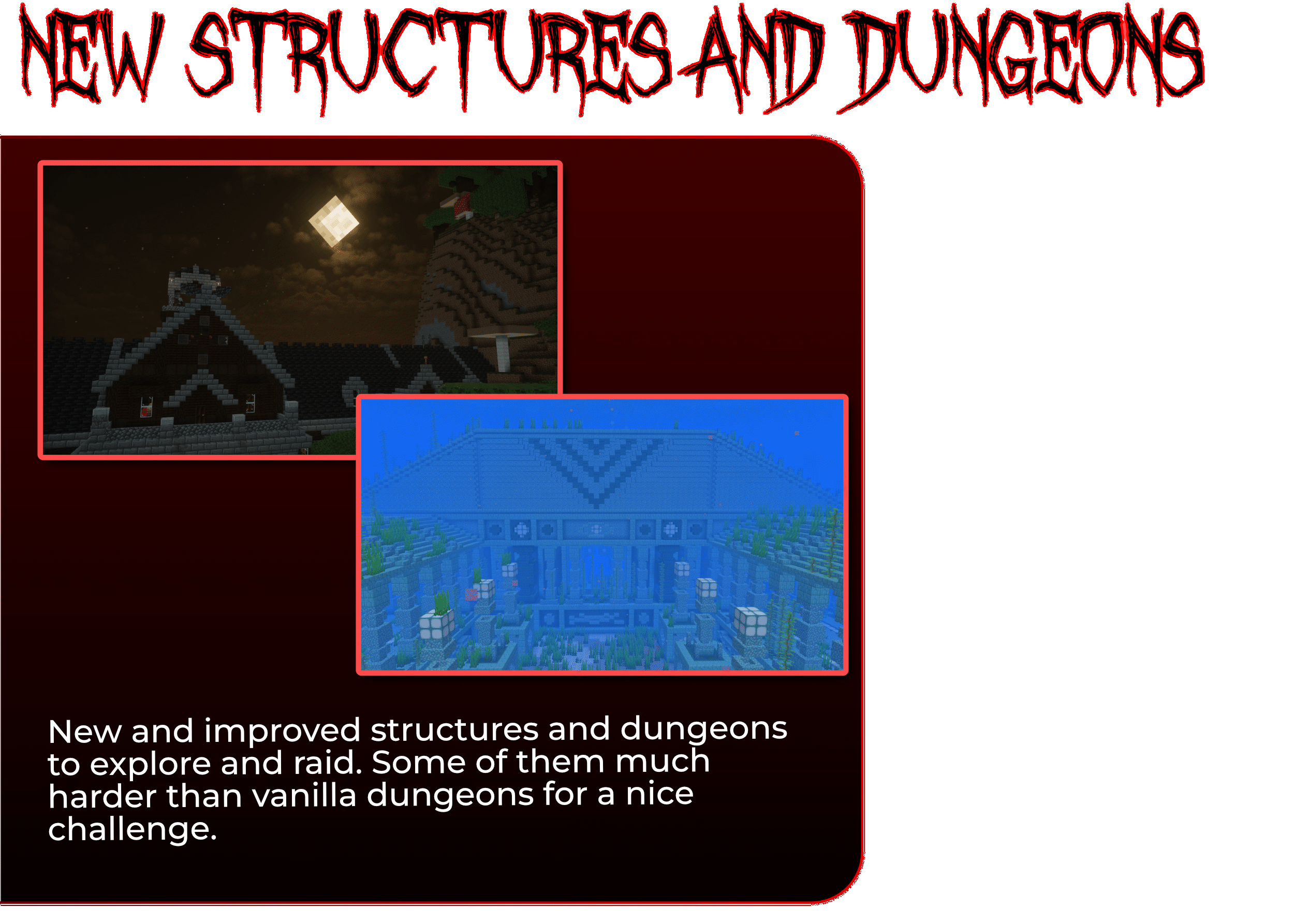
- Dungeons and Taverns (A Structure Datapack adding dungeons, taverns and other structures to find while you explore the world.)
- Sanity: Descent Into Madness (Brings the sanity mechanic from Don't Starve into Minecraft)
- Simple Voice Chat (A working voice chat in Minecraft!)
- Simple Voice Radio (This mod adds a simple radio you can use to communicate with your friends while far away!)
- Towns and Towers (Spice up your world with new villages, pillager outposts, and even new ships!)
- ImmersiveMC (Makes Minecraft more immersive!)
- Amplified Nether (The nether explorer's simple dream: doubled height and amplified terrain. What more is needed?)
- Biomes O' Plenty (Adds 50+ unique biomes to enhance your world, with new trees, flowers, and more!)
Performance Mods 📈
- ImmediatelyFast (Optimizes all immediate mode rendering by using a custom buffer implementation)
- BetterF3 (Makes the F3 menu customizable. My included config removes a lot of the unneeded information which improves performance.)
- Dynamic FPS (Reduces FPS when you're not tabbed into Minecraft (CONFIGURABLE).)
- Entity Culling (Hides blocks/entities that aren't visible.)
- Clumps (Merges XP orbs together into bigger but lesser clumps to improve performance.)
- Packet-Fixer (Fixes issues with packets.)
- Modernfix (Overall performance enhancer.)
- FerriteCore (Reduces memory/RAM usage.)
- Ksyxis (Speeds up loading of the world by rendering all chunks every time you load a world.)
- BadOptimizations (Optimization mod that focuses on things other than rendering)
- ServerCore (Optimizes the minecraft server.)
- Embeddium (Fork of Sodium. Improves game rendering.)
- Noisium (Optimises worldgen performance)
- Radium (Game logic/server optimization mod. Fork of Lithium.)
- Fast IP Ping (Decreases the time it takes for servers to load in the server list.)
Quality-of-life Mods ✨
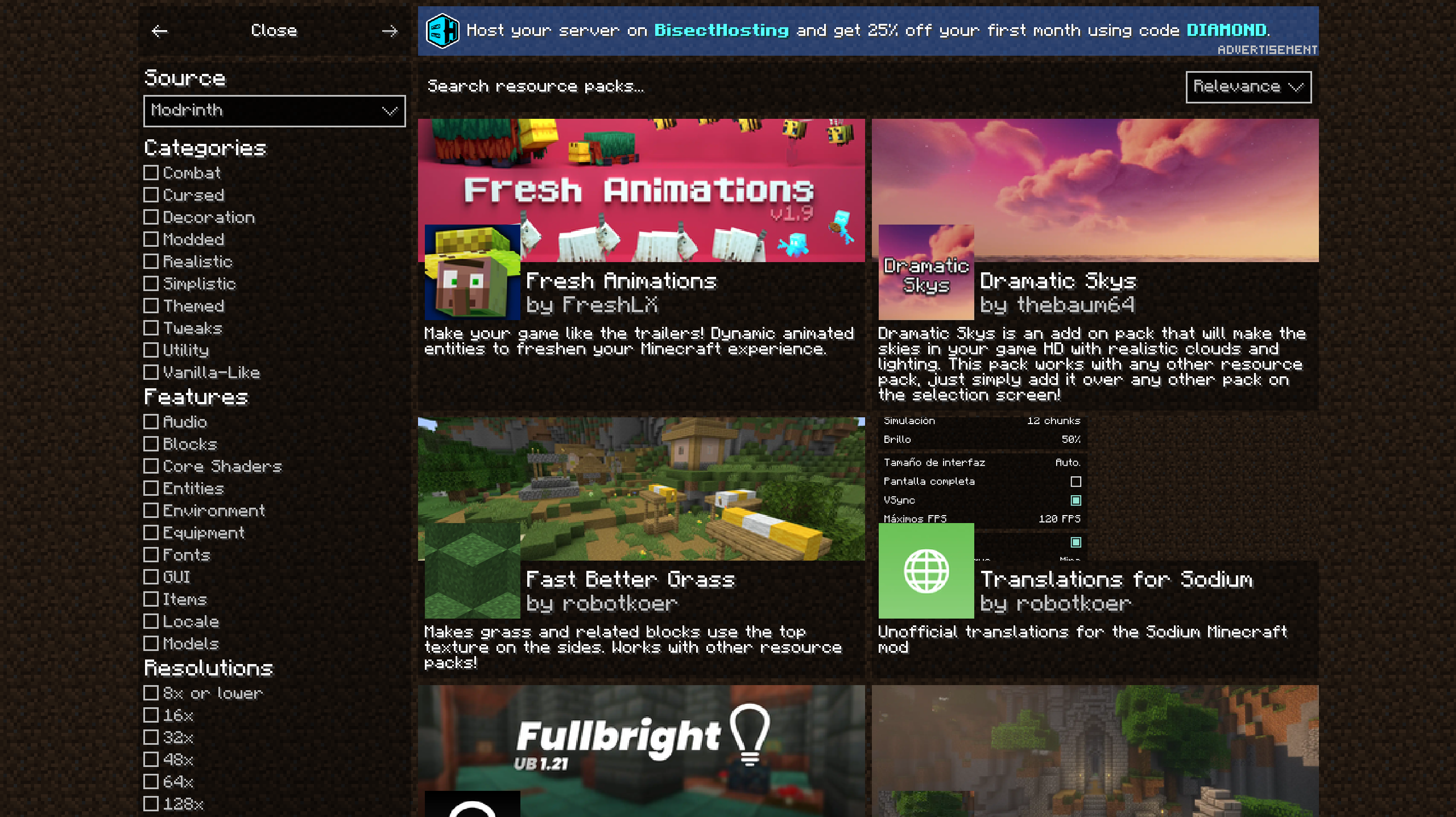
- Resourcify (Adds a menu to install shaders and resource packs from within the game. Screenshot)
- 3D Skin Layers (Renders parts of player skins in 3D)
- Chat Heads (Adds the head of the player as an icon in chat)
- Embeddium++ (More options for Embeddium)
- Oculus (Shaders mod. Fork of Iris.)
- Cave Dust (Adds dust particles to the caves)
- CraftPresence (Adds discord rich presence to the game which is also customizable)
- Effect Timer Plus (Shows a timer on the top right that shows what shows what status effects you currently have and for how long it lasts)
- Pickup Notifier (Be notified about all the things you've just collected.)
- Sodium Dynamic Lights (Adds dynamic lighting. Makes a torch you hold in your hand light the place without placing it.)
- Sound Physics Remastered (Provides realistic sound attenuation, reverberation, and absorption through blocks.)
- Sounds (Introduces new sound effects and enhances the original ones.)
- More Mob Variants (Adds new variants to existing mobs.)
- Spawn Animations (Hostile mobs dig out of the ground or poof into existence when they spawn!)
Resource packs 🗂️
- Fancy Crops
- Ray's 3D Ladders & Ray's 3D Rails (Makes both the ladders and rails 3D)
- Unique Dark (Dark ui with unique texture for every functional block)
- Fresh Animations (Make your game like the trailers! Dynamic animated entities to freshen your Minecraft experience.)
Shaders ☀️
Library/Dependency Mods 📖
- Areas
- Architectury API
- Collective
- CreativeCore
- Cristel Lib
- Geckolib
- Citadel
- Konkrete
- Kotlin for Forge
- Iris & GeckoLib Compat
- Puzzles Lib
- Melody
- UniLib
- Cloth Config API
- Entity Model Features
- Entity Texture Features
- M.R.U
Copyright notice
If a modder of any of the mods featured in this pack wants their mod removed from this pack, please let me know and I will do so.
Contact
All of my socials can be found here: https://zanesaber.carrd.co/
Available Versions
How to Set Up a CaveTerrors VR Server
Order Server
Choose at least 6 GB RAM (8 GB recommended for CaveTerrors VR). Based on player count: per 5 players.
Install Modpack in Dashboard
Open the modpack browser in the dashboard, search for "CaveTerrors VR" and click "Install". The forge loader and Minecraft 1.20.1 are configured automatically.
Start Server & Play
Start the server – all mods are loaded automatically. Share the server IP with friends and play together!
Frequently Asked Questions
CaveTerrors VR server crashes or won't start – what to do?
Most common causes: insufficient RAM or wrong forge loader. Check latest.log for "OutOfMemoryError" → increase RAM to at least 8 GB. For "Mixin" or "ClassNotFoundException" errors: modpack version and loader don't match. With Mado Hosting, loader and Minecraft version are auto-configured on modpack install – preventing most startup issues.
How much RAM does a CaveTerrors VR server really need?
Minimum 6 GB, recommended 8 GB for stable performance. per 5 players. Important: Minecraft modpacks need more RAM than vanilla – plan extra per additional player. With Mado Hosting, you can scale RAM up live at any time without data loss (from €12/month).
Can I add custom mods to CaveTerrors VR without conflicts?
Yes, but check compatibility: only use mods for the same loader (forge) and same Minecraft version (1.20.1). Common issues: ID conflicts with recipe mods and incompatible coremod versions. The Mado dashboard mod browser only shows compatible mods and warns about known conflicts.
CaveTerrors VR server lagging – performance tips
1) Increase RAM to 8 GB+. 2) Reduce server view-distance to 8 (server.properties). 3) Pre-generate chunks with the "Chunky" plugin. 4) Use /spark profiler to check which mods consume the most tick time. With Mado Hosting, all servers run on NVMe SSDs with dedicated CPU cores – eliminating hardware as a bottleneck.
Similar Modpacks
![Cobblemon Official Modpack [Fabric]](https://cdn.modrinth.com/data/5FFgwNNP/e7f9ee2e9d361623847853fe2ddce42f519ee64f.png)
![COBBLEVERSE - Pokemon Adventure [Cobblemon]](https://cdn.modrinth.com/data/Jkb29YJU/581ecf54530972afb18a04660afd820f2f24f6c7.png)
![Better MC [FABRIC] - BMC2](https://cdn.modrinth.com/data/shFhR8Vx/a19c2bcb51d38f32f138d3607e91cb2b7b8e387f_96.webp)


![Better MC [FORGE] - BMC4](https://cdn.modrinth.com/data/4BV47HRn/7f5ef7cc61b2593609aabef3ed07a866a4f11b73_96.webp)
Rent CaveTerrors VR Server
Start your own server with automatic modpack installation.
Supported Versions
Start your CaveTerrors VR Server now
From €12.00/month with 8 GB RAM for the best performance.
Configure Server →