
ClearCore
Featuring an Immersive and Ambient Experience! The official ClearCore Modpack! 1.21.1 Release
Screenshots
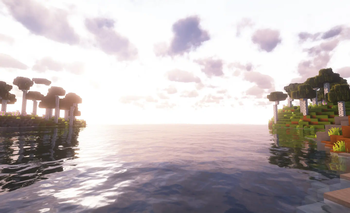

About this Modpack
ClearCore:
🌿Ambient & Immersive Experience
Best Suited with Headphones 🎧 :D
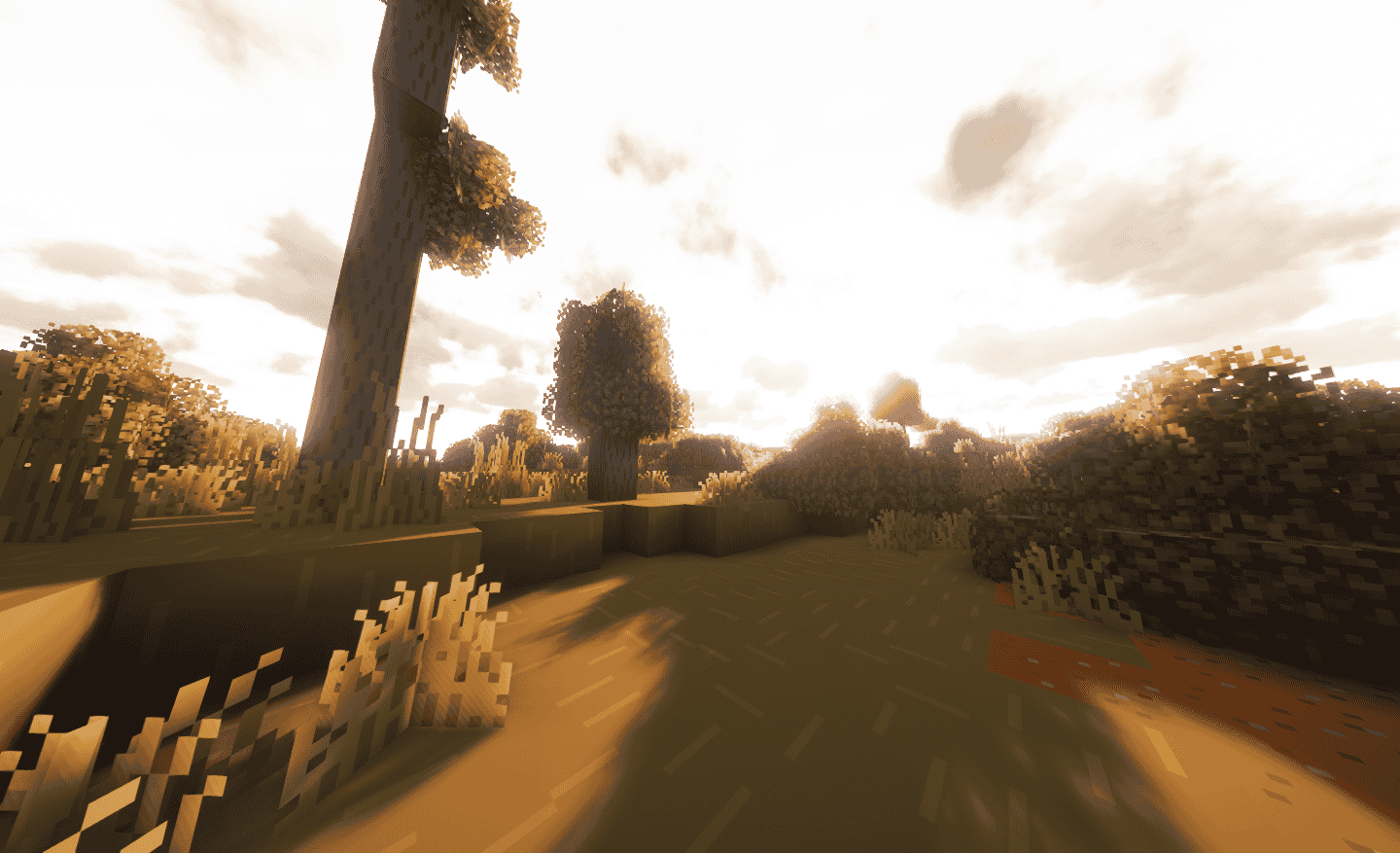
Listen to nature, feel cozy, and immersed into minecraft all at the same time. ClearCore Provides a clean experince- like no other modpack, after a long day of work, or a boring day. Either way, you can enjoy minecraft, and forget the stress. Introducing.. ClearCore With MC-1.21.1!
Boring OldNew, Fresh, & Relaxing Experience
⭐ Mods Used
Continuity
Almanac
Default Dark Mode
Jade Addons (Fabric)
Seamless Loading Screen
M.R.U
FabricSkyboxes
YetAnotherConfigLib (YACL)
ReplayMod
AppleSkin
Not Enough Animations
Better Lanterns
Bare Bones x Redstone Torch Backport
Inventory Profiles Next
Better Ping Display [Fabric]
Fabric API
RAY's 3D Ladders
Fresh Animations
Spooklementary
Cloth Config API
Forge Config API Port
Bare Bones x Fresh Animations
Let Me Despawn
Photon Shader
Fancy Crops
Chat Heads
Better Statistics Screen
Entity Culling
Pixel Perfect
Bare Bones x Eating Animation
Low On Fire
EMI
Architectury API
Noxesium
[ETF] Entity Texture Features
TCDCommons API
Bliss Shaders
Falling Leaves
Explosive Enhancement
EMI Enchanting
Noble Shaders
Unique Dark
EMI Loot
Fzzy Config
Wakes
Fabric Language Kotlin
Nostalgia Shader
Durability Plus
Dramatic Skys
BSL Shaders - Classic
Clean F3
Bare Bones - Connected Glass
Iris Shaders
[EMF] Entity Model Features
Sodium Extra
Complementary Shaders - Reimagined
Complementary Shaders - Unbound
Mod Menu
CreativeCore
Rethinking Voxels
Enchant Icons
LambDynamicLights
Zoomify
Iceberg
FerriteCore
AmbientSounds
Freecam
ComplementaryUnbound_r5.3.zip.txt
RAY's 3D Rails
MidnightLib
Pegasus Shaders
Celestial
Terralith
bad packets
Mouse Tweaks
Immersive UI
Smooth Scrolling
Icons
Bare Bones
libIPN
Motschen's Better Leaves
Sodium
Lithium
Fresh Moves
Text Placeholder API
Cubic Sun & Moon
FastPBR
MakeUp - Ultra Fast
Distant Horizons
Balm
Tiny Item Animations
Reese's Sodium Options
ImmediatelyFast
Legendary Tooltips
Fast Better Grass
Flow
BSL Shaders
Clean Tooltips
More Culling
Wavey Capes
3D Skin Layers
Detail Armor Bar
Potato Shaders
Phoxel
OctoLib
MaLiLib
Loading Screen Tips
BetterF3
Tectonic
Miniature Shader
Jade 🔍
Dynamic FPS
RenderPearl
Prism
Available Versions
How to Set Up a ClearCore Server
Order Server
Choose at least 6 GB RAM (8 GB recommended for ClearCore). Based on player count: per 5 players.
Install Modpack in Dashboard
Open the modpack browser in the dashboard, search for "ClearCore" and click "Install". The fabric loader and Minecraft 1.21.1 are configured automatically.
Start Server & Play
Start the server – all mods are loaded automatically. Share the server IP with friends and play together!
Frequently Asked Questions
ClearCore server crashes or won't start – what to do?
Most common causes: insufficient RAM or wrong fabric loader. Check latest.log for "OutOfMemoryError" → increase RAM to at least 8 GB. For "Mixin" or "ClassNotFoundException" errors: modpack version and loader don't match. With Mado Hosting, loader and Minecraft version are auto-configured on modpack install – preventing most startup issues.
How much RAM does a ClearCore server really need?
Minimum 6 GB, recommended 8 GB for stable performance. per 5 players. Important: Minecraft modpacks need more RAM than vanilla – plan extra per additional player. With Mado Hosting, you can scale RAM up live at any time without data loss (from €12/month).
Can I add custom mods to ClearCore without conflicts?
Yes, but check compatibility: only use mods for the same loader (fabric) and same Minecraft version (1.21.1). Common issues: ID conflicts with recipe mods and incompatible coremod versions. The Mado dashboard mod browser only shows compatible mods and warns about known conflicts.
ClearCore server lagging – performance tips
1) Increase RAM to 8 GB+. 2) Reduce server view-distance to 8 (server.properties). 3) Pre-generate chunks with the "Chunky" plugin. 4) Use /spark profiler to check which mods consume the most tick time. With Mado Hosting, all servers run on NVMe SSDs with dedicated CPU cores – eliminating hardware as a bottleneck.
Similar Modpacks
![Cobblemon Official Modpack [Fabric]](https://cdn.modrinth.com/data/5FFgwNNP/e7f9ee2e9d361623847853fe2ddce42f519ee64f.png)
![COBBLEVERSE - Pokemon Adventure [Cobblemon]](https://cdn.modrinth.com/data/Jkb29YJU/581ecf54530972afb18a04660afd820f2f24f6c7.png)
![Better MC [FABRIC] - BMC2](https://cdn.modrinth.com/data/shFhR8Vx/a19c2bcb51d38f32f138d3607e91cb2b7b8e387f_96.webp)


![Better MC [FORGE] - BMC4](https://cdn.modrinth.com/data/4BV47HRn/7f5ef7cc61b2593609aabef3ed07a866a4f11b73_96.webp)
Rent ClearCore Server
Start your own server with automatic modpack installation.
Supported Versions
Start your ClearCore Server now
From €12.00/month with 8 GB RAM for the best performance.
Configure Server →