
CMM
Create Magic & More (CMM) fuses the mechanical brilliance of Create with the arcane mastery of Ars Nouveau. Automate, enchant, and explore a world where gears turn and spells flow in harmony — creativity and magic, working hand in hand.
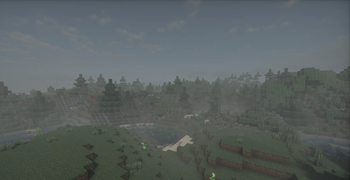
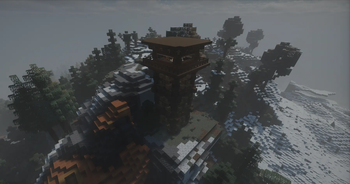
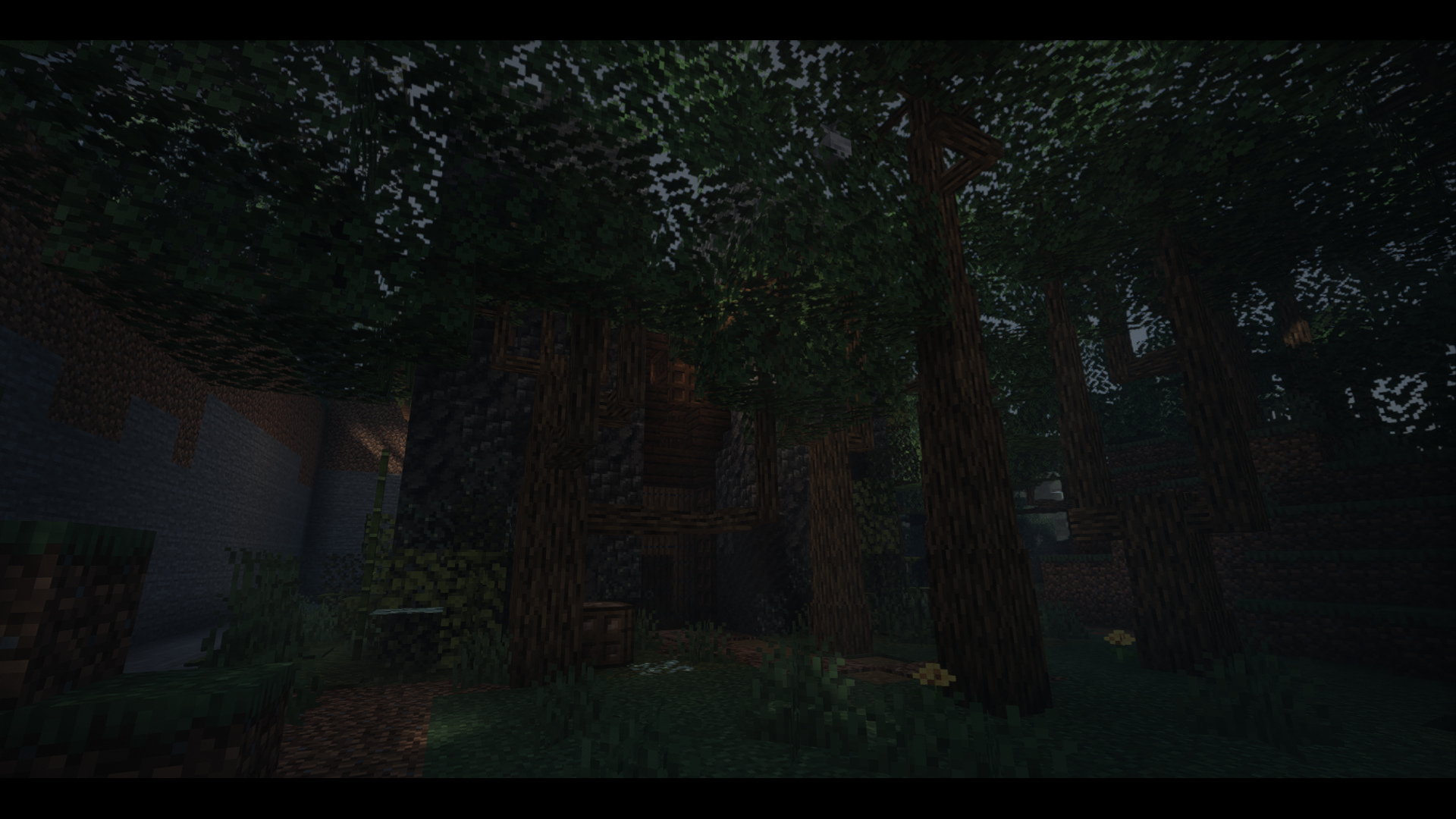
Screenshots
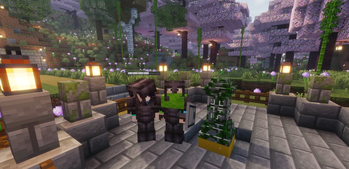
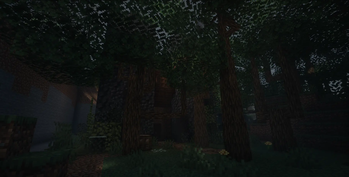
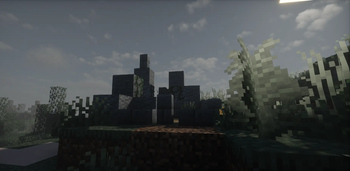
About this Modpack
Create, Magic and More (CMM) blends the mechanical elegance of Create with the arcane flair of Ars Nouveau, offering you a sandbox where automation and spellcasting go hand in hand.
Features
★ Engineering meets magic: Use belts, gears and contraptions alongside spell books, enchantments and magical rituals.
★ Smooth progression: From simple machines to complex magical networks — grow your empire at your own pace.
★ Multiplayer & server-ready: Designed to work seamlessly in client & server mode; bring friends, build collaboratives or impose your will solo.
★ Curated mod list: Includes major mods such as Create, Ars Nouveau, Botany Pots, Tough As Nails and more.
Gameplay Loop
Start by automating resource processing with Create.
Unlock magical knowledge and cast your first spells.
Integrate magic & machines: spell-powered contraptions, enchanted gear, magical production chains.
Expand, explore, build grand bases or world-spanning networks.
Getting Started
Minecraft Java Edition: 1.21.1
Platform: NeoForge
Supported environments: Client & Server
Join our community on Discord for guides, tips and build showcases: Discord
Why CMM?
We update alongside each major Create and Ars Nouveau release, ensuring you get the latest content with stability.
Jump in, cast the first spell, spin the first cog, and build something memorable.
Some of the notable content:
NOTE: This modpack is actively updated for the current Version Create, but will be updated Along side The Create Mod
Join our Discord
Media:
Helpful Wiki Links-
(If we miss one Let us know)
Available Versions
How to Set Up a CMM Server
Order Server
Choose at least 6 GB RAM (8 GB recommended for CMM). Based on player count: per 5 players.
Install Modpack in Dashboard
Open the modpack browser in the dashboard, search for "CMM" and click "Install". The neoforge loader and Minecraft 1.21.1 are configured automatically.
Start Server & Play
Start the server – all mods are loaded automatically. Share the server IP with friends and play together!
Frequently Asked Questions
CMM server crashes or won't start – what to do?
Most common causes: insufficient RAM or wrong neoforge loader. Check latest.log for "OutOfMemoryError" → increase RAM to at least 8 GB. For "Mixin" or "ClassNotFoundException" errors: modpack version and loader don't match. With Mado Hosting, loader and Minecraft version are auto-configured on modpack install – preventing most startup issues.
How much RAM does a CMM server really need?
Minimum 6 GB, recommended 8 GB for stable performance. per 5 players. Important: Minecraft modpacks need more RAM than vanilla – plan extra per additional player. With Mado Hosting, you can scale RAM up live at any time without data loss (from €12/month).
Can I add custom mods to CMM without conflicts?
Yes, but check compatibility: only use mods for the same loader (neoforge) and same Minecraft version (1.21.1). Common issues: ID conflicts with recipe mods and incompatible coremod versions. The Mado dashboard mod browser only shows compatible mods and warns about known conflicts.
CMM server lagging – performance tips
1) Increase RAM to 8 GB+. 2) Reduce server view-distance to 8 (server.properties). 3) Pre-generate chunks with the "Chunky" plugin. 4) Use /spark profiler to check which mods consume the most tick time. With Mado Hosting, all servers run on NVMe SSDs with dedicated CPU cores – eliminating hardware as a bottleneck.
Rent CMM Server
Start your own server with automatic modpack installation.
Details
- License
- Creative Commons Zero v1.0 Universal
- Server-side
- Required
- Client-side
- Required
Supported Versions
Start your CMM Server now
From €12.00/month with 8 GB RAM for the best performance.
Configure Server →