
Cobblemon Crossworlds
Catch Pokemon in Space! Modpack with Cobblemon, Infinite Dimensions, Stellaris, No Man's Craft, Bumblezone, The Aether, ProjectE, AE2, and Mekanism
Screenshots
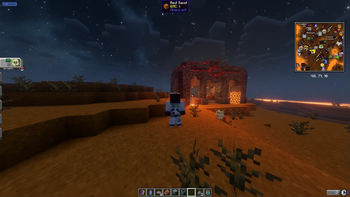
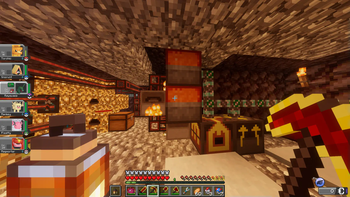
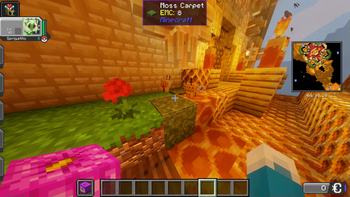
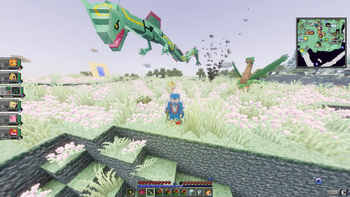
About this Modpack
Get ready to experience Minecraft like never before with the ultimate modpack combining features from Cobblemon, ProjectE, AE2, Mekanism, and many more mods to build a fully featured long content pool to play with friends.
Catch 'Em All with Cobblemon - Enter a world where Pokémon-inspired creatures roam, ready to be captured, trained, and battled!
Essential Mod was added to make Co-Op a total breeze. You dont need to rely on your one friend with an extra laptop who bought their own router to port forward a server for you.
Ascend to the Heavens in The Aether – Soar through floating islands, battle divine beings, and uncover celestial treasures in this mythical sky dimension.
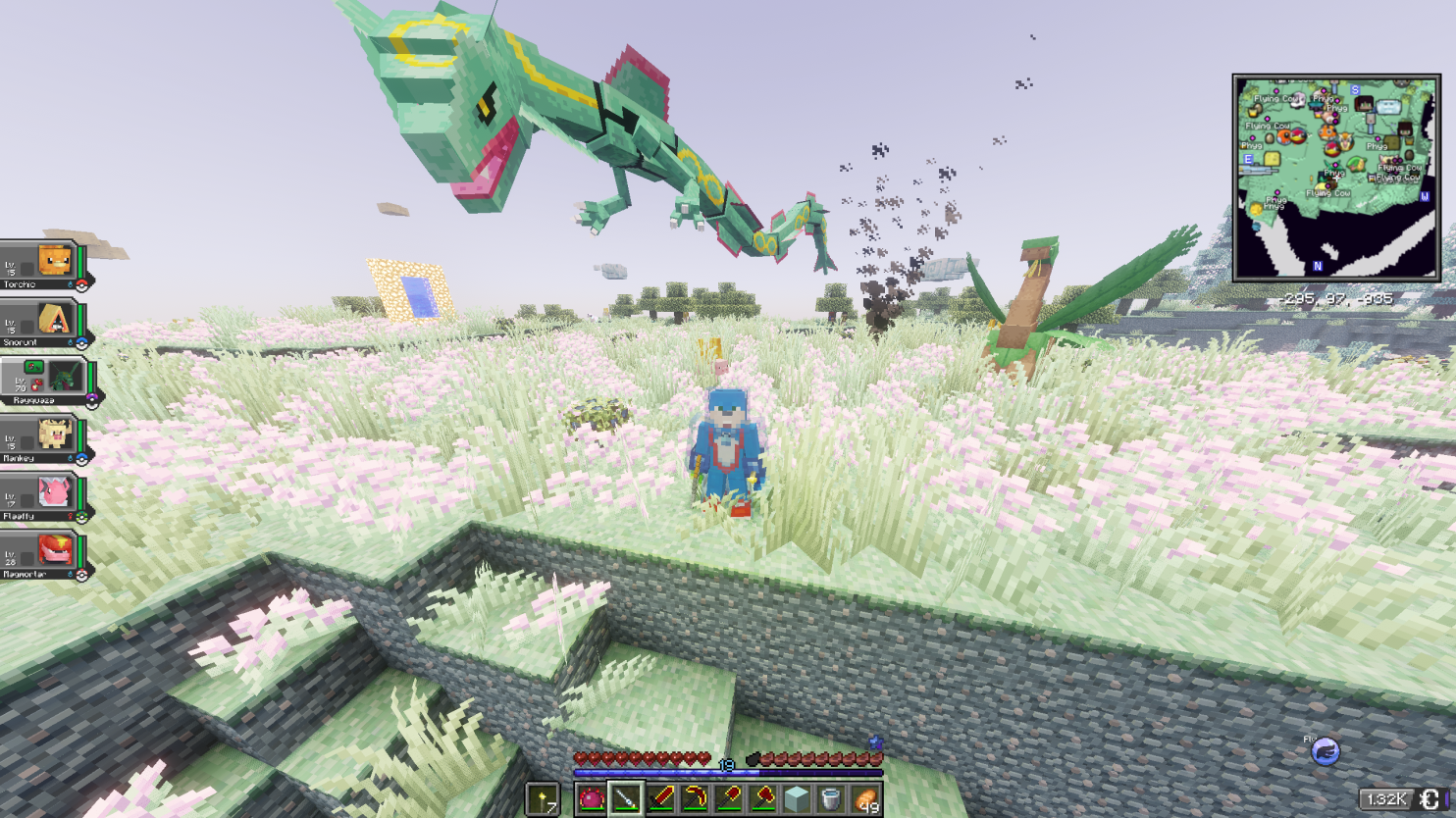
Master Engineering with Create Dimension – Construct elaborate contraptions, automate production, and unleash limitless creativity with revolutionary machinery.
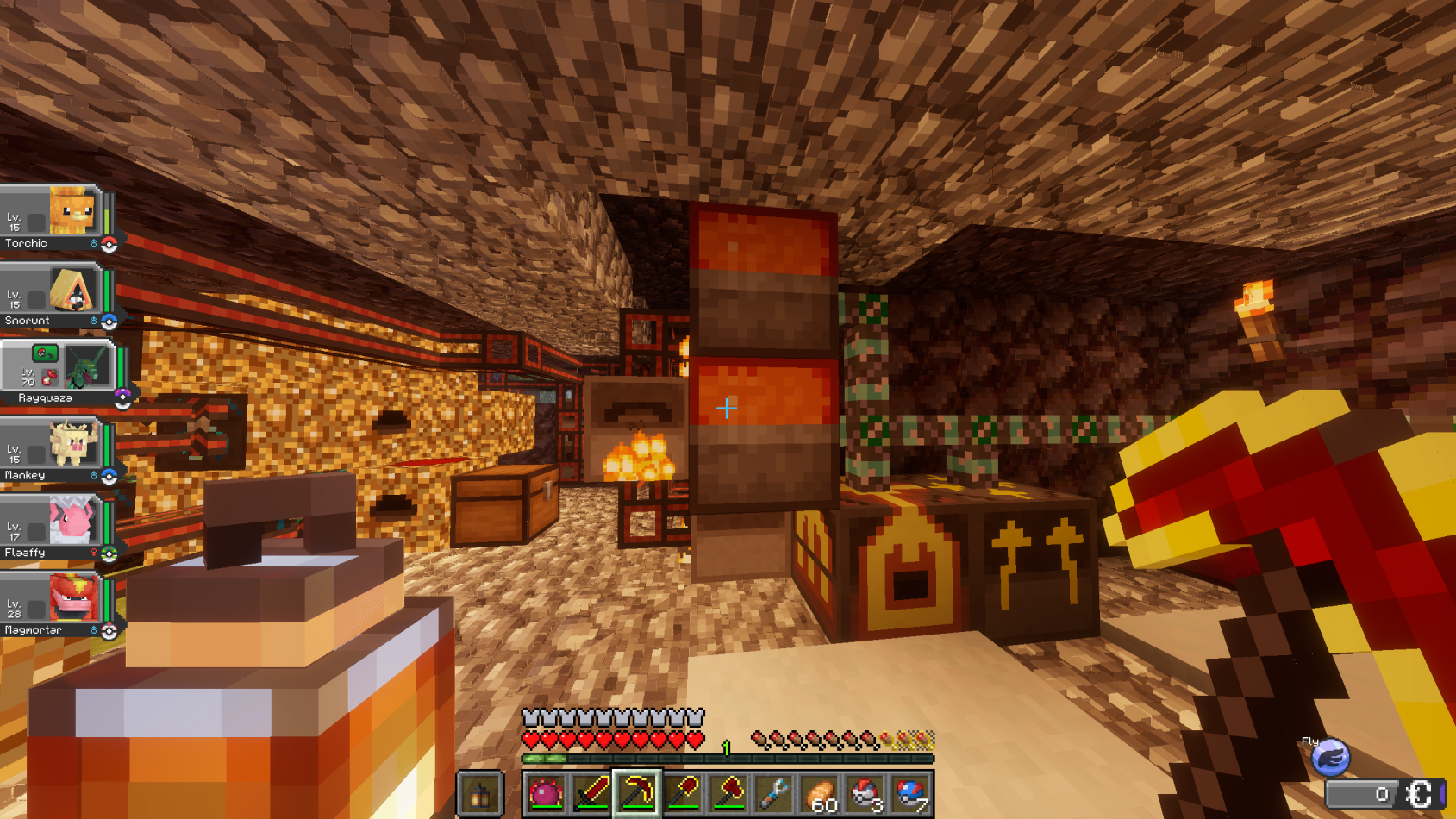
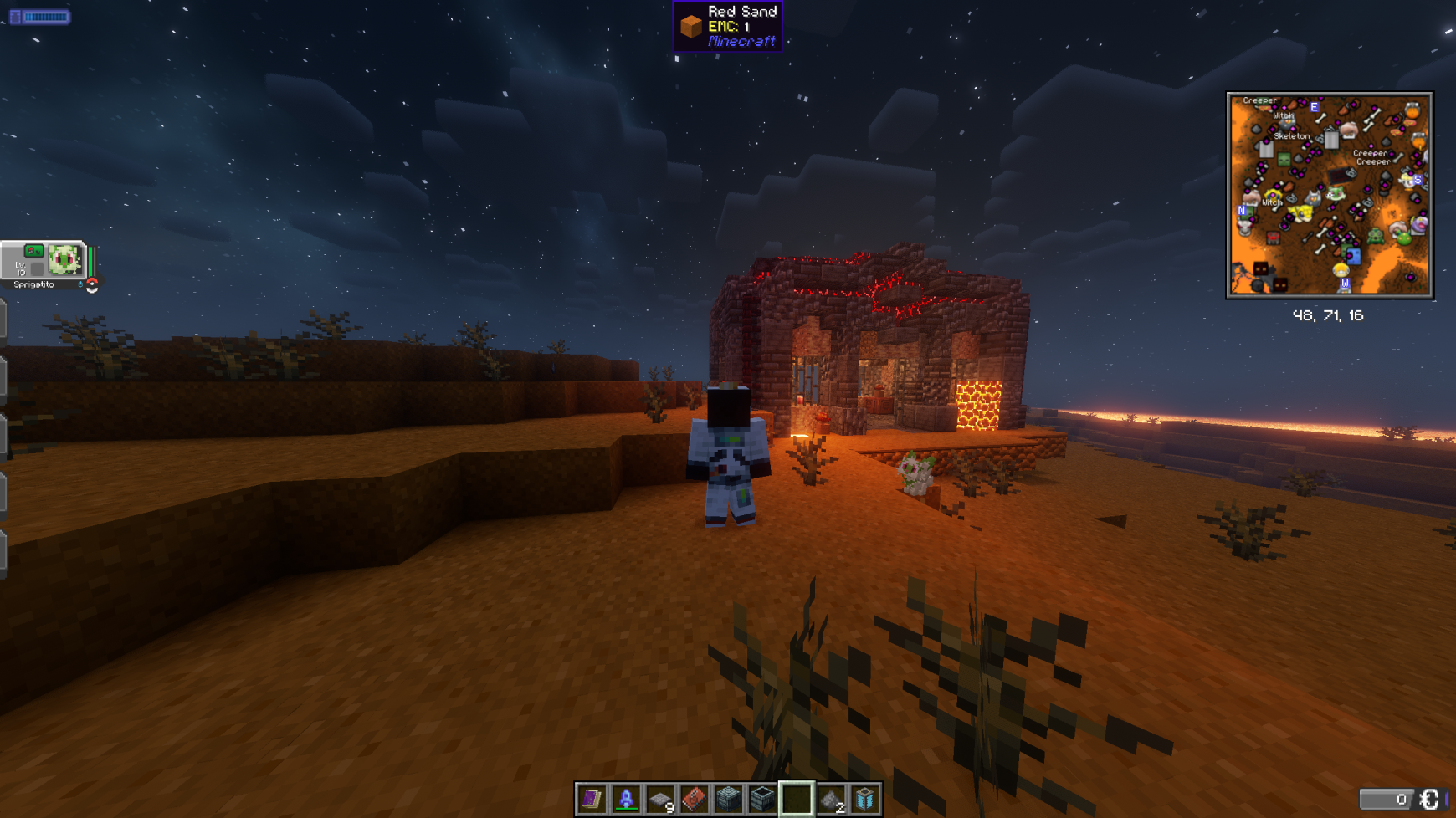
Conquer the Cosmos with No Man's Craft addon for Stellaris – Whether dominating galaxies or digging deep into chaotic new realms, the universe is yours to explore! Go to other planets that are outside the solar system in this brand new mod that harkens back to the bananaspace plugin for bukkit.
Discover the Magic of The Bumblezone - Catch Combee in the Bumblezone see spawning guide for more info https://wiki.cobblemon.com/index.php/Pok%C3%A9mon/Spawning
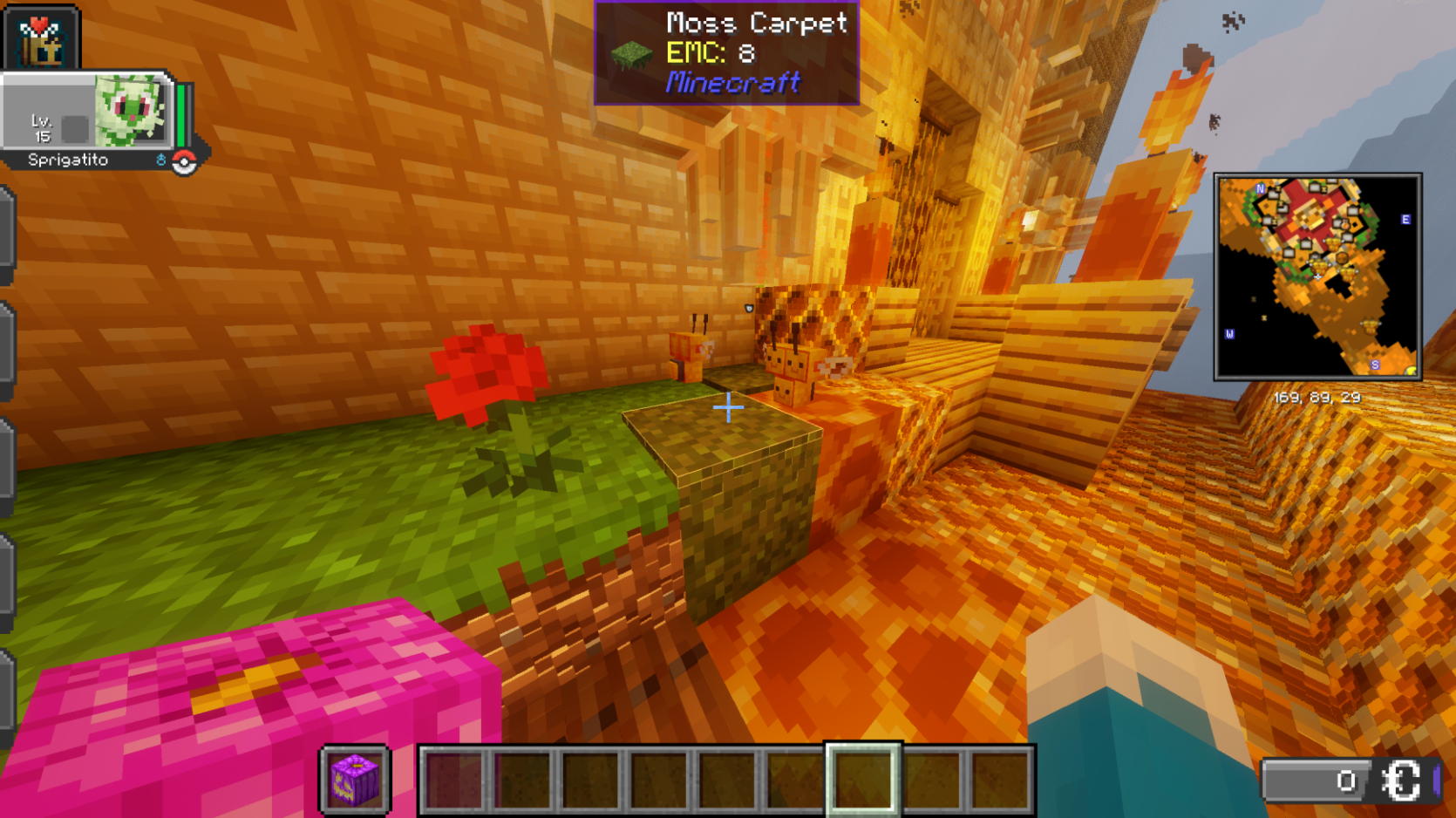
Immerse Yourself with LabPBR and Fresh animations – Includes resource packs for Aether, Bumblezone, Confluence, and vanilla blocks.
This one-of-a-kind modpack brings together innovation, exploration, and pure excitement—where will your adventure take you? Jump in now and craft your ultimate legend!
Available Versions
How to Set Up a Cobblemon Crossworlds Server
Order Server
Choose at least 6 GB RAM (8 GB recommended for Cobblemon Crossworlds). Based on player count: per 5 players.
Install Modpack in Dashboard
Open the modpack browser in the dashboard, search for "Cobblemon Crossworlds" and click "Install". The neoforge loader and Minecraft 1.21.1 are configured automatically.
Start Server & Play
Start the server – all mods are loaded automatically. Share the server IP with friends and play together!
Frequently Asked Questions
Cobblemon Crossworlds server crashes or won't start – what to do?
Most common causes: insufficient RAM or wrong neoforge loader. Check latest.log for "OutOfMemoryError" → increase RAM to at least 8 GB. For "Mixin" or "ClassNotFoundException" errors: modpack version and loader don't match. With Mado Hosting, loader and Minecraft version are auto-configured on modpack install – preventing most startup issues.
How much RAM does a Cobblemon Crossworlds server really need?
Minimum 6 GB, recommended 8 GB for stable performance. per 5 players. Important: Minecraft modpacks need more RAM than vanilla – plan extra per additional player. With Mado Hosting, you can scale RAM up live at any time without data loss (from €12/month).
Can I add custom mods to Cobblemon Crossworlds without conflicts?
Yes, but check compatibility: only use mods for the same loader (neoforge) and same Minecraft version (1.21.1). Common issues: ID conflicts with recipe mods and incompatible coremod versions. The Mado dashboard mod browser only shows compatible mods and warns about known conflicts.
Cobblemon Crossworlds server lagging – performance tips
1) Increase RAM to 8 GB+. 2) Reduce server view-distance to 8 (server.properties). 3) Pre-generate chunks with the "Chunky" plugin. 4) Use /spark profiler to check which mods consume the most tick time. With Mado Hosting, all servers run on NVMe SSDs with dedicated CPU cores – eliminating hardware as a bottleneck.
Rent Cobblemon Crossworlds Server
Start your own server with automatic modpack installation.
Details
- License
- GNU General Public License v3.0 or later
- Server-side
- Unsupported
- Client-side
- Required
Supported Versions
Start your Cobblemon Crossworlds Server now
From €12.00/month with 8 GB RAM for the best performance.
Configure Server →