
Condense
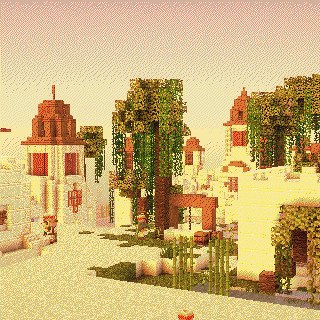
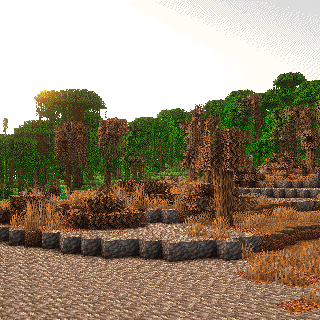
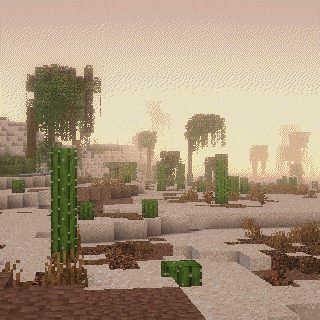
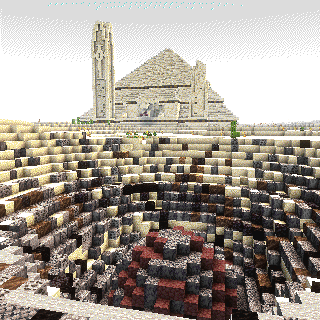
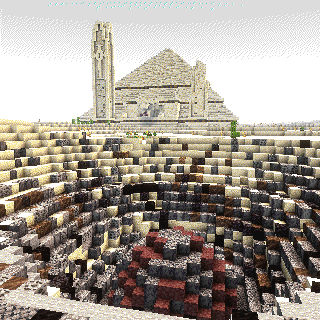
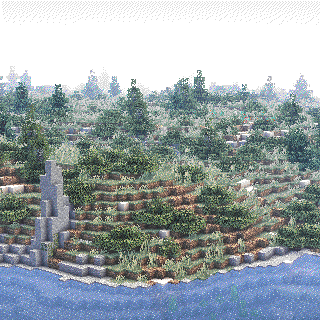
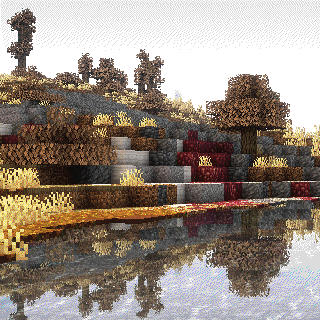
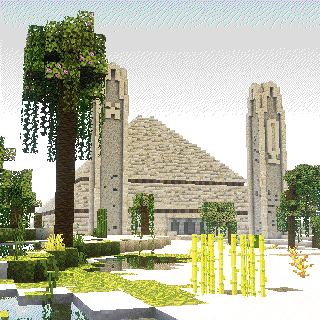
Explore the perfect Minecraft modpack for adventurers. Discover Terralith's diverse biomes, uncover YUNG's captivating structures, automate with Create and its add-ons. All within a meticulously curated selection of mods, blending vanilla and new content.
Screenshots
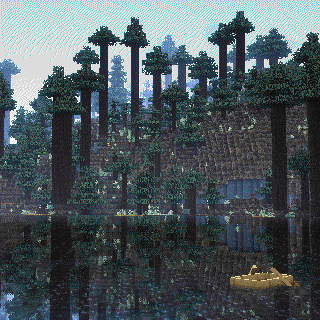
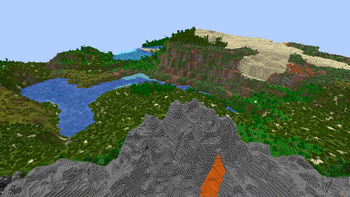
About this Modpack
Information
Condense is a vanilla friendly modpack created by "mrsanner" and "kermit the Impartial" himself.
It adds lots of quality of life/optimization mods as well as new content to the game including: Create, Ad Astra, Farmer's Delight, EDFR, and much more.
Our choice of terrain generation mods include: Terralith, Tectonic, Nullscape, Incendium (biomes only).
With vanilla friendly structures being added by: Explorify, YUNG's, and ChoiceTheorem's Overhauled Village.
Khalija --> Condense
This modpack has now been condensed(get it)/renamed into one version called "Condense". For remote server/client only side use separately disable mods catagorized as: Client OR Server.
Modlist
Quality of Life (client)
- 3D Skin Layers
- Advancement Plaques
- Ambient Sounds
- AppleSkin
- Better Advancements
- Better Clouds (disabled by default)
- Better Mount Hud
- Better Statistics Screen
- BetterHandBobbing
- CIT Resewn
- Camera Utils
- CameraOverhaul
- Cave Dust
- Cherished Worlds
- Continuity
- Couplings
- Disable Custom Worlds Advice
- Eating Animation
- First-person Model
- Fresh Animations
- Jade (disabled by default)
- LambDynamicLights
- Language Reload
- Legendary Tooltips
- Model Gap Fix
- NetherPortalFix
- No Chat Reports
- Not Enough Animations
- Presence Footsteps
- Reese's Sodium Options
- Remove Loading Screen
- Roughly Enough Items (REI)
- Searchables
- Shulker Box Tooltip
- Smooth Scrolling Refurbished
- Sound Physics Remastered
- Sounds
- Stackables
- Status Effect Bars
- Visuality
- Zoomify
World Generation & Structures
- Choice Theorem's Overhauled Village
- CTOV - Create: Structures
- CTOV - Farmer's Delight Compat
- Explorify
- Incendium
- Incendium Biomes Only
- Nullscape
- Tectonic
- Terralith
- YUNG's Better Dungeons
- YUNG's Better Jungle Temples
- YUNG's Better Mineshafts
- YUNG's Better Nether Fortresses
- YUNG's Better Strongholds
- YUNG's Better Witch Huts
- YUNG's Extras
Progression/Mechanics
- Ad Astra
- Ad Astra: Giselle Addon
- Comforts
- Diagonal Fences
- Diagonal Walls
- Diagonal Windows
- Carry On
- Clumps
- Create Air Fabric
- Create Crafts & Additions
- Create Enchantment Industry Fabric
- Create Fabric Sodium Fix
- Create Slice & Dice
- Create: Bells & Whistles
- Create: Diesel Generators [Fabric]
- Create: Extended Cogwheels
- Create: Steam 'n' Rails
- Create: Structures
- Easy Magic
- Enchanted Vertical Slabs
- End Remastered
- End's Delight
- Ender Dragon Fight Remastered
- Exposure
- Farmer's Delight [Fabric]
- Fabric Seasons
- Fabric Seasons: Delight Compat
- Fabric Seasons: Terralith Compat
- Fabric Seasons: Extras
- Horse Buff
- Inmis
- InmisAddon
- More Banner Features
- More Mob Varients
- NiftyCarts
- Rebalanced Loot
- Soul Fire'd
- Supplementaries
- Universal Ores
- Xaero's Minimap
- Xaero's World Map
- amendments
Optimization
lots of them here
Showcase
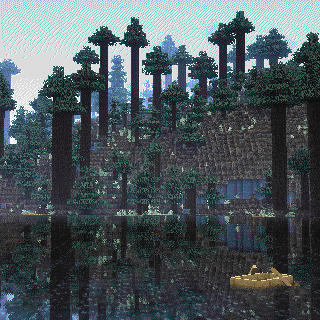
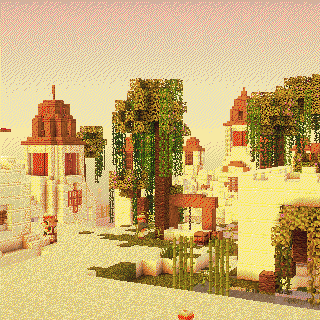
Available Versions
How to Set Up a Condense Server
Order Server
Choose at least 6 GB RAM (8 GB recommended for Condense). Based on player count: per 5 players.
Install Modpack in Dashboard
Open the modpack browser in the dashboard, search for "Condense" and click "Install". The fabric loader and Minecraft 1.20.1 are configured automatically.
Start Server & Play
Start the server – all mods are loaded automatically. Share the server IP with friends and play together!
Frequently Asked Questions
Condense server crashes or won't start – what to do?
Most common causes: insufficient RAM or wrong fabric loader. Check latest.log for "OutOfMemoryError" → increase RAM to at least 8 GB. For "Mixin" or "ClassNotFoundException" errors: modpack version and loader don't match. With Mado Hosting, loader and Minecraft version are auto-configured on modpack install – preventing most startup issues.
How much RAM does a Condense server really need?
Minimum 6 GB, recommended 8 GB for stable performance. per 5 players. Important: Minecraft modpacks need more RAM than vanilla – plan extra per additional player. With Mado Hosting, you can scale RAM up live at any time without data loss (from €12/month).
Can I add custom mods to Condense without conflicts?
Yes, but check compatibility: only use mods for the same loader (fabric) and same Minecraft version (1.20.1). Common issues: ID conflicts with recipe mods and incompatible coremod versions. The Mado dashboard mod browser only shows compatible mods and warns about known conflicts.
Condense server lagging – performance tips
1) Increase RAM to 8 GB+. 2) Reduce server view-distance to 8 (server.properties). 3) Pre-generate chunks with the "Chunky" plugin. 4) Use /spark profiler to check which mods consume the most tick time. With Mado Hosting, all servers run on NVMe SSDs with dedicated CPU cores – eliminating hardware as a bottleneck.
Rent Condense Server
Start your own server with automatic modpack installation.
Supported Versions
Start your Condense Server now
From €12.00/month with 8 GB RAM for the best performance.
Configure Server →