
Create Empire
Modpack where the limits are only as finite as your imagination.
Screenshots
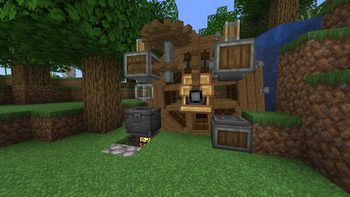
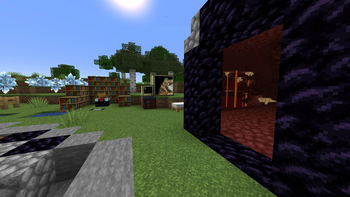
About this Modpack

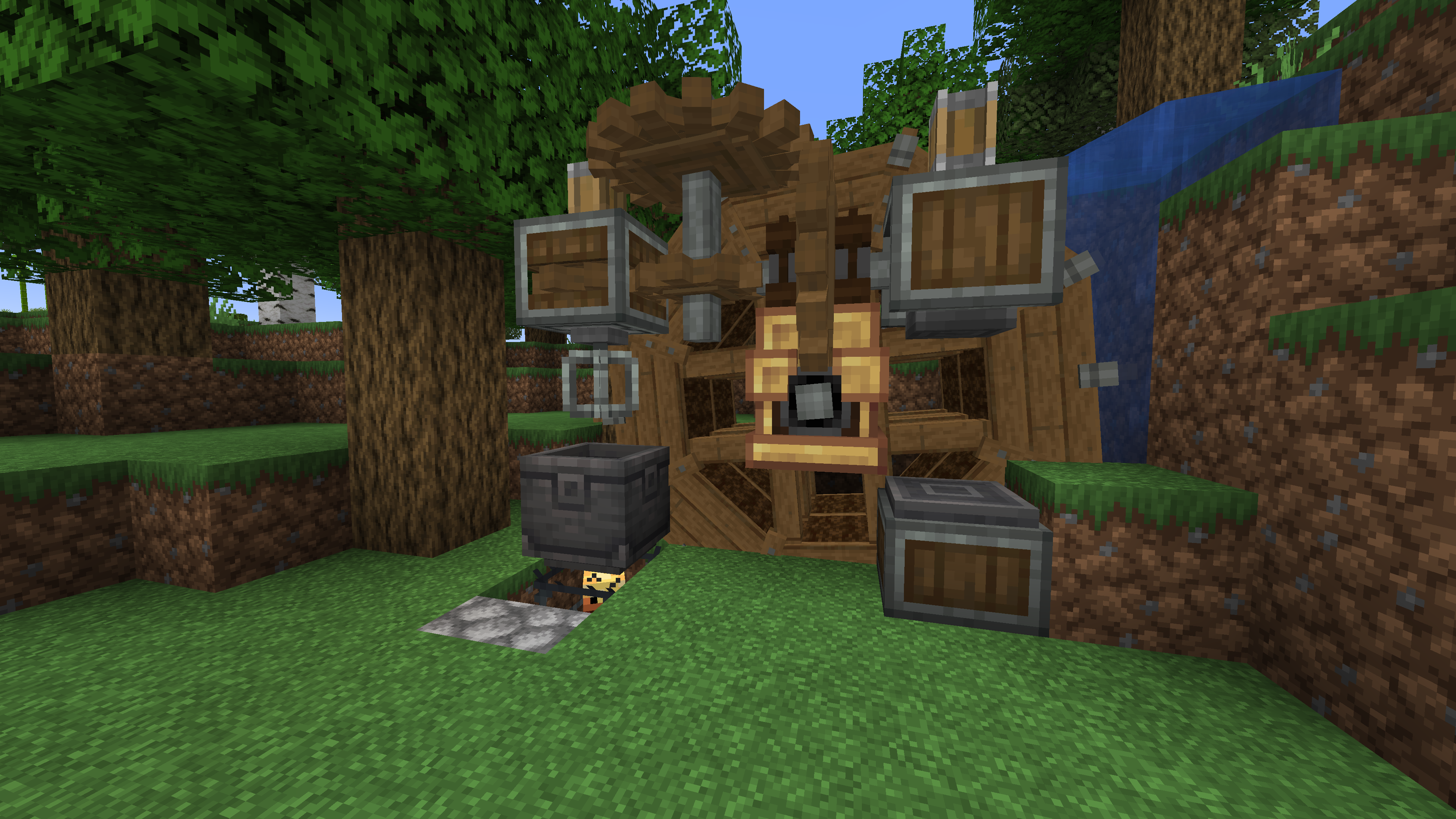
A Minecraft modpack that redefines the boundaries of creativity, automation, and immersive gameplay. Embark on a journey where you're not just playing within UIs, but challenged to build contraptions of animated components, all guided by the in-game documentation provided by the Create mod.
Embark on your journey to build, automate, and explore the Create Empire modpack. The limits are only as finite as your imagination.
Join the Create Empire server at play.triibu.tech
Create Mod:
Welcome to a world of Building, Decoration, and Aesthetic Automation. Create offers an array of tools and blocks, leaving the player with design choices. Animated components working in various arrangements make for a unique gameplay experience. Let Ponder guide you through the added mechanics and gadgets.
Seasons:
Experience the 4 seasons in Minecraft with its beautiful scenery and a more complex farming system.
Create: Steam 'n' Rails:
Transform your railway system into an extensive and aesthetic integration with Create: Steam 'n' Rails. Decorate your builds with new rail types, create grade crossings, and enhance your train yards with Semaphore blocks. Construct cute conductors, enjoy crafting on the move with the Workbench Cart, and summon trains with conductor whistles. Your railway empire is about to reach new heights.
Applied Energistics 2:
Explore a futuristic inventory management system with AE2. Revolutionizing storage, auto-crafting and networking AE2 adds complexity and depth to tech gameplay. Store entire regions in spatial storage, utilize unique resources, and master the art of creating large-scale, efficient systems. For those who love automation and resource management, AE2 is the key to technological prowess.
CC: Tweaked:
Bring programming to life in Minecraft with CC: Tweaked, a modern fork of ComputerCraft. Write Lua scripts to control in-game computers, automate machinery, manage networks, or even build games within the game. Whether you're creating password-protected doors, data-logging machines, or fully functional operating systems, CC: Tweaked empowers your technical creativity.
Get this modpack and play on the Create Empire server.
Important!
- You require this modpack to play on the Create Empire server.
- You need 4GB of memory for optimal gameplay.
- If you have any trouble ask on discord.
Available Versions
How to Set Up a Create Empire Server
Order Server
Choose at least 6 GB RAM (8 GB recommended for Create Empire). Based on player count: per 5 players.
Install Modpack in Dashboard
Open the modpack browser in the dashboard, search for "Create Empire" and click "Install". The fabric loader and Minecraft 1.20.1 are configured automatically.
Start Server & Play
Start the server – all mods are loaded automatically. Share the server IP with friends and play together!
Frequently Asked Questions
Create Empire server crashes or won't start – what to do?
Most common causes: insufficient RAM or wrong fabric loader. Check latest.log for "OutOfMemoryError" → increase RAM to at least 8 GB. For "Mixin" or "ClassNotFoundException" errors: modpack version and loader don't match. With Mado Hosting, loader and Minecraft version are auto-configured on modpack install – preventing most startup issues.
How much RAM does a Create Empire server really need?
Minimum 6 GB, recommended 8 GB for stable performance. per 5 players. Important: Minecraft modpacks need more RAM than vanilla – plan extra per additional player. With Mado Hosting, you can scale RAM up live at any time without data loss (from €12/month).
Can I add custom mods to Create Empire without conflicts?
Yes, but check compatibility: only use mods for the same loader (fabric) and same Minecraft version (1.20.1). Common issues: ID conflicts with recipe mods and incompatible coremod versions. The Mado dashboard mod browser only shows compatible mods and warns about known conflicts.
Create Empire server lagging – performance tips
1) Increase RAM to 8 GB+. 2) Reduce server view-distance to 8 (server.properties). 3) Pre-generate chunks with the "Chunky" plugin. 4) Use /spark profiler to check which mods consume the most tick time. With Mado Hosting, all servers run on NVMe SSDs with dedicated CPU cores – eliminating hardware as a bottleneck.
Similar Modpacks
![Cobblemon Official Modpack [Fabric]](https://cdn.modrinth.com/data/5FFgwNNP/e7f9ee2e9d361623847853fe2ddce42f519ee64f.png)
![COBBLEVERSE - Pokemon Adventure [Cobblemon]](https://cdn.modrinth.com/data/Jkb29YJU/581ecf54530972afb18a04660afd820f2f24f6c7.png)
![Better MC [FABRIC] - BMC2](https://cdn.modrinth.com/data/shFhR8Vx/a19c2bcb51d38f32f138d3607e91cb2b7b8e387f_96.webp)


![Better MC [FORGE] - BMC4](https://cdn.modrinth.com/data/4BV47HRn/7f5ef7cc61b2593609aabef3ed07a866a4f11b73_96.webp)
Rent Create Empire Server
Start your own server with automatic modpack installation.
Supported Versions
Start your Create Empire Server now
From €12.00/month with 8 GB RAM for the best performance.
Configure Server →