
Create: Interstellar
Create: Interstellar is a progression-focused tech modpack centered around Create, Ad Astra, and AE2. Start with only rotational power, reach the stars with Ad Astra, unlock AE2 through space exploration, and eventually develop quantum technology.
Screenshots
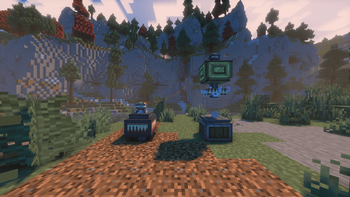
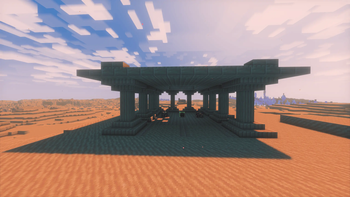
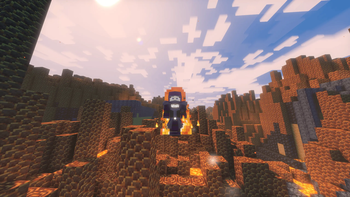
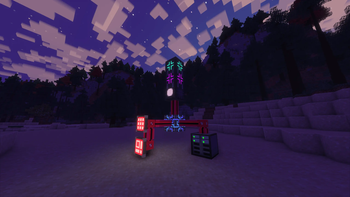
About this Modpack
Create: Interstellar
Create: Interstellar is a progression-focused technology modpack built around Create, Ad Astra, Applied Energistics 2, and Advanced AE. The pack follows a structured tech tree that begins with mechanical automation and ends with interstellar quantum infrastructure.
Players begin with Create as the primary progression system. Early gameplay focuses on building factories using rotational power, mechanical belts, shafts, and contraptions to automate resource production and processing. Most early recipes and production chains rely on Create machinery, making it the foundation of all progression.
World and Exploration
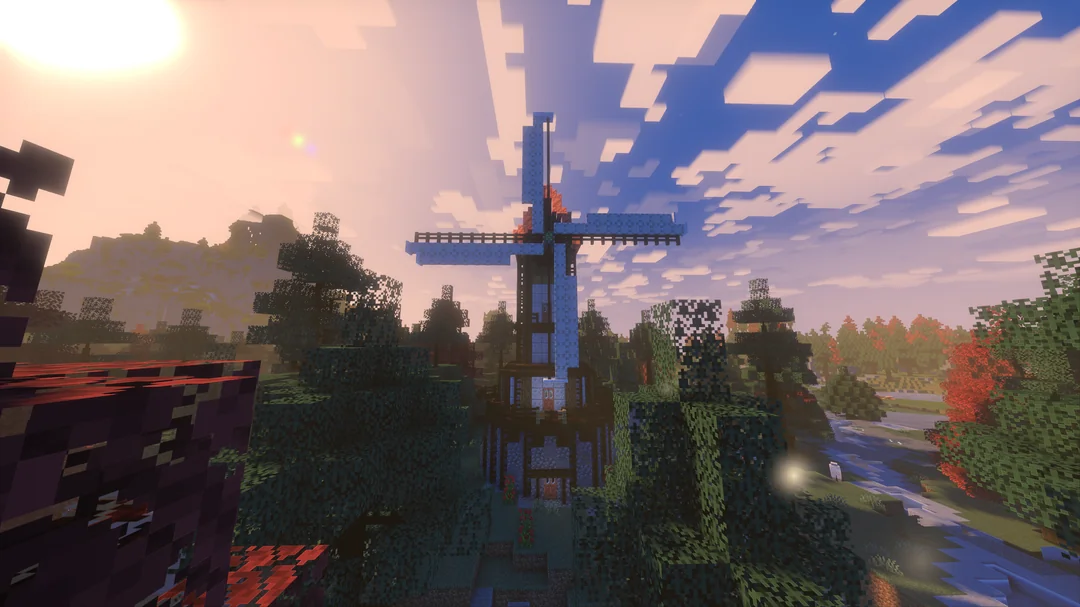
The Overworld is generated by Teralith, adding varied terrain. Additionally many new Create structures are added to further improve Overworld exploration. The Nether and End are expanded using Better Nether and Better End, introducing new biomes, resources, and exploration opportunities required for mid-game progression.
New structures are also added across Ad Astra’s planets and moons, encouraging exploration beyond the Overworld as part of the progression path rather than optional content.
Mechanical Progression (Create)
Create is required for nearly all early and mid-game automation. Players must design production lines using mechanical power to produce components required for further technological advancement. Many crafting recipes across the pack are modified to require Create-based production chains rather than vanilla crafting.
Space Progression (Ad Astra)
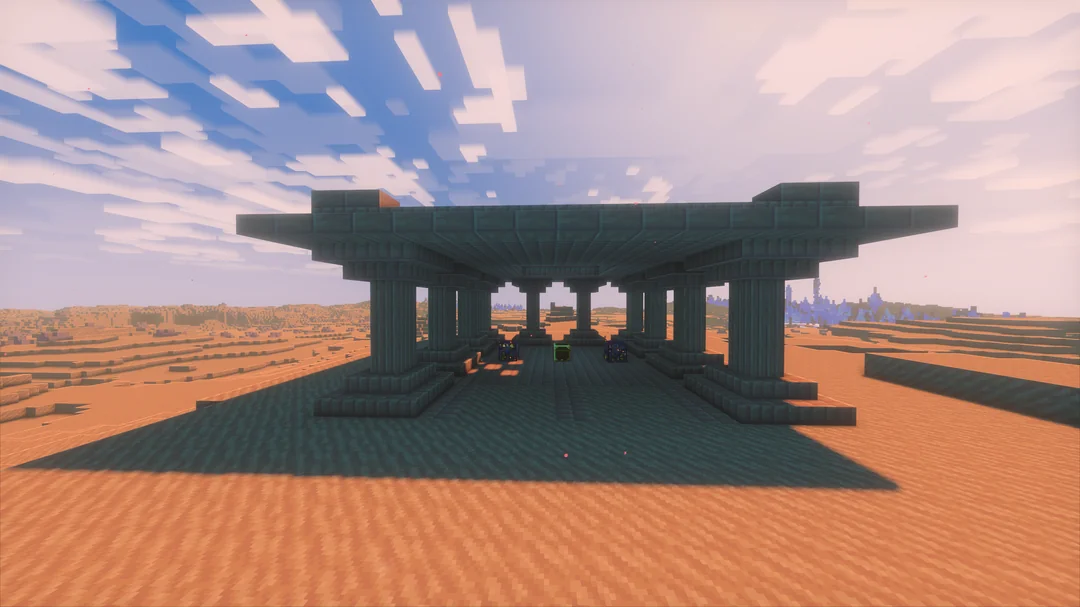
Space travel is a core progression milestone. Ad Astra is rebalanced so that rockets and planetary travel require significant Create progression. Players must establish a stable mechanical industry before accessing space.
New planets provide essential resources required for later technological tiers, making space exploration mandatory for progression.
Electricity and Applied Energistics 2
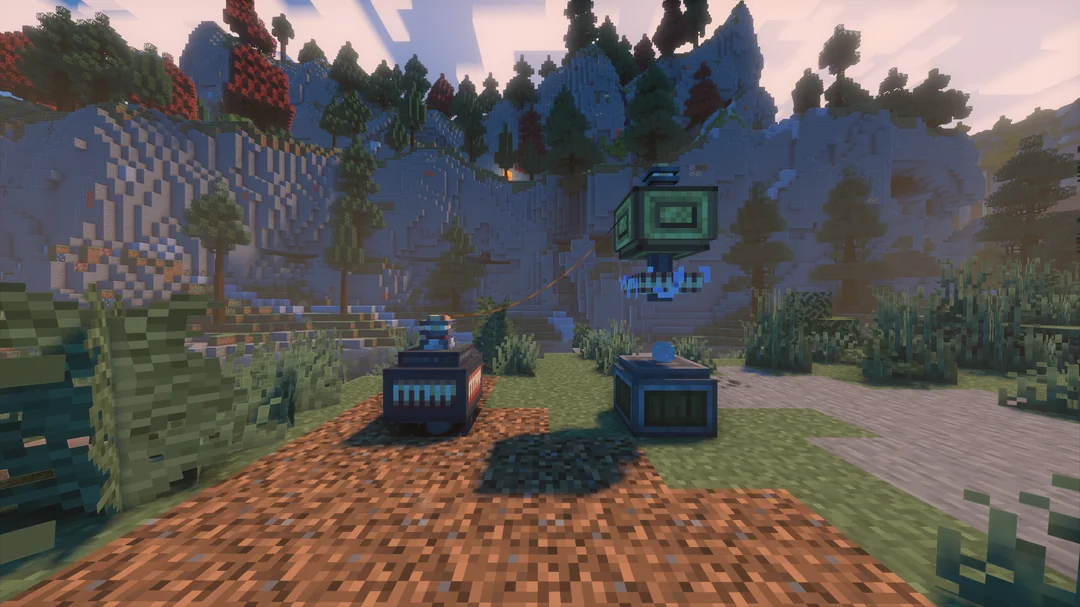
Electricity is unlocked after progressing to Mars, marking a major transition from mechanical systems to electrical infrastructure. Once unlocked, power generation is made possible by Create Crafts & Additions.
Applied Energistics 2 is unlocked with electricity becoming available. AE2 systems allow players to build network-based storage, item logistics, and automated crafting systems that replace earlier physical storage and transport methods.
Endgame and Advanced AE
Advanced AE expands on AE2 with highly advanced quantum-level technology and powerful items. Progression into Advanced AE requires players to travel beyond the Solar System to obtain necessary materials.
The endgame focuses on combining automation, digital logistics, and space exploration into a complete progression system.
Available Versions
How to Set Up a Create: Interstellar Server
Order Server
Choose at least 6 GB RAM (8 GB recommended for Create: Interstellar). Based on player count: per 5 players.
Install Modpack in Dashboard
Open the modpack browser in the dashboard, search for "Create: Interstellar" and click "Install". The forge loader and Minecraft 1.20.1 are configured automatically.
Start Server & Play
Start the server – all mods are loaded automatically. Share the server IP with friends and play together!
Frequently Asked Questions
Create: Interstellar server crashes or won't start – what to do?
Most common causes: insufficient RAM or wrong forge loader. Check latest.log for "OutOfMemoryError" → increase RAM to at least 8 GB. For "Mixin" or "ClassNotFoundException" errors: modpack version and loader don't match. With Mado Hosting, loader and Minecraft version are auto-configured on modpack install – preventing most startup issues.
How much RAM does a Create: Interstellar server really need?
Minimum 6 GB, recommended 8 GB for stable performance. per 5 players. Important: Minecraft modpacks need more RAM than vanilla – plan extra per additional player. With Mado Hosting, you can scale RAM up live at any time without data loss (from €12/month).
Can I add custom mods to Create: Interstellar without conflicts?
Yes, but check compatibility: only use mods for the same loader (forge) and same Minecraft version (1.20.1). Common issues: ID conflicts with recipe mods and incompatible coremod versions. The Mado dashboard mod browser only shows compatible mods and warns about known conflicts.
Create: Interstellar server lagging – performance tips
1) Increase RAM to 8 GB+. 2) Reduce server view-distance to 8 (server.properties). 3) Pre-generate chunks with the "Chunky" plugin. 4) Use /spark profiler to check which mods consume the most tick time. With Mado Hosting, all servers run on NVMe SSDs with dedicated CPU cores – eliminating hardware as a bottleneck.
Similar Modpacks
![Cobblemon Official Modpack [Fabric]](https://cdn.modrinth.com/data/5FFgwNNP/e7f9ee2e9d361623847853fe2ddce42f519ee64f.png)
![COBBLEVERSE - Pokemon Adventure [Cobblemon]](https://cdn.modrinth.com/data/Jkb29YJU/581ecf54530972afb18a04660afd820f2f24f6c7.png)
![Better MC [FABRIC] - BMC2](https://cdn.modrinth.com/data/shFhR8Vx/a19c2bcb51d38f32f138d3607e91cb2b7b8e387f_96.webp)


![Better MC [FORGE] - BMC4](https://cdn.modrinth.com/data/4BV47HRn/7f5ef7cc61b2593609aabef3ed07a866a4f11b73_96.webp)
Rent Create: Interstellar Server
Start your own server with automatic modpack installation.
Supported Versions
Start your Create: Interstellar Server now
From €12.00/month with 8 GB RAM for the best performance.
Configure Server →