
CS Mine
Play in the likeness of CS GO right in minecraft! There are about 17 types of guns and different sizes cartridges to choose from!
Screenshots
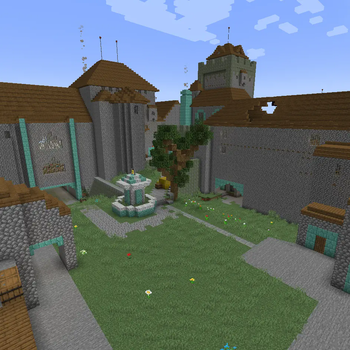
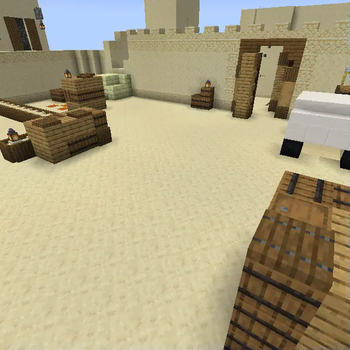
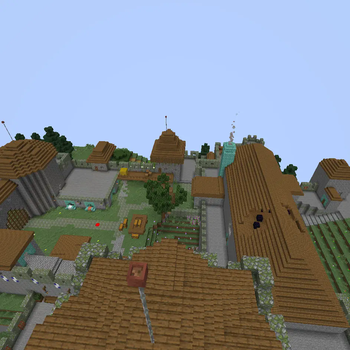
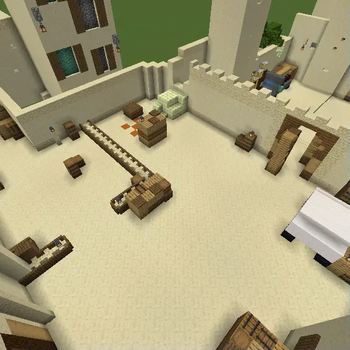
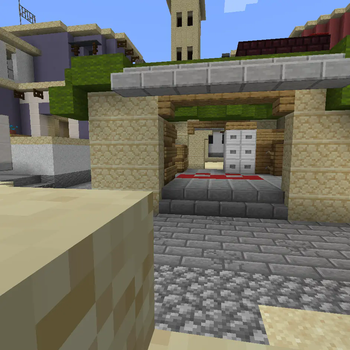
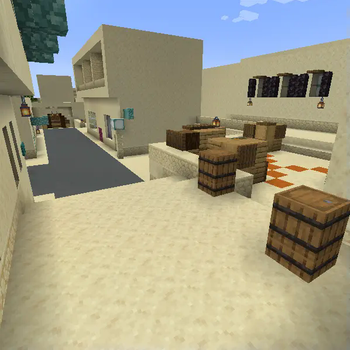
About this Modpack
Modpack description
In this modpack, you will immerse yourself in the world of CS GO, where there are about 17 types of weapons, a lot of ammunition, the opportunity to purchase at the beginning of the game, and maps from CS GO! Play with friends, kill rivals in order to get money to buy more expensive weapons!!!
How to start the game?
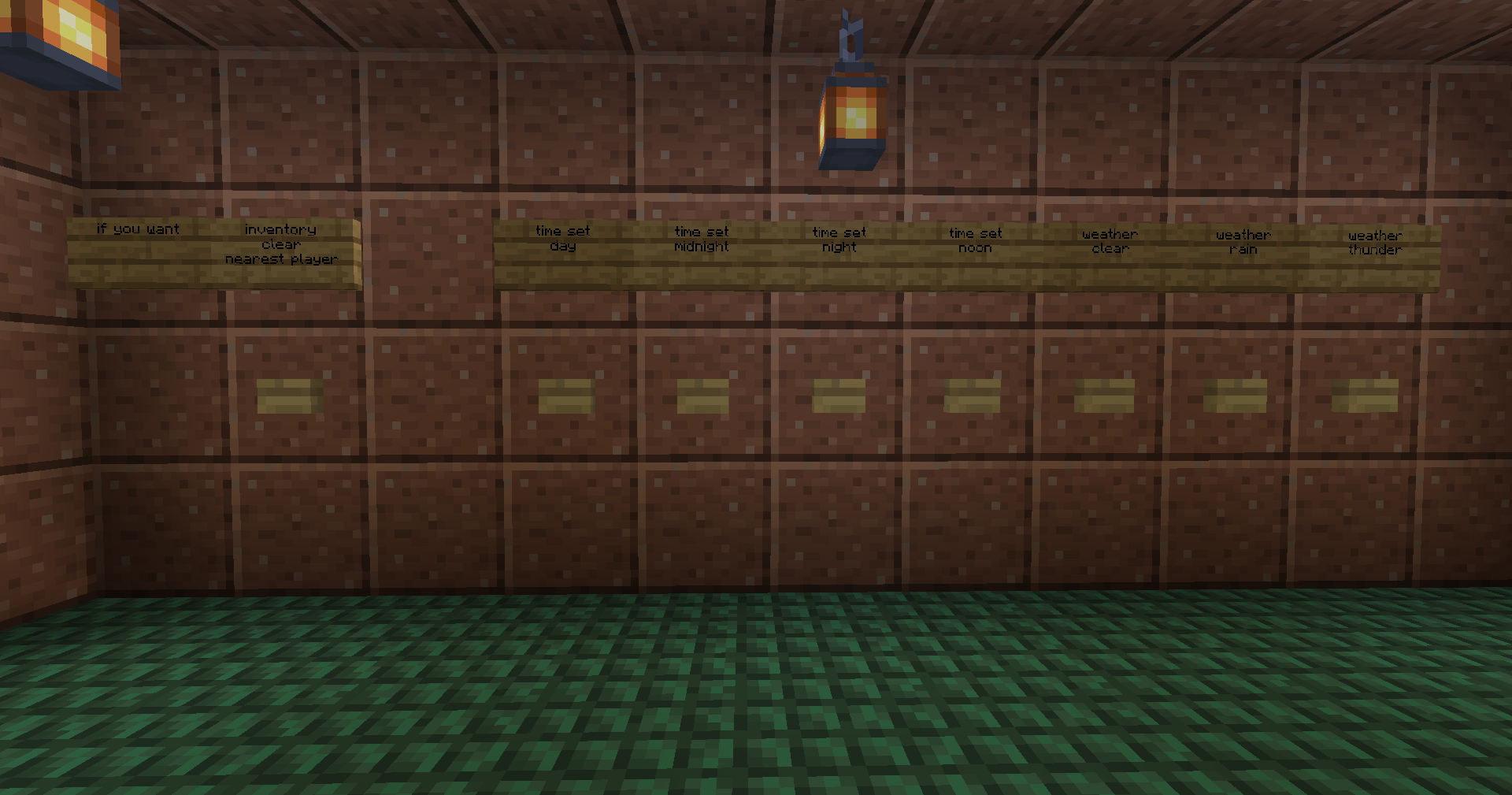
- When you enter the world, you will find yourself in a room where you can customize the game (weather, friendly fire, time of day).
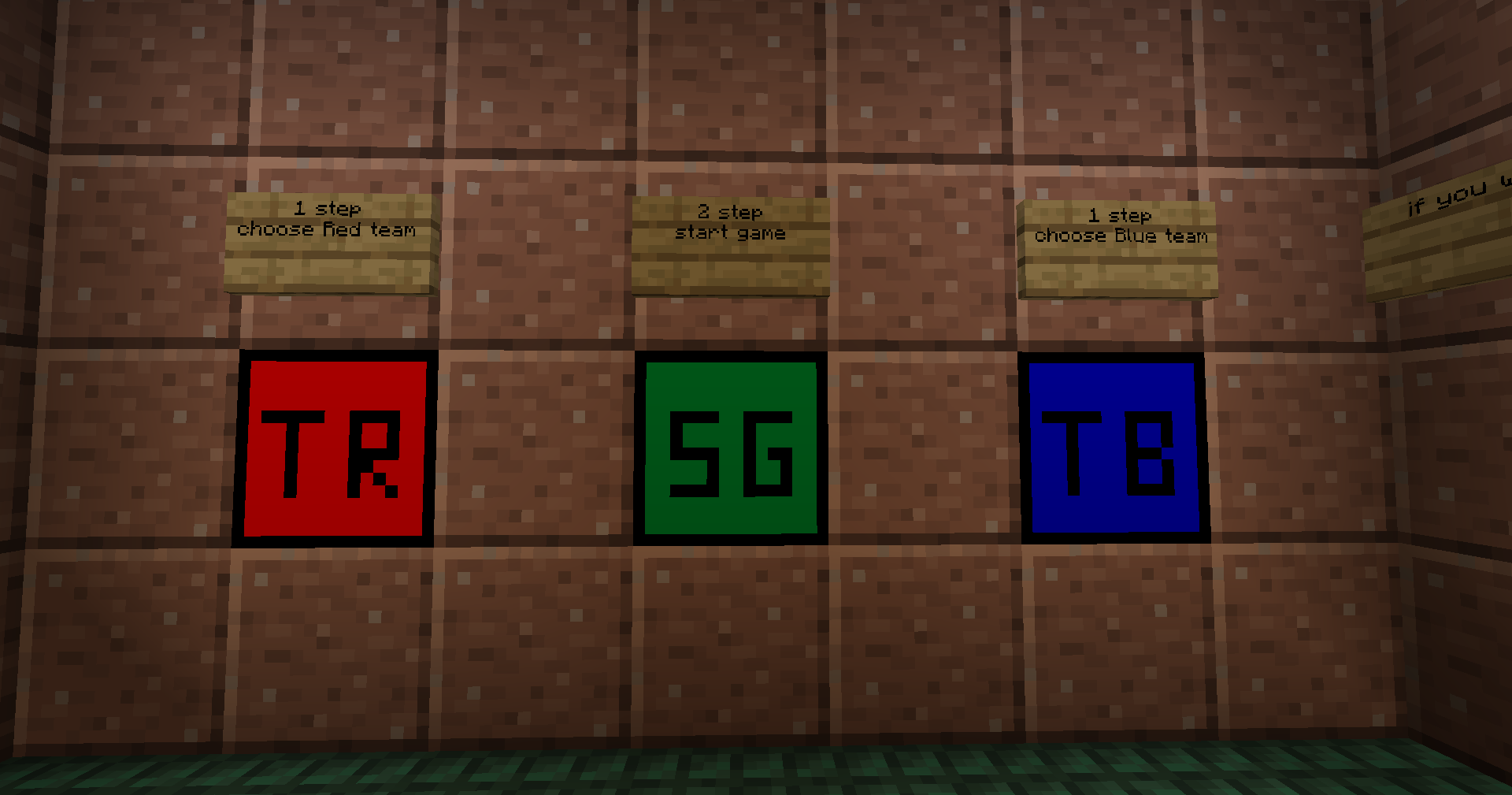
- After setting up, select a team using the TR (team red) or TB (team blue) block, and then start the game using the SG (start game) block.
- When you click on the game start block, teleport to your team's spawn point and get coins to buy ammunition.
- On spawn, buy from merchants (merchants sell: weapons, ammunition, armor, etc.).
- Play and kill enemies from the opposing team!
- When all the players of any team are killed, the game will end and everything will start over.
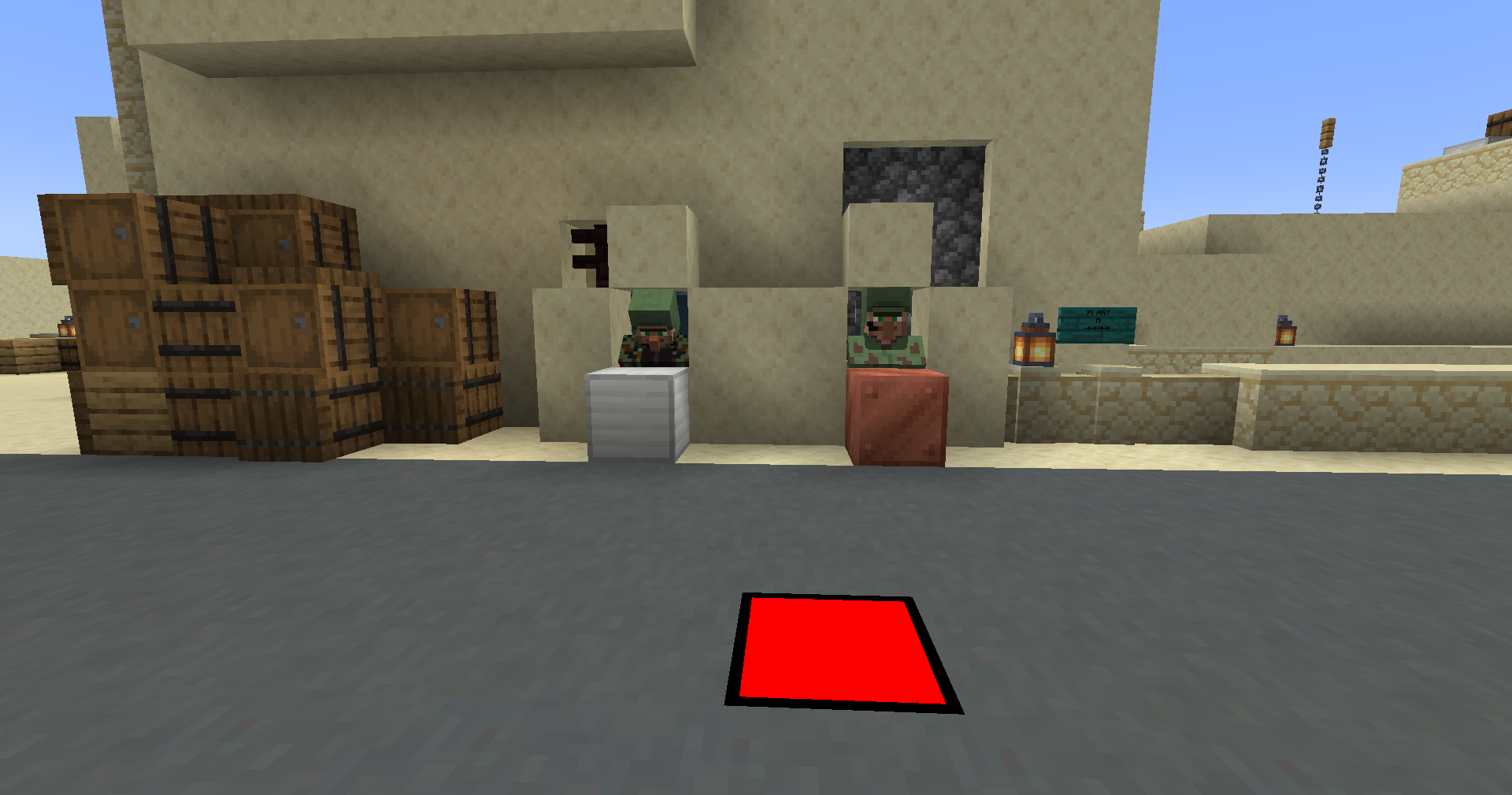
What resources does the modpack have?
- At the moment, the modpack features several worlds with pre-configured maps. I want to highlight that the spawn of mobs, automatic day and night change, as well as weather are disabled in the maps. The default game mode in the worlds is adventure.
- I also want to note that in config files I have configured the mods that are present in the modpack.
- I also made a resource pack for the modpack to work.
Please, attention
- Only more than 1 people can play.
- You decide for yourself who will be the host or you can transfer worlds, mods and config files to your server that you have created.
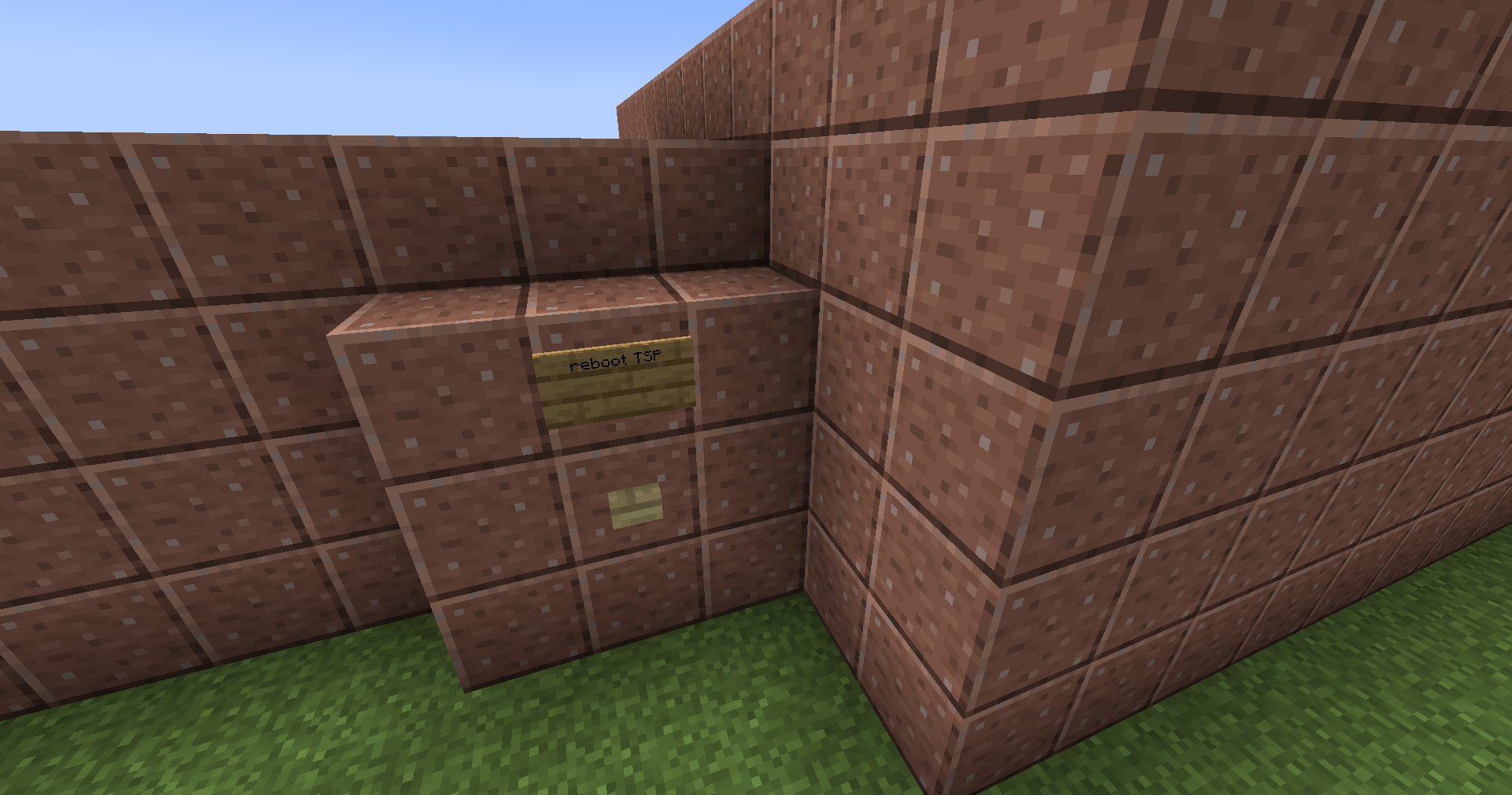
- If you are the server administrator, you can reset the game state using the "reboot TSP" button, which is located on each map from the outside of the game start room. But be careful with her!
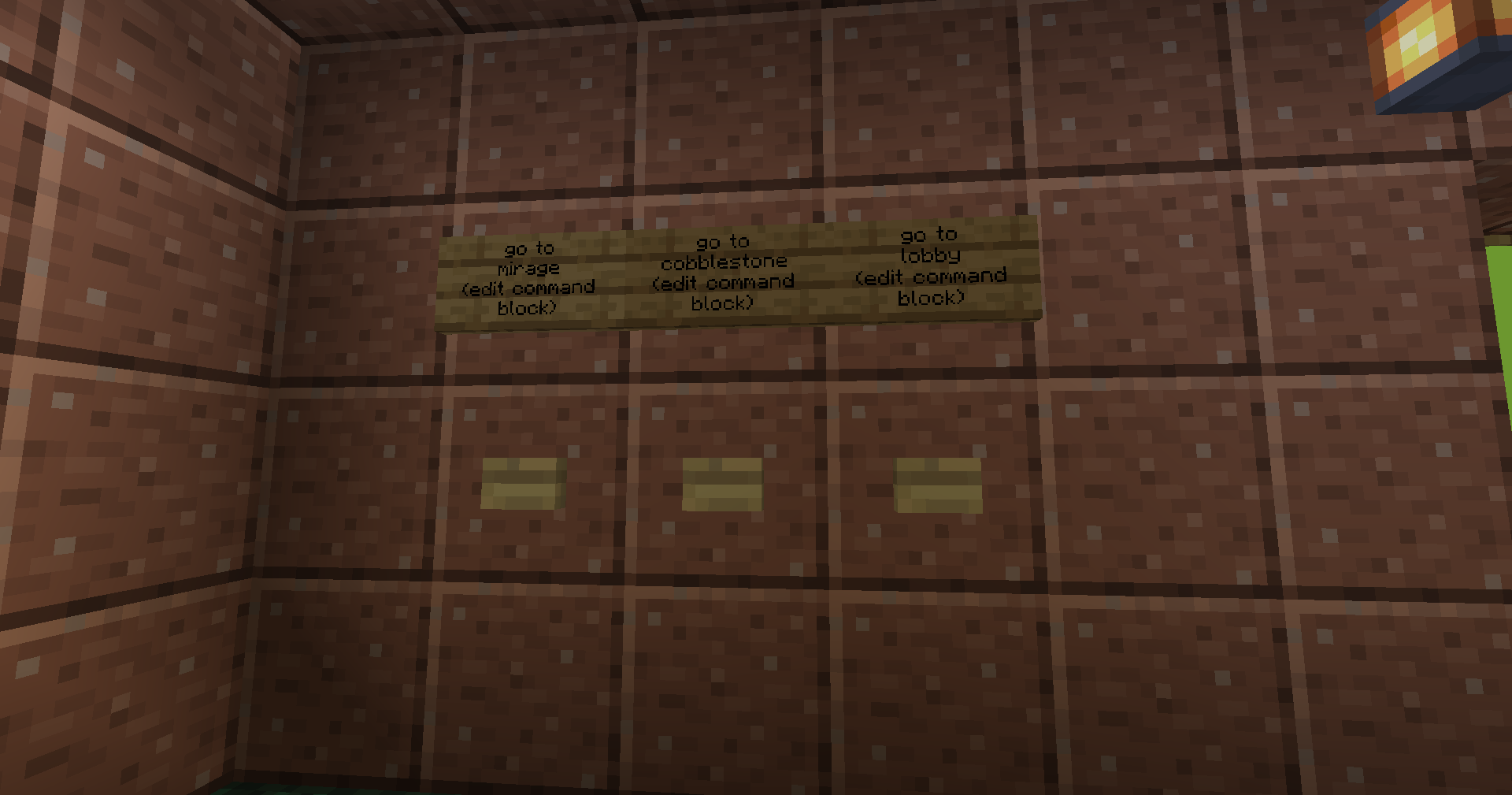
- You can also set up the transition to different maps using command blocks. But you have to edit them!
- I also want to note that the skin system does not work in this build, because it is occupied by another mod that gives out the skin of a terrorist and a counter-terrorist.
Mod list
- Custom Villager Trades by SpaceCat97
- Re:Skin by Sekwah
- Server Redirect by KaiNoMood
- Teams spawn points by Sivel
- SekC Lib by Sekwah
- Custom Villager Professions by SpaceCat97
- Timeless & Classics Guns: Zero by Serene Wave Studio | Timeless Squad
- Architectury by shedaniel
Additional info
- Teams spawn points mod is my mod! You can to configure this (see mod page on Modrinth or Curseforge)
- This modpack on Modrinth and Curseforge
- If you need help: Git issue
- If you want to support me: Donate
Thanks this people:
- Kaptouka1 - for testing modpack
- Forgur - for testing modpack
- KOT_STREAM (Котя#4057) - for creating the de_dust2 map
Available Versions
How to Set Up a CS Mine Server
Order Server
Choose at least 4 GB RAM (6 GB recommended for CS Mine). Based on player count: per 5 players.
Install Modpack in Dashboard
Open the modpack browser in the dashboard, search for "CS Mine" and click "Install". The forge loader and Minecraft 1.20.1 are configured automatically.
Start Server & Play
Start the server – all mods are loaded automatically. Share the server IP with friends and play together!
Frequently Asked Questions
CS Mine server crashes or won't start – what to do?
Most common causes: insufficient RAM or wrong forge loader. Check latest.log for "OutOfMemoryError" → increase RAM to at least 6 GB. For "Mixin" or "ClassNotFoundException" errors: modpack version and loader don't match. With Mado Hosting, loader and Minecraft version are auto-configured on modpack install – preventing most startup issues.
How much RAM does a CS Mine server really need?
Minimum 4 GB, recommended 6 GB for stable performance. per 5 players. Important: Minecraft modpacks need more RAM than vanilla – plan extra per additional player. With Mado Hosting, you can scale RAM up live at any time without data loss (from €8/month).
Can I add custom mods to CS Mine without conflicts?
Yes, but check compatibility: only use mods for the same loader (forge) and same Minecraft version (1.20.1). Common issues: ID conflicts with recipe mods and incompatible coremod versions. The Mado dashboard mod browser only shows compatible mods and warns about known conflicts.
CS Mine server lagging – performance tips
1) Increase RAM to 6 GB+. 2) Reduce server view-distance to 8 (server.properties). 3) Pre-generate chunks with the "Chunky" plugin. 4) Use /spark profiler to check which mods consume the most tick time. With Mado Hosting, all servers run on NVMe SSDs with dedicated CPU cores – eliminating hardware as a bottleneck.
Similar Modpacks

![Better MC [FABRIC] - BMC2](https://cdn.modrinth.com/data/shFhR8Vx/a19c2bcb51d38f32f138d3607e91cb2b7b8e387f_96.webp)
![Better MC [FORGE] - BMC4](https://cdn.modrinth.com/data/4BV47HRn/7f5ef7cc61b2593609aabef3ed07a866a4f11b73_96.webp)


Rent CS Mine Server
Start your own server with automatic modpack installation.
Details
- License
- GNU General Public License v3.0 only
- Server-side
- Required
- Client-side
- Required
Supported Versions
Start your CS Mine Server now
From €8.00/month with 6 GB RAM for the best performance.
Configure Server →