
CubeQuest Modpack
A moderately difficult adventure/survival modpack with elements of building and tinkering thrown in it as well.
Screenshots
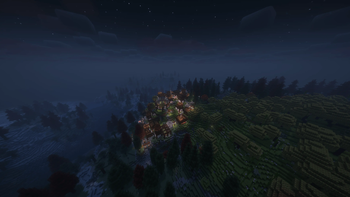
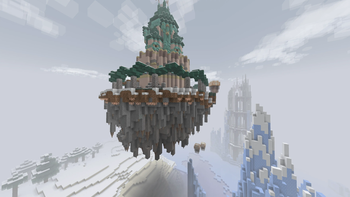
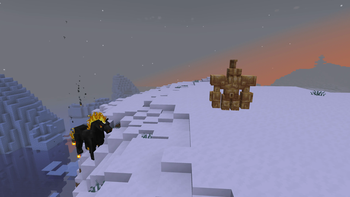
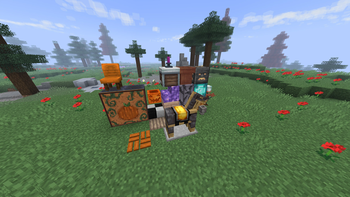
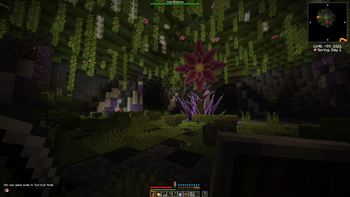
About this Modpack

Welcome to CubeQuest!
CubeQuest is a very large, somewhat difficult take on a survival/adventure modpack which focuses less on linear progress and railroaded quests and more on an open-ended world for you to explore and hopefully not be killed like eighty-thousand times. (Although you are very likely to die at first.) Why be locked into one path in a modpack when you can make your own Quest?
(IT IS RECOMMENDED TO RUN CUBEQUEST WITH AT LEAST 8 GB OF RAM ALLOCATED TO THE INSTANCE)
Features
CubeQuest is a huge modpack with over 300 unique mods, meaning there is quite a lot for you to do in the modpack, from building to exploration to combat!
Building
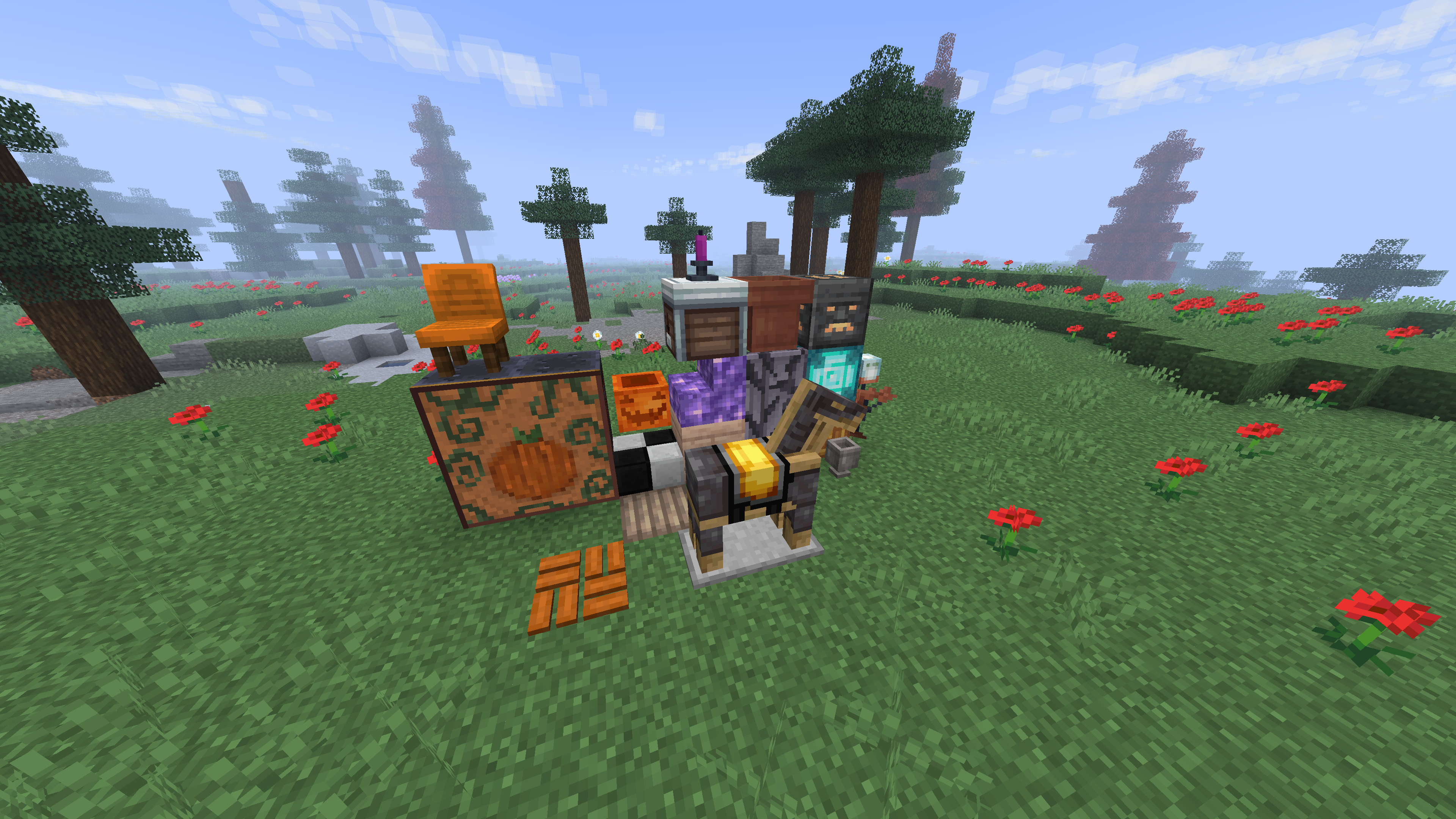
CubeQuest features the addition of hundreds, if not thousands, of unique building blocks from mods such as Supplementaries, Valhesia Furniture, and more!
Combat
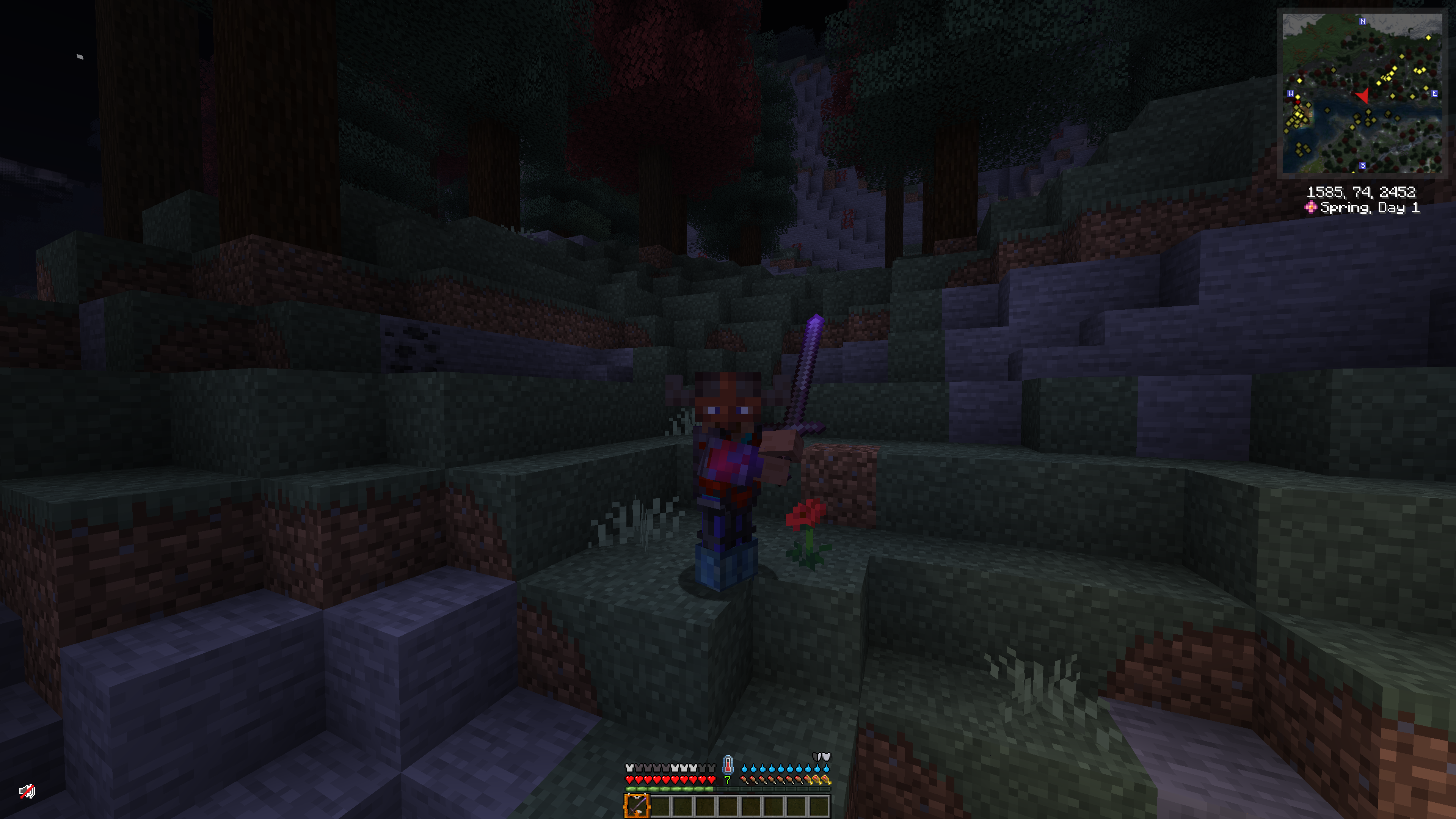
CubeQuest features several mods, most notably the Better Combat mod, to enhance and reinvigorate 1.20.x Minecraft combat into a system which actually feels fun (and sometimes difficult)! Wield a variety of two-handed, one-handed, or throwable weapons to your heart's desire and wear, enchant, and trim a variety of new, unique armors as well!
Survival
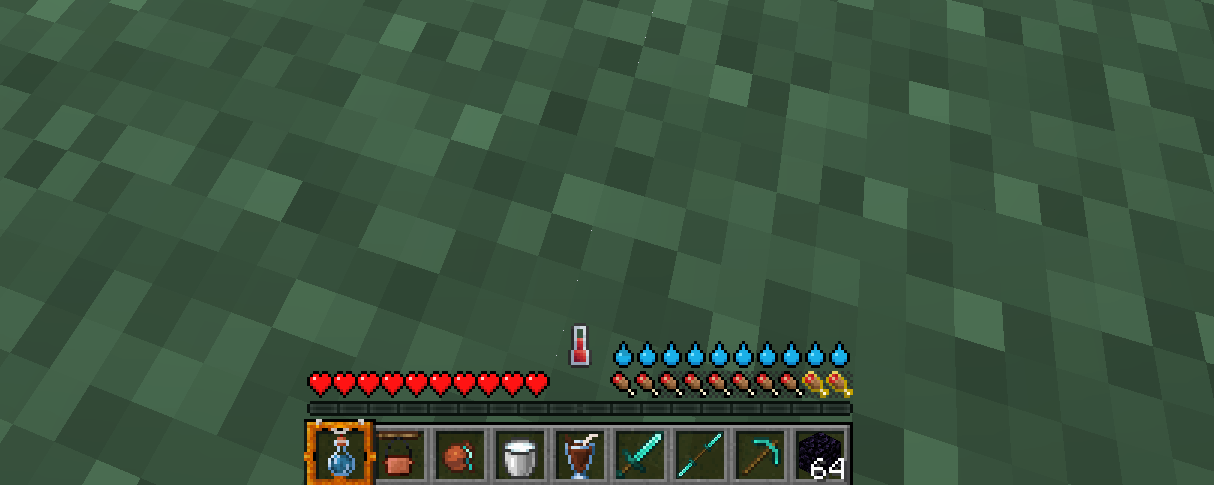
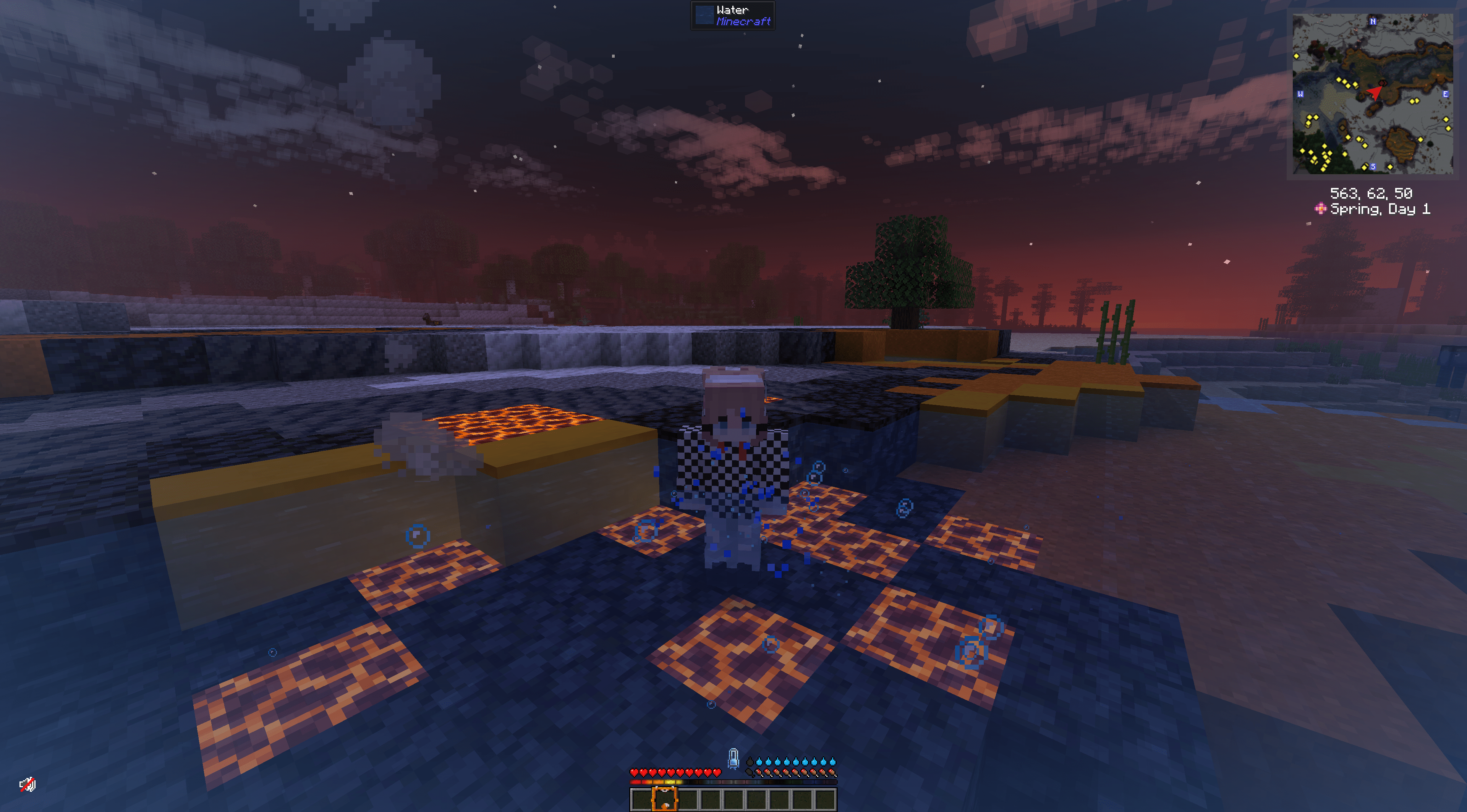
Make sure to keep an eye on your thirst bar (hint hint: craft a campfire cauldron to purify water) and your modified hunger bar to stay alive! (Eat a diverse set of foods to properly fill up, no more steak-spamming!) Also try not to die to mobs, which is a given, albeit a bit harder in this modpack.
World Generation
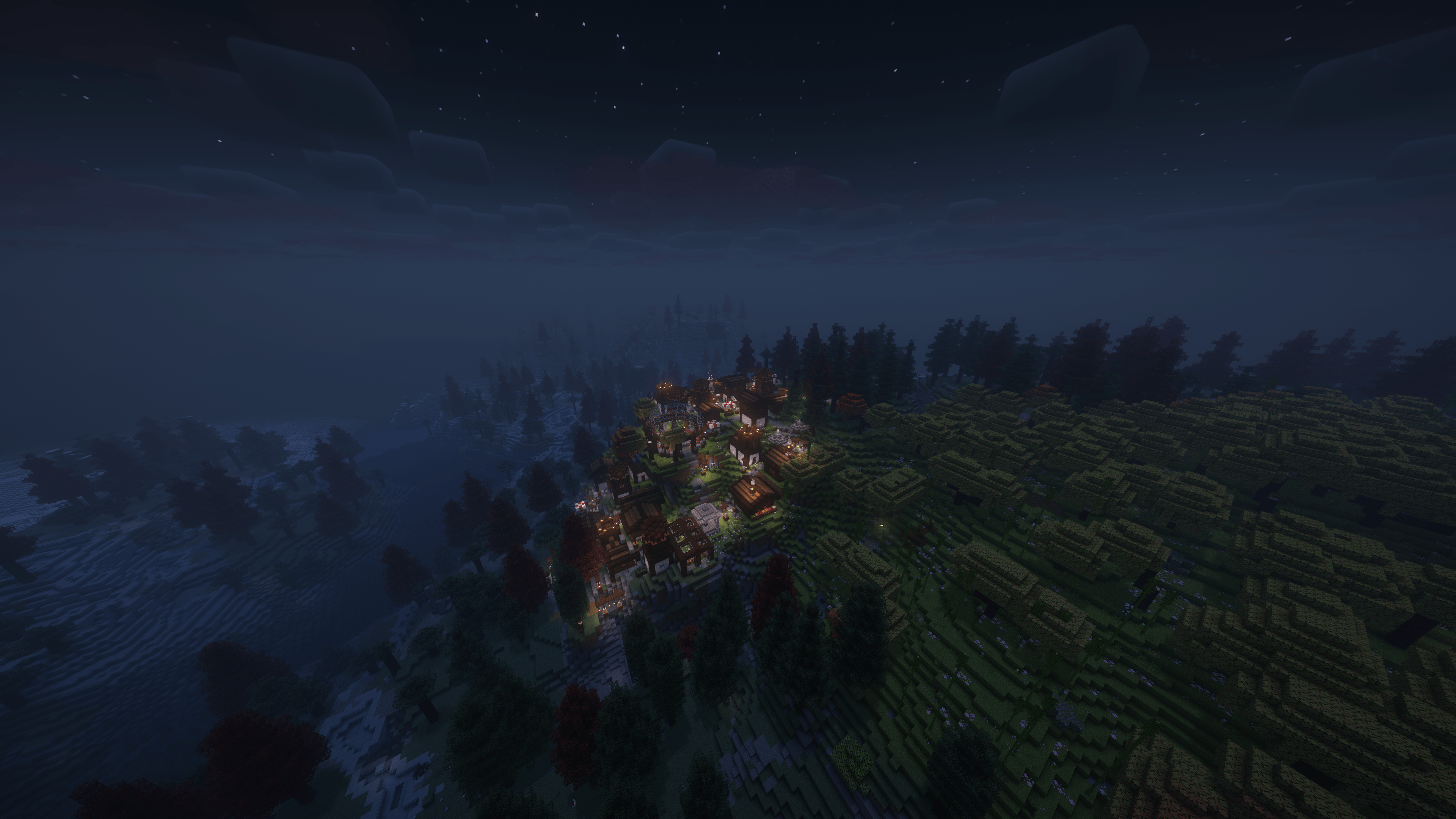
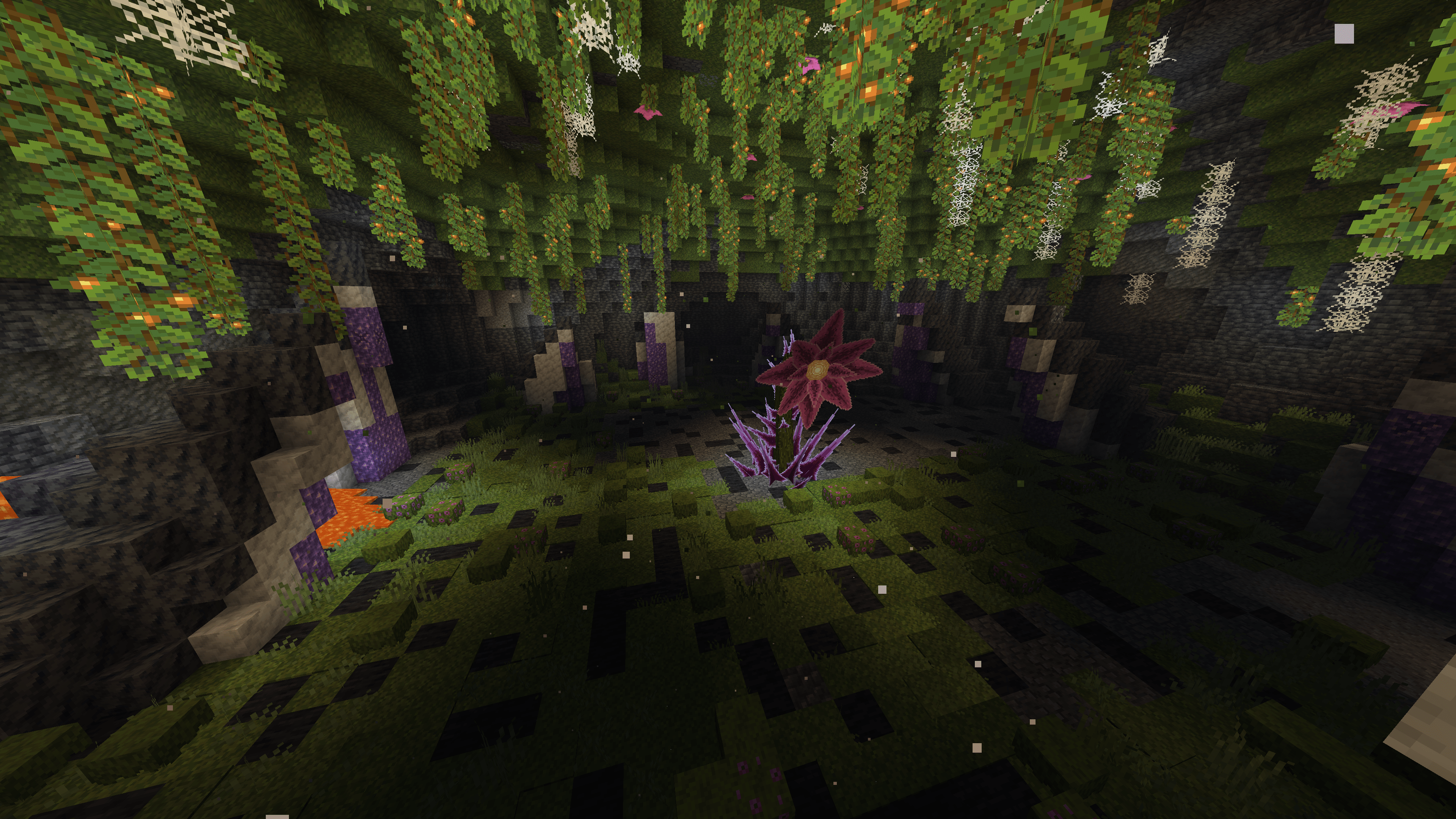
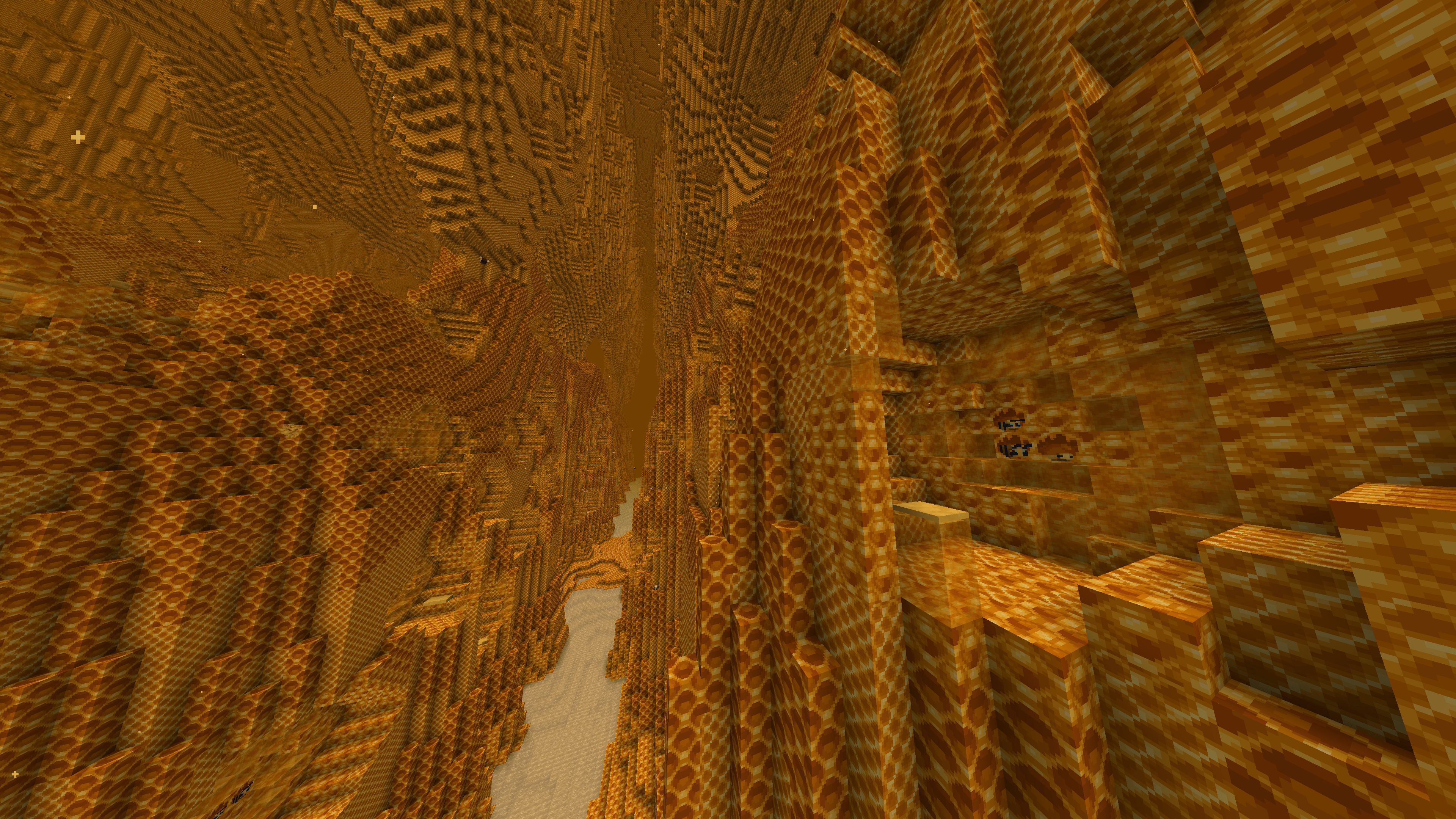
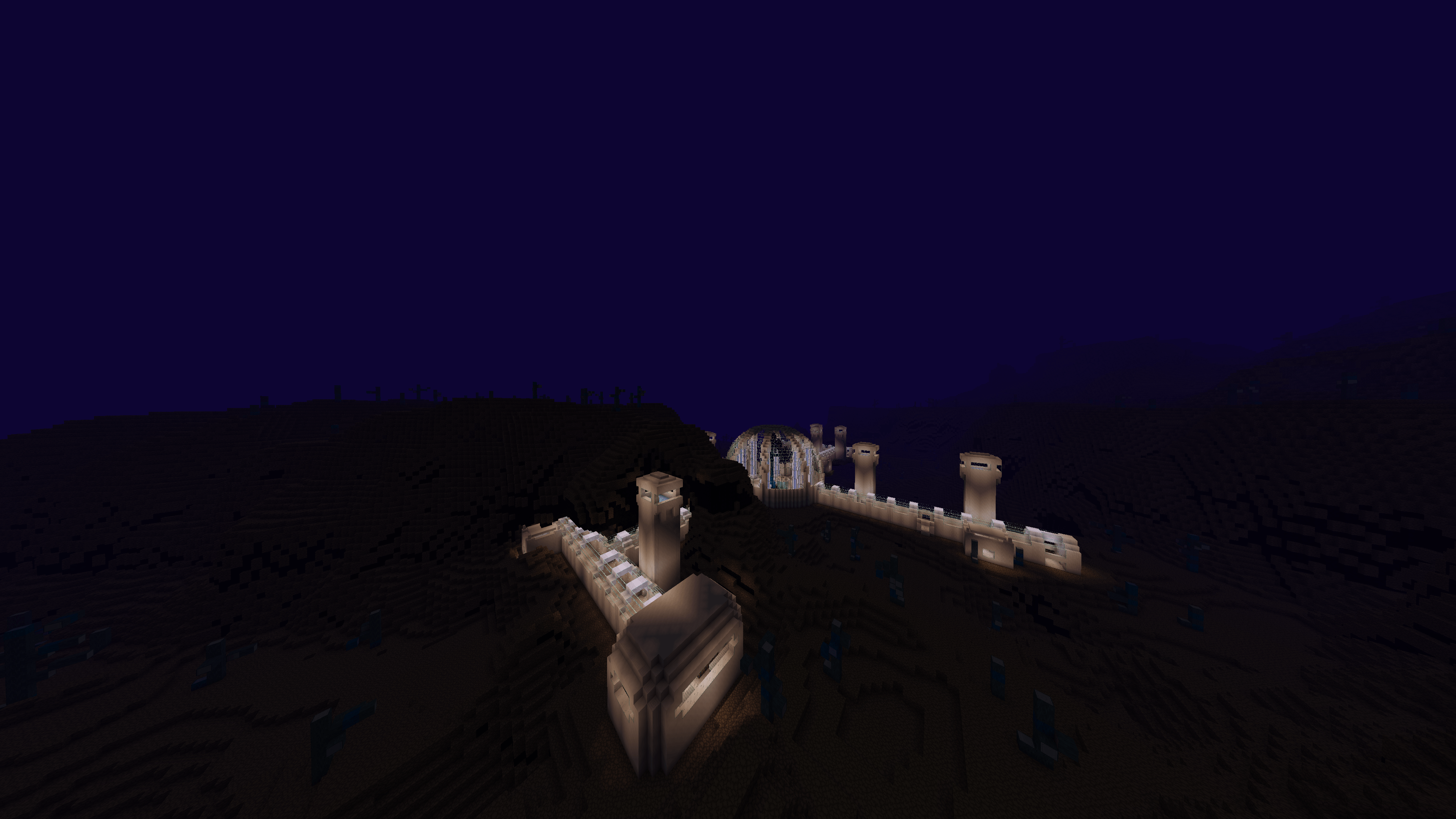
Experience beautiful mountains, deep caves, vibrant forests, and more in this modpack! Travel through many new and improved generated structures, both dangerous and friendly!
Adventure
Have fun taking on dungeons, the natural elements, and even several moderately-to-severely tough new boss fights! Also, visit two new dimensions as well as revamped versions of the Nether and End dimensions!
Shader Support?
Yes! Shaders are supported thanks to the wonderful Iris Shaders mod!
**I hope you enjoy playing my modpack! Follow me over on my YouTube channel (@zyxeyswizzle & @zyxeyswizzleplays), my Twitch (zyxeymc), on Bluesky (@zyxeyswizzle.bsky.social), or join my Discord server!
Available Versions
How to Set Up a CubeQuest Modpack Server
Order Server
Choose at least 6 GB RAM (8 GB recommended for CubeQuest Modpack). Based on player count: per 5 players.
Install Modpack in Dashboard
Open the modpack browser in the dashboard, search for "CubeQuest Modpack" and click "Install". The quilt loader and Minecraft 1.20.1 are configured automatically.
Start Server & Play
Start the server – all mods are loaded automatically. Share the server IP with friends and play together!
Frequently Asked Questions
CubeQuest Modpack server crashes or won't start – what to do?
Most common causes: insufficient RAM or wrong quilt loader. Check latest.log for "OutOfMemoryError" → increase RAM to at least 8 GB. For "Mixin" or "ClassNotFoundException" errors: modpack version and loader don't match. With Mado Hosting, loader and Minecraft version are auto-configured on modpack install – preventing most startup issues.
How much RAM does a CubeQuest Modpack server really need?
Minimum 6 GB, recommended 8 GB for stable performance. per 5 players. Important: Minecraft modpacks need more RAM than vanilla – plan extra per additional player. With Mado Hosting, you can scale RAM up live at any time without data loss (from €12/month).
Can I add custom mods to CubeQuest Modpack without conflicts?
Yes, but check compatibility: only use mods for the same loader (quilt) and same Minecraft version (1.20.1). Common issues: ID conflicts with recipe mods and incompatible coremod versions. The Mado dashboard mod browser only shows compatible mods and warns about known conflicts.
CubeQuest Modpack server lagging – performance tips
1) Increase RAM to 8 GB+. 2) Reduce server view-distance to 8 (server.properties). 3) Pre-generate chunks with the "Chunky" plugin. 4) Use /spark profiler to check which mods consume the most tick time. With Mado Hosting, all servers run on NVMe SSDs with dedicated CPU cores – eliminating hardware as a bottleneck.
Rent CubeQuest Modpack Server
Start your own server with automatic modpack installation.
Supported Versions
Start your CubeQuest Modpack Server now
From €12.00/month with 8 GB RAM for the best performance.
Configure Server →