
Dino dance pack
Dino saw the bridge, dino happy, dino dance!
Screenshots
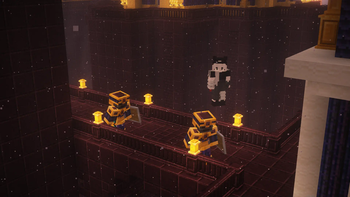
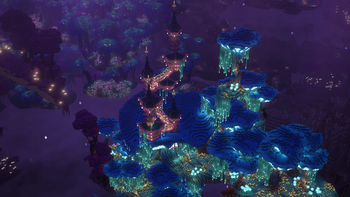
About this Modpack
Dino dance pack
dino dance pack is an all in one for most of the greatest create and its addons and rpg with some minor tweaks, and use sinytra to bridge some content mods and utility mods, and well optimized, destroy the loaders chain!
feature
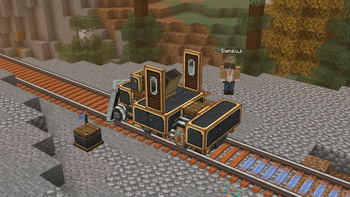
Speaking of the feature, me personaly is a heavy create fan, and beautiful community have made so many addons including Create: Steam n Rails, Create Enchantment Industry, Create new age and so many more, combine with Storagedrawers with Ae2 we can build the most unique and perfect storage system.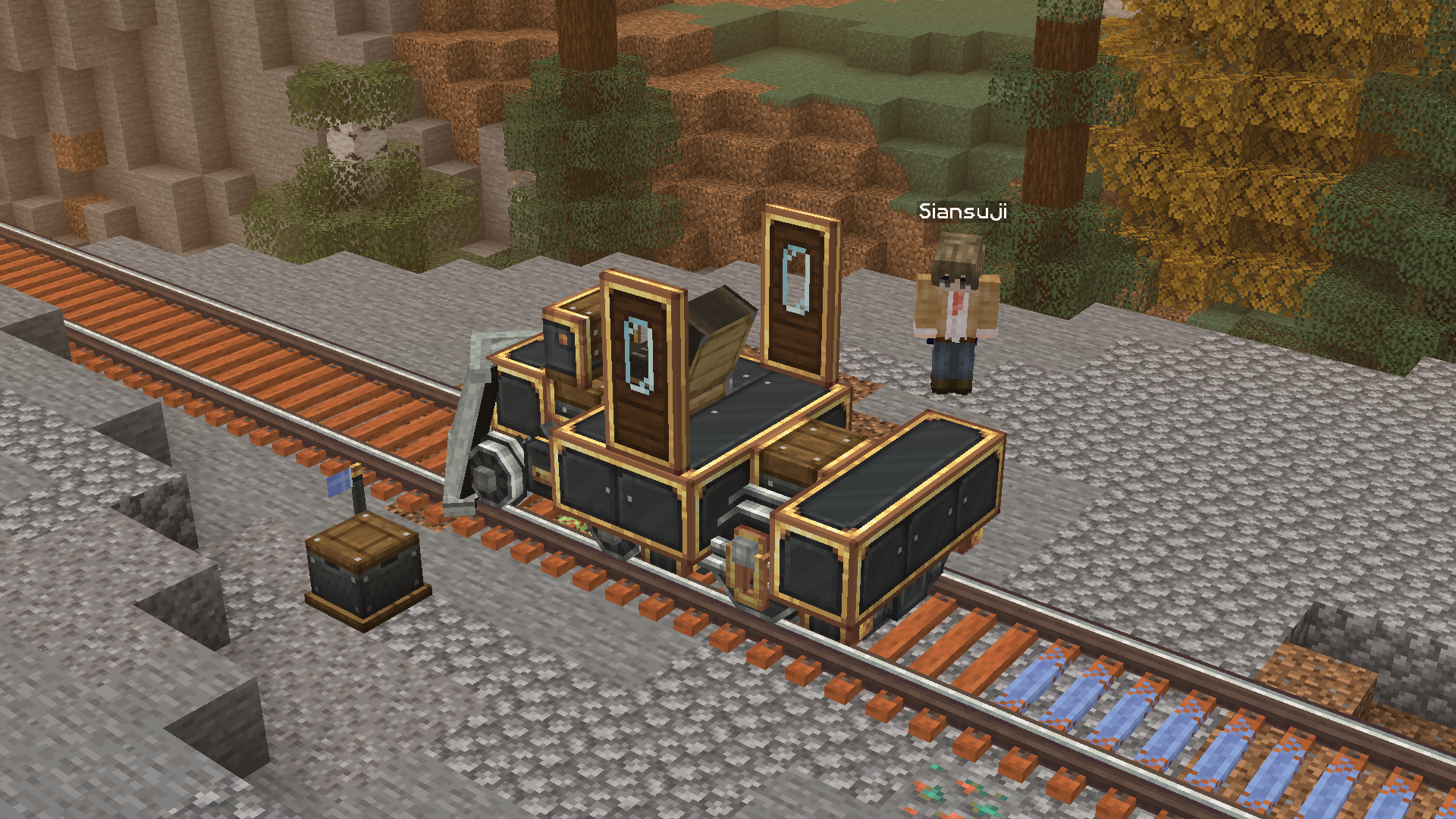
And therefore, the pack also included a lot of new dimension mods, especially The aether, Blue skies and Ad astra, different dimension, different world, go conquer them!
the bridge - sinytra connector
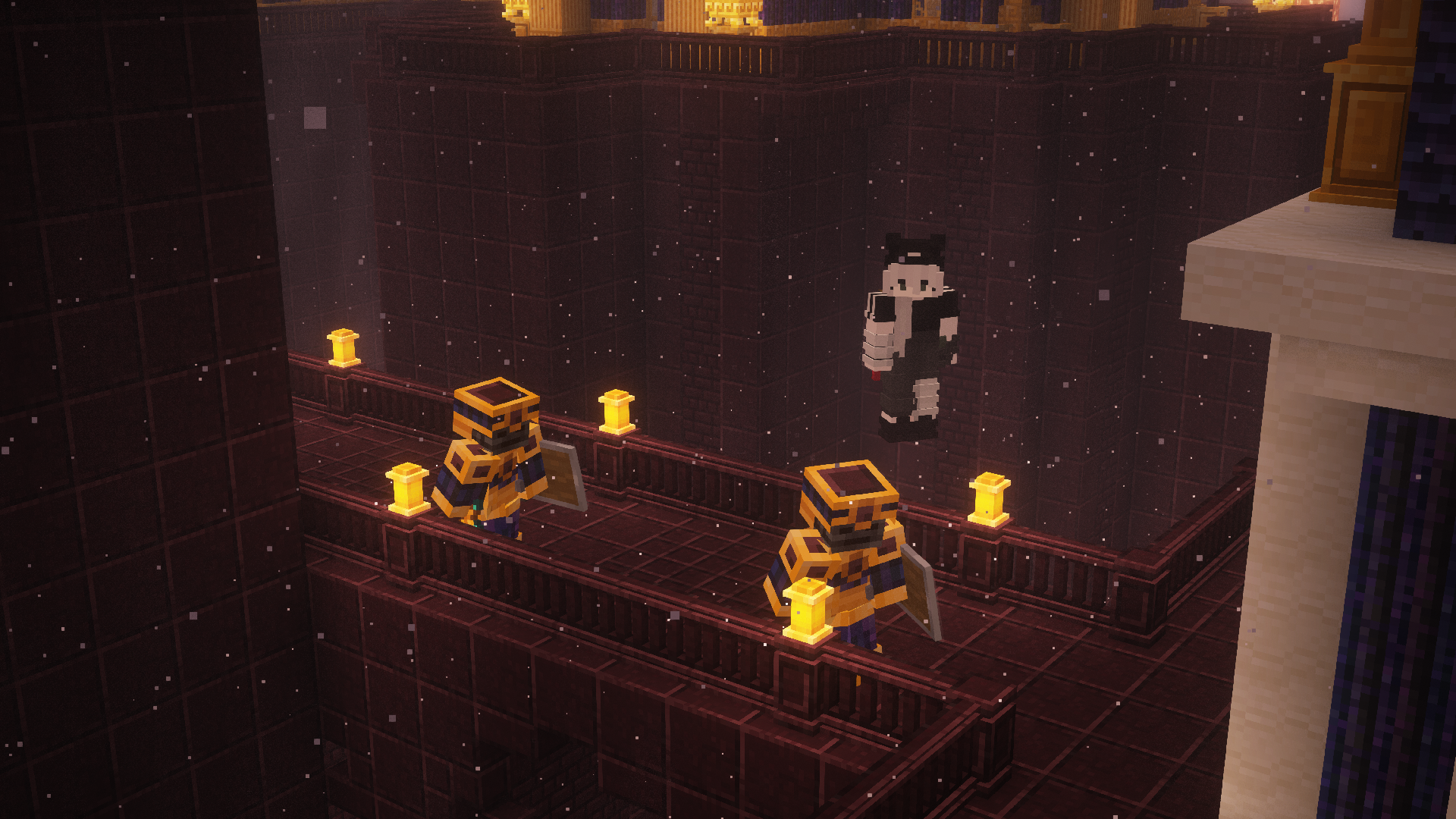
Big shoutout to Sinytra team, the pack bridged a lot of fabric-only mod that is also amazing, with c2me the world loading speed will be so much faster and more stable that prevent server lag, and also having Betternether and Betterend working on neoforge loader perfectly (wow) so we can enjoy the coolest nether and end dimension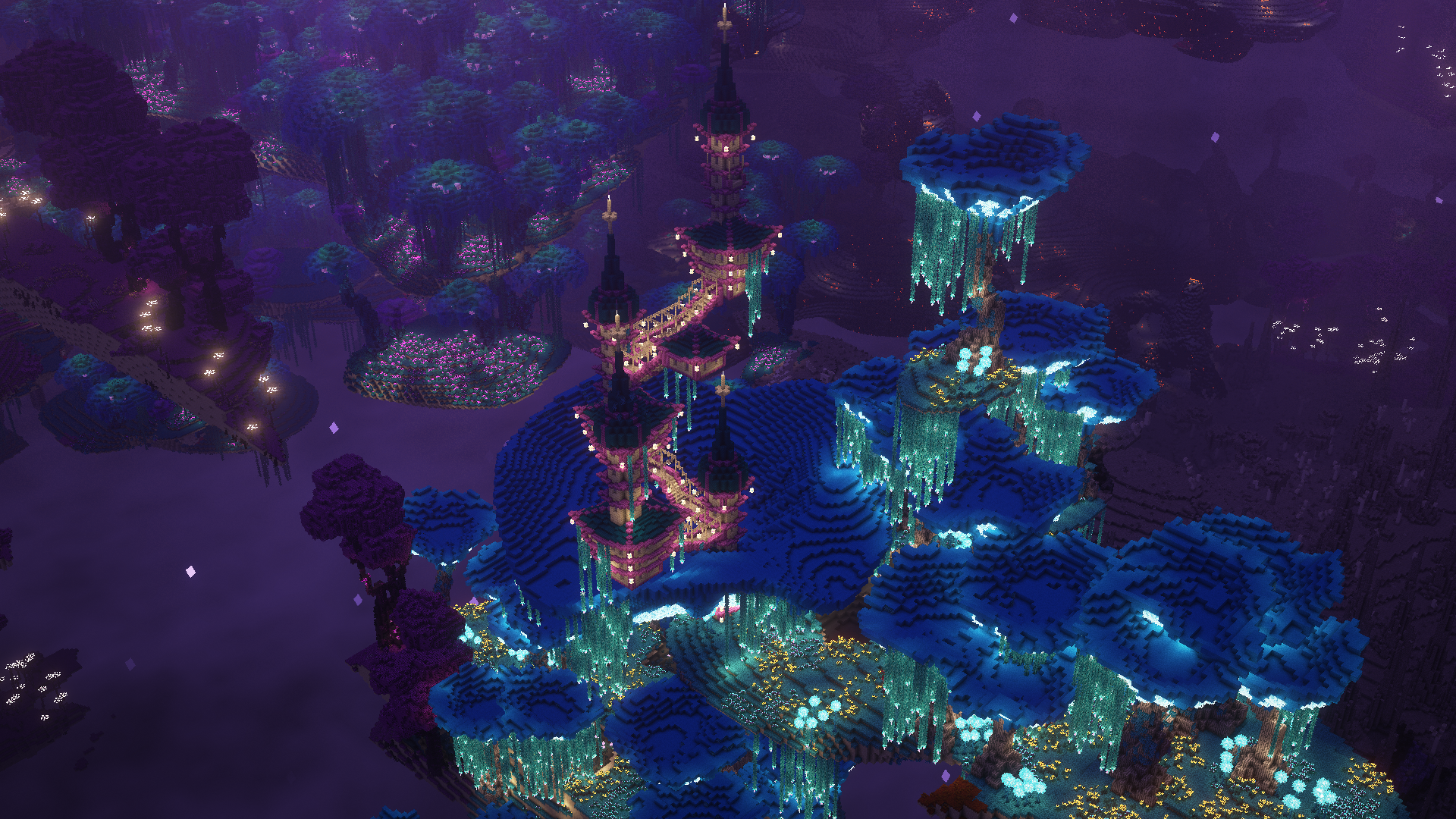
Shaders compatiblity
You would probably facing two problems while using shaders: some text bar radomly becomes transparent and random crash, to solve those issues pleass follow these steps:
- Go to
<yourinstance>/config/immediatelyfast.jsonand turn offfont_atlas_resizing, this can fix random text transparency - Edit Brute force Rendering Culling and turn off cull chunk option (you can edit them in ingame menu or the same steps above), this should fix random crash while using shaders
(If you are not using shaders these setup are no needed)
credits
Some of the mods that are currently not published on the platform but they are awesome that helps the modpack to be more consistent
Available Versions
How to Set Up a Dino dance pack Server
Order Server
Choose at least 6 GB RAM (10 GB recommended for Dino dance pack). Based on player count: per 4 players.
Install Modpack in Dashboard
Open the modpack browser in the dashboard, search for "Dino dance pack" and click "Install". The neoforge loader and Minecraft 1.20.1 are configured automatically.
Start Server & Play
Start the server – all mods are loaded automatically. Share the server IP with friends and play together!
Frequently Asked Questions
Dino dance pack server crashes or won't start – what to do?
Most common causes: insufficient RAM or wrong neoforge loader. Check latest.log for "OutOfMemoryError" → increase RAM to at least 10 GB. For "Mixin" or "ClassNotFoundException" errors: modpack version and loader don't match. With Mado Hosting, loader and Minecraft version are auto-configured on modpack install – preventing most startup issues.
How much RAM does a Dino dance pack server really need?
Minimum 6 GB, recommended 10 GB for stable performance. per 4 players. Important: Minecraft modpacks need more RAM than vanilla – plan extra per additional player. With Mado Hosting, you can scale RAM up live at any time without data loss (from €12/month).
Can I add custom mods to Dino dance pack without conflicts?
Yes, but check compatibility: only use mods for the same loader (neoforge) and same Minecraft version (1.20.1). Common issues: ID conflicts with recipe mods and incompatible coremod versions. The Mado dashboard mod browser only shows compatible mods and warns about known conflicts.
Dino dance pack server lagging – performance tips
1) Increase RAM to 10 GB+. 2) Reduce server view-distance to 8 (server.properties). 3) Pre-generate chunks with the "Chunky" plugin. 4) Use /spark profiler to check which mods consume the most tick time. With Mado Hosting, all servers run on NVMe SSDs with dedicated CPU cores – eliminating hardware as a bottleneck.
Similar Modpacks


Rent Dino dance pack Server
Start your own server with automatic modpack installation.
Supported Versions
Start your Dino dance pack Server now
From €12.00/month with 10 GB RAM for the best performance.
Configure Server →