
Echoes of Alpha: The Herobrine Myth
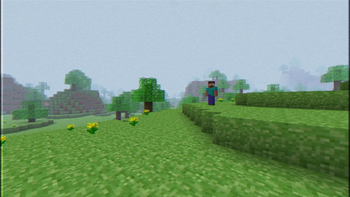
A recreation of Alpha 1.1.2_01 terrain and its lonely, melancholic feeling. Herobrine is watching, you’re never truly alone.
Screenshots
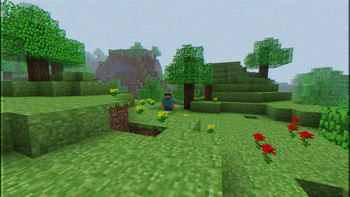
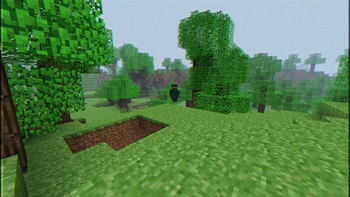
About this Modpack
🇺🇸 English Description 🇺🇸
Echoes of Alpha: You Are Not Alone
A recreation of Alpha 1.1.2_01 terrain and its lonely, melancholic feeling. Herobrine is watching, you’re never truly alone.
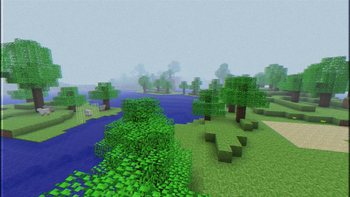
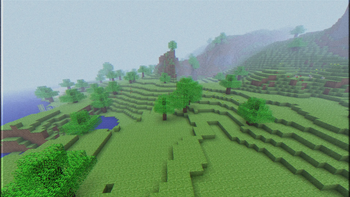
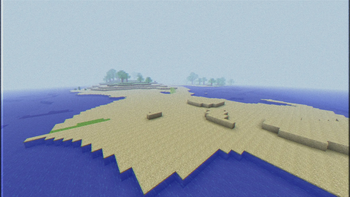
Echoes of Alpha: You Are Not Alone reimagines Minecraft 1.21.4 through the lens of its past. The world generation has been stripped back to the haunting simplicity of Alpha, creating vast landscapes that feel both nostalgic and unsettling. He's there watching you...
✨ What It Adds
Quality of Life Improvements
Better inventory management, improved UI, smoother animations, and a bunch of small tweaks that make the game feel better to play.Performance Boosts
Optimization mods that improve FPS and reduce lag.Alpha World Generation
Experience terrain inspired by Alpha 1.1.2_01: rolling hills, simple caves, and oddly shaped landscapes that feel empty, raw, and forgotten.Unsettling Atmosphere
You feel isolation rather than comfort.More Challenging Combat
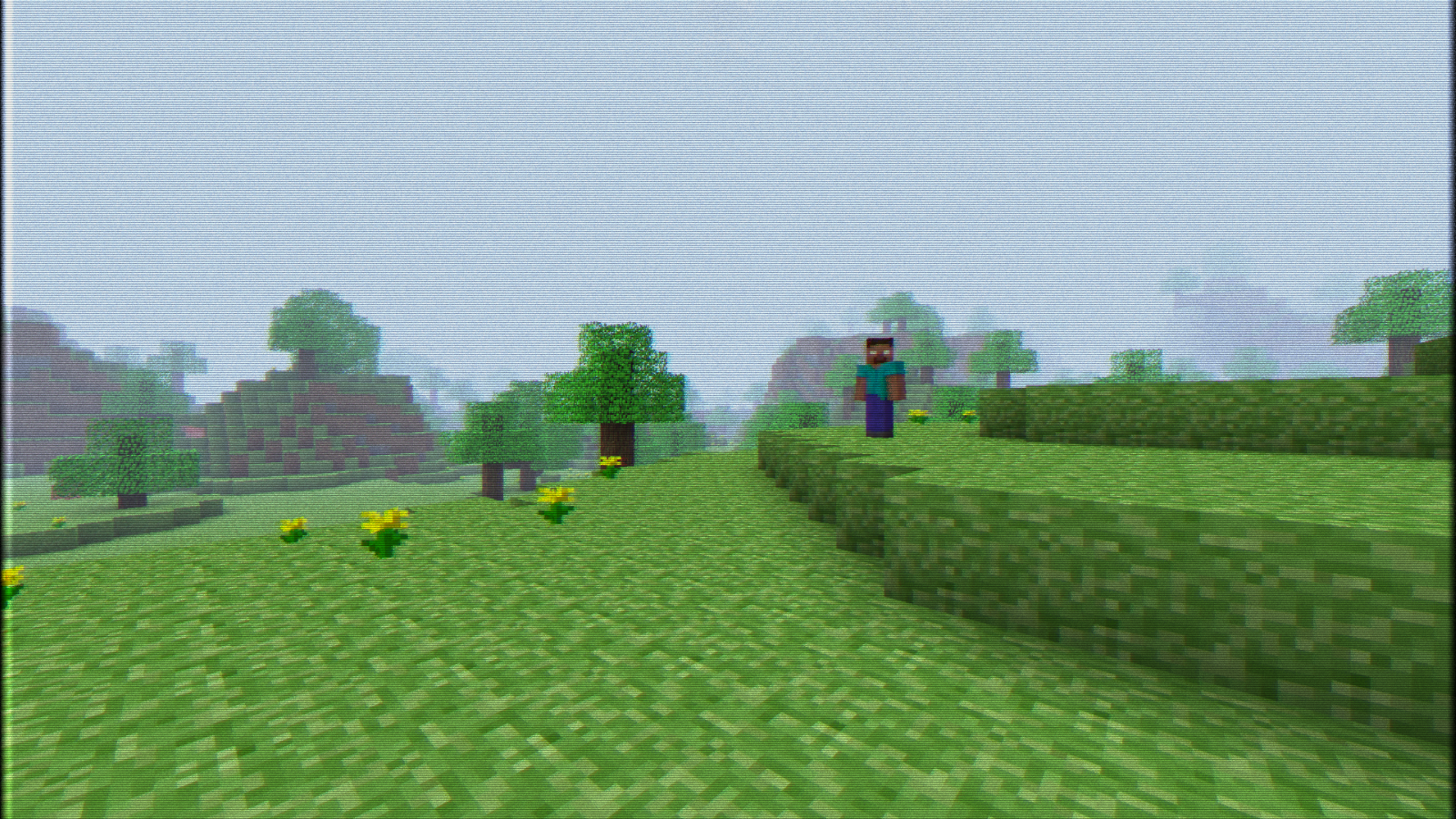
Mobs are tougher and smarter, making survival a bit more intense.The lurker in the fog
He's always there!
🎯 Why You’ll Want It
Still Feels Like base Minecraft
Everything stays true to the base game. No complex tech mods or bloated systems.Great for Casual Play
Easy to run, easy to understand, and fun solo or with friends.Quick to Learn
If you’ve played Minecraft before, you’ll pick this up pretty quickly.Beatable game
Nether fortresses and strongholds are generated, so you can still beat the game if wanted.It's Spooky
The Spooky atmosphere feels great.
📌 Before You Download
- Made for Minecraft 1.21.4 using the Fabric mod loader.
- Runs well on mid-range computers and up, but should work on older systems too — it was tested on a 3rd gen i5 with 8GB RAM and performed decently.
- If you GPU does not support OpenGL 4.6 and the game doesn't boot up, try removing the Super Resolution mod.
💾 Recommended RAM Allocation
| System RAM | Allocate to Minecraft |
|---|---|
| 8GB | 4GB |
| 12GB | 6GB |
| 16GB | 8GB |
| 24GB+ | 8GB max (no need to allocate more) |
⚙️ Recommended JVM Arguments
For 4GB or less of allocated RAM:
-XX:+UseG1GC
For 6GB or more of allocated RAM:
-XX:+UseZGC -XX:+ZGenerational
Note: "-XX:+UseG1GC" is not even needed since it's the default garbage collector, which means that argument is ON by default. You could try using ZGC Generational but its performance might not be great if the system is equipped with 8GB of RAM or less. So try "-XX:+UseZGC -XX:+ZGenerational" and see if it performs great. Otherwise, stick to "-XX:+UseG1GC" or no arguments at all.
Credits
This Modpack is using datapacks/resourcepacks from Vanilla Tweaks that can be found here: https://vanillatweaks.net/
Available Versions
How to Set Up a Echoes of Alpha: The Herobrine Myth Server
Order Server
Choose at least 4 GB RAM (6 GB recommended for Echoes of Alpha: The Herobrine Myth). Based on player count: per 8 players.
Install Modpack in Dashboard
Open the modpack browser in the dashboard, search for "Echoes of Alpha: The Herobrine Myth" and click "Install". The fabric loader and Minecraft 1.21.4 are configured automatically.
Start Server & Play
Start the server – all mods are loaded automatically. Share the server IP with friends and play together!
Frequently Asked Questions
Echoes of Alpha: The Herobrine Myth server crashes or won't start – what to do?
Most common causes: insufficient RAM or wrong fabric loader. Check latest.log for "OutOfMemoryError" → increase RAM to at least 6 GB. For "Mixin" or "ClassNotFoundException" errors: modpack version and loader don't match. With Mado Hosting, loader and Minecraft version are auto-configured on modpack install – preventing most startup issues.
How much RAM does a Echoes of Alpha: The Herobrine Myth server really need?
Minimum 4 GB, recommended 6 GB for stable performance. per 8 players. Important: Minecraft modpacks need more RAM than vanilla – plan extra per additional player. With Mado Hosting, you can scale RAM up live at any time without data loss (from €8/month).
Can I add custom mods to Echoes of Alpha: The Herobrine Myth without conflicts?
Yes, but check compatibility: only use mods for the same loader (fabric) and same Minecraft version (1.21.4). Common issues: ID conflicts with recipe mods and incompatible coremod versions. The Mado dashboard mod browser only shows compatible mods and warns about known conflicts.
Echoes of Alpha: The Herobrine Myth server lagging – performance tips
1) Increase RAM to 6 GB+. 2) Reduce server view-distance to 8 (server.properties). 3) Pre-generate chunks with the "Chunky" plugin. 4) Use /spark profiler to check which mods consume the most tick time. With Mado Hosting, all servers run on NVMe SSDs with dedicated CPU cores – eliminating hardware as a bottleneck.
Similar Modpacks

![Better MC [FABRIC] - BMC2](https://cdn.modrinth.com/data/shFhR8Vx/a19c2bcb51d38f32f138d3607e91cb2b7b8e387f_96.webp)
![Better MC [FORGE] - BMC4](https://cdn.modrinth.com/data/4BV47HRn/7f5ef7cc61b2593609aabef3ed07a866a4f11b73_96.webp)


Rent Echoes of Alpha: The Herobrine Myth Server
Start your own server with automatic modpack installation.
Supported Versions
Start your Echoes of Alpha: The Herobrine Myth Server now
From €8.00/month with 6 GB RAM for the best performance.
Configure Server →