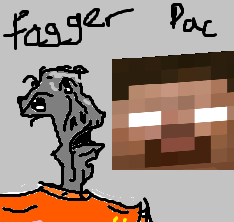
Foggerpack
A modpack based on the From the Fog horror mod!
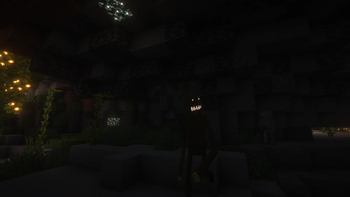
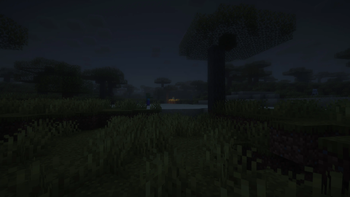
Screenshots


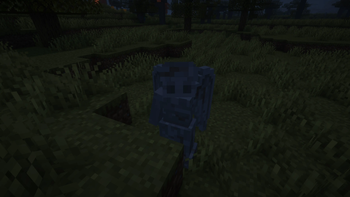
About this Modpack
Welcome to Foggerpack!
This modpack is a horror modpack, that adds herobrine, and many other mobs.
Best played with the From the Fog datapack:
https://modrinth.com/datapack/from-the-fog
Some notable features are:
- Herobrine
- Weeping Angles
- Zombies can now break blocks and doors and will form hordes to attack players
- The ability to make boats via the Eureka mod
- Airships are disabled
- Making boats is balanced with custom crafting recipes
- Better progression
- Proximity chat with voice chat integration
Includes some resource packs:
This mod pack was made by a friend group to start a private SMP together, with the gimmick that we are only allowed to communicate with each other via in-game methods, such as the proximity voice/text chat, smoke signals, or some other method.
We would be allowed to message each other via Discord outside the game for example, but only to tell each other to get on the server. Once on, there are no guarantees.
For the best experience, we found that playing with reduced debug info = true was the best, as it further increased reliance on in-game methods of travel such as beacons, torch paths, compasses, and maps, which would normally be made entirely redundant by the coordinates on the F3 menu.
Playing with these rules and with other people is the intended way to play the modpack, but it can be enjoyed in any fashion.
Some Images
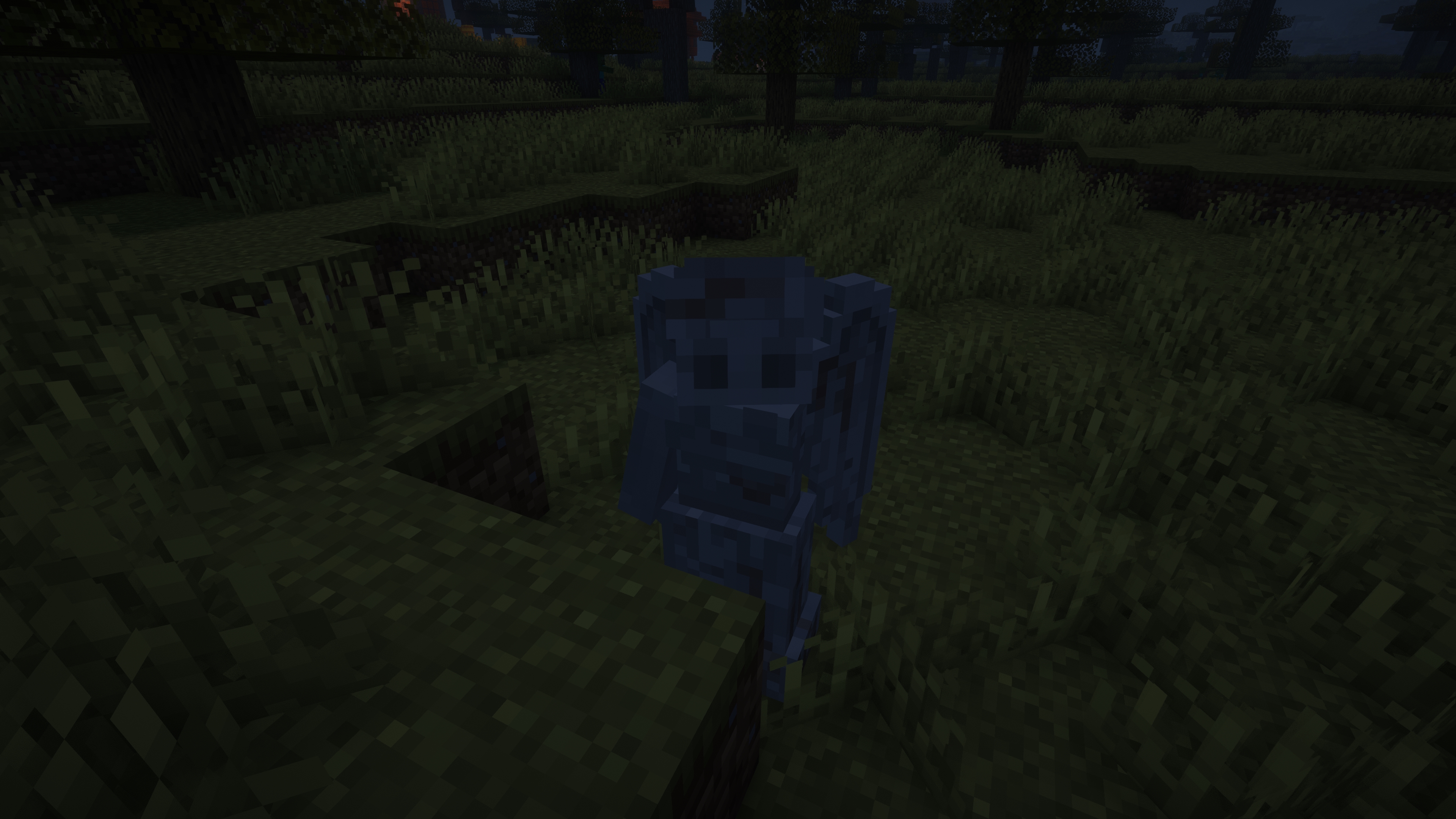
Other details
If you have any issues, or suggestions for this pack please either join the discord here or create an issue on the github here
Mods Included
- 3D Skin Layers
- [ETF] Entity Texture Features
- Advancement Plaques
- Advancement Screenshot
- Amecs
- Amplified Nether
- Apocalypse
- Architectury API
- Armor Chroma for Fabric
- Audaki Cart Engine
- Auth Me
- Better Advancements
- Better Ping Display [Fabric]
- Better Statistics Screen
- Boat Fall
- Boat Item View
- Borderless Mining
- Carpet
- Cave Dweller Fabric
- Chat Heads
- Chunky
- ClearDespawn
- Cloth Config API
- Collective
- Compact Chat
- Continents
- CreativeCore
- Creeper Overhaul
- Diggus Maximus
- Disable Accessibility Screen
- Doctor Who - Weeping Angels
- Easy Magic
- Eating Animation
- Endgame Reborn
- Enhanced Block Entities
- EnhancedVisuals
- Entity Culling
- Equipment Compare
- Eureka!
- Fabric API
- Fabric Language Kotlin
- Fabrishot
- FastQuit
- Forge Config API Port
- Fresh Animations
- From The Fog
- GamemodeOverhaul
- Geckolib
- Global Packs
- Golden Days Base
- High-Speed Rail
- Iceberg
- ImmediatelyFast
- Indium
- Inventory Profiles Next
- Item Scroller
- Joy of Painting
- KubeJS
- LambDynamicLights
- Language Reload
- LazyDFU
- Leave My Bars Alone
- libIPN
- Librarian's Balance
- Lithium
- MaLiLib
- Map Atlases
- Memory Leak Fix
- MixinTrace
- Mod Menu
- Moonlight Lib
- More Armor Trims
- More Chat History
- More Culling
- NBT Autocomplete
- No Chat Reports
- No Telemetry
- Not Enough Animations
- Not Enough Recipe Book [NERB]
- Nvidium
- Nyf's Spiders
- oωo (owo-lib)
- Presence Footsteps
- Prism
- Progression Reborn
- Proximity Text Chat
- Puzzles Lib
- Raised
- Reese's Sodium Options
- Remove Reloading Screen
- Resourceful Config
- Rhino
- Roughly Enough Items (REI)
- Simple Voice Chat
- SleepWarp
- Snowball and Egg Knockback
- Sodium
- Sodium Extra
- Sound Physics Remastered
- Starlight (Fabric)
- Supplementaries
- This boat is MINE!
- Trimmable Tools
- Valkyrien Skies
- Voice Chat Interaction
- Wavey Capes
- YetAnotherConfigLib
- Your Options Shall Be Respected (YOSBR)
- YUNG's API
- YUNG's Better Strongholds
Available Versions
How to Set Up a Foggerpack Server
Order Server
Choose at least 4 GB RAM (6 GB recommended for Foggerpack). Based on player count: per 8 players.
Install Modpack in Dashboard
Open the modpack browser in the dashboard, search for "Foggerpack" and click "Install". The fabric loader and Minecraft 1.20.1 are configured automatically.
Start Server & Play
Start the server – all mods are loaded automatically. Share the server IP with friends and play together!
Frequently Asked Questions
Foggerpack server crashes or won't start – what to do?
Most common causes: insufficient RAM or wrong fabric loader. Check latest.log for "OutOfMemoryError" → increase RAM to at least 6 GB. For "Mixin" or "ClassNotFoundException" errors: modpack version and loader don't match. With Mado Hosting, loader and Minecraft version are auto-configured on modpack install – preventing most startup issues.
How much RAM does a Foggerpack server really need?
Minimum 4 GB, recommended 6 GB for stable performance. per 8 players. Important: Minecraft modpacks need more RAM than vanilla – plan extra per additional player. With Mado Hosting, you can scale RAM up live at any time without data loss (from €8/month).
Can I add custom mods to Foggerpack without conflicts?
Yes, but check compatibility: only use mods for the same loader (fabric) and same Minecraft version (1.20.1). Common issues: ID conflicts with recipe mods and incompatible coremod versions. The Mado dashboard mod browser only shows compatible mods and warns about known conflicts.
Foggerpack server lagging – performance tips
1) Increase RAM to 6 GB+. 2) Reduce server view-distance to 8 (server.properties). 3) Pre-generate chunks with the "Chunky" plugin. 4) Use /spark profiler to check which mods consume the most tick time. With Mado Hosting, all servers run on NVMe SSDs with dedicated CPU cores – eliminating hardware as a bottleneck.
Similar Modpacks

![COBBLEVERSE - Pokemon Adventure [Cobblemon]](https://cdn.modrinth.com/data/Jkb29YJU/581ecf54530972afb18a04660afd820f2f24f6c7.png)




Rent Foggerpack Server
Start your own server with automatic modpack installation.
Supported Versions
Start your Foggerpack Server now
From €8.00/month with 6 GB RAM for the best performance.
Configure Server →