
FORSAKEN MODPACK
A very challenging realistic horror modpack where you try to survive in a dying wasteland without going insane
Screenshots

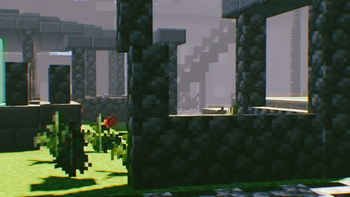

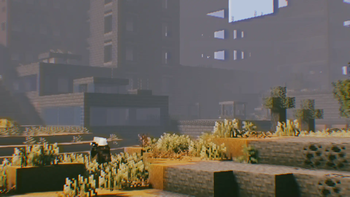
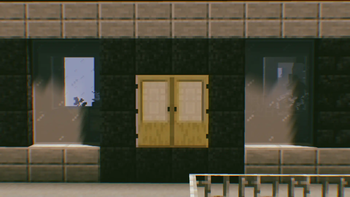

About this Modpack
A dying world cries for help, but no one answered
Details
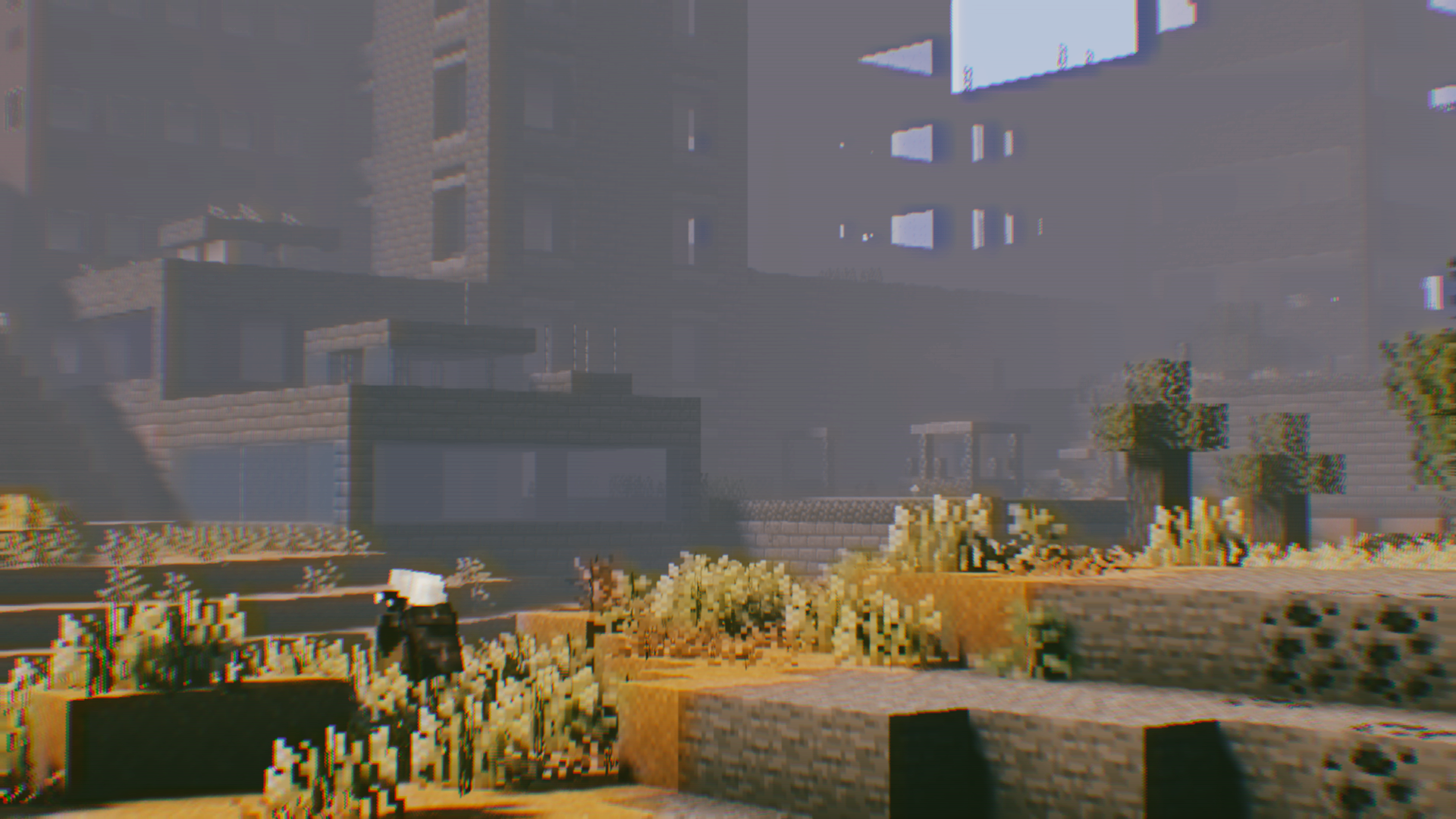
The FORSAKEN Modpack makes you immersed in a dying wasteland where a deadly virus ravaged and assimilated the majority of lifeforms. Your goal? Survive as many days as you can without going insane!
Features & Tips
You start with some gear that you found while scavenging cities. Though you better start mining materials so you dont run out of bullets!
Health and hunger won't be the least of your problems; You'll also have to worry about Temperature, Thirst and Sanity!
Melee combat has been revamped with the Better Combat and Combat Roll mods!
Scavenge cities and old underground mineshafts for materials and accessories!
There's a new way of obtaining leather by smelting rotten flesh, and you can make gunpowder out of coal/charcoal!
Be careful when mining coal, you might get the black lung!
This modpack features the ESSENTIAL mod, a much easier way to play with friends without the need of creating a server!
Includes voice chat for better immersion with friends!
Features an Original OST made by Azernion!
Mod list:
AI Improvements
AmbientSounds
Appleskin
Architectury
Artifacts
Bad Mobs
balm
Better Advancements
Better Animation Collection
Better Combat
Better Ping Display
Biomes O' Plenty
Biome Spawn Point
Black Lung
BNBlood Particles
cloth config
Collective
Combat Roll
Controlling
Configured
CraftTweaker
CreativeCore
Curios
Dense Ores
Distant Friends
Drippy Loading Screen
Dynamic Music
Enhanced Visuals
Entity Culling
ESSENTIAL
Fancy Menu
FerriteCore
Framework
Geckolib
Global GameRules
Heavy Inventory
Iceberg
Incapacitated
InvMove
ItemBorders
Item Physic
Just another rotten flesh to leather mod
Keep Some Inventory
Konkrete
Legendary Tooltips
LoadMyResources
Lost Cities
Memory Leak Fix
Mouse Tweaks
MrCrayfish's Gun Mod
Mutationcraft
Not Enough Animations
Not Enough Crashes
Nyctophobia
Oculus
Oculus Particle Fix
Player Animation Lib
polymorph
Puzzles Lib
Prism
Quality Sounds
Roughly Enough Item (REI)
Rubidium
Sanity: Descent into madness
Searchables
Simple Voice Chat
Sound Physics
Spark
Starter Kit
Stylish Effects
Tenshi Lib
TerraBlender
The Midnight Lurker
Tough As Nails
Upgraded Mobs
Waystones
Xaero's Minimap
Xaero's World Map
Yung's API
Yung's Better Mineshafts
Resource Packs used:
FORSAKEN OST
FORSAKEN Resources
Shaders used:
Epoch Shaders
VECTOR
BSL
Available Versions
How to Set Up a FORSAKEN MODPACK Server
Order Server
Choose at least 4 GB RAM (6 GB recommended for FORSAKEN MODPACK). Based on player count: per 5 players.
Install Modpack in Dashboard
Open the modpack browser in the dashboard, search for "FORSAKEN MODPACK" and click "Install". The forge loader and Minecraft 1.19.4 are configured automatically.
Start Server & Play
Start the server – all mods are loaded automatically. Share the server IP with friends and play together!
Frequently Asked Questions
FORSAKEN MODPACK server crashes or won't start – what to do?
Most common causes: insufficient RAM or wrong forge loader. Check latest.log for "OutOfMemoryError" → increase RAM to at least 6 GB. For "Mixin" or "ClassNotFoundException" errors: modpack version and loader don't match. With Mado Hosting, loader and Minecraft version are auto-configured on modpack install – preventing most startup issues.
How much RAM does a FORSAKEN MODPACK server really need?
Minimum 4 GB, recommended 6 GB for stable performance. per 5 players. Important: Minecraft modpacks need more RAM than vanilla – plan extra per additional player. With Mado Hosting, you can scale RAM up live at any time without data loss (from €8/month).
Can I add custom mods to FORSAKEN MODPACK without conflicts?
Yes, but check compatibility: only use mods for the same loader (forge) and same Minecraft version (1.19.4). Common issues: ID conflicts with recipe mods and incompatible coremod versions. The Mado dashboard mod browser only shows compatible mods and warns about known conflicts.
FORSAKEN MODPACK server lagging – performance tips
1) Increase RAM to 6 GB+. 2) Reduce server view-distance to 8 (server.properties). 3) Pre-generate chunks with the "Chunky" plugin. 4) Use /spark profiler to check which mods consume the most tick time. With Mado Hosting, all servers run on NVMe SSDs with dedicated CPU cores – eliminating hardware as a bottleneck.
Similar Modpacks

![COBBLEVERSE - Pokemon Adventure [Cobblemon]](https://cdn.modrinth.com/data/Jkb29YJU/581ecf54530972afb18a04660afd820f2f24f6c7.png)




Rent FORSAKEN MODPACK Server
Start your own server with automatic modpack installation.
Supported Versions
Start your FORSAKEN MODPACK Server now
From €8.00/month with 6 GB RAM for the best performance.
Configure Server →