
FortMine ++
Let's enjoy a new adventure in Minecraft better with FM++
Screenshots

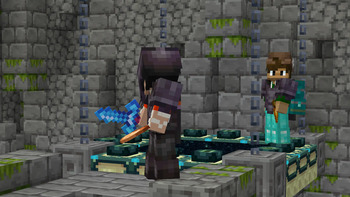
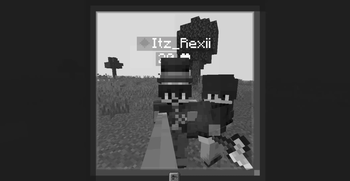
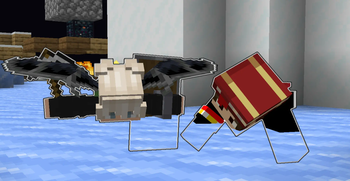
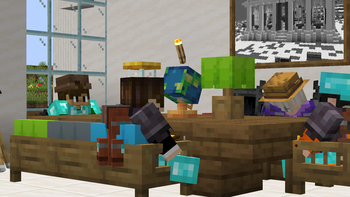
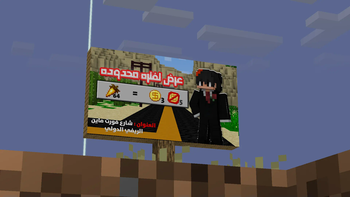
About this Modpack
FortMiners ++ , A better journey in your Minecraft world
Overview:
What's FortMine? Mod Pack in Minecraft adds a large group of mods to you, while improving the game in terms of quality and gameplay for the best experience in the best game in the world.

What's inside FortMine?
Features
FortMine offers you many mods with great features, +200 Mod
Experience mods:
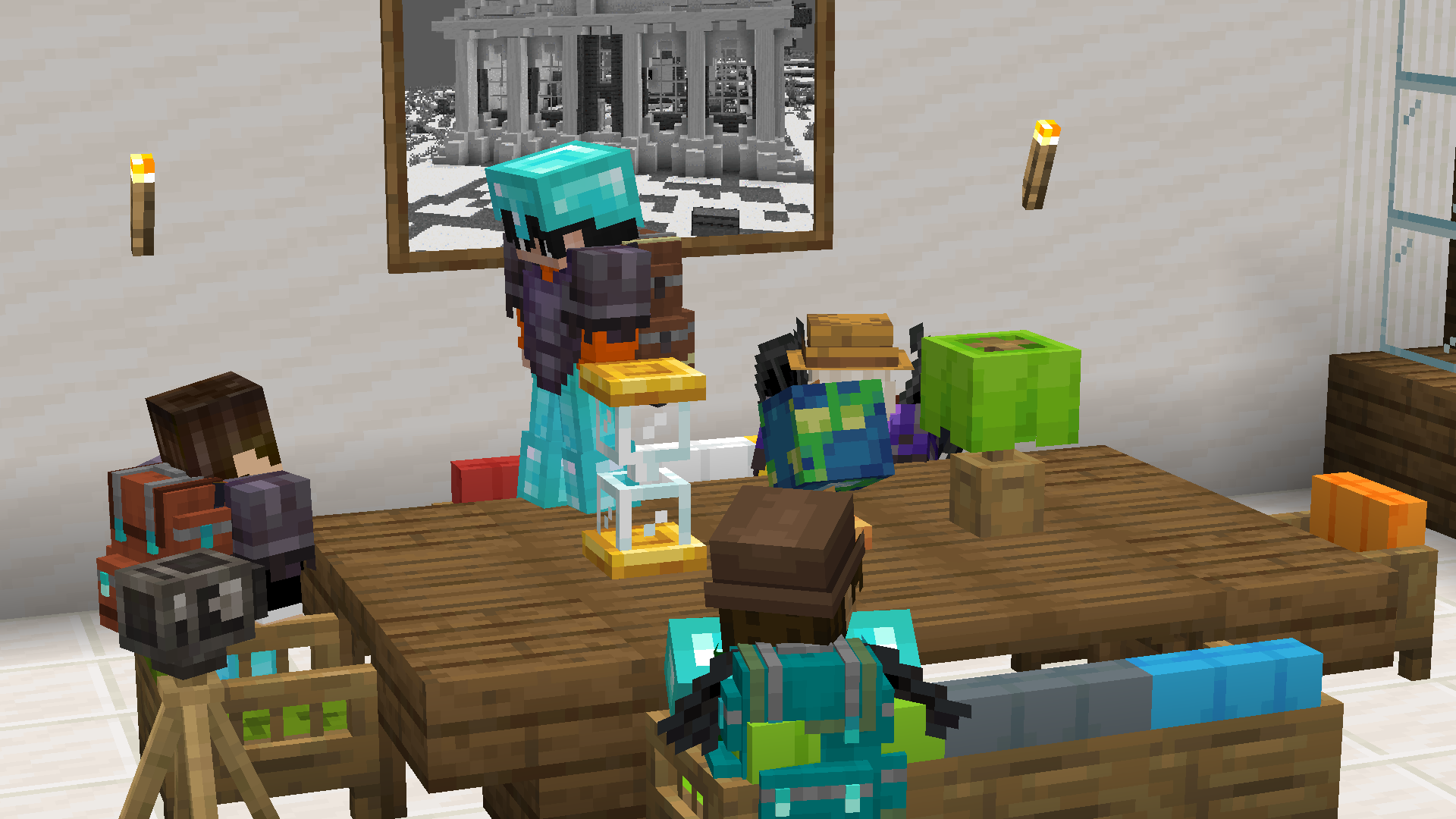
- Another Furniture (Some furniture, chairs and other things in vanilla style)
- Carry On (Pick up Tile Entities and Mobs and carry them around)
- Copper Rails (Add a rails crafts with copper to have most speed)
- Crawl (Enter between 1 block with one button)
- Enderscape (Overhaul of the End dimension with new generation)
- Exposure (Add a camera's like irl craft)
- Explorify (Add new structures to explore it)
- Fabric Seasons (Add season like winter, summer with time)
- Friends&Foes (Add the mobs you lost in Mob vote)
- Immersive Aircraft (Add different types of aircraft)
- Sophisticated Backpacks (Add a backpack to save more items)
- Supplementaries (Add more vanilla additions)
- Magic Mirror (Go back to your spawn point with item)
- Litematica (Build and copy any thing you want)
- WaterFrames (Add screens where you can play any video or image you want)
and more...
Peformance mods:
- Sodium, Sodium Extras, Chunky, Entity Culling, Lithium, More Culling, and more...
Auxiliary mods:
- Better Ping Display, Better Statistics Screen, Clumps, Dynamic Lights, Essential Mod, Freecam, Gamma Utils (Fullbright), Mod Menu, NetherPortalFix, WorldEdit, and more...
Visuality mods:
- Visuality, Wakes, Iris Shaders, Item Borders, ItemPhysic Lite, Explosive Enhancement, Continuity, Eating Animation, Chat Animation, Chat Heads, Better Ladders, and more...
Known Bugs
What is a bugs?:
There are some problems in the pack, and this is very normal because it is in its beginning.
If you find a bug:
If you find any bugs or problems, contact us on our Discord Server (Click to join) We will respond to you and solve your problems with the mod pack as soon as possible.
Controls problems:
We haven't modified the controls in the mod pack yet, so it's best for you to do it yourself until later. Just go to Minecraft settings, then controls, then modify the buttons to the best settings for you.
The basic idea:
Improving Minecraft for the best possible experience with mods for adventure and fun, and focusing a lot on the multiplayer mode because it is the main mode.
More stuff will be added to the FM++ modpack in the future! Stay tuned for future updates for the best possible experience.
Available Versions
How to Set Up a FortMine ++ Server
Order Server
Choose at least 6 GB RAM (8 GB recommended for FortMine ++). Based on player count: per 5 players.
Install Modpack in Dashboard
Open the modpack browser in the dashboard, search for "FortMine ++" and click "Install". The fabric loader and Minecraft 1.21.1 are configured automatically.
Start Server & Play
Start the server – all mods are loaded automatically. Share the server IP with friends and play together!
Frequently Asked Questions
FortMine ++ server crashes or won't start – what to do?
Most common causes: insufficient RAM or wrong fabric loader. Check latest.log for "OutOfMemoryError" → increase RAM to at least 8 GB. For "Mixin" or "ClassNotFoundException" errors: modpack version and loader don't match. With Mado Hosting, loader and Minecraft version are auto-configured on modpack install – preventing most startup issues.
How much RAM does a FortMine ++ server really need?
Minimum 6 GB, recommended 8 GB for stable performance. per 5 players. Important: Minecraft modpacks need more RAM than vanilla – plan extra per additional player. With Mado Hosting, you can scale RAM up live at any time without data loss (from €12/month).
Can I add custom mods to FortMine ++ without conflicts?
Yes, but check compatibility: only use mods for the same loader (fabric) and same Minecraft version (1.21.1). Common issues: ID conflicts with recipe mods and incompatible coremod versions. The Mado dashboard mod browser only shows compatible mods and warns about known conflicts.
FortMine ++ server lagging – performance tips
1) Increase RAM to 8 GB+. 2) Reduce server view-distance to 8 (server.properties). 3) Pre-generate chunks with the "Chunky" plugin. 4) Use /spark profiler to check which mods consume the most tick time. With Mado Hosting, all servers run on NVMe SSDs with dedicated CPU cores – eliminating hardware as a bottleneck.
Similar Modpacks
![Cobblemon Official Modpack [Fabric]](https://cdn.modrinth.com/data/5FFgwNNP/e7f9ee2e9d361623847853fe2ddce42f519ee64f.png)
![COBBLEVERSE - Pokemon Adventure [Cobblemon]](https://cdn.modrinth.com/data/Jkb29YJU/581ecf54530972afb18a04660afd820f2f24f6c7.png)
![Better MC [FABRIC] - BMC2](https://cdn.modrinth.com/data/shFhR8Vx/a19c2bcb51d38f32f138d3607e91cb2b7b8e387f_96.webp)


![Better MC [FORGE] - BMC4](https://cdn.modrinth.com/data/4BV47HRn/7f5ef7cc61b2593609aabef3ed07a866a4f11b73_96.webp)
Rent FortMine ++ Server
Start your own server with automatic modpack installation.
Supported Versions
Start your FortMine ++ Server now
From €12.00/month with 8 GB RAM for the best performance.
Configure Server →