
FusionMC
FusionMC is a uniquely crafted Minecraft modpack designed for those who love the classic feel of vanilla Minecraft but crave more depth and features.
Screenshots

About this Modpack


FusionMC Modpack
The FusionMC modpack strikes a perfect balance between performance optimization, visual enhancements, and utility features, ensuring an immersive and smooth gameplay experience. Running on the Fabric modding framework, it provides maximum performance while retaining Minecraft's core charm.
Performance Enhancements:
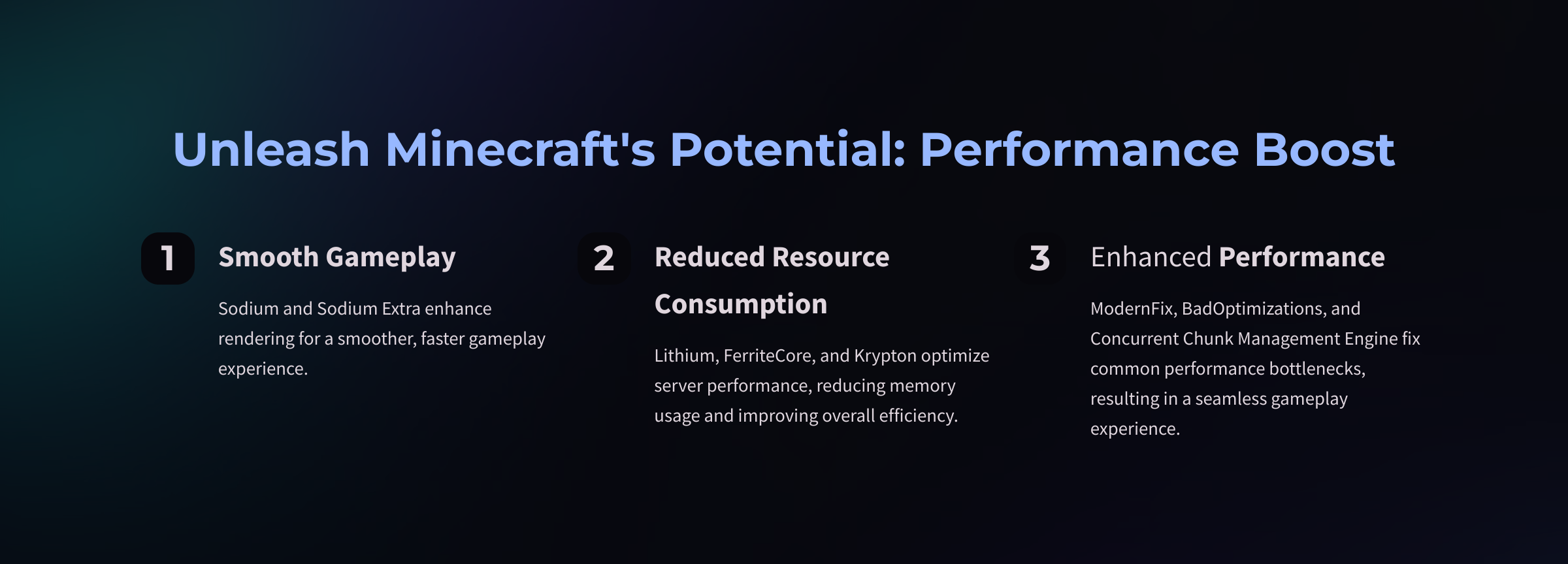
- Sodium & Sodium Extra: Improve rendering and overall performance.
- Lithium, FerriteCore, & Krypton: Optimize server performance and reduce memory usage.
- ModernFix, BadOptimizations, & Concurrent Chunk Management Engine: Enhance performance by fixing common bottlenecks.
Visual Enhancements:
- Iris Shaders: Adds full shader support for stunning visuals.
- Continuity & FabricSkyboxes: Enable connected textures and custom skybox rendering.
- 3D Skin Layers & Capes: Adds cosmetic features such as 3D skins and custom capes.
- Eating Animation: Brings life to eating mechanics with unique animations.
- Vibrant Shaders and High-Quality Models: Enhance the visual experience with additional depth and detail.
- Seamless Connected Textures for a more cohesive look.
Gameplay Utilities:
- AppleSkin: Better HUD visualization for hunger and saturation.
- In-Game Account Switcher: Easily switch between Minecraft accounts.
- No Chat Reports: Safeguard multiplayer privacy by blocking chat reports.
- Simple Voice Chat: Adds in-game proximity-based voice communication.
- Precision Mouse Controls for smoother, more responsive gameplay.
- Built-in FPS and Ping Monitors: Real-time performance tracking for better feedback.
Lean Mod List:
FusionMC is optimized to include fewer than 50 mods, excluding essential dependencies. This curated mod list ensures improved visuals and performance, making it ideal for players with lower-end systems while not overwhelming hardware.
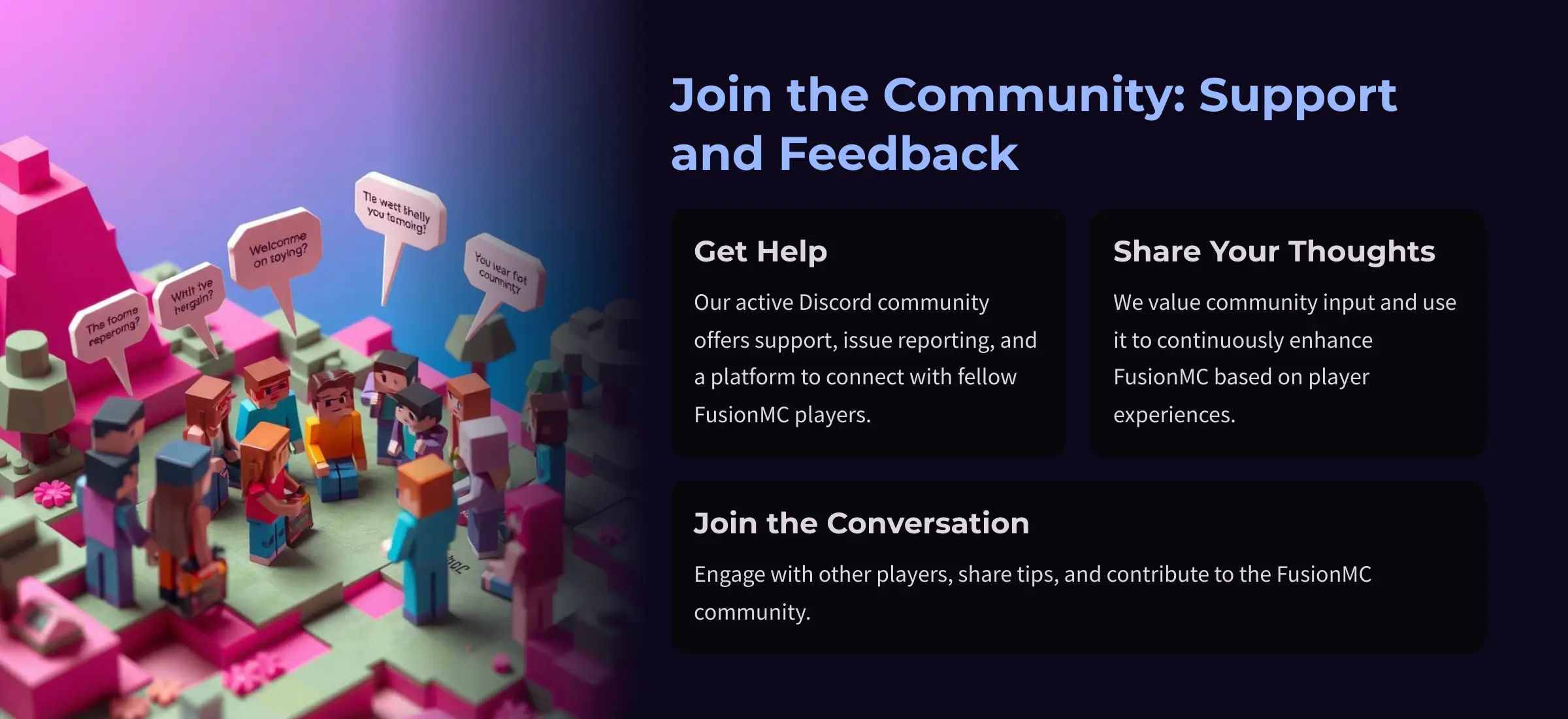
Community & Support:
Join our active Discord for support, issue reporting, and feedback from fellow players. We value community input and continue to enhance FusionMC based on player experiences.
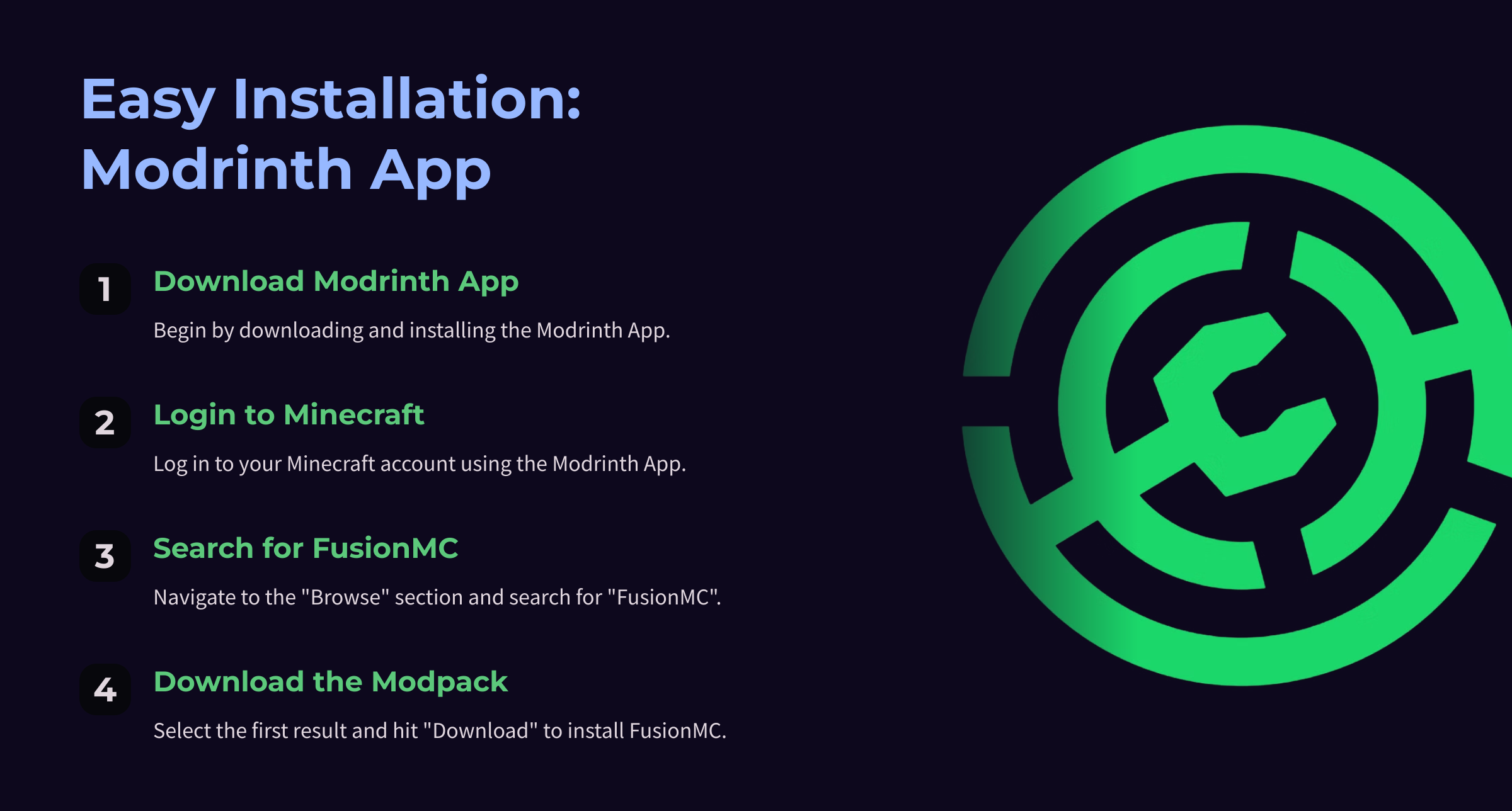
How to Install (Modrinth App):
- Download and install the Modrinth App.
- Log into your Minecraft account.
- Go to the "Browse" section and search for FusionMC.
- Select the first result and hit Download.
Acknowledgments:
Developed by Krishanu Naskar, FusionMC blends visual and performance enhancements with Minecraft's timeless charm. Your feedback helps shape FusionMC, so feel free to connect with us on Discord.
FusionMC Modpack Modlist
FusionMC Modpack
Check out the projects I'm using in my modpack!
Dynamic FPS
Sodium Extra
Debugify
Puzzle
FabricSkyboxes
YetAnotherConfigLib
Sodium
MidnightLib
Reese's Sodium Options
Lithium
Mod Menu
No Chat Reports
kennytvs-epic-force-close-loading-screen-mod-for-fabric
Noisium
[EMF] Entity Model Features
Language Reload
[ETF] Entity Texture Features
Ksyxis
Simple Voice Chat
Gamma Utils (Fullbright)
Fabric API
Packet Fixer
Dark Loading Screen
Text Placeholder API
Krypton
Cloth Config API
More Culling
OptiGUI
Concurrent Chunk Management Engine (Fabric)
In-Game Account Switcher
Iris Shaders
ModernFix
FerriteCore
ImmediatelyFast
Zoomify
Very Many Players (Fabric)
Fabric Language Kotlin
Available Versions
How to Set Up a FusionMC Server
Order Server
Choose at least 4 GB RAM (6 GB recommended for FusionMC). Based on player count: per 8 players.
Install Modpack in Dashboard
Open the modpack browser in the dashboard, search for "FusionMC" and click "Install". The fabric loader and Minecraft 1.21 are configured automatically.
Start Server & Play
Start the server – all mods are loaded automatically. Share the server IP with friends and play together!
Frequently Asked Questions
FusionMC server crashes or won't start – what to do?
Most common causes: insufficient RAM or wrong fabric loader. Check latest.log for "OutOfMemoryError" → increase RAM to at least 6 GB. For "Mixin" or "ClassNotFoundException" errors: modpack version and loader don't match. With Mado Hosting, loader and Minecraft version are auto-configured on modpack install – preventing most startup issues.
How much RAM does a FusionMC server really need?
Minimum 4 GB, recommended 6 GB for stable performance. per 8 players. Important: Minecraft modpacks need more RAM than vanilla – plan extra per additional player. With Mado Hosting, you can scale RAM up live at any time without data loss (from €8/month).
Can I add custom mods to FusionMC without conflicts?
Yes, but check compatibility: only use mods for the same loader (fabric) and same Minecraft version (1.21). Common issues: ID conflicts with recipe mods and incompatible coremod versions. The Mado dashboard mod browser only shows compatible mods and warns about known conflicts.
FusionMC server lagging – performance tips
1) Increase RAM to 6 GB+. 2) Reduce server view-distance to 8 (server.properties). 3) Pre-generate chunks with the "Chunky" plugin. 4) Use /spark profiler to check which mods consume the most tick time. With Mado Hosting, all servers run on NVMe SSDs with dedicated CPU cores – eliminating hardware as a bottleneck.
Similar Modpacks

![Cobblemon Official Modpack [Fabric]](https://cdn.modrinth.com/data/5FFgwNNP/e7f9ee2e9d361623847853fe2ddce42f519ee64f.png)
![COBBLEVERSE - Pokemon Adventure [Cobblemon]](https://cdn.modrinth.com/data/Jkb29YJU/581ecf54530972afb18a04660afd820f2f24f6c7.png)
![Better MC [FABRIC] - BMC2](https://cdn.modrinth.com/data/shFhR8Vx/a19c2bcb51d38f32f138d3607e91cb2b7b8e387f_96.webp)


Rent FusionMC Server
Start your own server with automatic modpack installation.
Details
- License
- LicenseRef-All-Rights-Reserved
- Server-side
- Unsupported
- Client-side
- Required
Supported Versions
Start your FusionMC Server now
From €8.00/month with 6 GB RAM for the best performance.
Configure Server →