
Gentle Brew
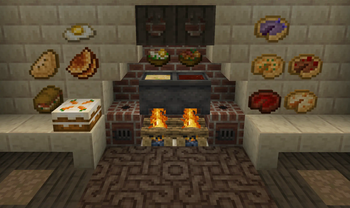
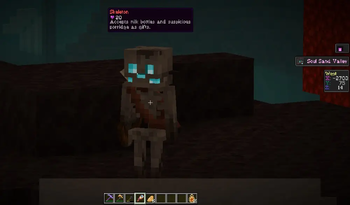
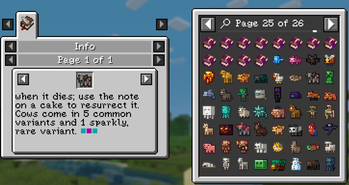
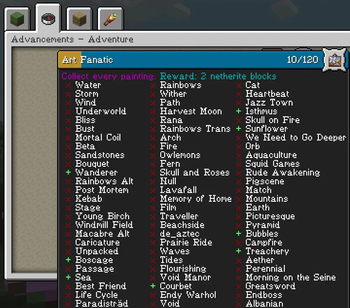
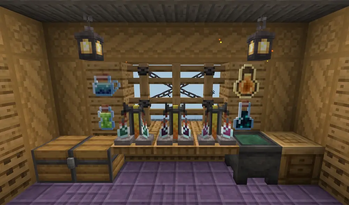
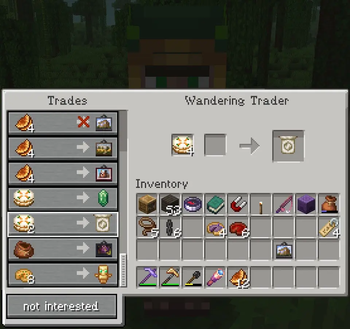
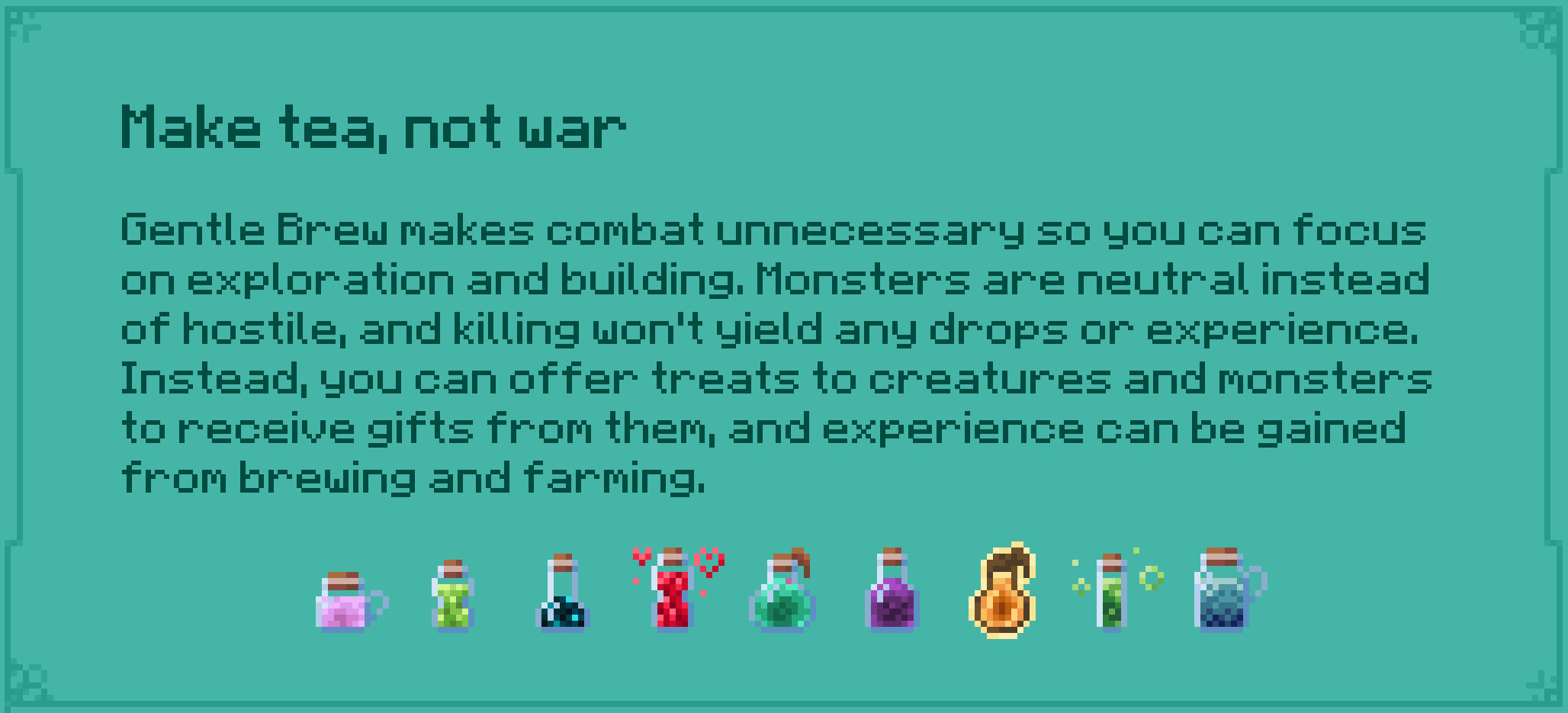
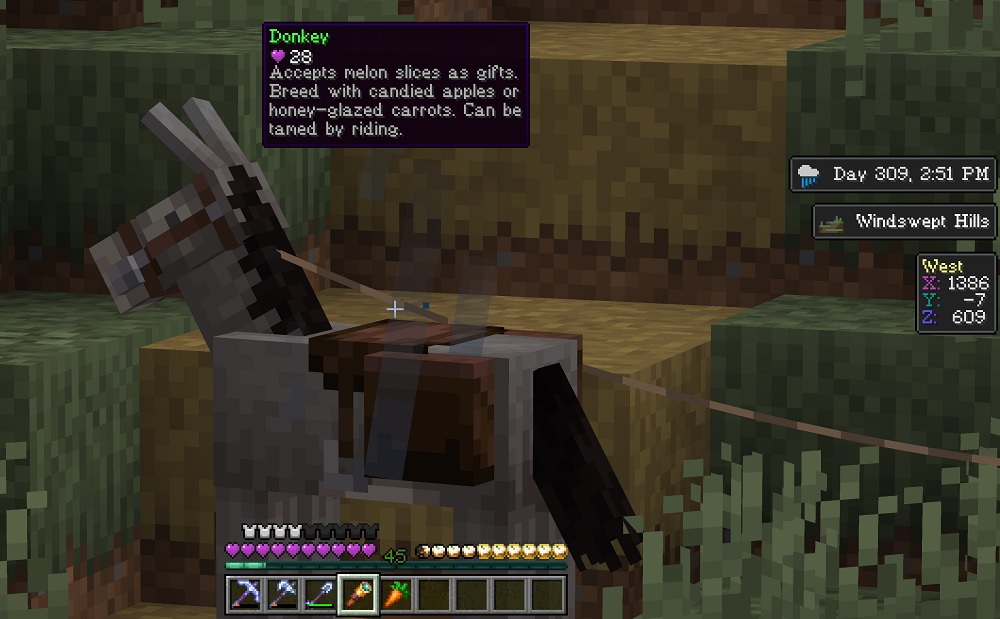
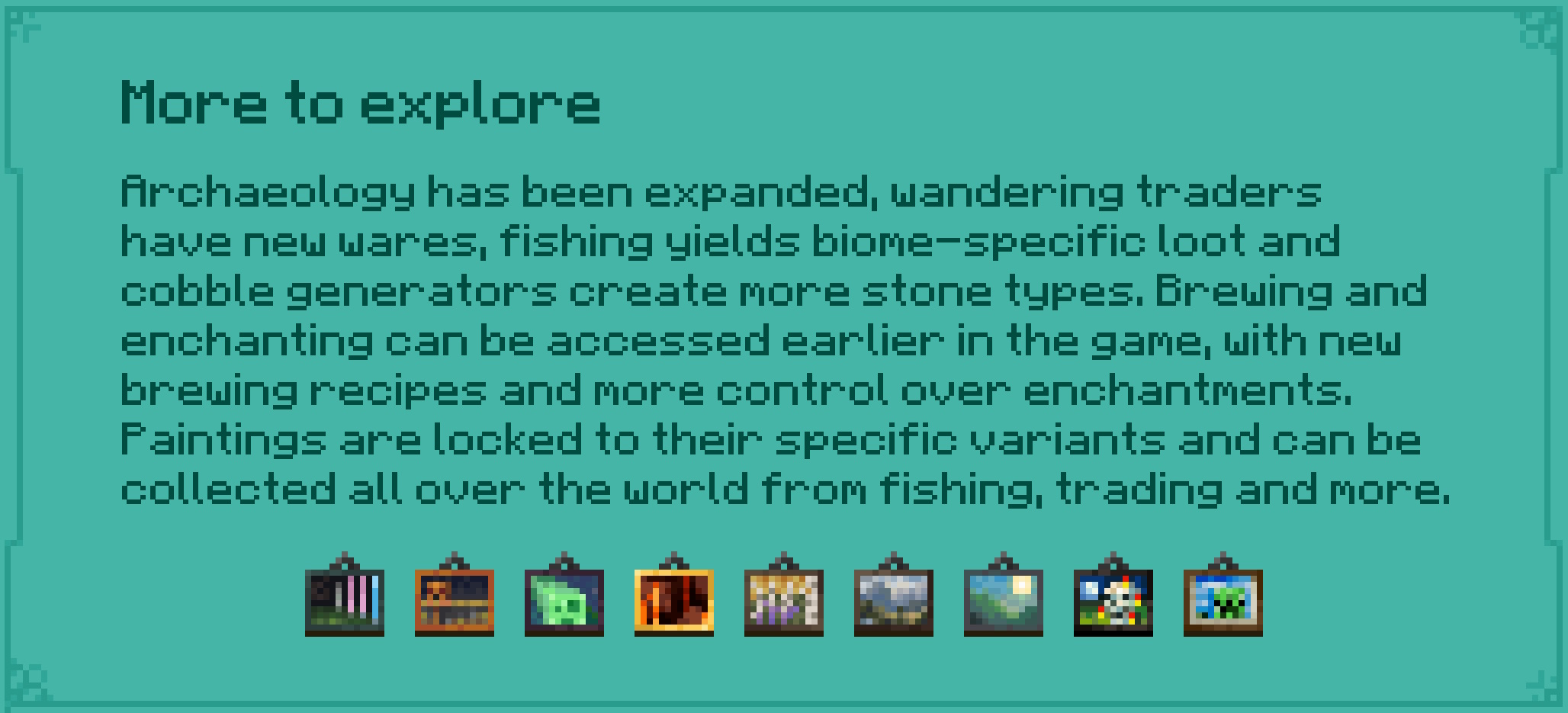
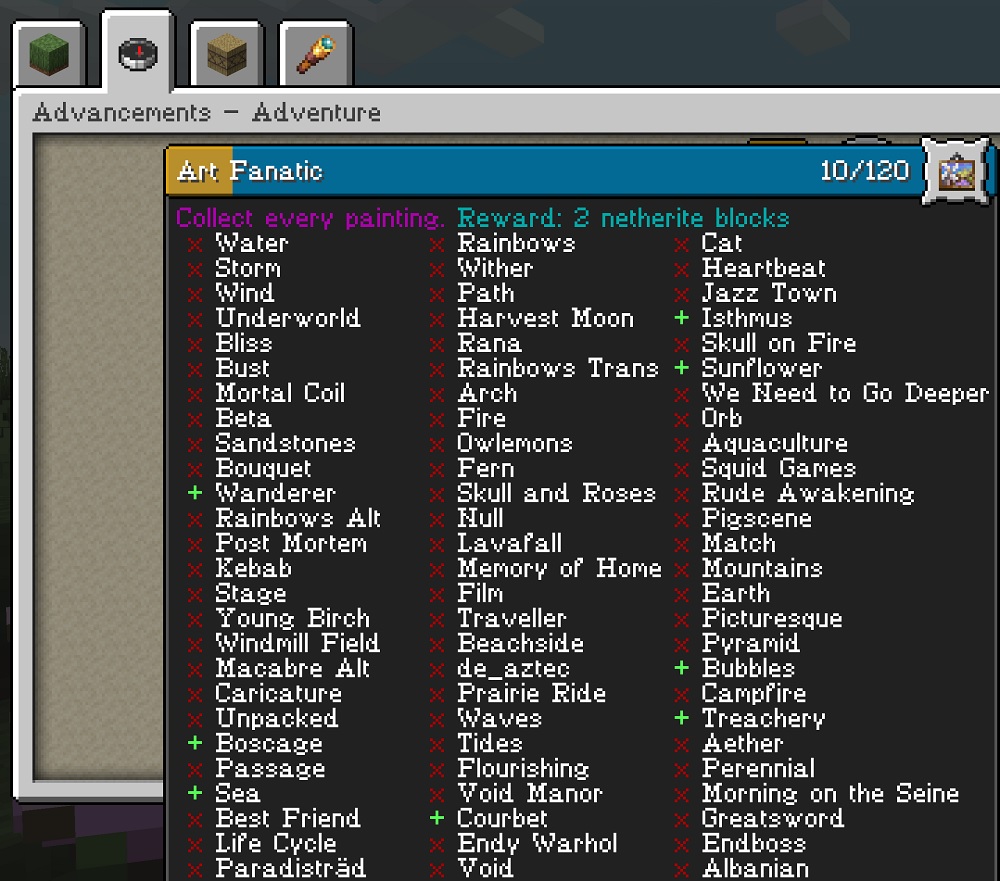
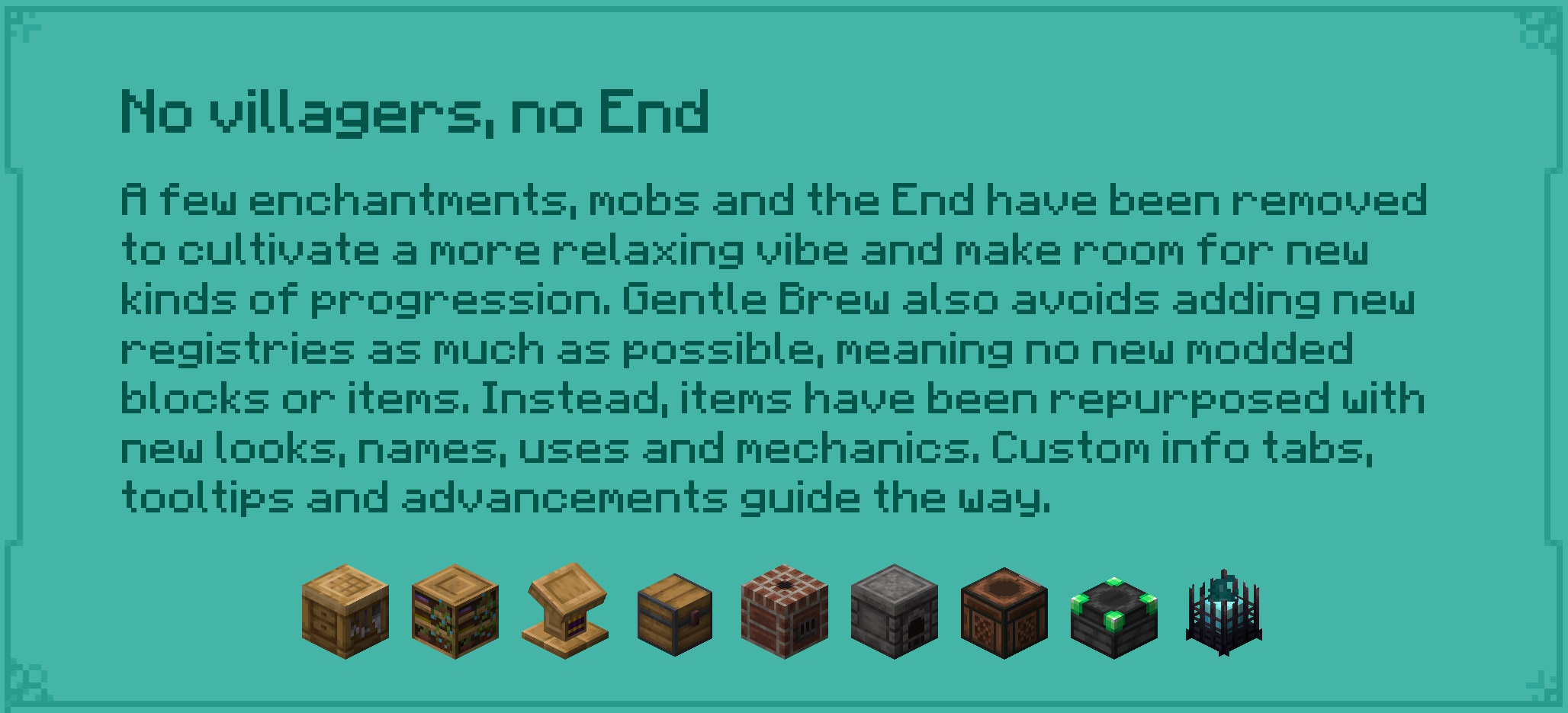
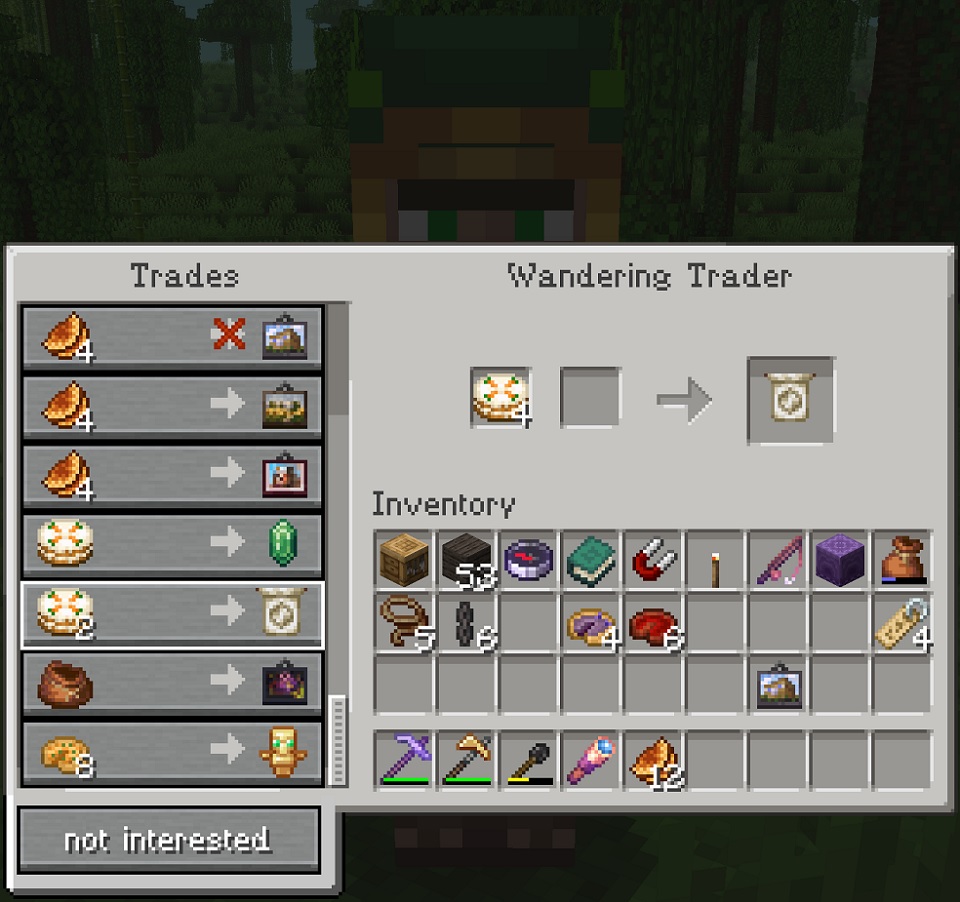
An almost-peaceful modpack: Trade with every mob, collect every painting, fish for new items in different biomes and brew tasty drinks
Screenshots
About this Modpack
Many of the ideas in this pack were inspired by the phenomenal Raspberry Flavoured modpack. Thank you to raspmary and the rest of the RF team. Extra thanks to Cassian for adding mod functionality that benefitted both RF and this pack, and to Noelle for contributing logo and title art, and to asof for many technical and artistic contributions. <3
Early versions of this pack include Antique Atlas 4, using a custom fork by by cassiancc and distributed according to its LGPL license.
Special thanks to the authors of the many resource packs included
- 2DWisp: Artisinal Default, Artisinal Nether Bricks, Raven Phantoms, Simple Grass Flowers, Simple Lower Grass Sides, Simple Rustic Glass
- 98SE: Remove Potion Particles
- Aim_Boot: Ashen
- ALtheGatorMC: AL's Enderman Revamped, AL's Piglins Revamped, AL's Skeletons Revamped, AL's Spiders Revamped, AL's Zombies Revamped
- bebebea_loste: Banner Pattern Clarity, Blockier Goat Horn, Fancy Crops
- crabbarition: Seedy Saplings
- _daggsy_: Flower Crowns, More Nether Roots
- DiegoxDios: Remodeled Rabbit
- Diemond_Player: Diemant's Prismarine
- Farcr: Farcr's Better Dirt, Farcr's Re-Crafted
- haimcyfly: Stay True
- hatsondogs: Peeves
- Godzilla_Fan_13: Planks with nails (Nailed it!)
- Jicklus: JICKLUS
- kavast: Spawned Eggs
- Leaf4e: Accurate Salmon Variation
- Liahim85: Authentic Shadows
- MrFabichGM: Biomes Wandering Trader
- MythrilBagels: Bagel's Animal Tweaks
- nixrin: Nix's Reignited Blazes
- noelledotjpg: Groovier Discs, JavaUI, Pottery Perfection, Tougher Tuff
- Oslypsis: Os' Better Eating Sounds, Os' Bookshelves, Os' Carved Wood, Os' Cleaner Signs, Os' Colorful Leaves
- parrie43: Prettier Parrots
- PatchWolf: Decorative Double-Planks
- Reijvi: Torches Reimagined
- Scutoel: Bat Backport
- Sir_Crazynut: Cake Hunger Bar
- Shrimpsnail: Tortoise Striders
- Torrezx: Torrezx-Biome Sniffers
- Vanilla Tweaks: Vanilla Tweaks
- Vectorwing: Detail Brush
Available Versions
How to Set Up a Gentle Brew Server
Order Server
Choose at least 6 GB RAM (8 GB recommended for Gentle Brew). Based on player count: per 5 players.
Install Modpack in Dashboard
Open the modpack browser in the dashboard, search for "Gentle Brew" and click "Install". The forge loader and Minecraft 1.20.1 are configured automatically.
Start Server & Play
Start the server – all mods are loaded automatically. Share the server IP with friends and play together!
Frequently Asked Questions
Gentle Brew server crashes or won't start – what to do?
Most common causes: insufficient RAM or wrong forge loader. Check latest.log for "OutOfMemoryError" → increase RAM to at least 8 GB. For "Mixin" or "ClassNotFoundException" errors: modpack version and loader don't match. With Mado Hosting, loader and Minecraft version are auto-configured on modpack install – preventing most startup issues.
How much RAM does a Gentle Brew server really need?
Minimum 6 GB, recommended 8 GB for stable performance. per 5 players. Important: Minecraft modpacks need more RAM than vanilla – plan extra per additional player. With Mado Hosting, you can scale RAM up live at any time without data loss (from €12/month).
Can I add custom mods to Gentle Brew without conflicts?
Yes, but check compatibility: only use mods for the same loader (forge) and same Minecraft version (1.20.1). Common issues: ID conflicts with recipe mods and incompatible coremod versions. The Mado dashboard mod browser only shows compatible mods and warns about known conflicts.
Gentle Brew server lagging – performance tips
1) Increase RAM to 8 GB+. 2) Reduce server view-distance to 8 (server.properties). 3) Pre-generate chunks with the "Chunky" plugin. 4) Use /spark profiler to check which mods consume the most tick time. With Mado Hosting, all servers run on NVMe SSDs with dedicated CPU cores – eliminating hardware as a bottleneck.
Similar Modpacks
![Cobblemon Official Modpack [Fabric]](https://cdn.modrinth.com/data/5FFgwNNP/e7f9ee2e9d361623847853fe2ddce42f519ee64f.png)
![COBBLEVERSE - Pokemon Adventure [Cobblemon]](https://cdn.modrinth.com/data/Jkb29YJU/581ecf54530972afb18a04660afd820f2f24f6c7.png)
![Better MC [FABRIC] - BMC2](https://cdn.modrinth.com/data/shFhR8Vx/a19c2bcb51d38f32f138d3607e91cb2b7b8e387f_96.webp)


![Better MC [FORGE] - BMC4](https://cdn.modrinth.com/data/4BV47HRn/7f5ef7cc61b2593609aabef3ed07a866a4f11b73_96.webp)
Rent Gentle Brew Server
Start your own server with automatic modpack installation.
Supported Versions
Start your Gentle Brew Server now
From €12.00/month with 8 GB RAM for the best performance.
Configure Server →